
AoYa
AoYa is a maker of GPS tracking devices used in vehicle and asset tracking scenarios. On this page you will find practical information about using AoYa devices with Plaspy, including how the devices integrate with our platform, common capabilities you can expect, and guidance for choosing the right device. The device catalog below allows quick access to all AoYa models that are compatible with Plaspy.
How AoYa devices work with Plaspy
AoYa devices can be connected to Plaspy using the platform's device provisioning and integration features. Plaspy ingests location and telemetry data from compatible AoYa devices and makes it available through maps, reports, and alerts. Setup typically involves registering the device identifier in Plaspy, configuring reporting intervals and alert rules, and confirming data delivery in the Plaspy device console.
Plaspy supports common GPS tracking workflows for AoYa hardware so businesses can view live locations, analyze historical trips, and receive notifications for events such as movement, geofence entry, or extended idling. For model specific setup steps and protocol details please refer to the device documentation accessible from the model pages in the catalog.
Common features found in AoYa devices
While feature sets vary by model, AoYa trackers commonly include the following capabilities that integrate well with Plaspy:
- GPS location reporting for continuous or periodic tracking
- Cellular telemetry for sending position and sensor data to the platform
- Motion detection and ignition sensing for vehicle status tracking
- Configurable reporting intervals to balance battery life and position fidelity
- Basic inputs and outputs that support simple remote controls or alarms
The BrandCatalog component below shows the AoYa models compatible with Plaspy so you can review device specifications and choose hardware that fits your monitoring needs.
Typical use cases for AoYa GPS trackers
AoYa devices are used in a range of tracking scenarios where reliable location and simple telemetry are required:
- Fleet vehicle tracking for route monitoring and driver oversight
- Asset tracking for equipment and trailers
- Short term rentals and loaner vehicles where basic tracking and geofencing are needed
- Site monitoring where cellular connectivity provides remote position updates
Plaspy helps translate device data into operational insights such as route optimization, compliance records, and event driven alerts.
Why choose Plaspy for AoYa device monitoring
Plaspy is designed to handle device data collection, visualization, and alerting for a wide variety of hardware, including AoYa trackers. Key advantages when using Plaspy with AoYa devices include:
- Centralized device management to handle many units from a single interface
- Map and reporting tools that turn raw location data into actionable information
- Flexible alerting rules that notify teams about exceptions or events
- Historical data retention and export options for operational analysis
- Integration readiness for business workflows that rely on location data
These features let teams focus on operations rather than low level data handling. For more, visit https://www.plaspy.com.
Help finding the right AoYa device
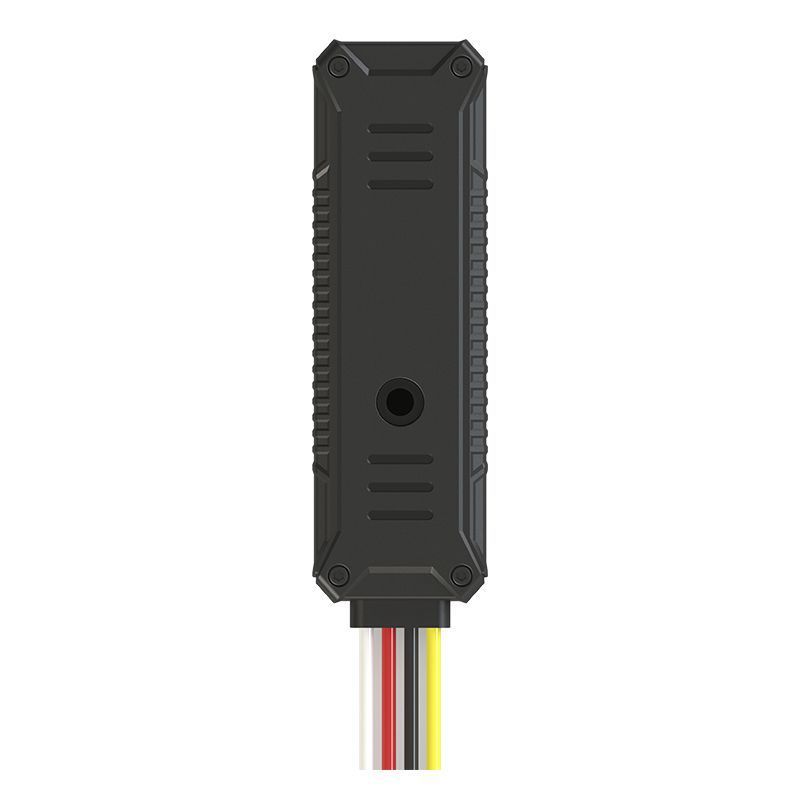
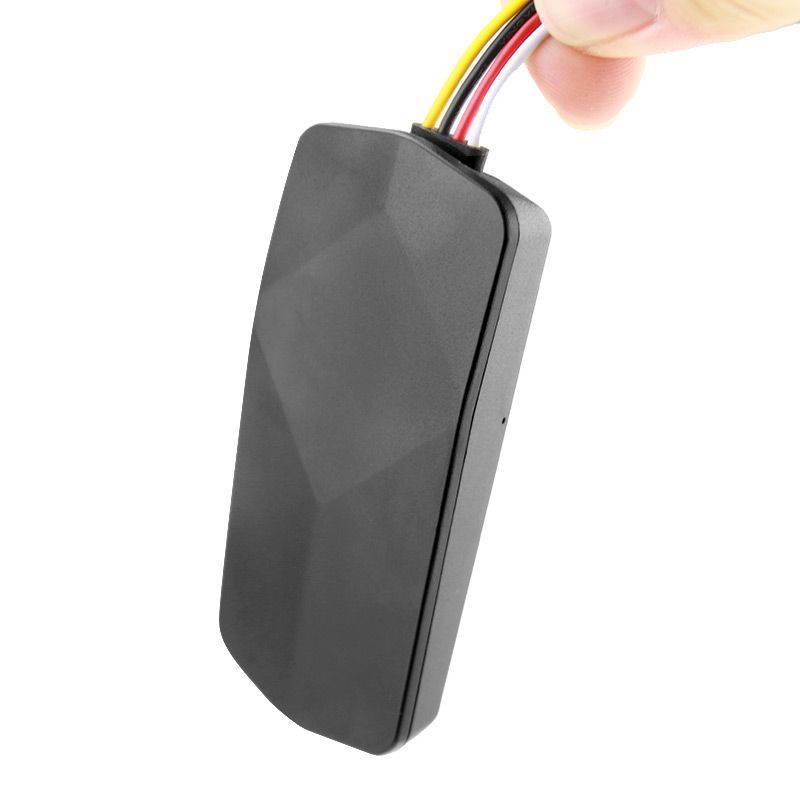
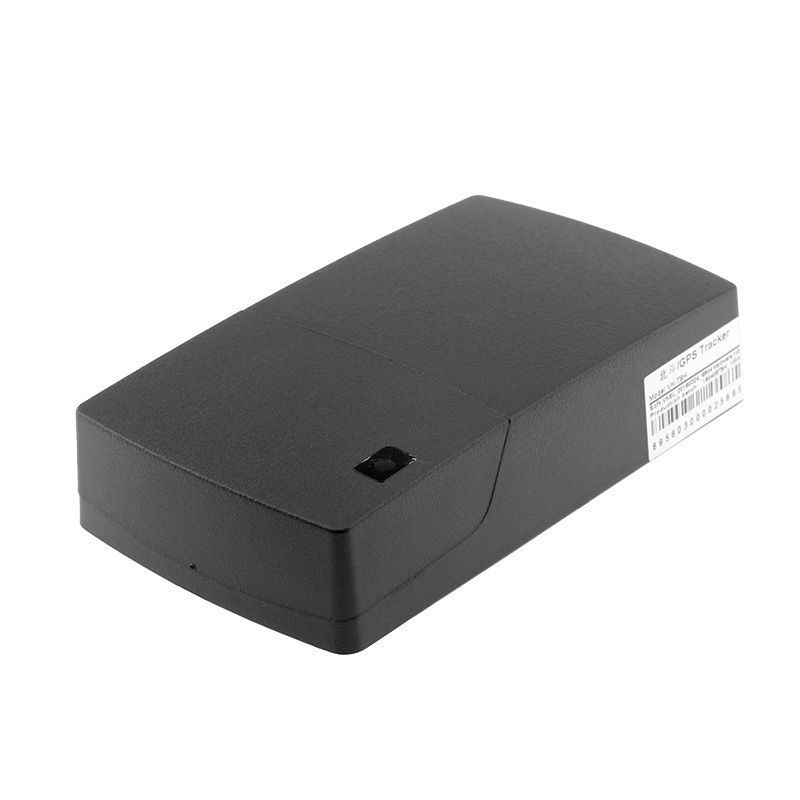
Choosing the right AoYa device depends on your connectivity needs, power source, and the telemetry you require. Consider whether you need a wired vehicle unit, a battery powered tracker for assets, or units with additional inputs for sensor monitoring. For convenience, the catalog below provides images, specs, and links to device pages so you can compare models and access device specific setup documentation.






Frequently Asked Questions
Q: What AoYa devices are compatible with Plaspy? A: The BrandCatalog above lists all AoYa models that have been tested to work with Plaspy. Visit individual model pages in the catalog for detailed compatibility and specification information.
Q: Can I use AoYa GPS trackers with Plaspy for fleet monitoring? A: Yes. AoYa devices can be connected to Plaspy to provide fleet location tracking, trip history, and event alerts. Configure devices in Plaspy and verify data flow from the device to the platform.
Q: Does Plaspy support real time tracking with AoYa devices? A: Plaspy supports live location updates as delivered by the device. Real time behavior depends on the device reporting interval and network connectivity.
Q: Where can I find AoYa device documentation in Plaspy? A: Each device listed in the BrandCatalog links to a device page that contains setup guidance and links to manufacturer documentation. Use those pages for model specific configuration details.
Q: Do I need to change any settings on AoYa hardware before adding it to Plaspy? A: Some models require minimal configuration such as setting the device identifier or reporting mode. Refer to the model documentation linked from the catalog for exact steps.
Q: Can Plaspy generate alerts from AoYa device inputs and sensors? A: Yes. Plaspy supports alerting based on incoming telemetry and configured rules. Check the device page for which inputs and sensors are available on a given AoYa model.
Next steps
Explore the AoYa device catalog above to find compatible units and follow the device pages for step by step setup instructions. If you need platform level information or to evaluate features, visit https://www.plaspy.com for product details and contact options.
Brand Compatibility
Monitor compatible brand devices with Plaspy
Plaspy helps businesses work with compatible GPS trackers for visibility, reporting, and daily operational control across vehicle and asset tracking workflows.