
Arusnavi
Arusnavi is a brand known for producing GPS tracking devices used in vehicle and asset tracking. This page explains how Arusnavi hardware can be used with Plaspy for location monitoring, fleet oversight, and asset management. If you are evaluating Arusnavi devices for use with Plaspy, this guide helps you understand compatibility, typical features, and common deployment scenarios.

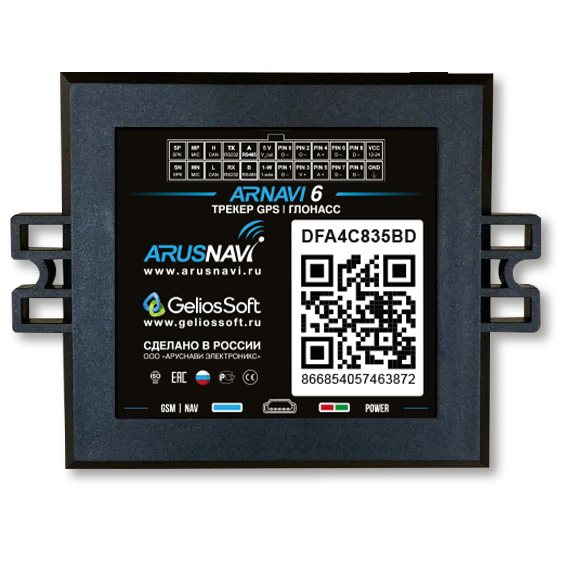
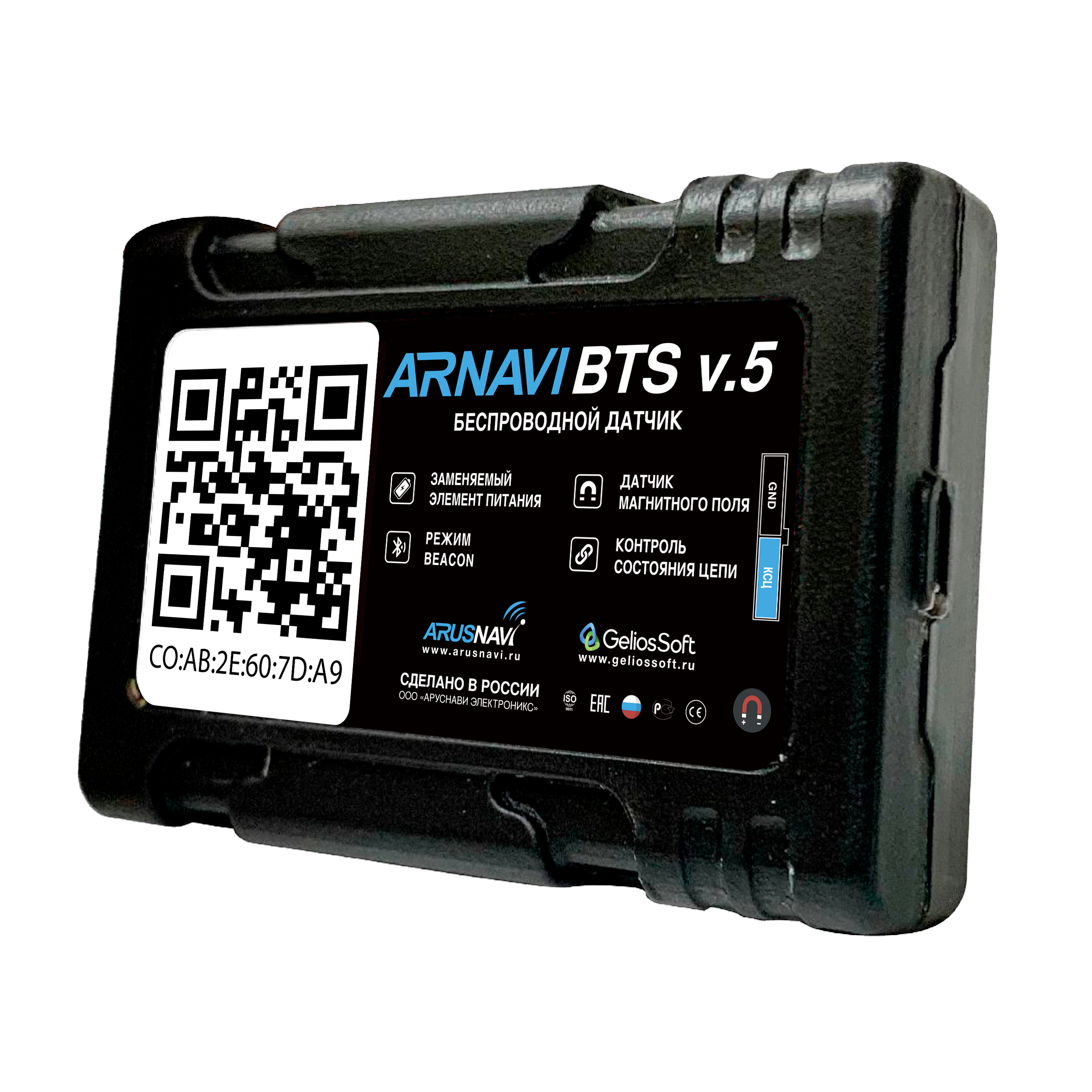

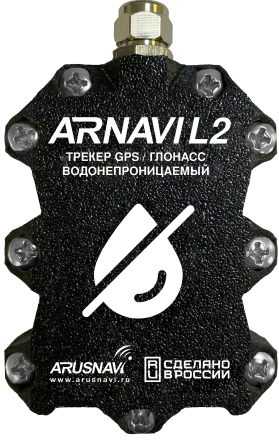
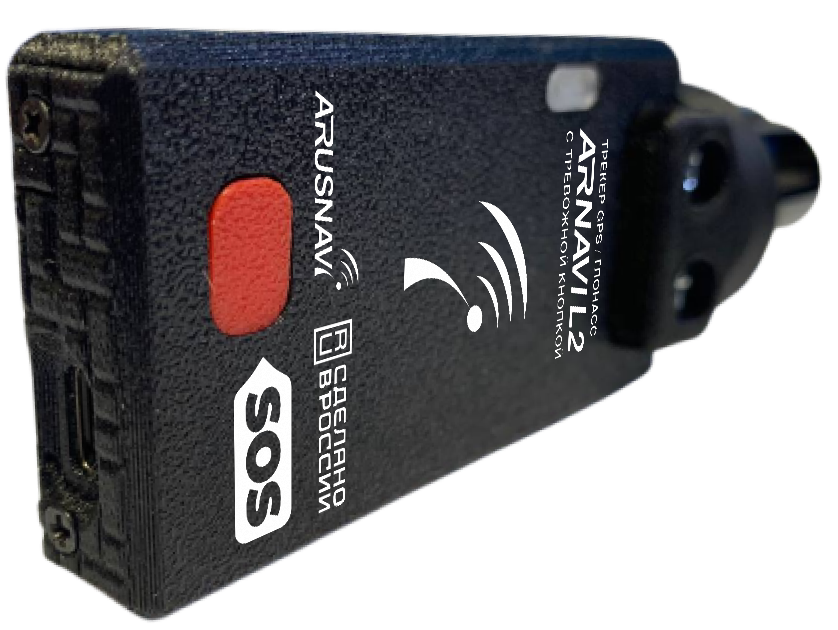
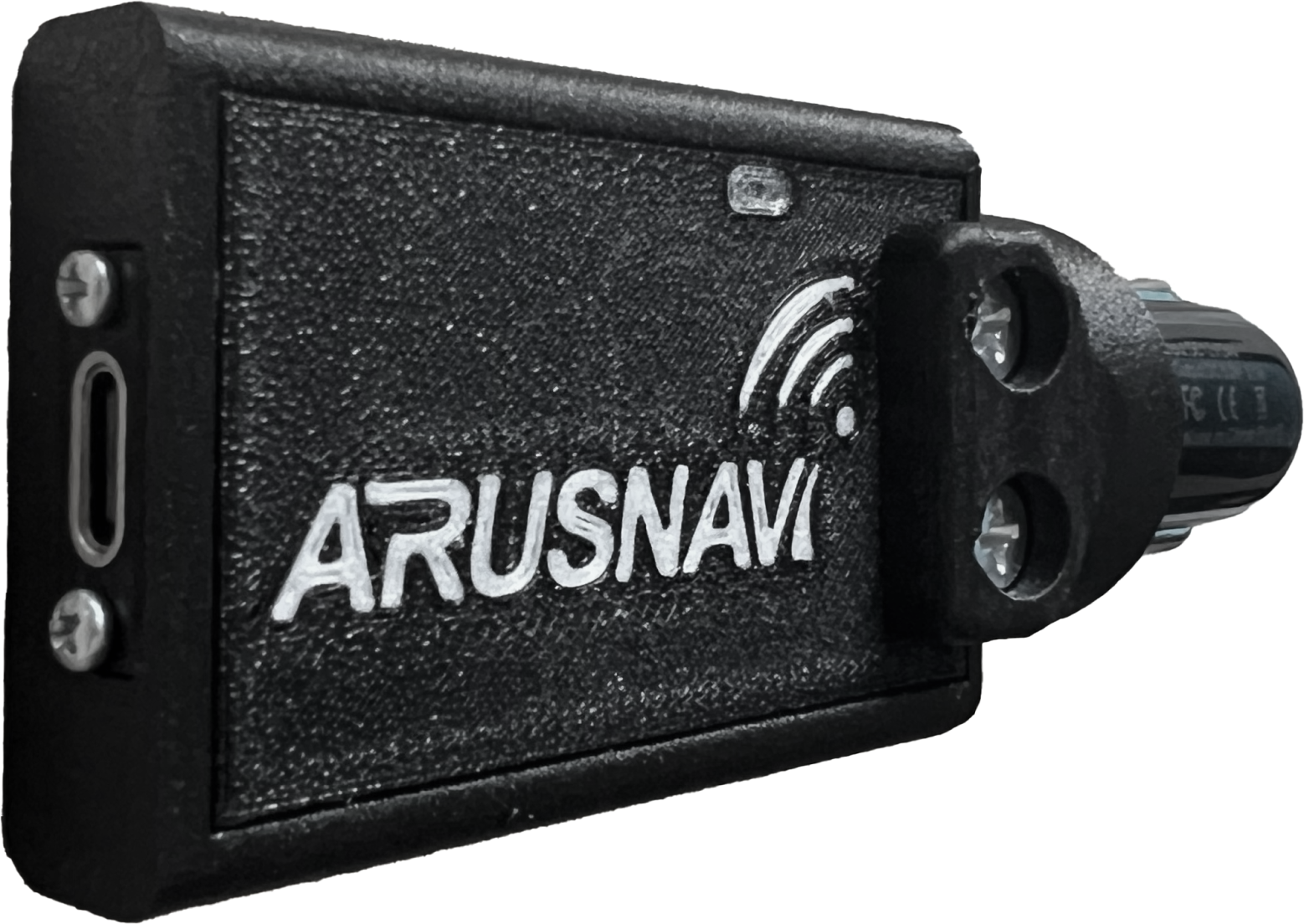
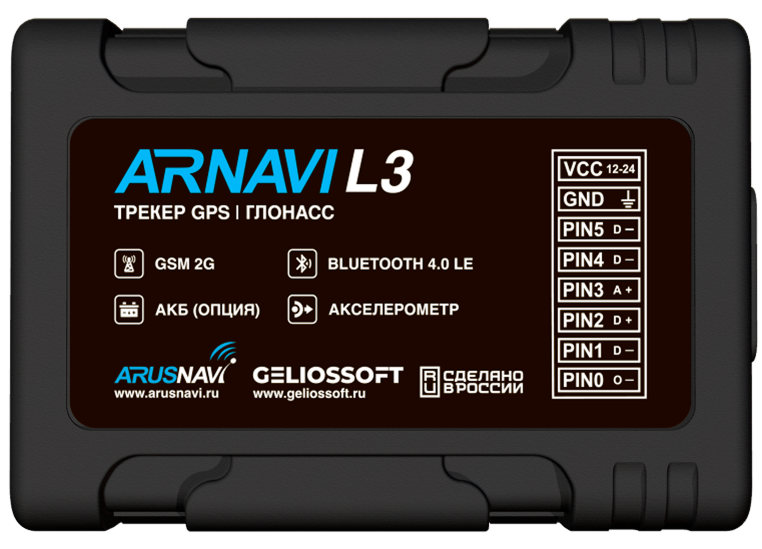
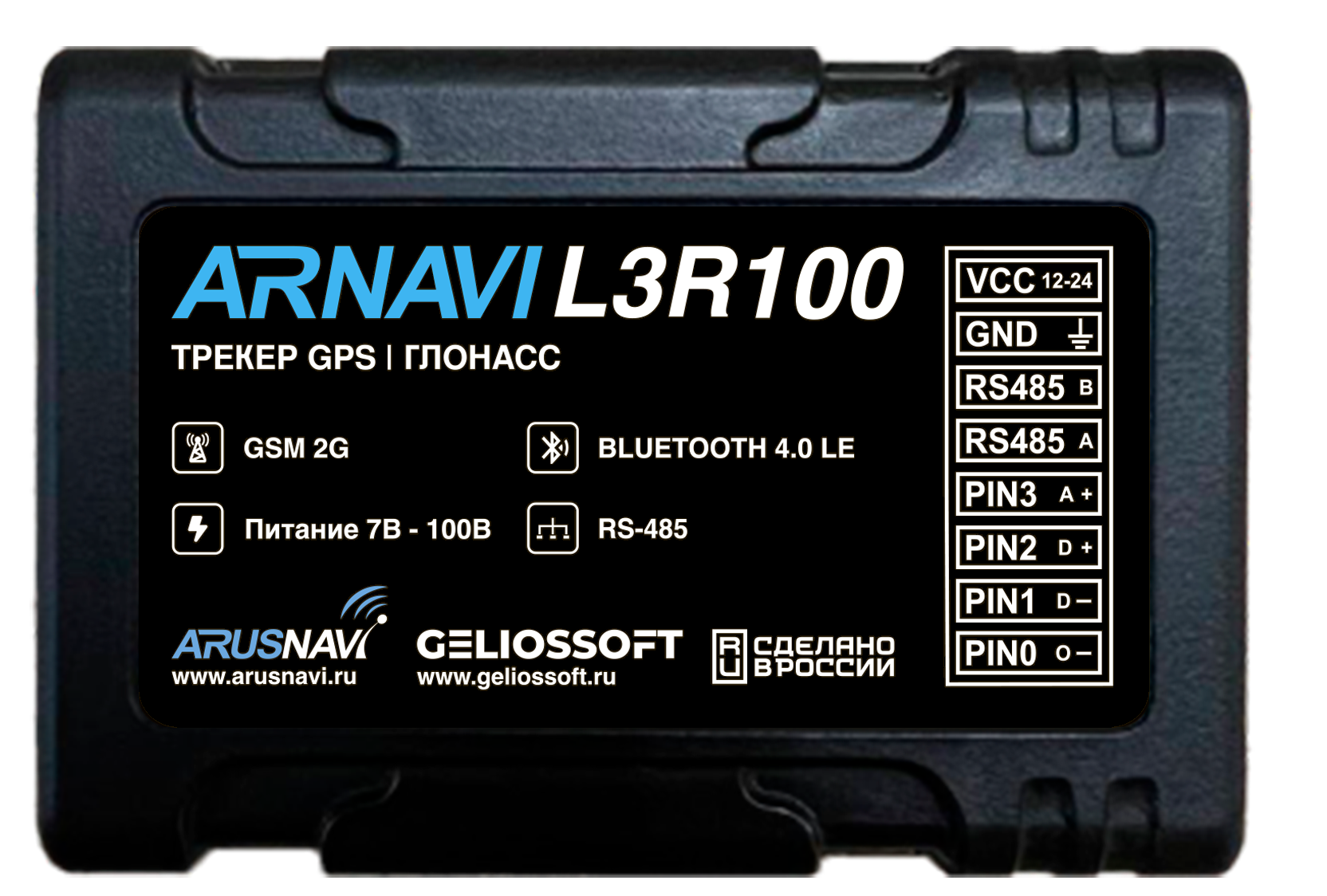
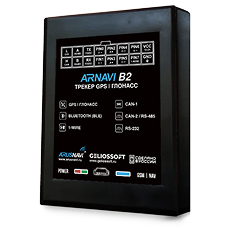
How Arusnavi devices work with Plaspy
Arusnavi trackers typically send location and telemetry data over cellular networks to a server. Plaspy receives that data, decodes the tracker messages according to supported protocols, and presents it in a unified web interface for monitoring, alerts, and reporting. On this page the Brand Catalog lists the Arusnavi models that have been identified as compatible with Plaspy so you can choose the right device for your setup.
Key integration points to consider
- Data transport and protocol compatibility between the tracker and Plaspy
- Device configuration for sending data to Plaspy endpoints
- Telemetry fields transmitted by the device that Plaspy can interpret for location, speed, ignition, and sensor values
For manufacturer details, you can also visit the Arusnavi website at https://www.arusnavi.ru.
Common features found in Arusnavi devices
While device capabilities vary across models, Arusnavi devices commonly provide the following types of functionality that are relevant when used with Plaspy:
- GPS based location reporting and basic movement detection
- Cellular connectivity for real time tracking
- Inputs for vehicle signals such as ignition or external sensors
- Configurable reporting intervals and power saving modes Plaspy consumes the telemetry that devices send and exposes those features through location history, geofencing, and alert rules.
Typical use cases for Arusnavi GPS trackers
Arusnavi hardware is often used in scenarios such as:
- Fleet vehicle tracking for route visibility and basic operational oversight
- Equipment and asset monitoring where cellular connectivity is available
- Simple theft recovery and location auditing for mobile assets Plaspy provides the platform to visualize device data, configure alerts, and generate reports suited to these use cases.
Why choose Plaspy for Arusnavi device monitoring
Plaspy offers a single interface to manage and monitor mixed fleets and devices. When pairing Arusnavi trackers with Plaspy you gain:
- Centralized dashboards for live location and historical routes
- Configurable alerts and notifications based on device data
- Reporting tools for utilization and activity analysis
- Support resources and documentation to help connect devices to the Plaspy platform
Plaspy is built to accept compatible tracker data and present it in ways that support fleet operations, asset management, and operational monitoring.
Help finding the right Arusnavi device
The Brand Catalog above lists Arusnavi models that integrate with Plaspy. To choose the right device:
- Start with your use case and required telemetry such as inputs, battery life, or installation type
- Check cellular network compatibility for your region
- Use the catalog to compare form factors and general capabilities For device specific setup and configuration steps, consult the device pages in this documentation or the manufacturer documentation linked from the catalog.
Frequently Asked Questions
Q: What Arusnavi devices are compatible with Plaspy? A: Compatible Arusnavi devices are listed in the Brand Catalog on this page. The catalog shows the models known to work with Plaspy so you can select the right hardware without guessing model names.
Q: Can I use Arusnavi GPS trackers with Plaspy? A: Yes. Arusnavi trackers that send standard telemetry and can be configured to report to Plaspy endpoints can be used for location tracking, geofencing, and alerts. Use the catalog to find specific compatible models.
Q: Does Plaspy support fleet monitoring with Arusnavi devices? A: Plaspy supports fleet monitoring for devices that transmit the necessary data. Once an Arusnavi tracker is configured to send telemetry to Plaspy, you can use Plaspy dashboards, reports, and alerts for fleet oversight.
Q: Where can I find Arusnavi device documentation in Plaspy? A: Start with the model entries in the Brand Catalog above. Each model links to its device page with setup and configuration guidance where available. For manufacturer level details, refer to the Arusnavi site at https://www.arusnavi.ru.
Q: Do I need special credentials to connect an Arusnavi device to Plaspy? A: Device configuration typically requires access to the tracker configuration interface and knowledge of the destination server settings. Specific credentials and steps depend on the device and are documented on the device pages in this documentation.
Q: What if my Arusnavi device does not appear in the catalog? A: If a device model does not appear, it may not have been identified or tested yet. Contact Plaspy support or consult the device vendor documentation for protocol details. Plaspy can often support additional models when protocol specifications are known.
Next steps
Explore the Arusnavi models in the Brand Catalog above to find a compatible tracker. For platform information, pricing, and account setup visit https://www.plaspy.com. If you need help deciding which hardware to use or how to configure a device for Plaspy, check the device pages linked from the catalog or contact Plaspy support for guidance.
Brand Compatibility
Monitor compatible brand devices with Plaspy
Plaspy helps businesses work with compatible GPS trackers for visibility, reporting, and daily operational control across vehicle and asset tracking workflows.