
ATrack
ATrack produces hardware used in vehicle and asset tracking applications worldwide. On this page we explain how ATrack devices can work with Plaspy, what to expect from the hardware family in general terms, and how to choose the right device for your monitoring needs. Use the device catalog below to explore compatible ATrack models and link through to model level documentation.
How ATrack devices work with Plaspy
ATrack trackers transmit position and telemetry from the device to a server using the device reporting features. Plaspy receives that data and translates it into real time locations, historical tracks, events, and telemetry within the Plaspy platform. Integration is based on the device sending location and sensor updates to Plaspy in a format the platform can consume. Device specific configuration steps and communication settings are documented on each device detail page and in manufacturer documentation.
If you plan to add ATrack devices to Plaspy, verify the device is listed as compatible in the catalog and follow the device setup guide in Plaspy to register units and configure reporting. For manufacturer specific information, visit the ATrack website at https://www.atrack.com.tw/.
Common features found in ATrack devices
While models vary, ATrack hardware typically covers the kinds of capabilities expected in telematics and GPS tracking devices. Common features you will encounter include:
- GPS based location and periodic position reporting
- Movement and motion detection with configurable alerts
- Input and output ports for external sensors and ignition sensing
- Battery backup and tamper detection on some models
- Configurable reporting intervals for live tracking and power saving
Plaspy is designed to ingest these common data points and present them in dashboards, maps, and reports so you can manage devices consistently regardless of the specific model.
Typical use cases for ATrack GPS trackers
ATrack devices are used in many operational scenarios. Typical use cases include:
- Vehicle fleet tracking for location visibility and route monitoring
- Light asset tracking for trailers and equipment relocation
- Field service and logistics where reliable position reporting is required
- Guard patrol and security workflows that need event based alerts
Plaspy helps turn the raw device telemetry into actionable insights for these use cases through alerts, geofencing, reporting, and device grouping.
Why choose Plaspy for monitoring ATrack devices
Plaspy provides a single platform to manage device connections, visualize live positions, and run historical reports for fleets using ATrack hardware. Key advantages of using Plaspy with ATrack devices include:
- Unified device management and provisioning tools
- Map based live tracking with event and alert handling
- Customizable reports and export options for operational analysis
- Grouping and user access controls to align with fleet roles
Plaspy focuses on making device data readable and actionable without requiring you to manage separate vendor portals. For more about the Plaspy platform and capabilities, visit https://www.plaspy.com.
Help finding the right ATrack device
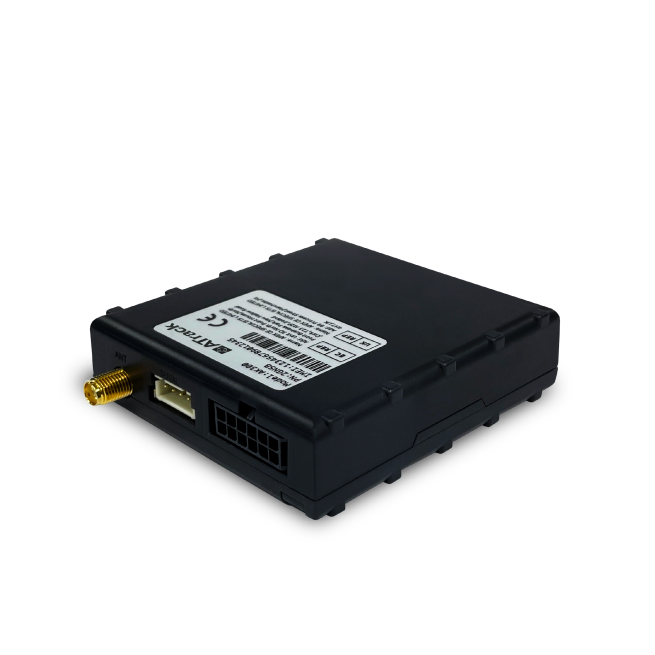
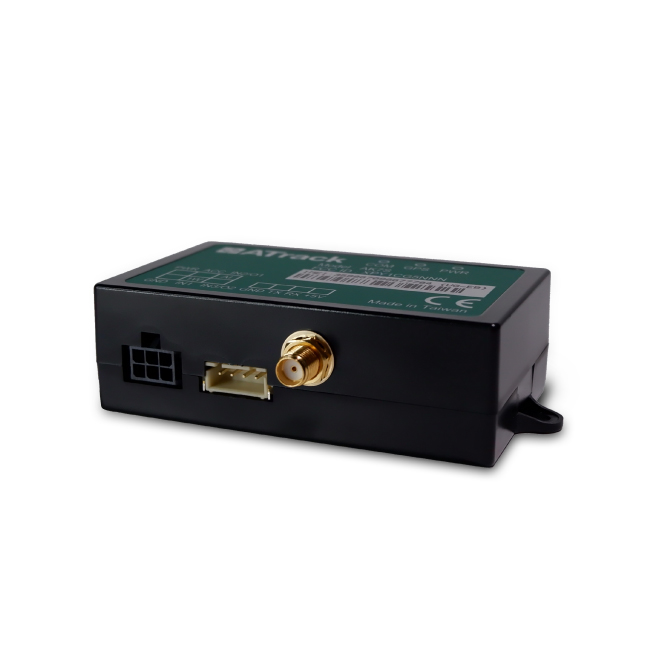
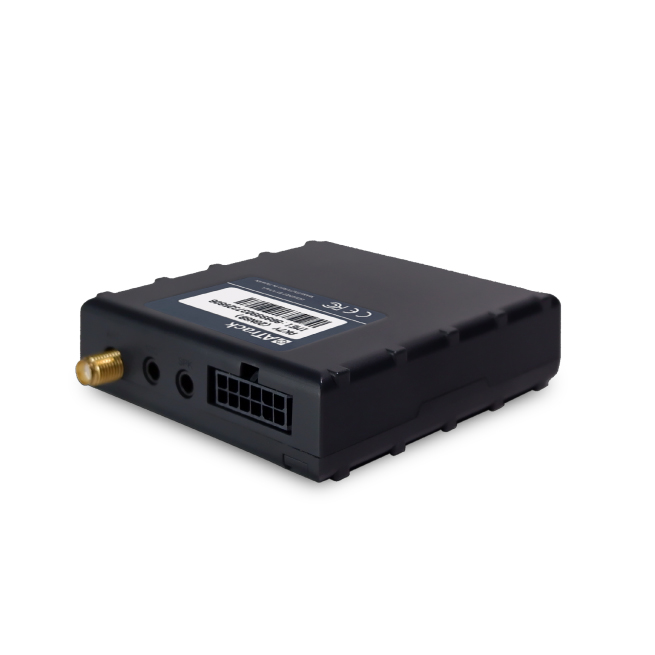
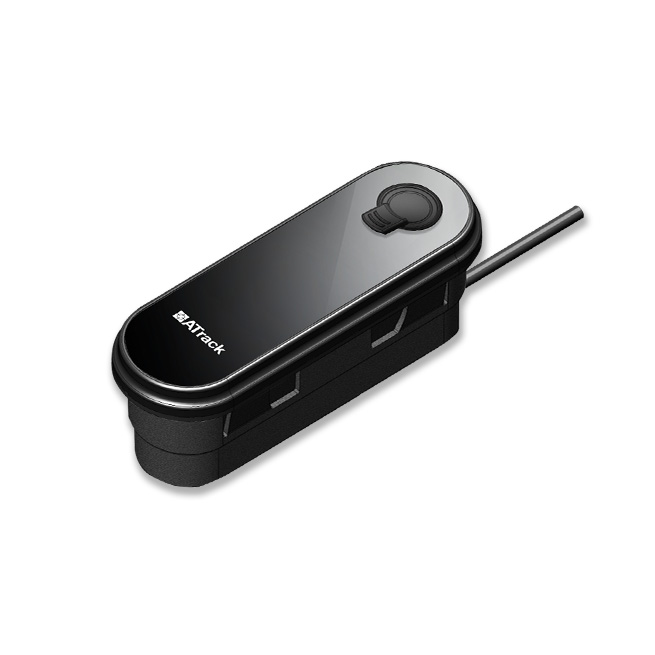
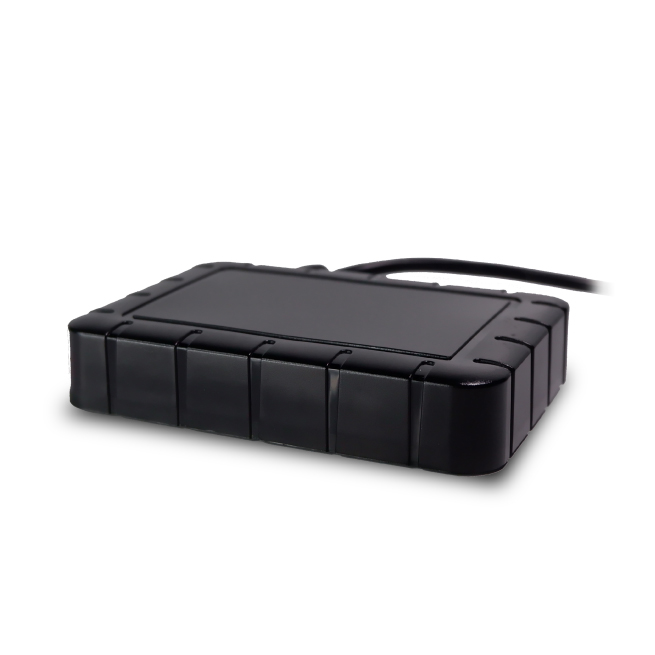
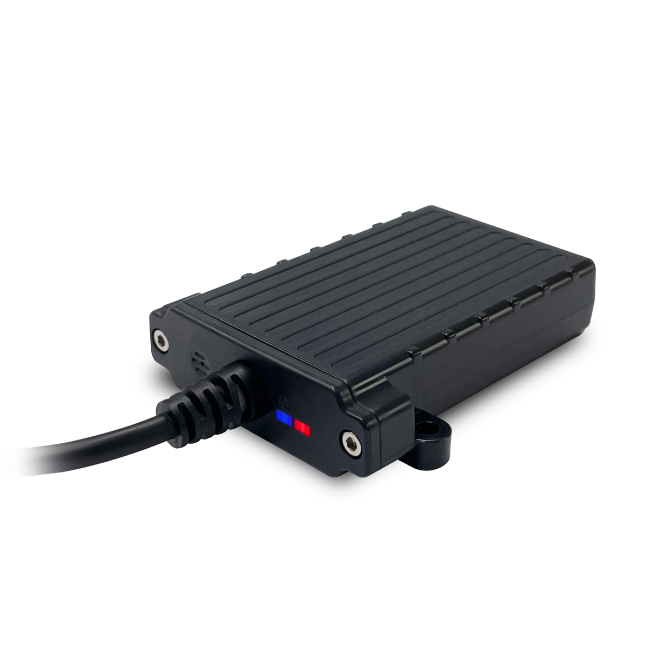
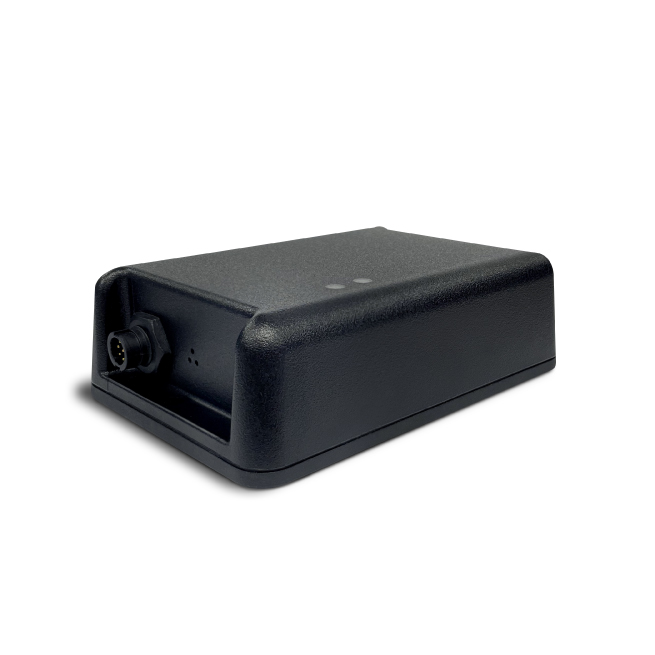
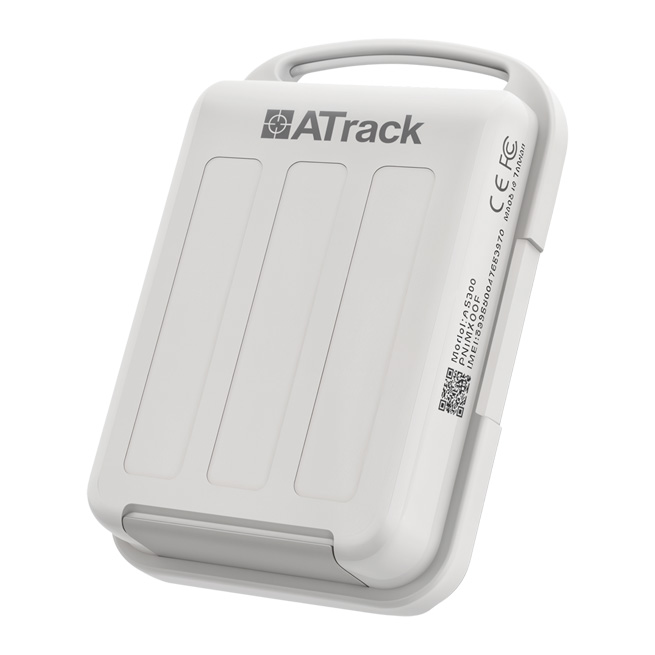
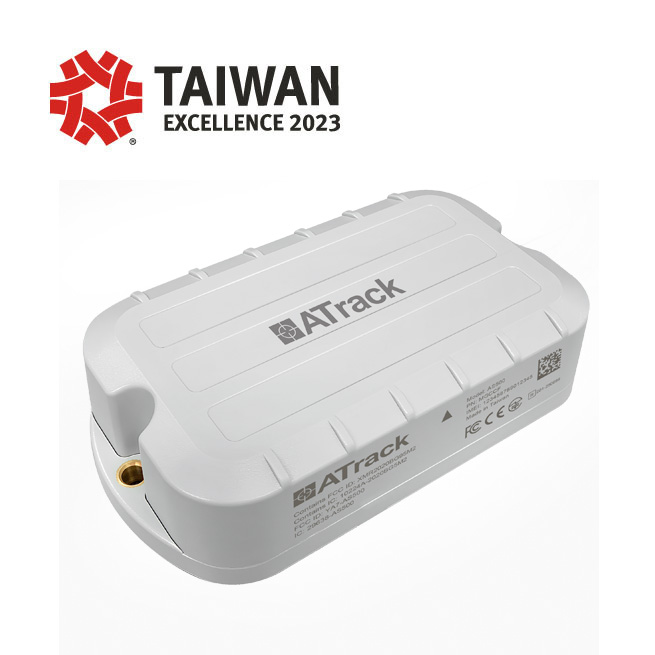
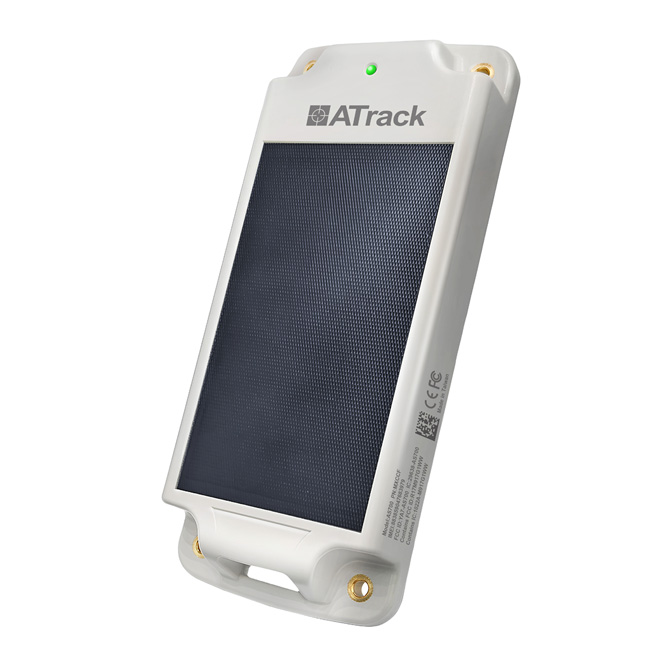
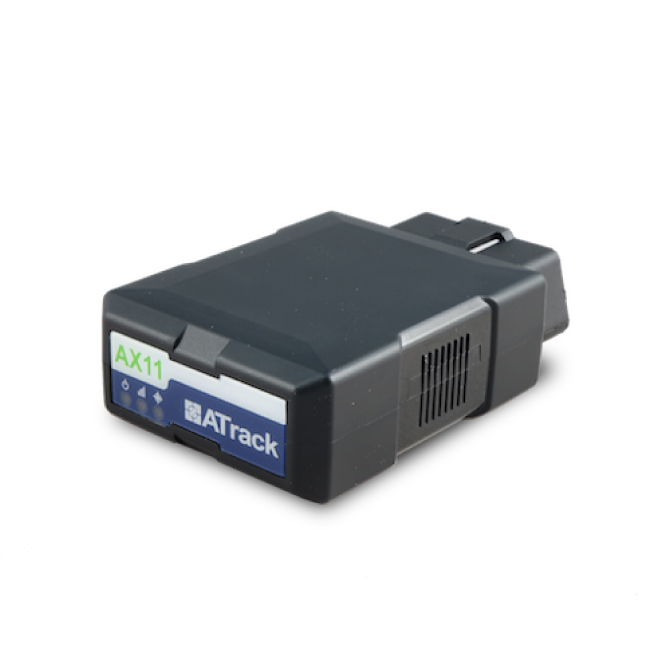
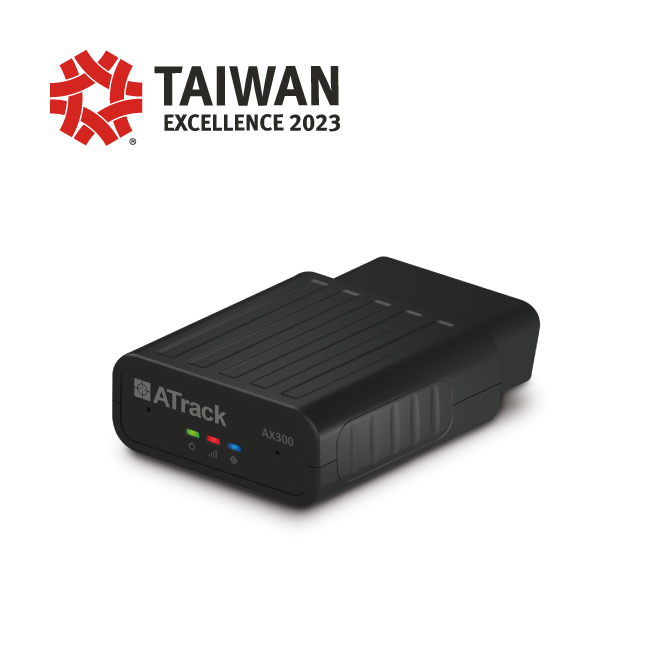
To identify the best ATrack device for your project, start by browsing the compatible models in the catalog below. Consider the physical installation environment, required IO interfaces, power options, and battery life. For full technical specifications consult the manufacturer pages and the model detail pages accessible from the catalog. If you need assistance confirming compatibility or planning a deployment, contact Plaspy support for guidance.










Frequently Asked Questions
Q: What ATrack devices are compatible with Plaspy?
A: Compatible ATrack devices are shown in the catalog above. The BrandCatalog component lists all ATrack models known to work with Plaspy and links to model pages with setup guidance.
Q: Can I use ATrack GPS trackers with Plaspy?
A: Yes. Many ATrack trackers can send GPS and telemetry to Plaspy. Check the device entry in the catalog for compatibility details and follow the model specific setup documentation.
Q: Does Plaspy support fleet monitoring with ATrack devices?
A: Plaspy supports fleet monitoring workflows for devices that report location and events. Once devices are registered in Plaspy you can use maps, alerts, reports, and group features to manage a fleet of ATrack devices.
Q: Where can I find ATrack device documentation in Plaspy?
A: Each device listed in the catalog links to a model page with configuration and integration notes. Those pages provide guidance on registering the device in Plaspy and configuring reporting intervals and alerts.
Q: How do I handle firmware or advanced configuration for ATrack hardware?
A: Firmware updates and advanced device configuration are managed through ATrack tools or the device itself. Use the manufacturer resources linked on the model pages and consult Plaspy documentation for any platform specific requirements.
Q: Who do I contact if a device is not reporting to Plaspy?
A: Start with the device troubleshooting steps on the model page. If problems persist, contact Plaspy support with the device identifier and a brief description of the issue so the team can assist.
Explore ATrack models
Explore the ATrack catalog above to find compatible devices and model level instructions. The catalog will direct you to the right documentation for setup and day to day operation. When you are ready to deploy or evaluate the platform, learn more about Plaspy features and account options at https://www.plaspy.com.
Brand Compatibility
Monitor compatible brand devices with Plaspy
Plaspy helps businesses work with compatible GPS trackers for visibility, reporting, and daily operational control across vehicle and asset tracking workflows.