
AutoFon
AutoFon is a recognized name in GPS tracking hardware that produces devices commonly used for vehicle monitoring and fleet tracking. Many AutoFon trackers are compatible with third party telematics platforms, and Plaspy can receive location and telemetry from AutoFon devices so teams can view, analyze, and act on tracking data within a single fleet management interface.
How AutoFon devices work with Plaspy
AutoFon trackers typically transmit GPS location and basic telemetry over cellular networks. When paired with Plaspy, that data is ingested into Plaspy servers where it is processed, stored, and made available through dashboards, alerting, and reporting tools. Integration with Plaspy allows you to:
- View live location on maps hosted by Plaspy
- Receive movement and status alerts through Plaspy notifications
- Combine AutoFon device data with other fleet inputs in a single interface
Specific configuration steps such as APN settings, device protocols, and server addresses are handled on the device configuration pages for each model. For model level setup guidance consult the device documentation available through the catalog and the Plaspy knowledge base.
Common features found in AutoFon devices
AutoFon product lines typically include a range of features useful for vehicle and asset tracking. While capabilities vary by model, common items you may encounter include:
- GPS position reporting at configurable intervals
- Cellular connectivity for remote telemetry
- Motion detection and ignition sensing for vehicle state
- Basic digital and analog I O for sensors and accessories
- Power management features designed for vehicle installations
Because the component lists all compatible models, you can review supported device capabilities on each model page before integrating with Plaspy.
Typical use cases for AutoFon GPS trackers
AutoFon devices are commonly used in scenarios such as:
- Fleet vehicle location and route monitoring
- Theft prevention and recovery workflows
- Asset tracking for trailers and mobile equipment
- Simple driver behavior and utilization visibility
Plaspy can aggregate AutoFon data alongside other devices and sensors to provide unified fleet reporting, geofence monitoring, and historical route analysis.
Why choose Plaspy for AutoFon device monitoring
Plaspy focuses on providing a flexible and extensible platform for mixed-brand fleets. When you use AutoFon devices with Plaspy you gain:
- A single interface for monitoring AutoFon trackers and other devices
- Centralized alerting and reporting across device brands
- Scalable data storage and historical playback for audits and analysis
- Tools to build geofences, scheduled reports, and automation rules
Plaspy is designed to let operators concentrate on fleet operations rather than managing disparate device backends.
Help finding the right AutoFon device
To explore the AutoFon models that work with Plaspy, browse the catalog below. The catalog shows the compatible models, links to model pages, and entry points for device setup and documentation.
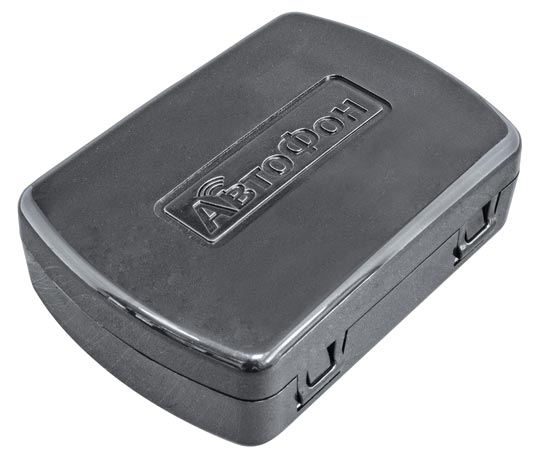
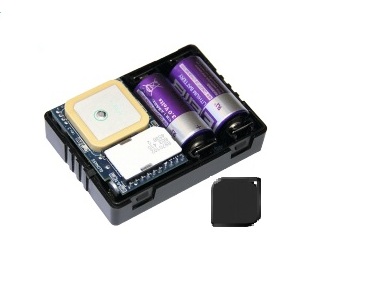
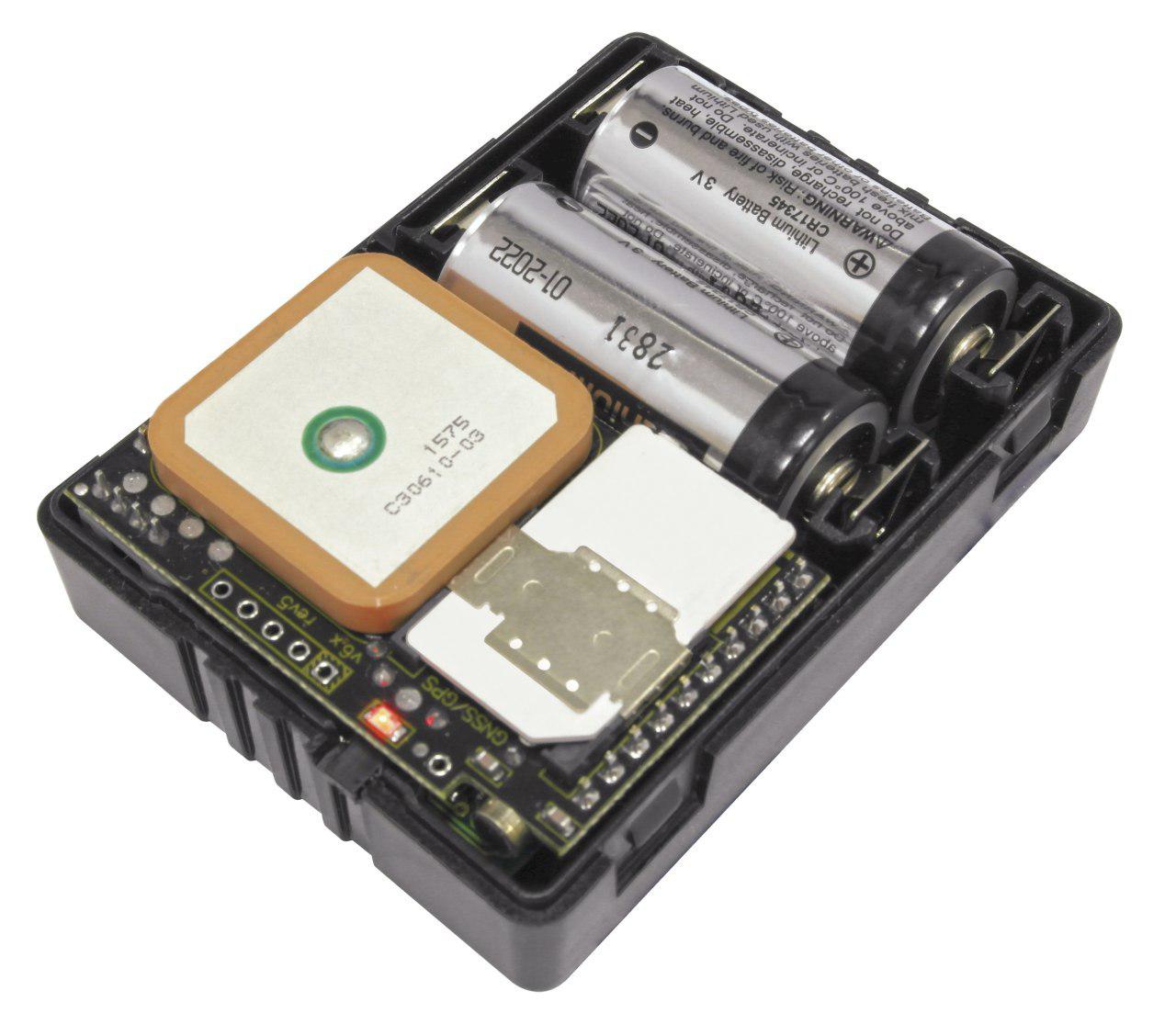
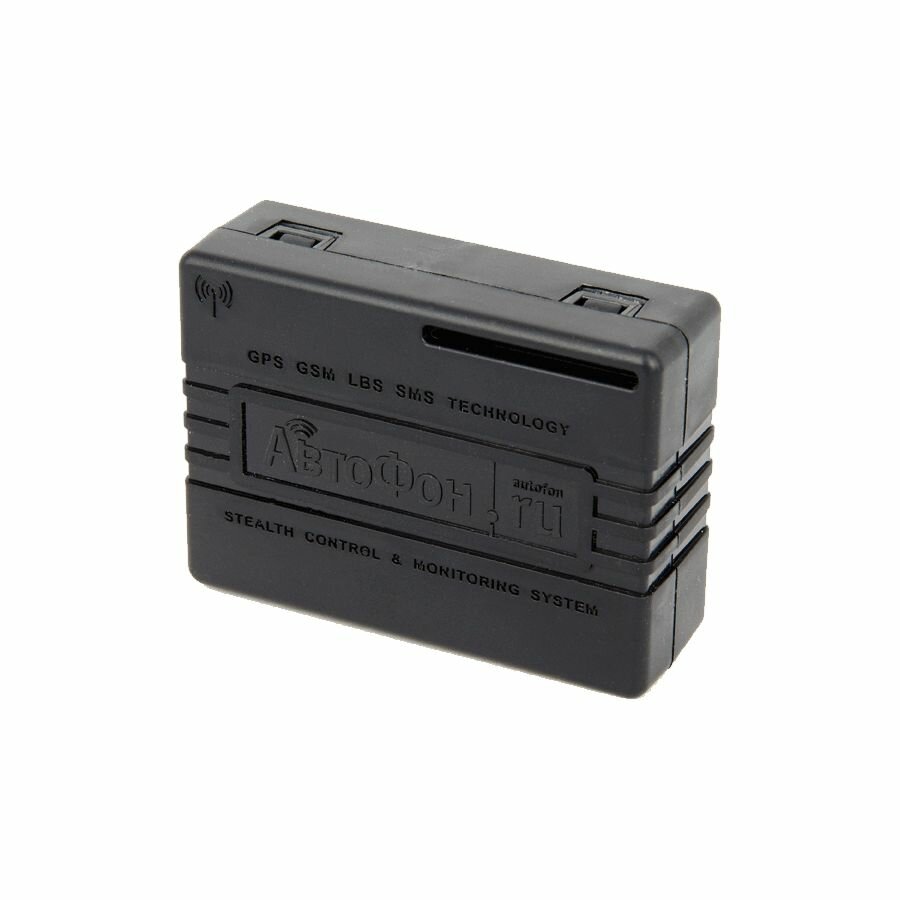
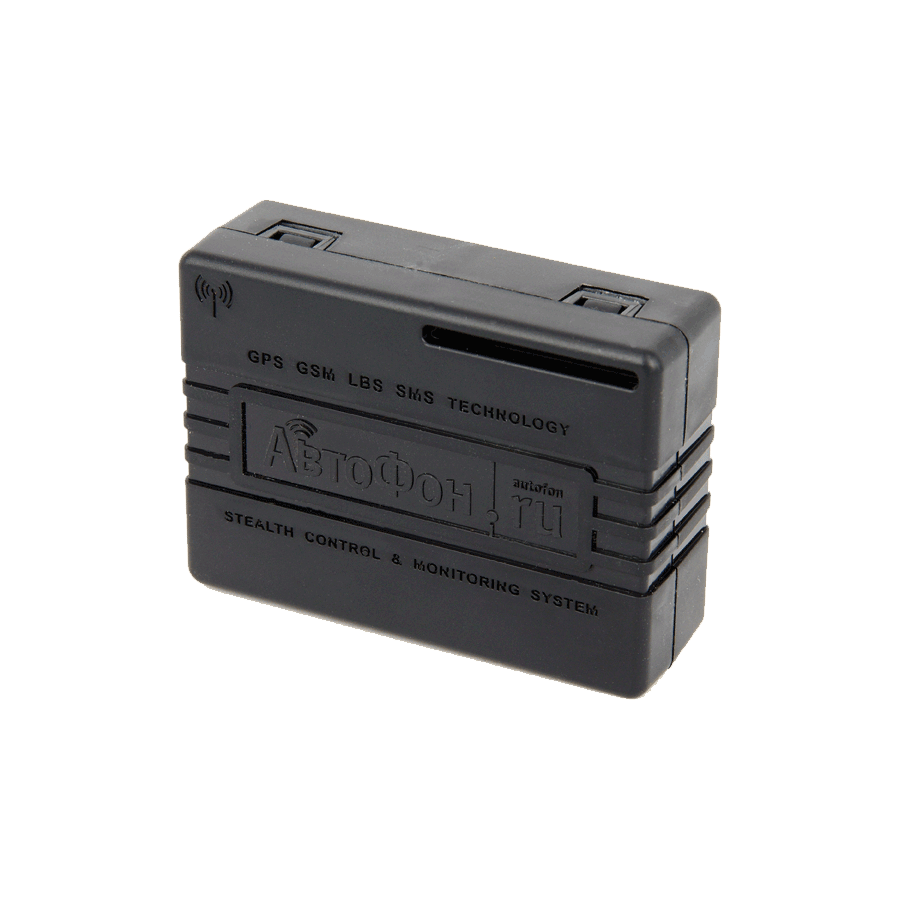
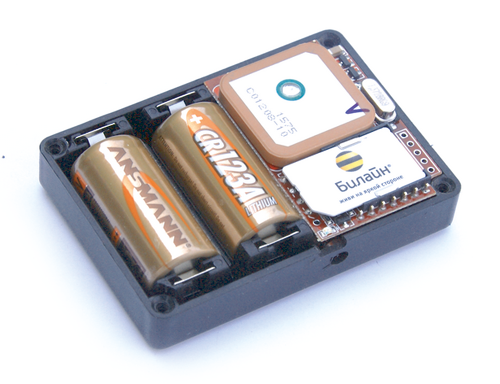

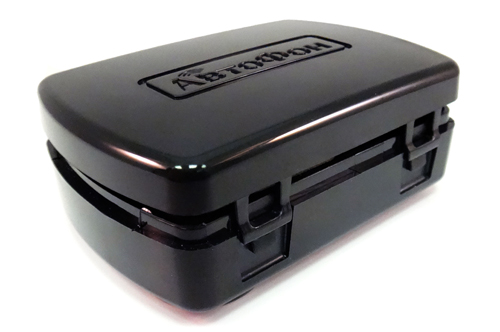
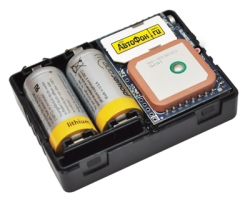
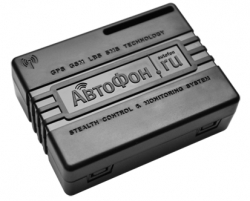

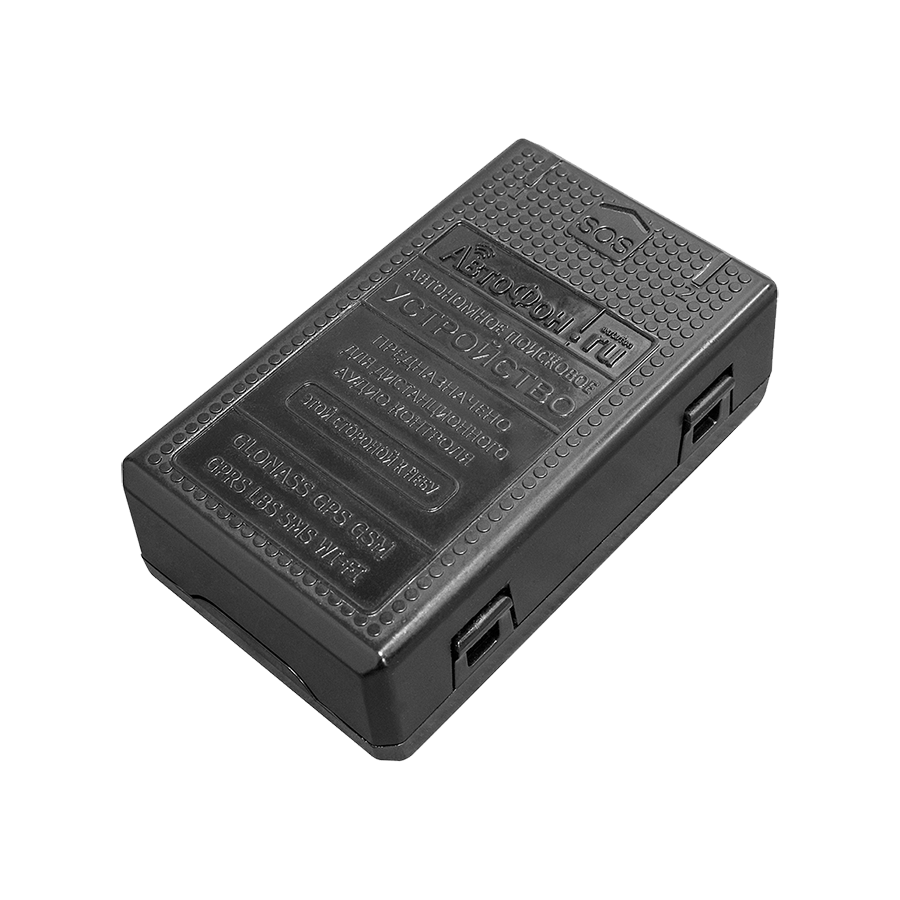
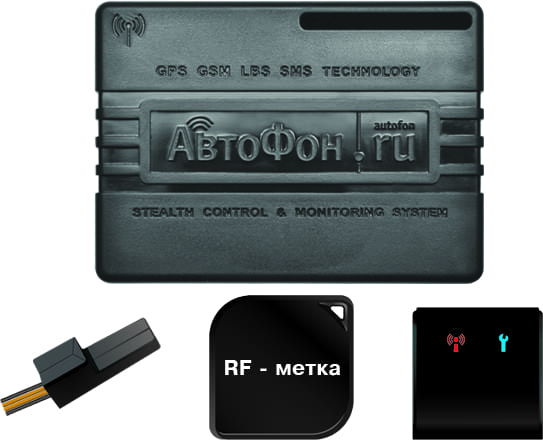
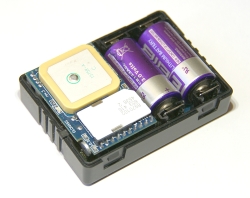
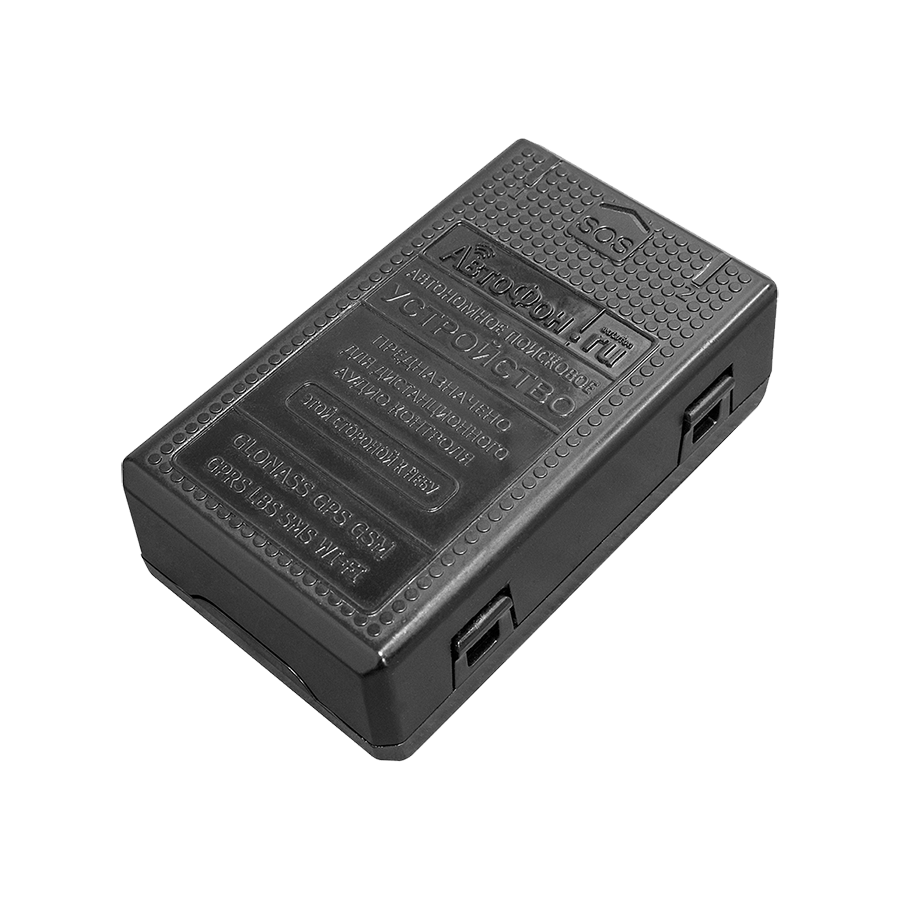
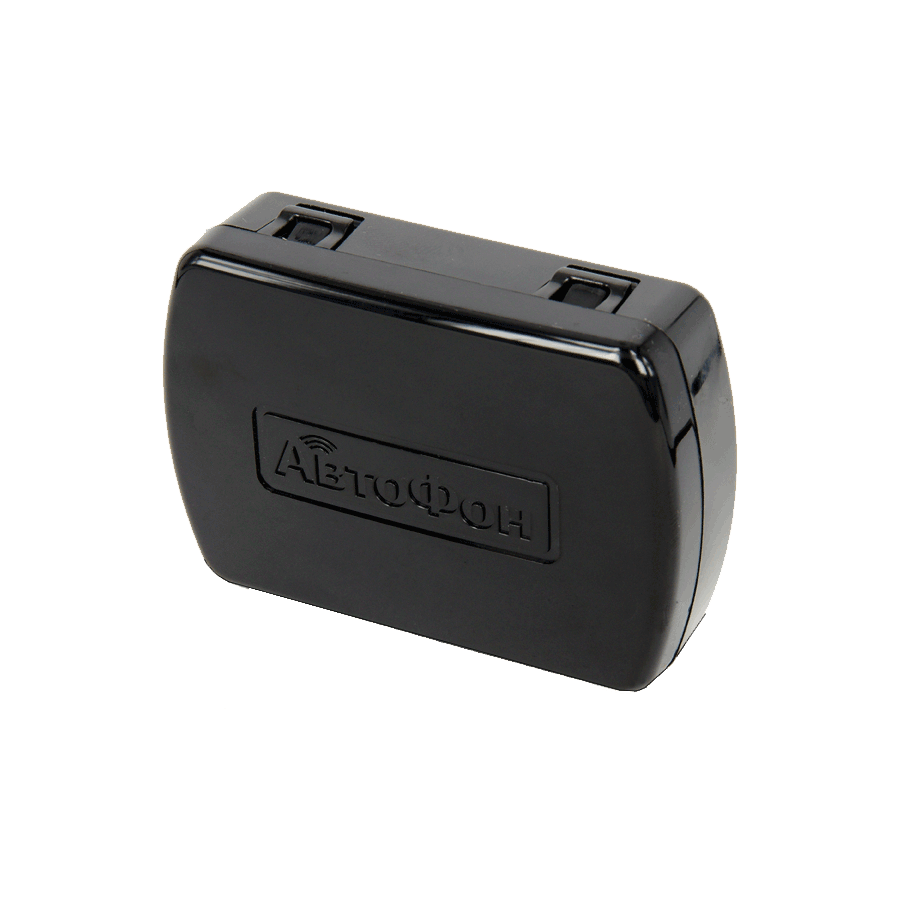

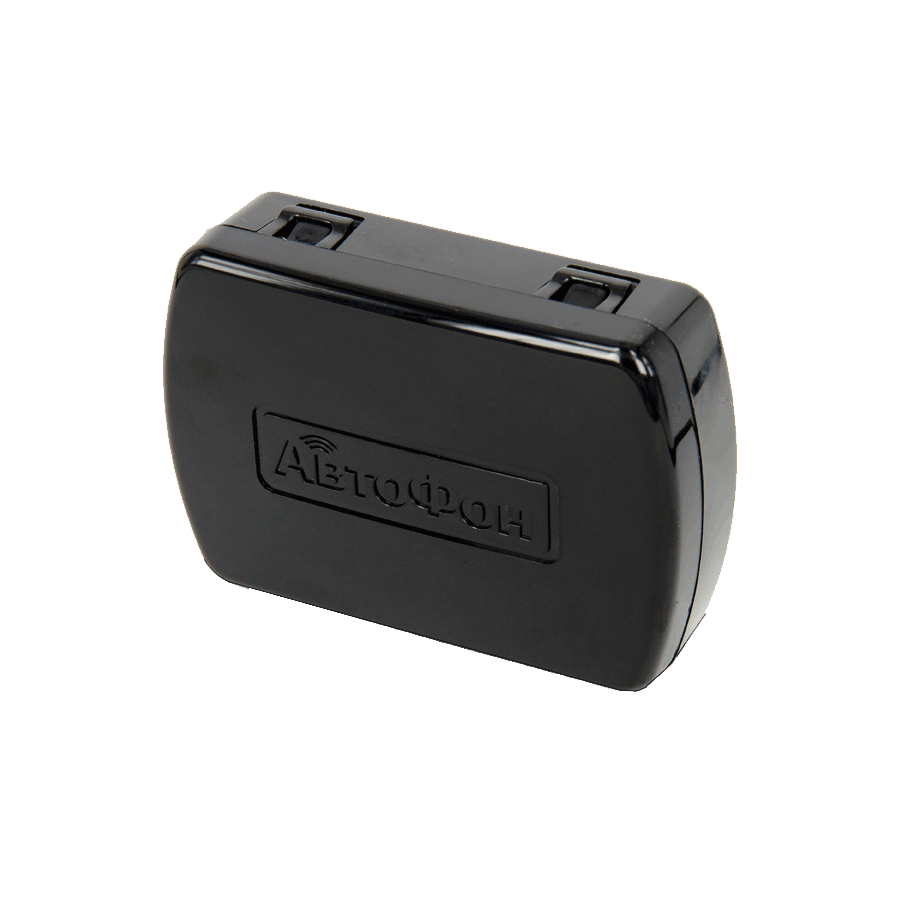
If you need recommendations for a specific use case, the Plaspy documentation and support team can help you match device capabilities to operational requirements. For more general information about Plaspy and platform features, visit https://www.plaspy.com.
Frequently Asked Questions
Q: What AutoFon devices are compatible with Plaspy? A: Compatibility varies by model. Use the catalog above to see all AutoFon devices known to work with Plaspy. Each model page provides details on supported protocols and required settings.
Q: Can I use AutoFon GPS trackers with Plaspy for fleet monitoring? A: Yes. Many AutoFon devices can report location and basic telemetry to Plaspy so you can monitor vehicles, set alerts, and run reports from a centralized platform.
Q: Does Plaspy support fleet monitoring features like geofencing and alerts with AutoFon devices? A: Plaspy provides geofencing, alerts, reporting, and historical playback capabilities. How these features behave depends on the data the device sends and the configuration on the model page.
Q: Where can I find AutoFon device documentation in Plaspy? A: Open a model from the catalog above to access device specific documentation, setup instructions, and protocol details. Model pages link to configuration steps needed to connect to Plaspy.
Q: Do I need to change SIM or APN settings on AutoFon devices to use Plaspy? A: Many devices require correct cellular settings such as APN. Refer to the model documentation and device pages in the catalog for recommended network settings and any required server parameters.
Q: Who do I contact if a device is not reporting to Plaspy? A: Start with the model setup guide on the model page, verify cellular connectivity, and check device logs. If issues persist, contact Plaspy support and provide device identifiers and recent tracking logs for troubleshooting.
Explore AutoFon models and next steps
This page helps you confirm that AutoFon devices can be integrated with Plaspy and points you to model level details for setup. To get started, browse the AutoFon catalog above, select the device that fits your requirements, and follow the setup instructions on its page. For platform questions and to learn more about Plaspy features, visit https://www.plaspy.com.
Brand Compatibility
Monitor compatible brand devices with Plaspy
Plaspy helps businesses work with compatible GPS trackers for visibility, reporting, and daily operational control across vehicle and asset tracking workflows.