
Autoseeker
Autoseeker is a recognized name in GPS tracking hardware focused on vehicle and asset location. Plaspy users can pair Autoseeker devices with the Plaspy platform to monitor location, status, and movement in real time. This brand page explains how Autoseeker devices interact with Plaspy, outlines common features, and helps you find the right device model using the catalog below.
How Autoseeker devices work with Plaspy
Autoseeker devices transmit GPS and telemetry data that Plaspy ingests, processes, and presents through maps, reports, and alerts. Integration typically involves configuring the device to send data to Plaspy using the network and protocol settings supported by the device. Once a device is set up, Plaspy handles location decoding, trip detection, geofence events, and historical playback so fleet managers and operators can act on reliable location information.
Key integration points to consider
- Data endpoint and server settings that point the device to Plaspy
- Device identifiers such as IMEI or unique tracker ID to register devices in Plaspy
- Optional inputs and sensors for status reporting like ignition, battery, or inputs
For specific setup steps consult the device pages in the Plaspy docs and the device manufacturer documentation as needed.
Common features found in Autoseeker devices
Autoseeker trackers commonly include features expected for vehicle and asset tracking. While capabilities vary by model, typical features include:
- GPS location reporting for live tracking and history
- Cellular connectivity for wide area coverage
- Motion and ignition detection for trip and idling analysis
- Configurable reporting intervals to balance timeliness with power use
- Basic I/O for external sensors and alerts
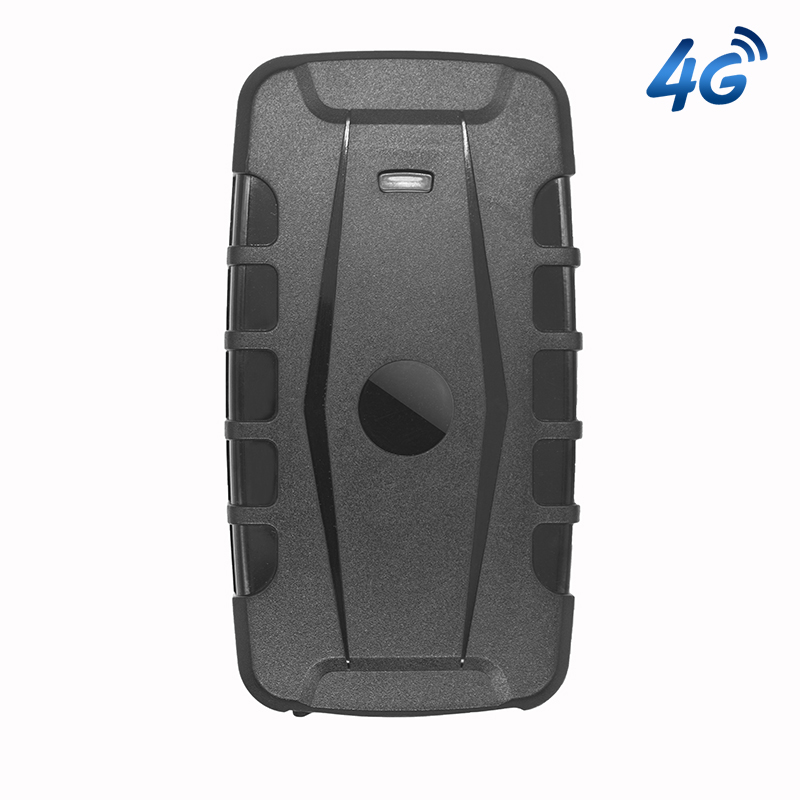
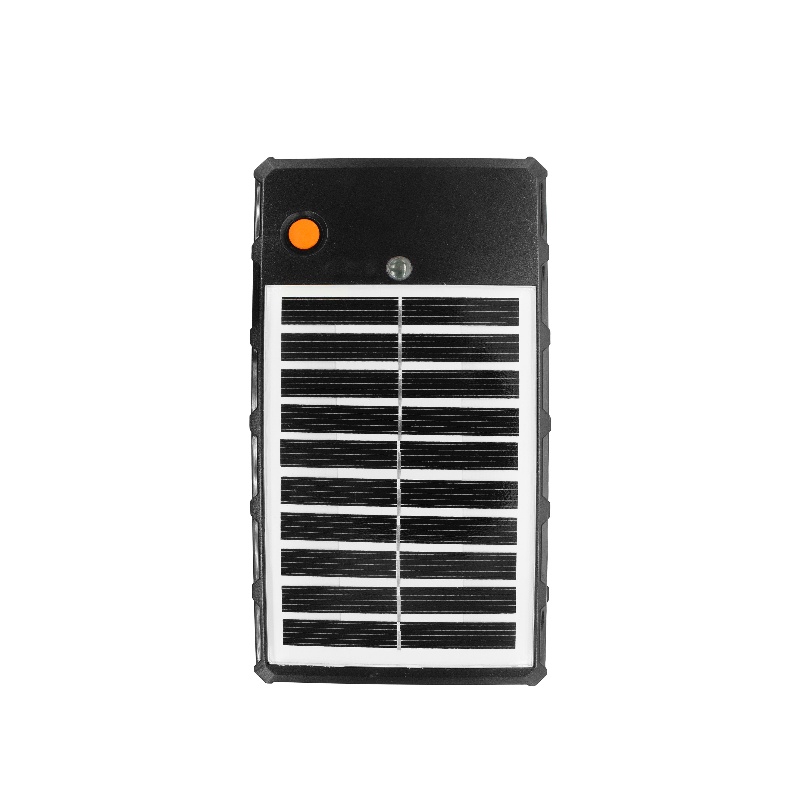
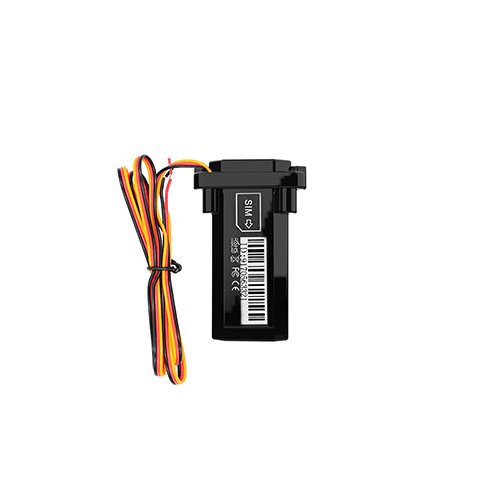
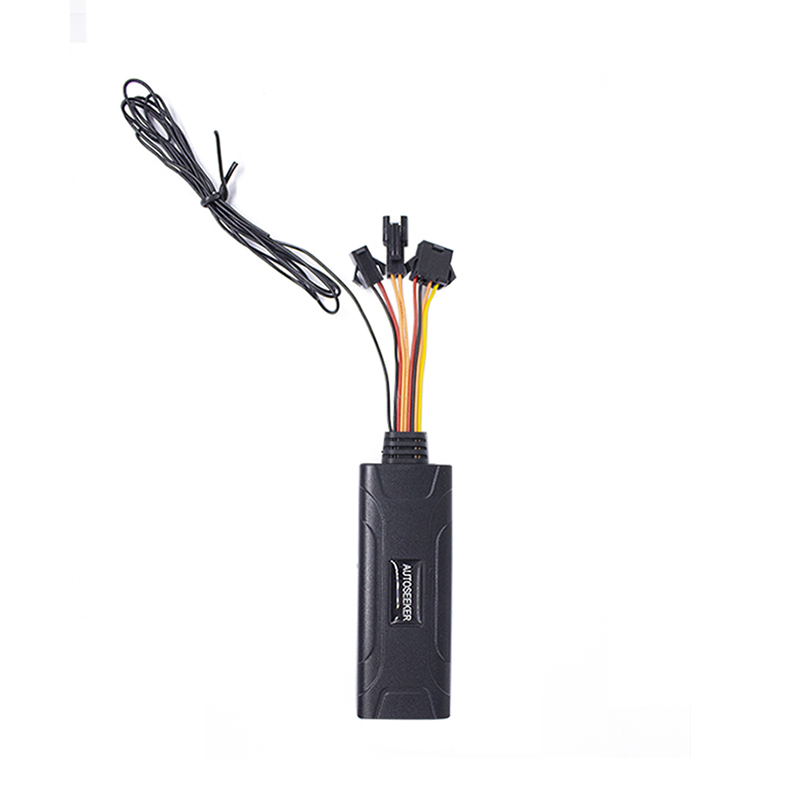
The exact feature set for each Autoseeker unit is available in the product catalog. Use the catalog component below to view models, images, and compatibility notes.
Typical use cases for Autoseeker GPS trackers
Autoseeker hardware is used in a variety of fleet and asset scenarios where location and status data are important. Common use cases include:
- Vehicle fleet tracking for maintenance planning and route optimization
- Asset monitoring for movable equipment and tools
- Driver behavior and trip analytics when combined with Plaspy reporting
- Theft recovery and geofence alerts for high value assets
These devices can be deployed in mixed fleets and integrated into broader telematics workflows through Plaspy.
Help finding the right Autoseeker device
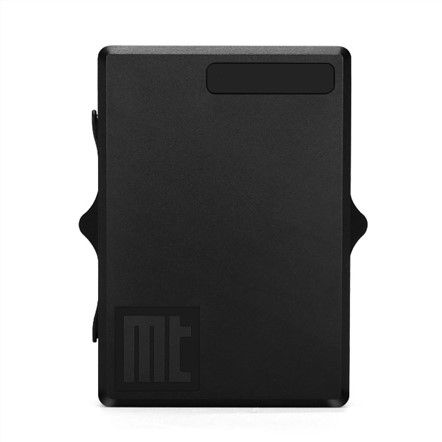
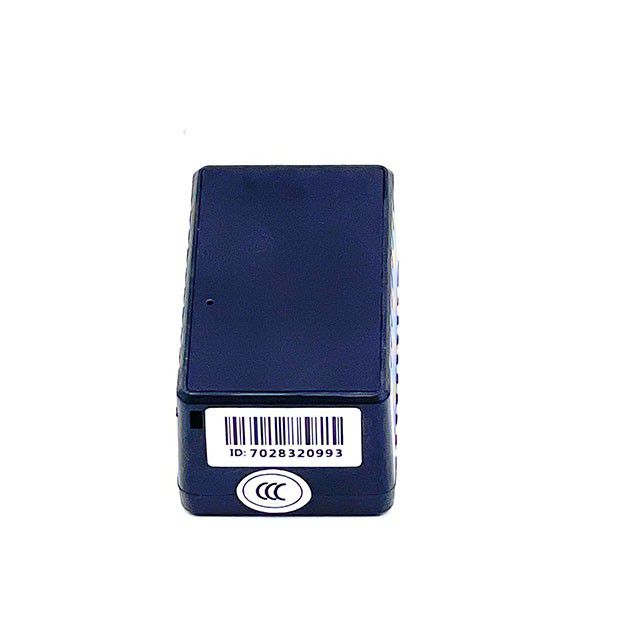
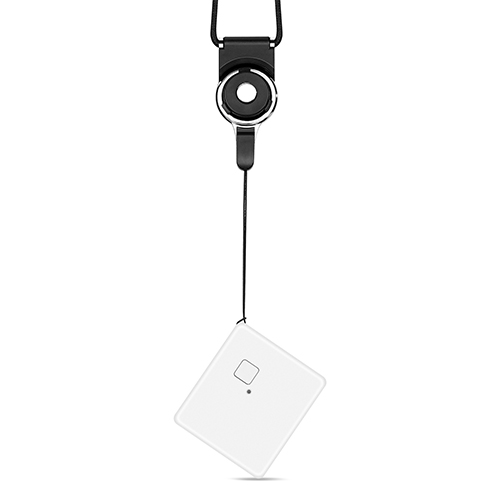
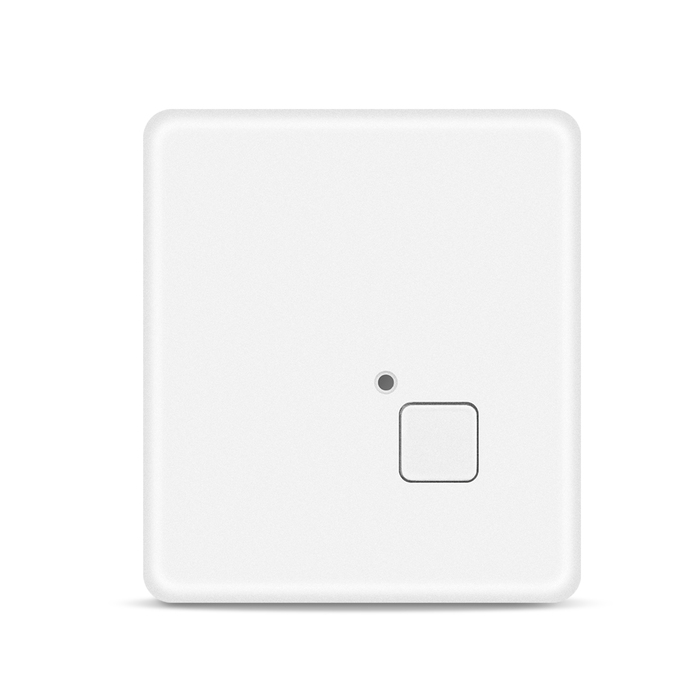
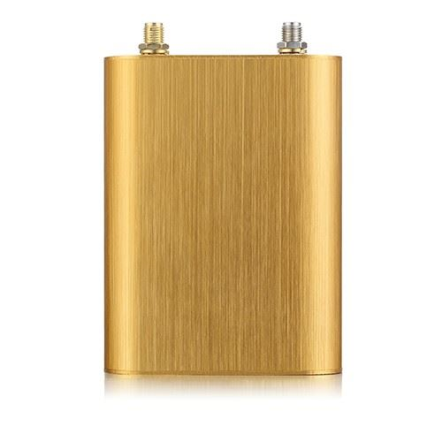
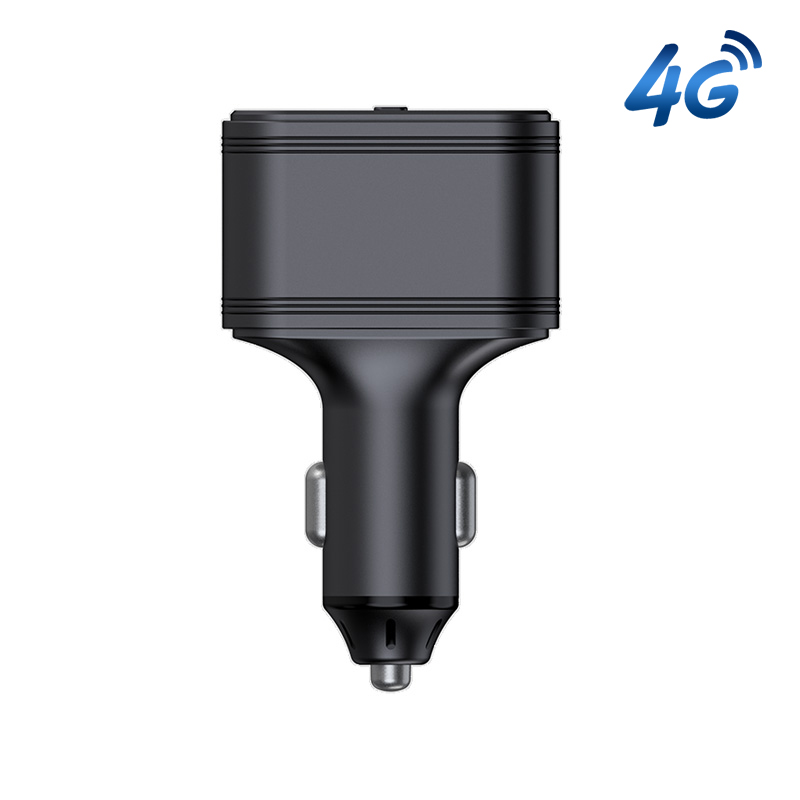
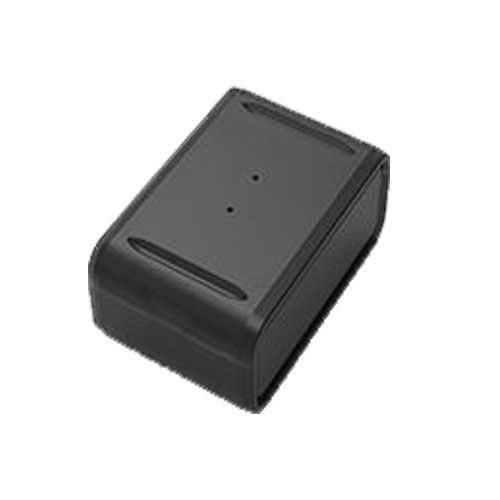
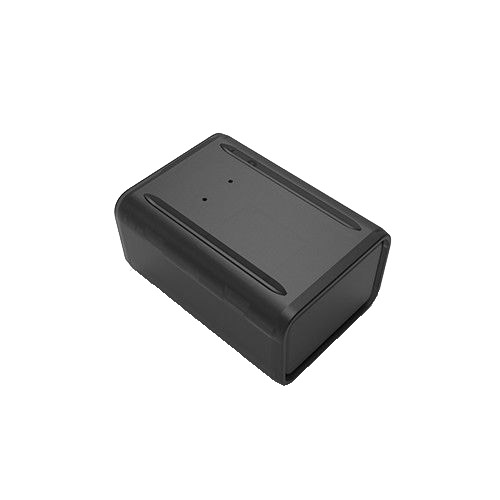
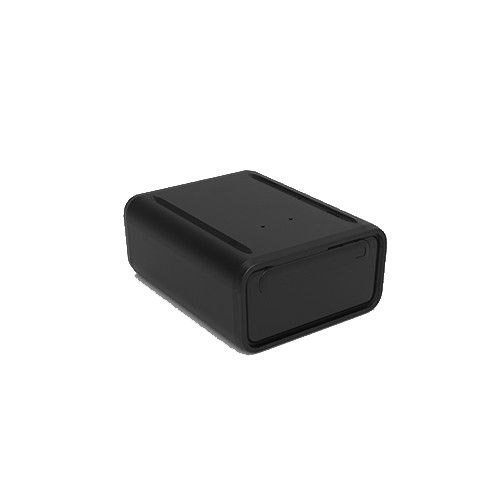
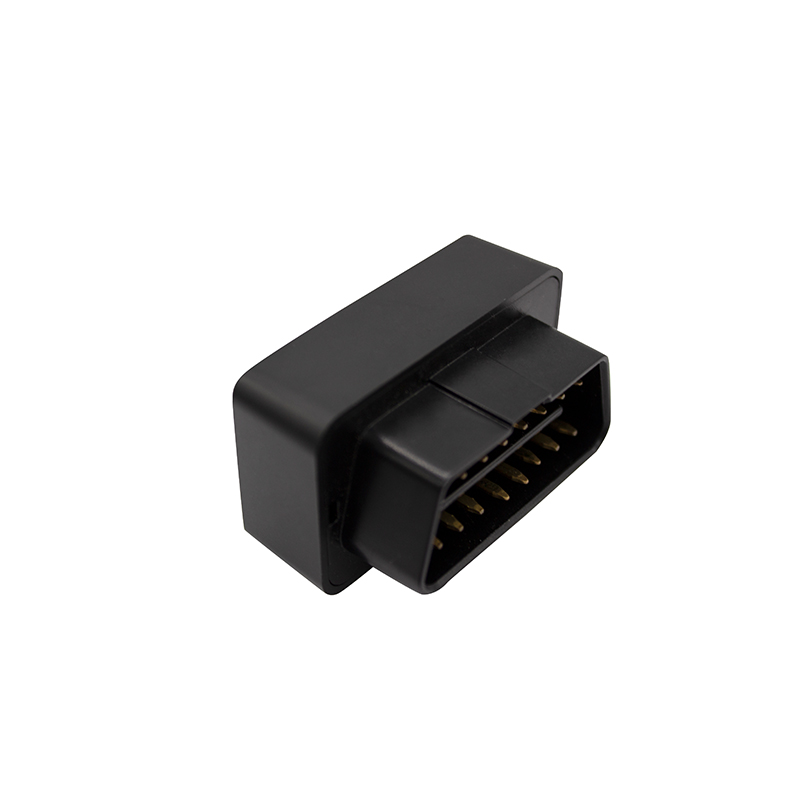
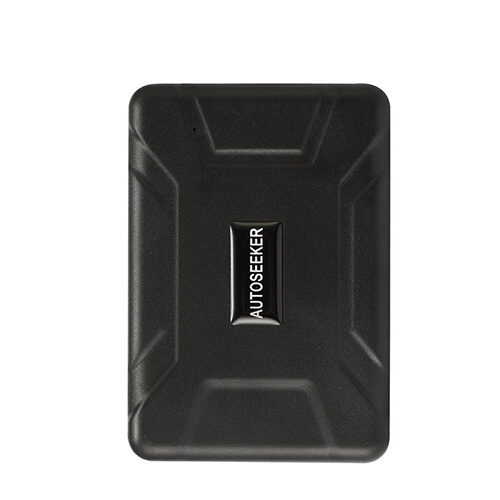
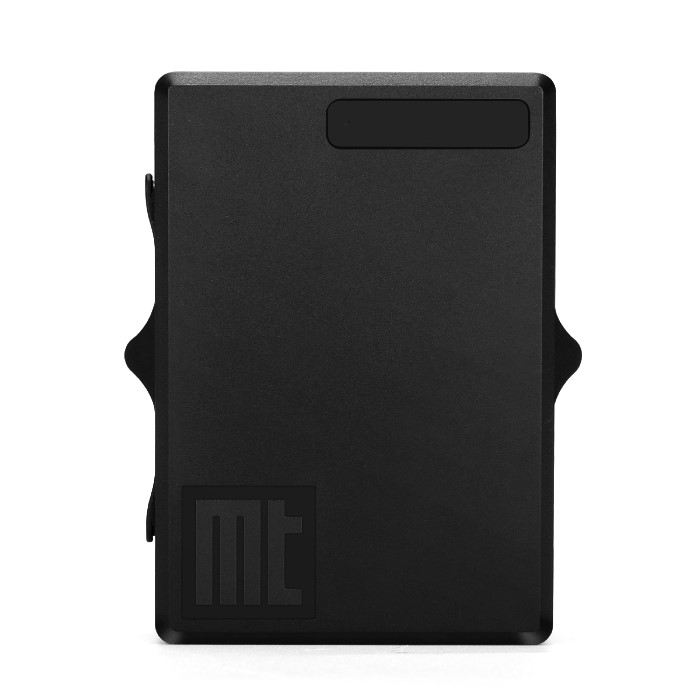
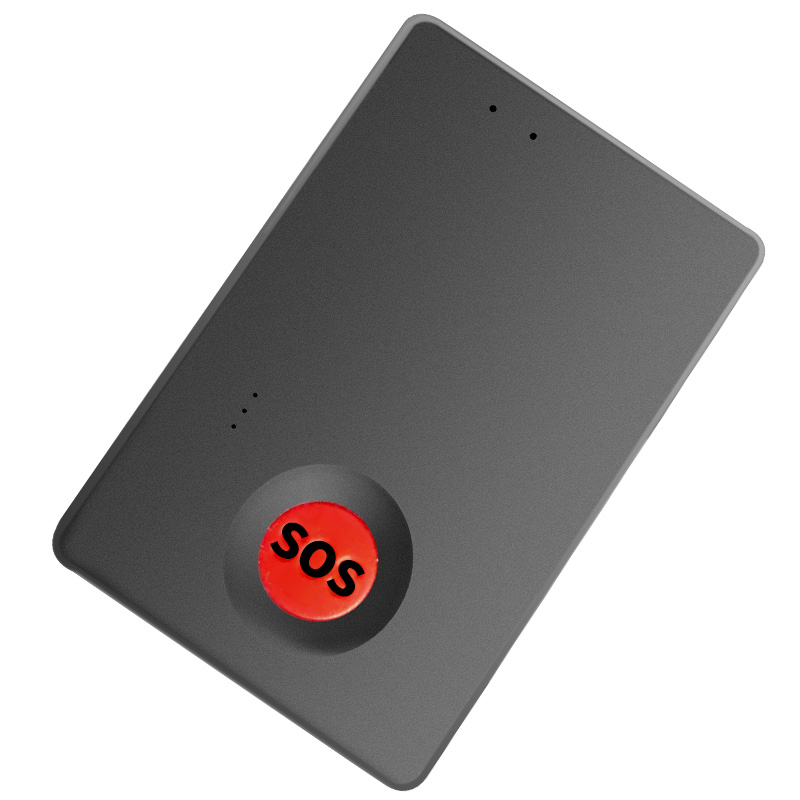
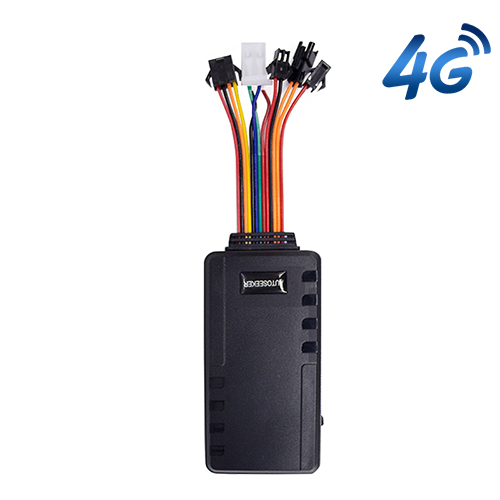
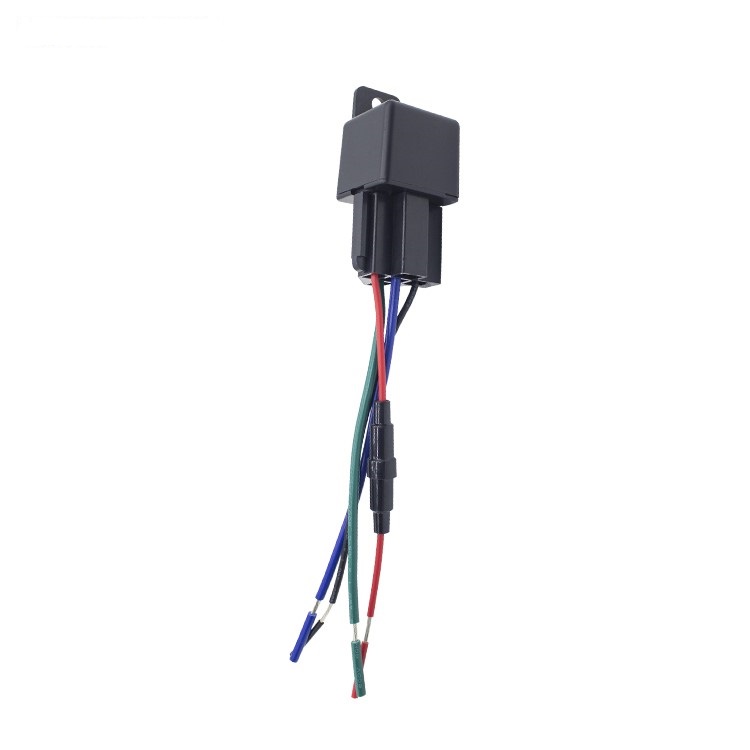
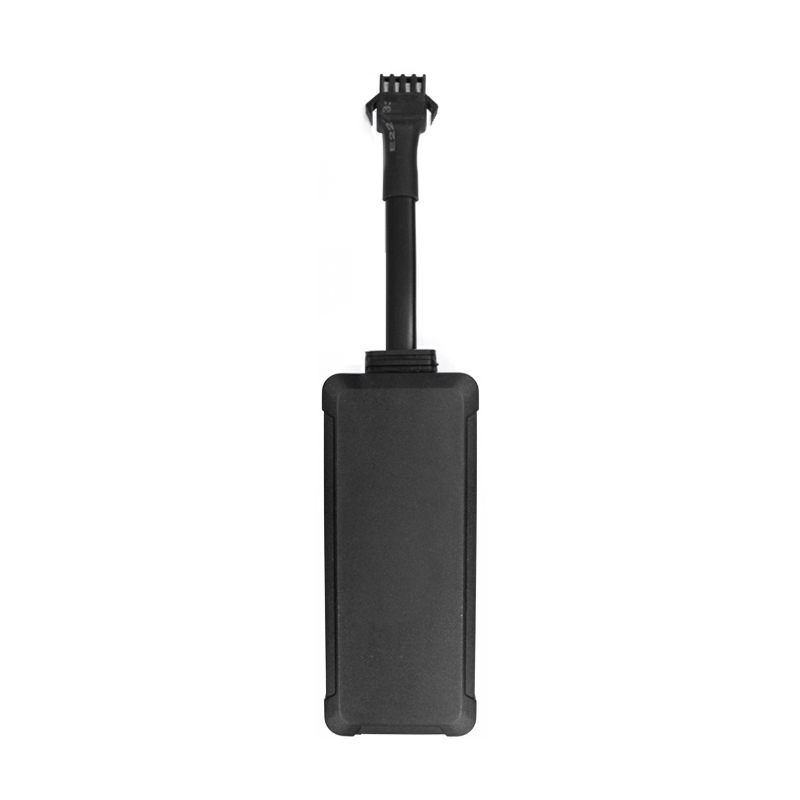
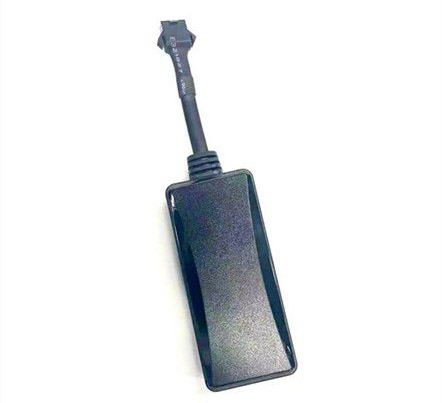
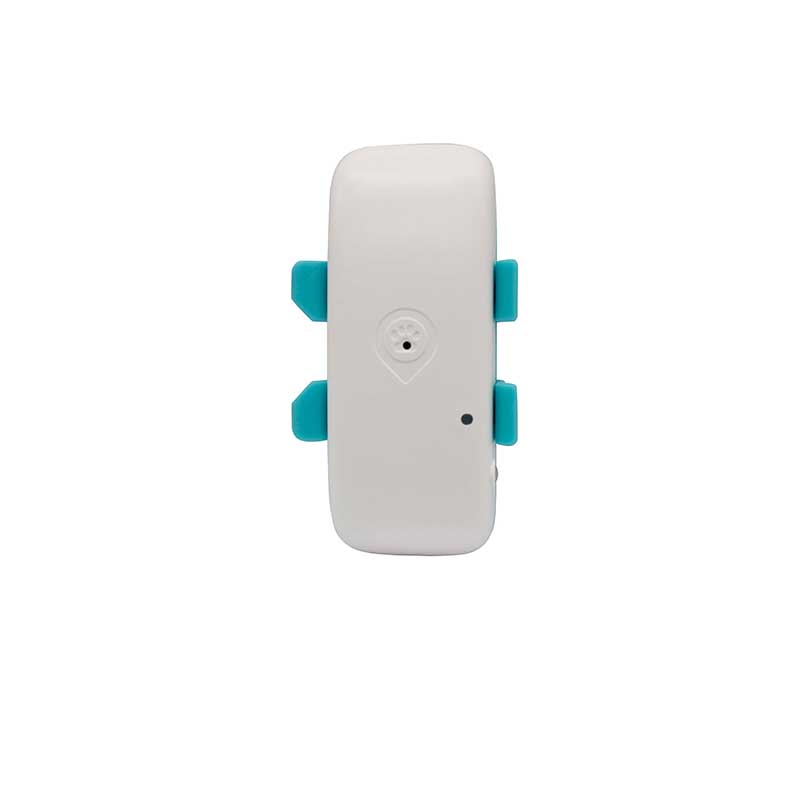
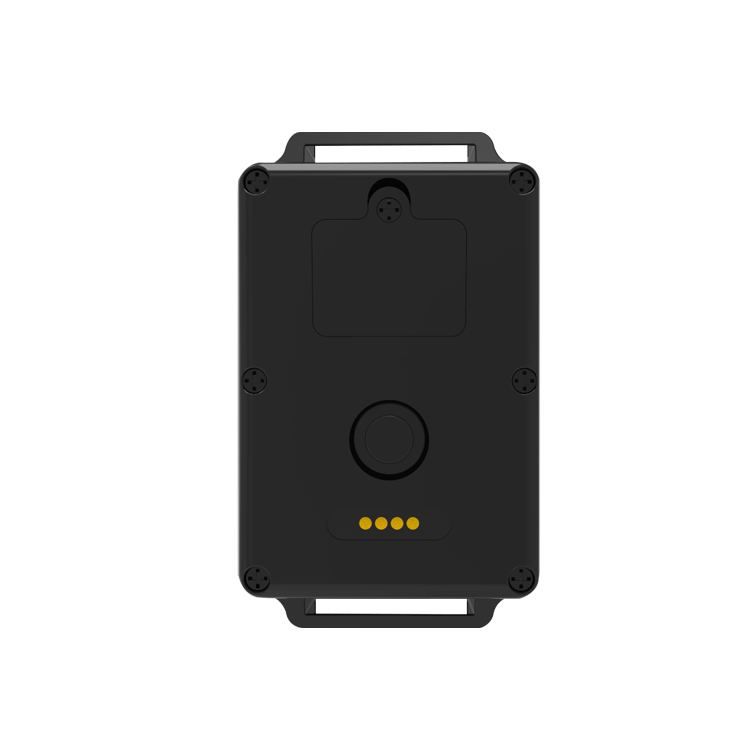
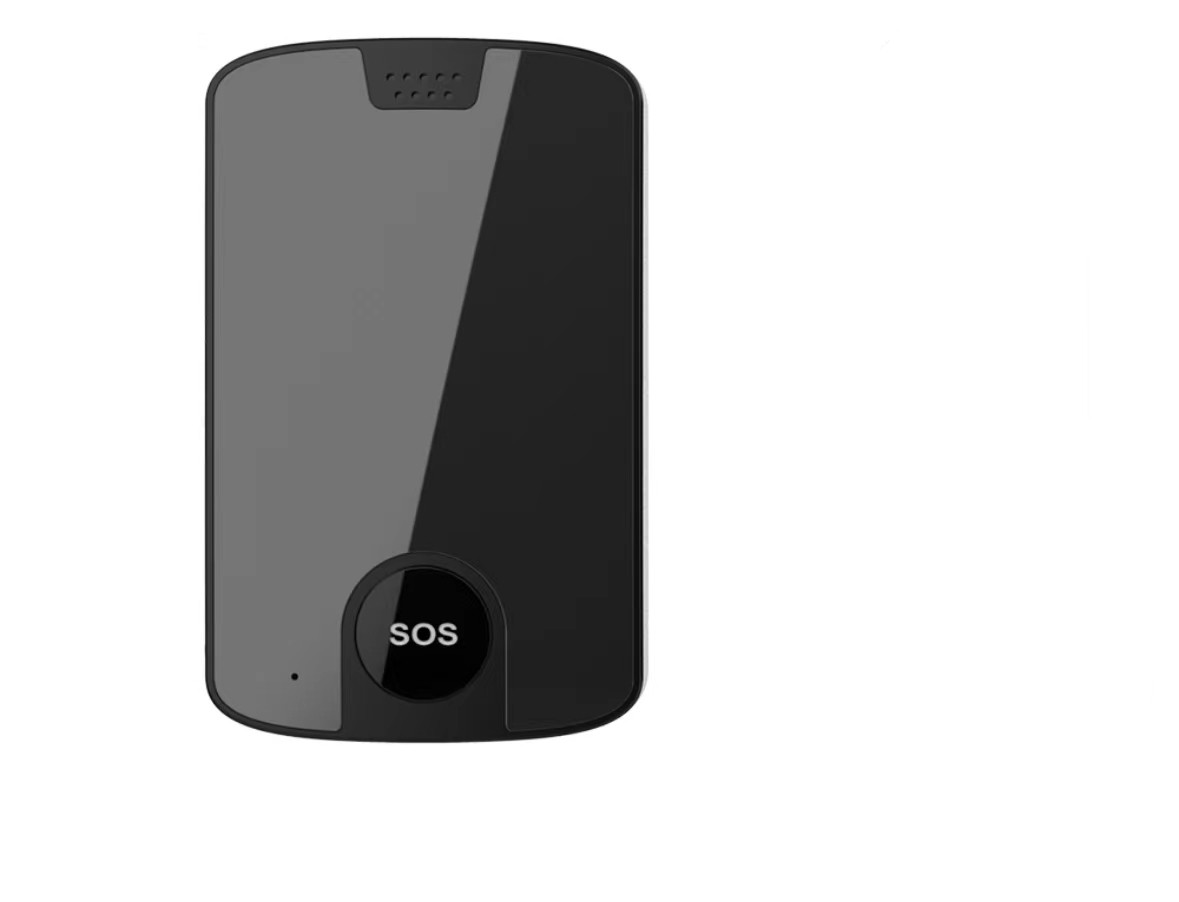
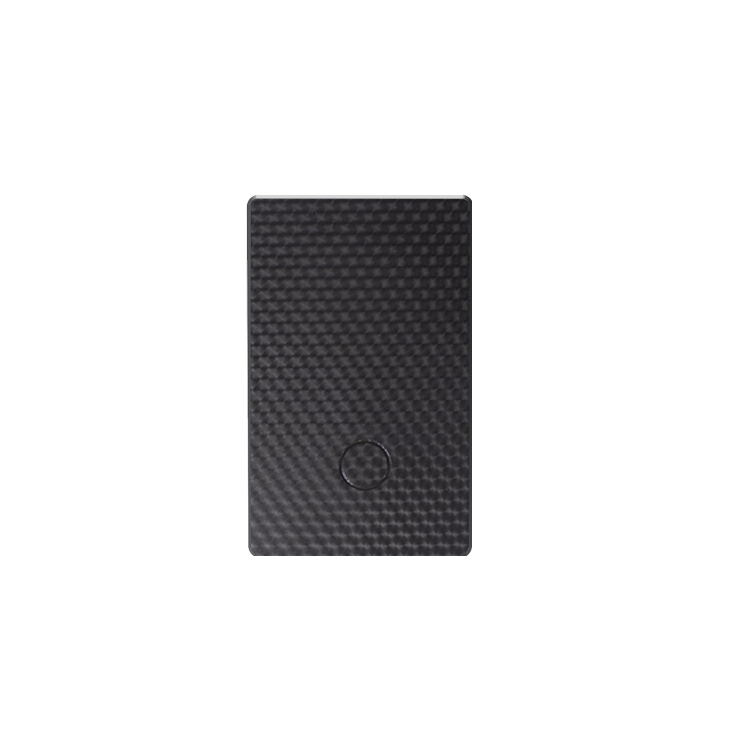
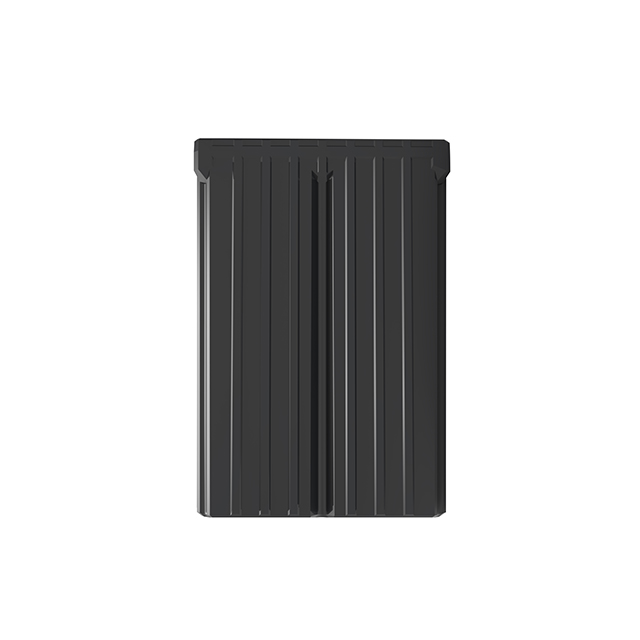
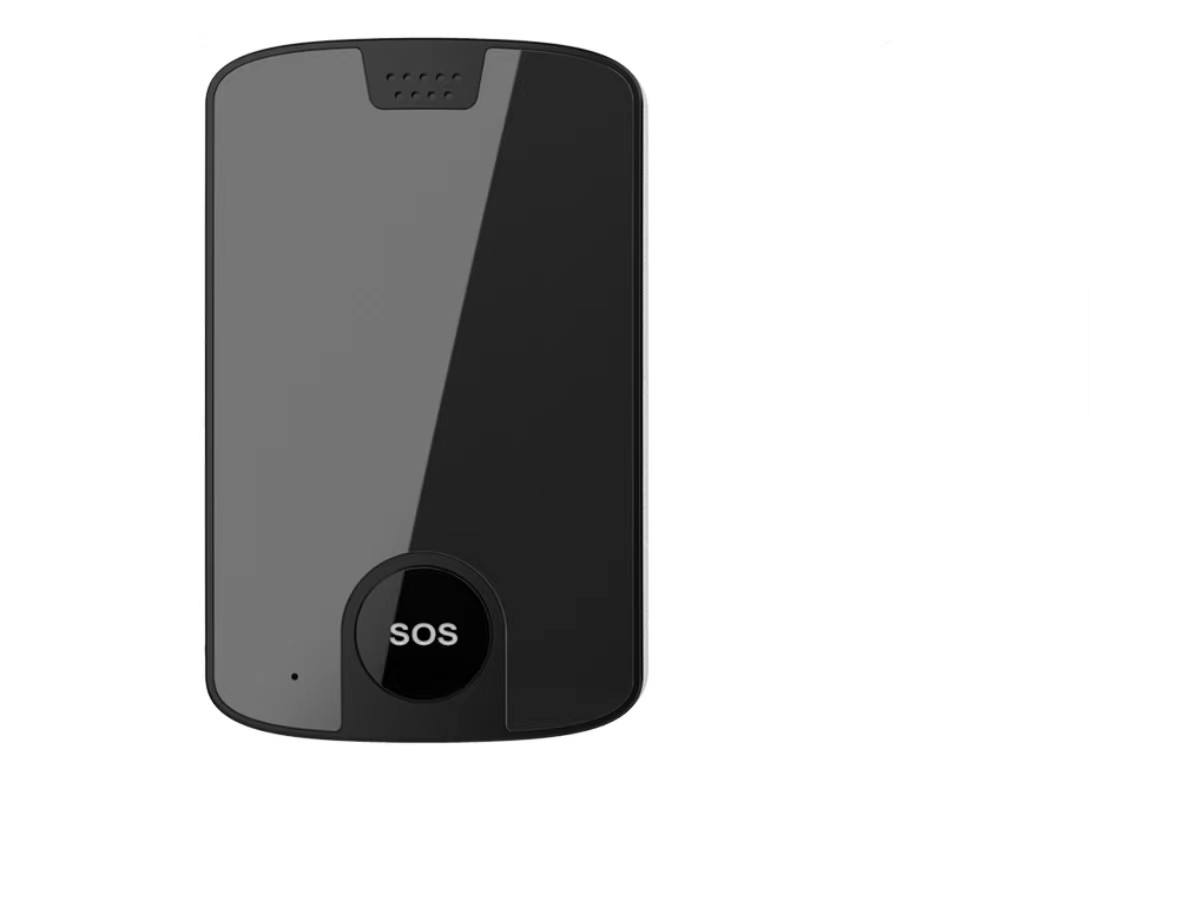
Below is a visual catalog of Autoseeker devices that are compatible with Plaspy. The catalog shows available models with images and links to device specific pages where you can find technical details and configuration guidance.



Tips for choosing the best device
- Match connectivity options to your coverage needs for the region where devices will operate
- Confirm required I/O for sensors you plan to use such as ignition or door status
- Consider installation environment to select form factor and power options
If you are unsure which model fits your needs, review the device entries in the catalog and check the Plaspy device documentation for setup instructions.
Why choose Plaspy for Autoseeker device monitoring
Plaspy provides the platform layer that turns raw location data from Autoseeker units into actionable information. With Plaspy you get:
- Unified device management for onboarding, naming, and grouping trackers
- Real time maps and status indicators suited for operational monitoring
- Alerts and geofence management to reduce response times
- Reporting tools for utilization, trips, and historical analysis
Plaspy is designed to work with a wide range of GPS hardware, including Autoseeker devices, allowing you to keep operations centralized on a single platform. To learn more about the platform and services visit https://www.plaspy.com.
Frequently Asked Questions
Q: What Autoseeker devices are compatible with Plaspy? A: Compatible Autoseeker models are listed in the catalog above. The BrandCatalog component displays all device models that can be integrated with Plaspy. For model specific details refer to each device entry and the corresponding Plaspy device documentation.
Q: Can I use Autoseeker GPS trackers with Plaspy? A: Yes. Autoseeker trackers that can be pointed to Plaspy data endpoints or configured to use supported protocols can send location and status data to Plaspy for mapping, alerting, and reporting.
Q: Does Plaspy support fleet monitoring with Autoseeker devices? A: Plaspy supports fleet management features such as live tracking, historical trips, geofences, and alerts for devices that transmit the required data. Once an Autoseeker device is registered in Plaspy, those fleet features are available through the Plaspy interface.
Q: Where can I find Autoseeker device documentation in Plaspy? A: Device specific setup and configuration guidance is available on the Plaspy documentation pages and the individual device pages accessible from the catalog above. Those pages outline server settings, ID registration, and common configuration parameters.
Q: Do I need a special SIM card or plan for Autoseeker devices to work with Plaspy? A: Devices require cellular connectivity that meets the device specifications and network requirements for your region. Choose a data plan that supports the reporting frequency you need. Consult device and carrier documentation for network compatibility.
Q: How long does it take to get an Autoseeker tracker working with Plaspy? A: Basic provisioning and registration can often be completed within a short installation window once the device has power and a network connection. Full configuration for alerts, reporting intervals, and sensors may require additional time depending on your operational needs.
Explore models and get started
Browse the device catalog above to view Autoseeker models, then follow the device pages and Plaspy documentation for setup instructions. If you need assistance or have compatibility questions, Plaspy support resources and documentation can guide you through registration and configuration. Learn more about the platform at https://www.plaspy.com.
Brand Compatibility
Monitor compatible brand devices with Plaspy
Plaspy helps businesses work with compatible GPS trackers for visibility, reporting, and daily operational control across vehicle and asset tracking workflows.