
Carscop
Carscop designs GPS tracking hardware used in vehicle tracking and fleet monitoring. This page explains how Carscop devices integrate with Plaspy, outlines common device features, describes typical use cases, and helps you find the right device for your deployment. If you already know which device family you need, use the catalog below to jump straight to device pages and configuration guides.
How Carscop devices work with Plaspy
Carscop GPS trackers transmit location and telemetry data over cellular or other supported networks. Plaspy receives that data, decodes standard tracking messages, and makes it available through an integrated dashboard for live position, route history, alerts, and reporting.
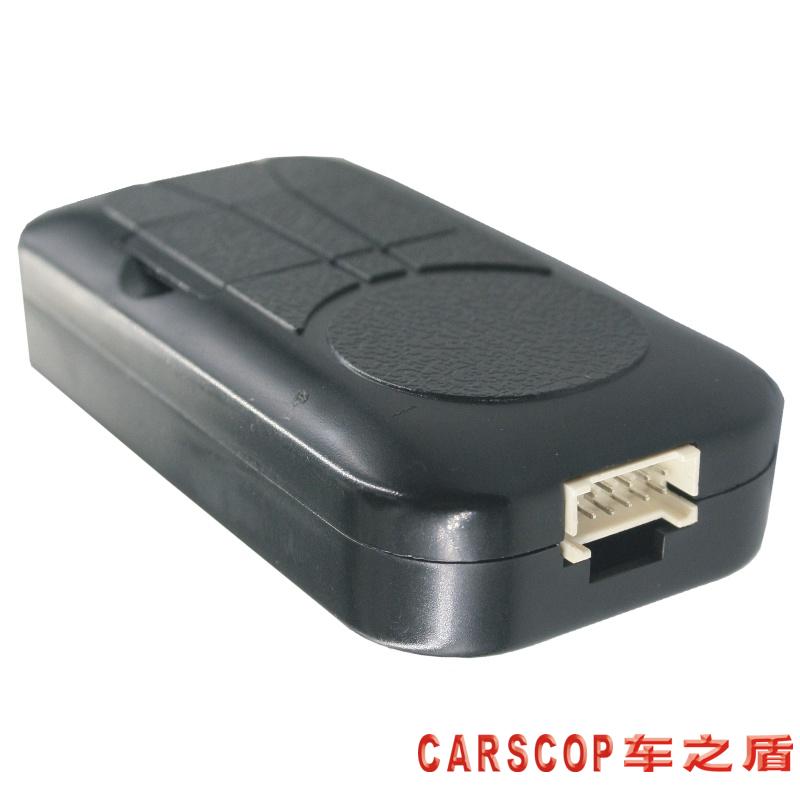
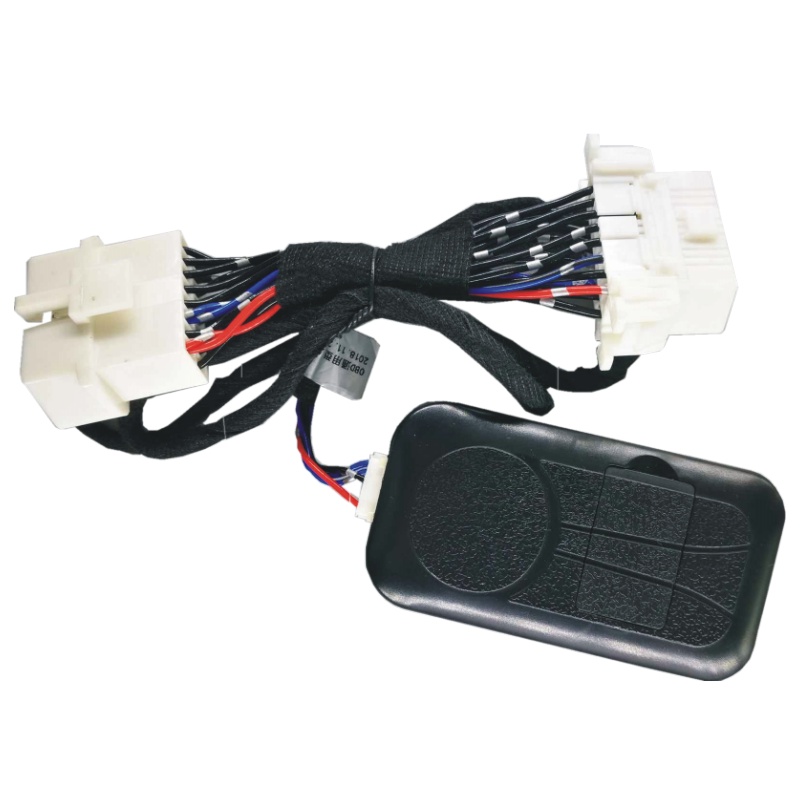
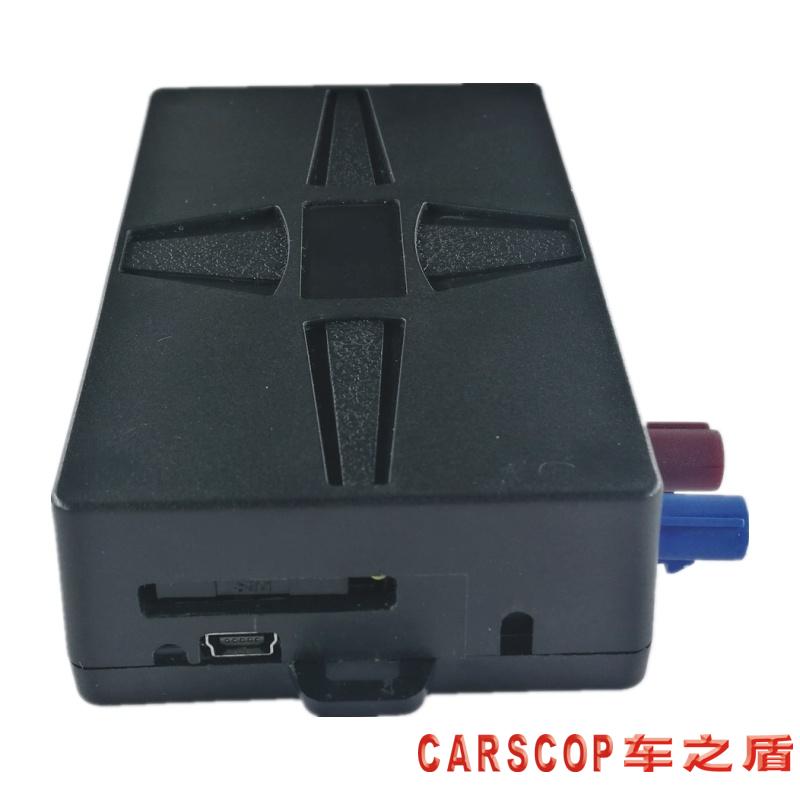
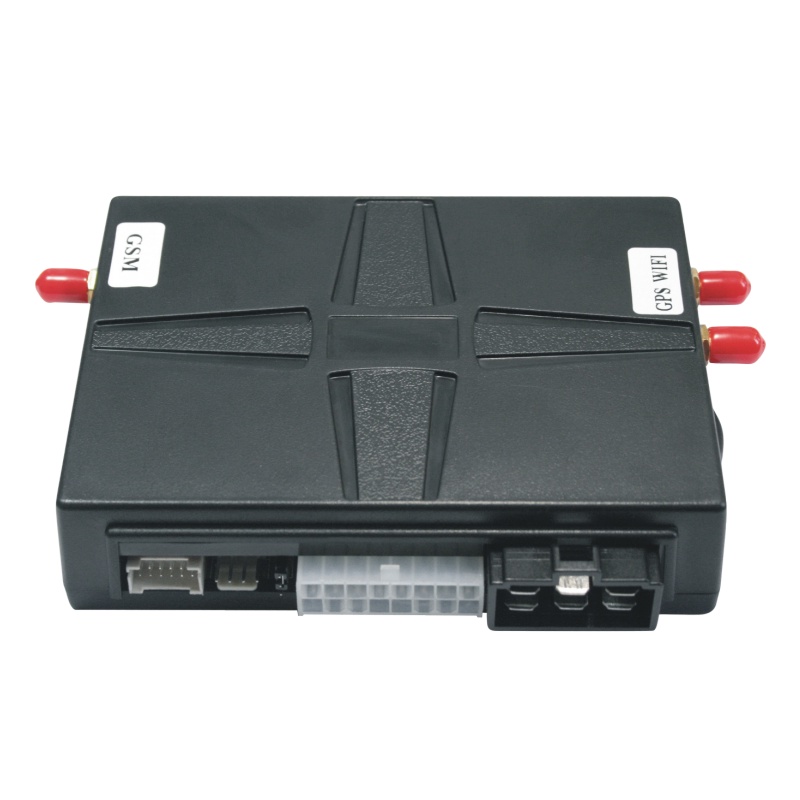
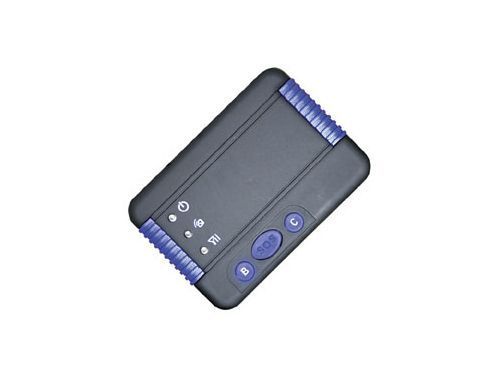
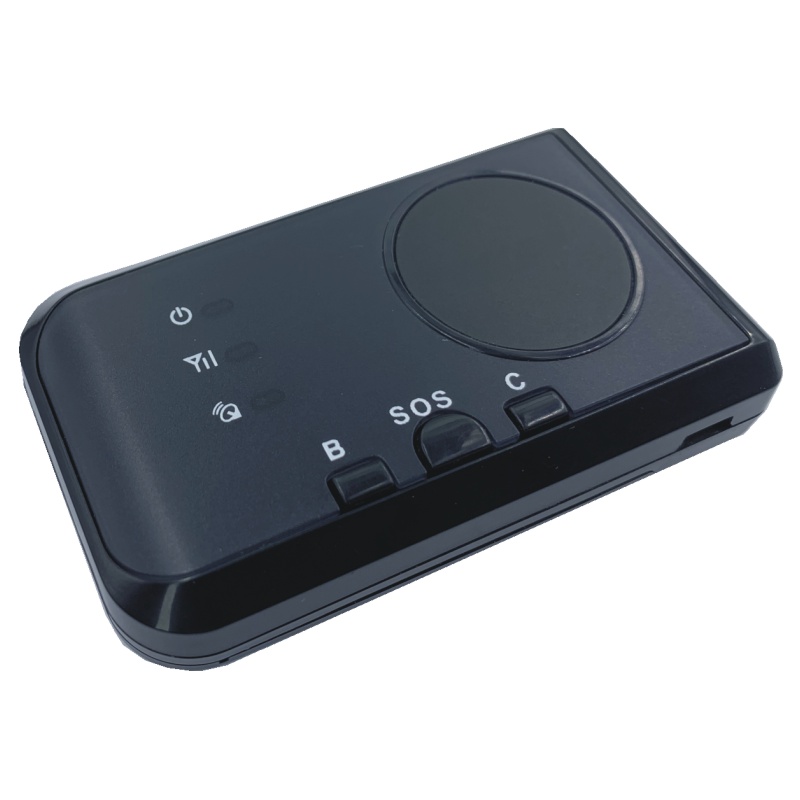
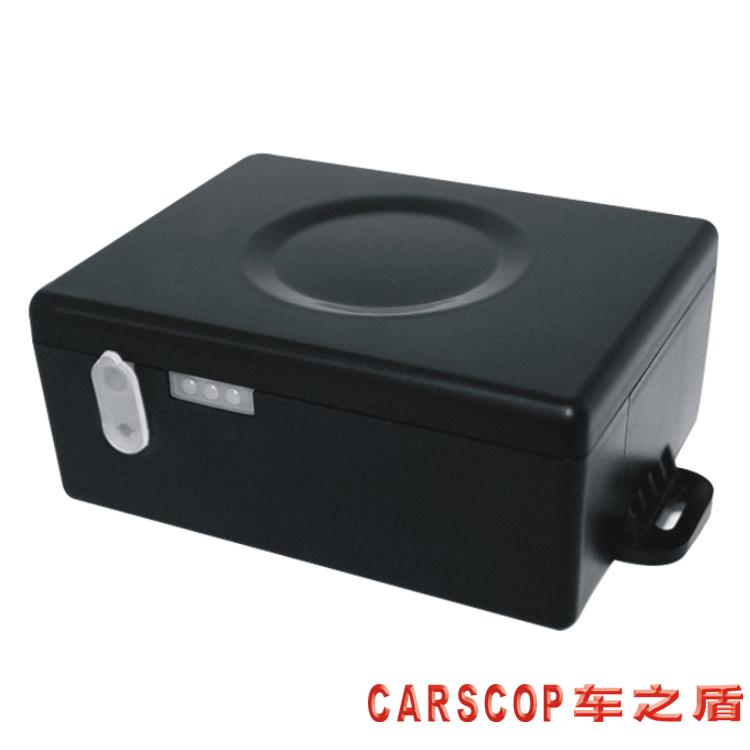
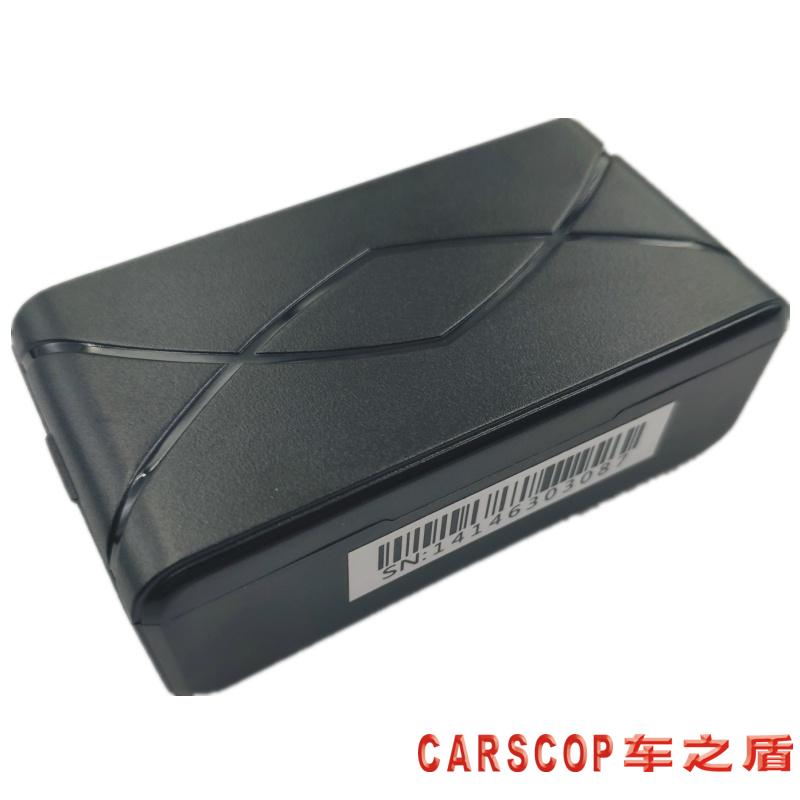
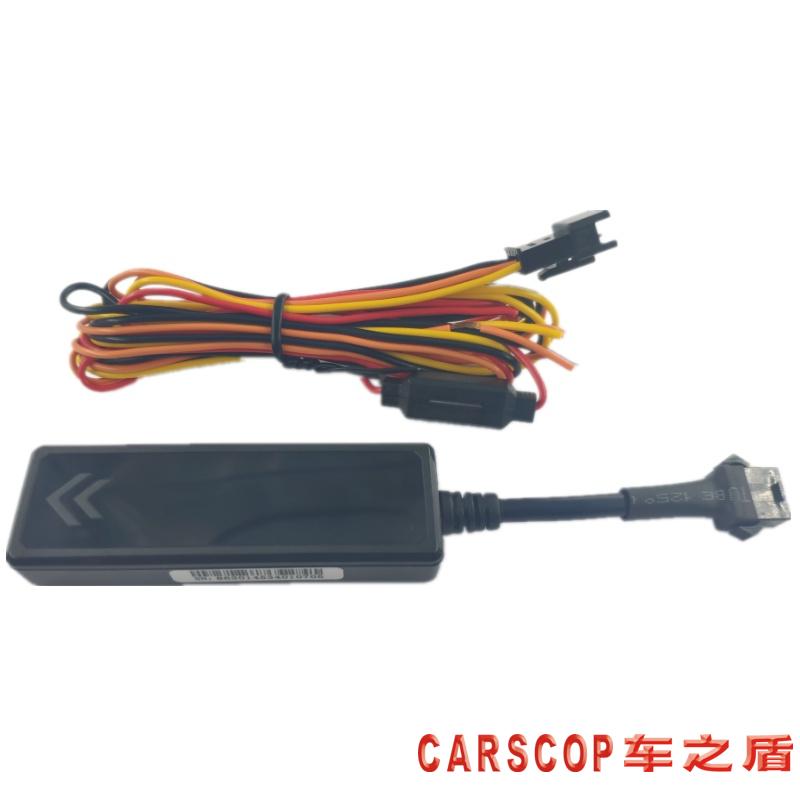
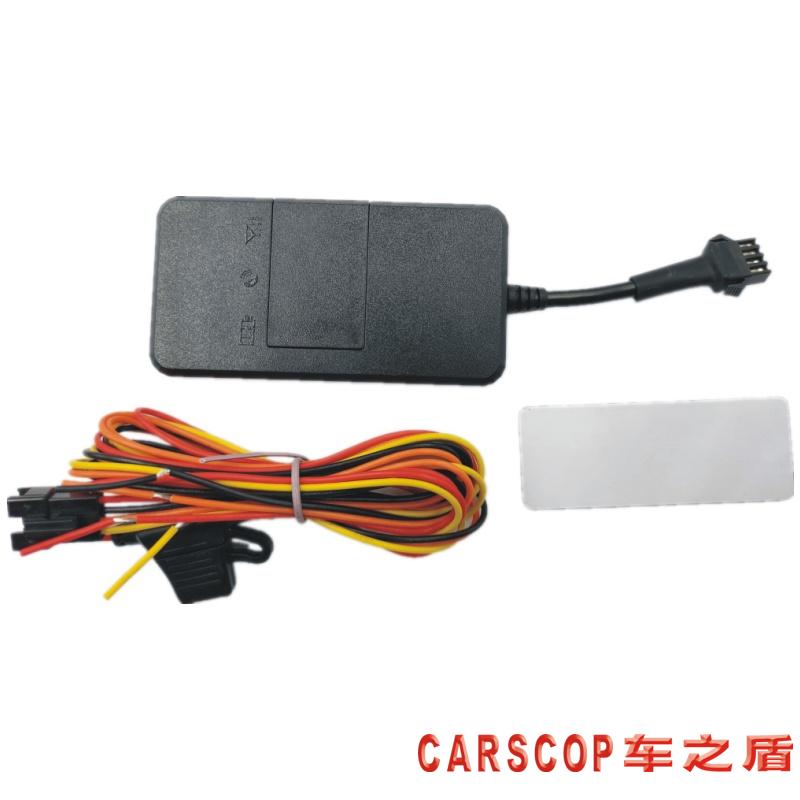
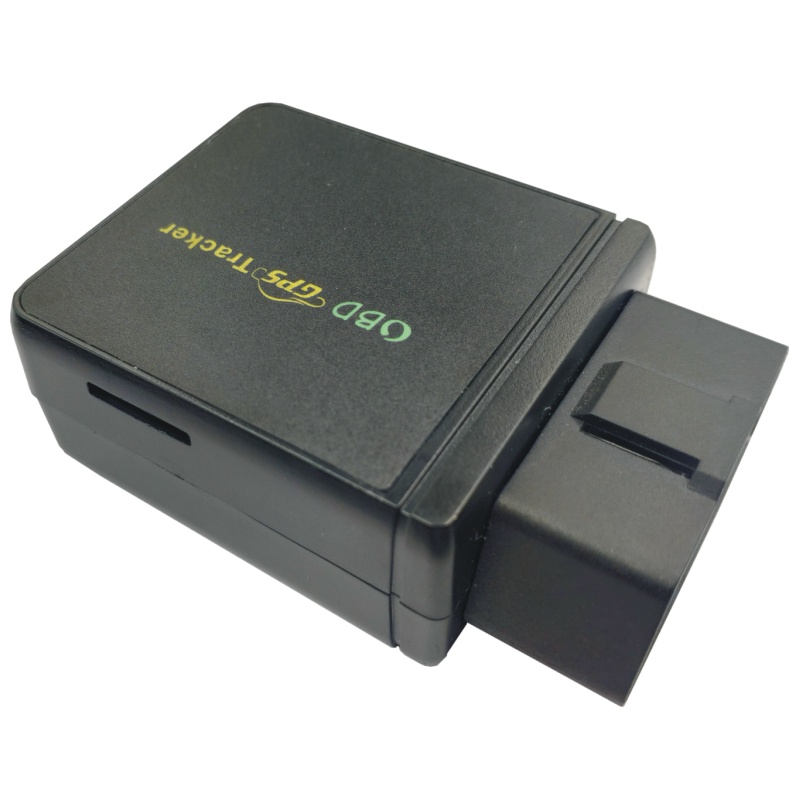
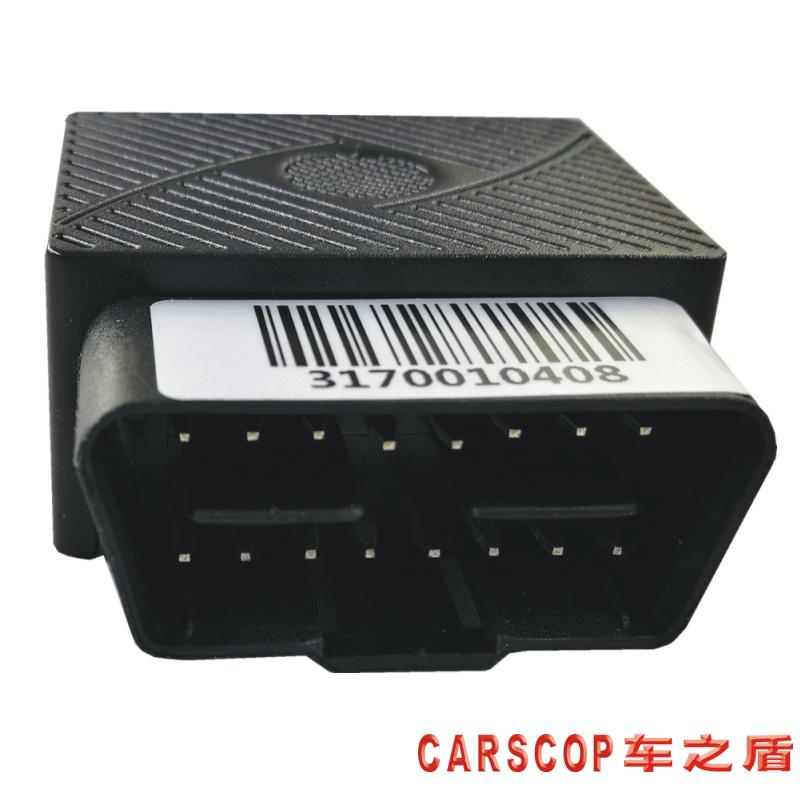
On this brand page you will find the list of Carscop models that are compatible with Plaspy. The BrandCatalog component below displays all compatible devices along with images and links to model specific setup and integration documentation within Plaspy. Device specific wiring and protocol details live on each model page, while this page focuses on compatibility, typical features, and common deployment scenarios.
Common features found in Carscop devices
While exact capabilities vary by model, many Carscop GPS trackers offer a set of core features commonly used in vehicle tracking projects:
- GPS position reporting with adjustable intervals for live tracking or power saving modes
- Cellular data communication for real time location updates
- Basic sensor inputs for ignition, power, and external sensors
- Motion and geofence based event triggering for notifications
- Timestamped location history for route playback and analysis
- Firmware options to adapt behavior across vehicle types
Plaspy ingests these data elements and exposes them through maps, alerts, dashboards, and exportable logs so fleet managers and technical teams can act on accurate telemetry.
Typical use cases for Carscop GPS trackers
Carscop hardware is suitable for a variety of fleet and asset tracking scenarios, including:
- Vehicle fleet monitoring for routing, utilization, and driver performance tracking
- Asset tracking for trailers or mobile equipment where location and movement events matter
- Theft prevention and recovery with geofence alerts and tamper notifications
- Periodic reporting for compliance and operational audits
Plaspy’s platform is built to accept input from compatible devices and present actionable information regardless of the use case, enabling operational visibility and data driven decisions.
Why choose Plaspy for Carscop device monitoring
Plaspy provides the backend and user interface that make raw device telemetry useful to operations teams:
- Centralized dashboards for live tracking and historical analysis
- Alerting and reporting tools tailored to fleet needs
- Flexible device management workflows for onboarding and updates
- Integration options to export data or connect to third party systems
Using Plaspy with Carscop devices lets teams focus on configuration and operations while Plaspy handles decoding, storage, visualization, and alert delivery. For more information about the platform and plans, visit https://www.plaspy.com.
Help finding the right Carscop device
To choose the appropriate Carscop tracker for your fleet:
- Consider expected reporting frequency and battery or power constraints
- Identify required sensor inputs such as ignition, analog sensors, or CAN bus
- Decide if you need advanced telematics features like remote cut off or firmware updates
- Review cellular band and regional compatibility to match your deployment area
The BrandCatalog below lists all Carscop models compatible with Plaspy. Click a model to access its device page where you will find wiring diagrams, supported protocols, and step by step integration notes.





Integration and setup notes
This brand page is focused on compatibility and catalog navigation. Specific configuration steps, APN settings, and protocol options are documented on each device model page. If you are preparing devices for mass deployment, consult the model documentation for recommended power wiring, heartbeat intervals, and event configuration before connecting to Plaspy.
Frequently Asked Questions
Q: What Carscop devices are compatible with Plaspy? A: The BrandCatalog above displays all Carscop devices known to be compatible with Plaspy. Click any model in the catalog to view its integration guide and supported features.
Q: Can I use Carscop GPS trackers with Plaspy? A: Yes. Plaspy accepts telemetry from Carscop devices that use supported tracking protocols. Device pages include instructions for registering and configuring devices to communicate with the Plaspy platform.
Q: Does Plaspy support fleet monitoring with Carscop devices? A: Plaspy supports fleet monitoring workflows using compatible Carscop hardware. Fleet managers can access live tracking, route history, alerts, and reports through Plaspy dashboards.
Q: Where can I find Carscop device documentation in Plaspy? A: Device specific documentation is available by selecting a model in the BrandCatalog on this page. Each model page includes setup steps, wiring guidance, and protocol notes relevant to Plaspy integration.
Q: Do I need to contact Carscop to use devices with Plaspy? A: In most cases you can configure and register compatible devices directly through the documentation on their model pages and via the Plaspy platform. If you require manufacturer level support, contact Carscop through their official channels.
Next steps
Explore the Carscop device catalog above to find a model that matches your needs, then follow the model page for setup and integration details. For platform information, features, and commercial inquiries visit https://www.plaspy.com. If you need help choosing a device for a specific workflow, Plaspy documentation and support resources can guide device selection and deployment planning.
Brand Compatibility
Monitor compatible brand devices with Plaspy
Plaspy helps businesses work with compatible GPS trackers for visibility, reporting, and daily operational control across vehicle and asset tracking workflows.