
Coban
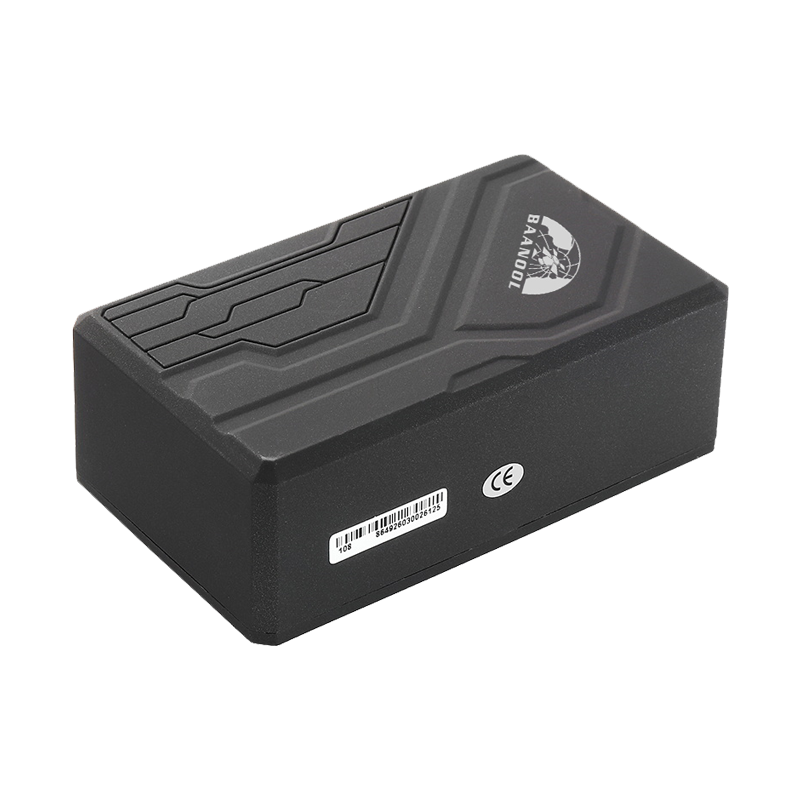
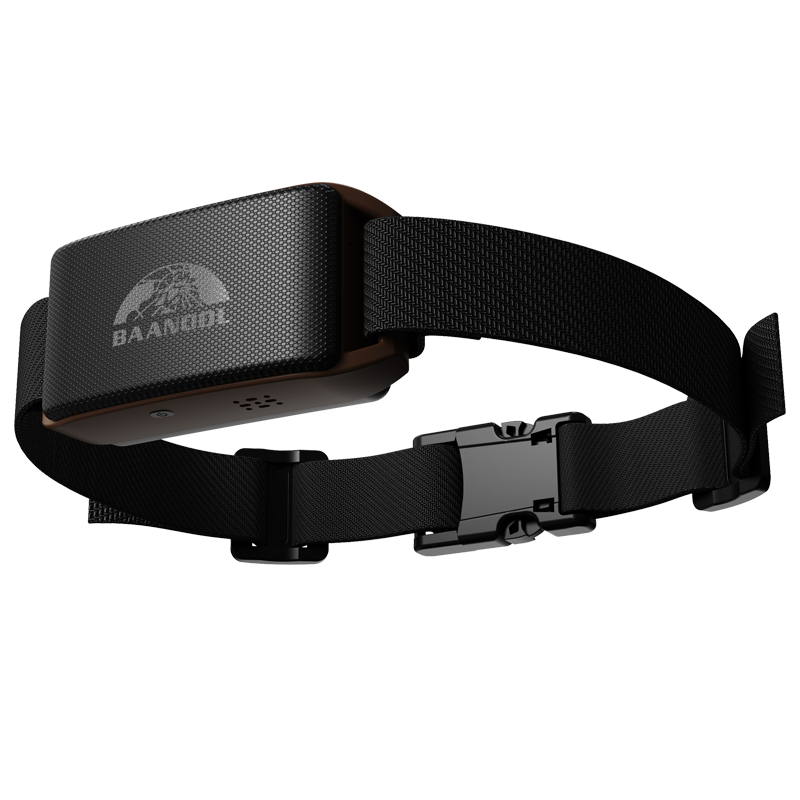
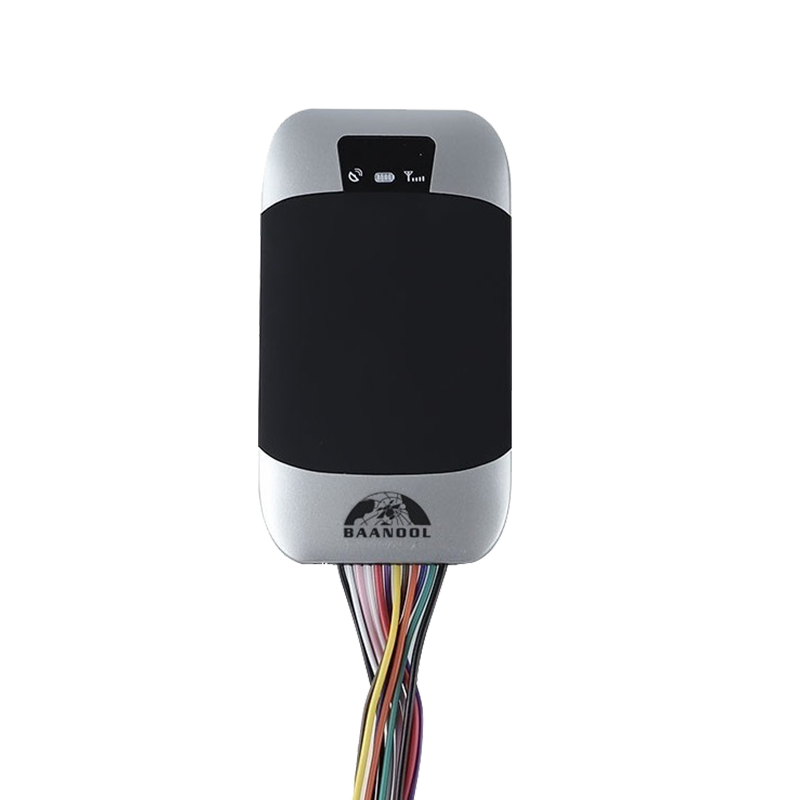
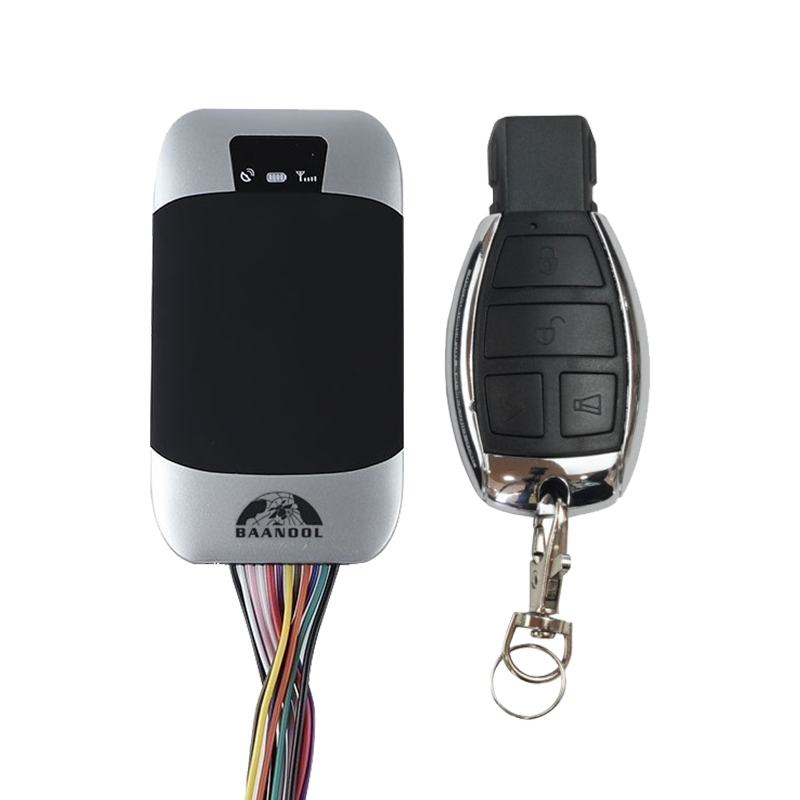
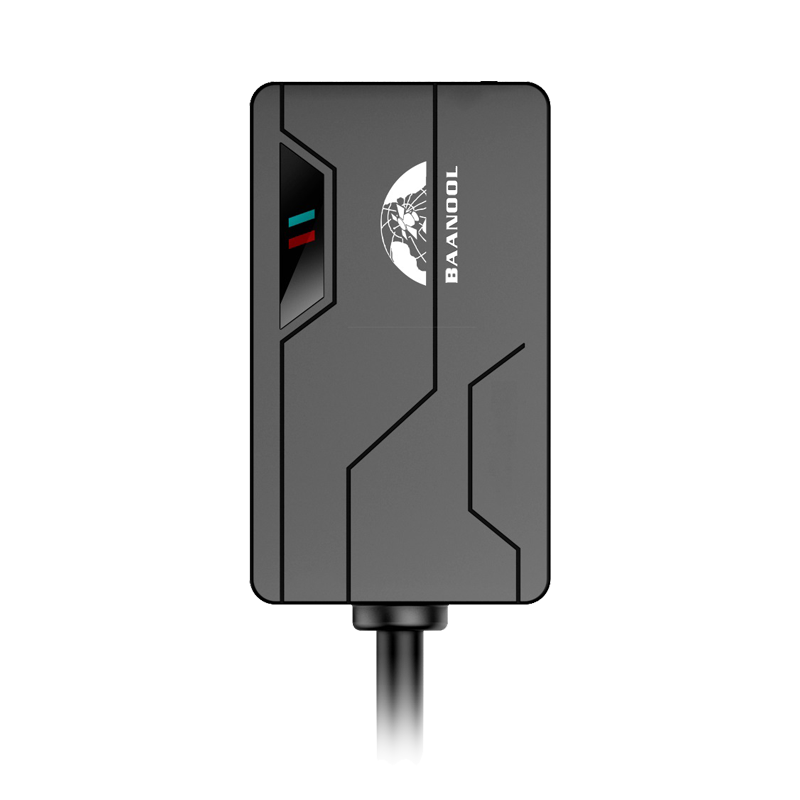
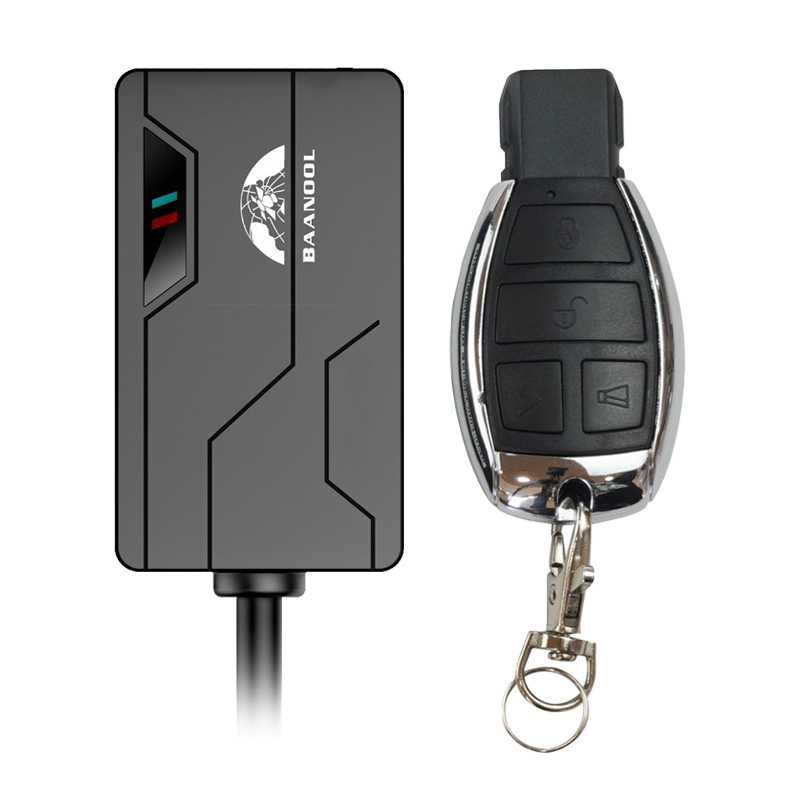
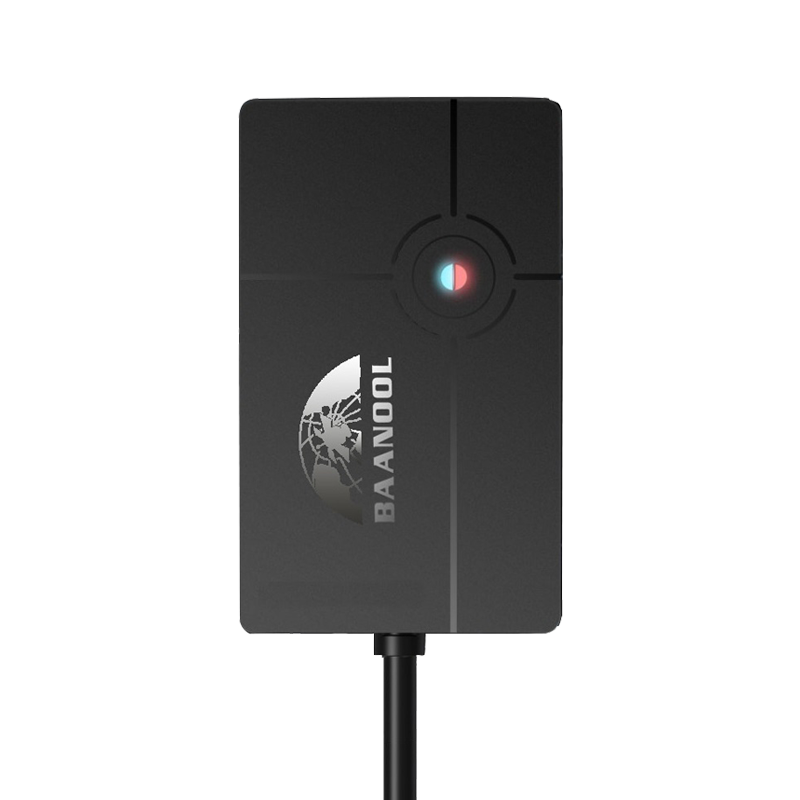
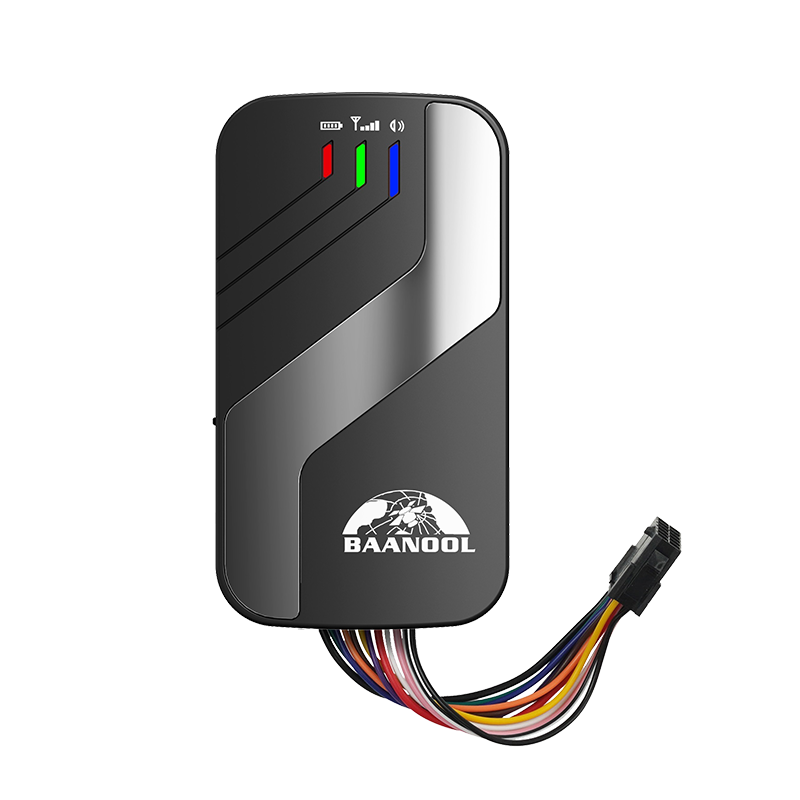
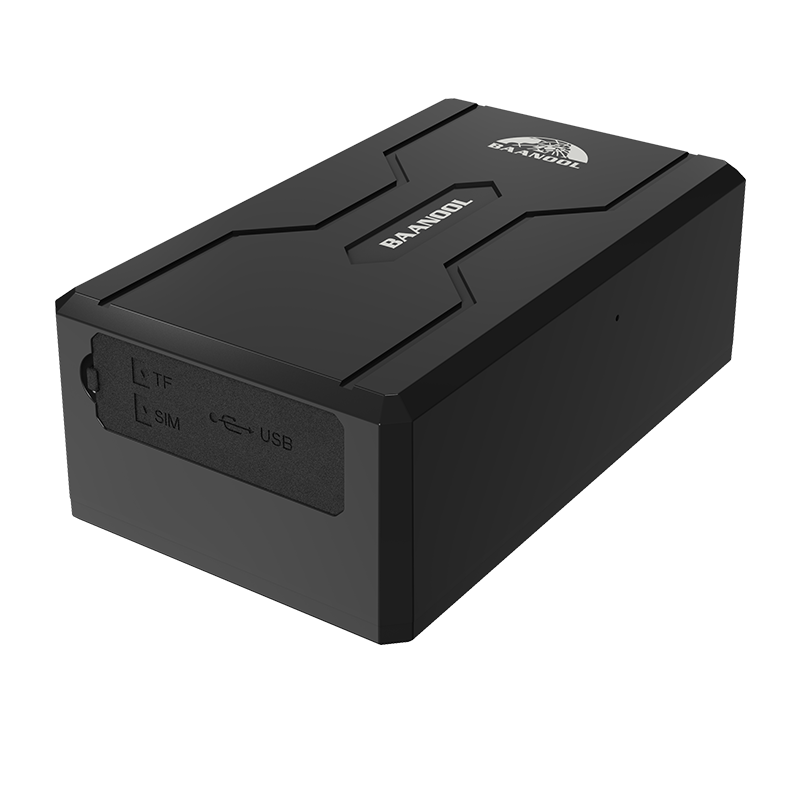
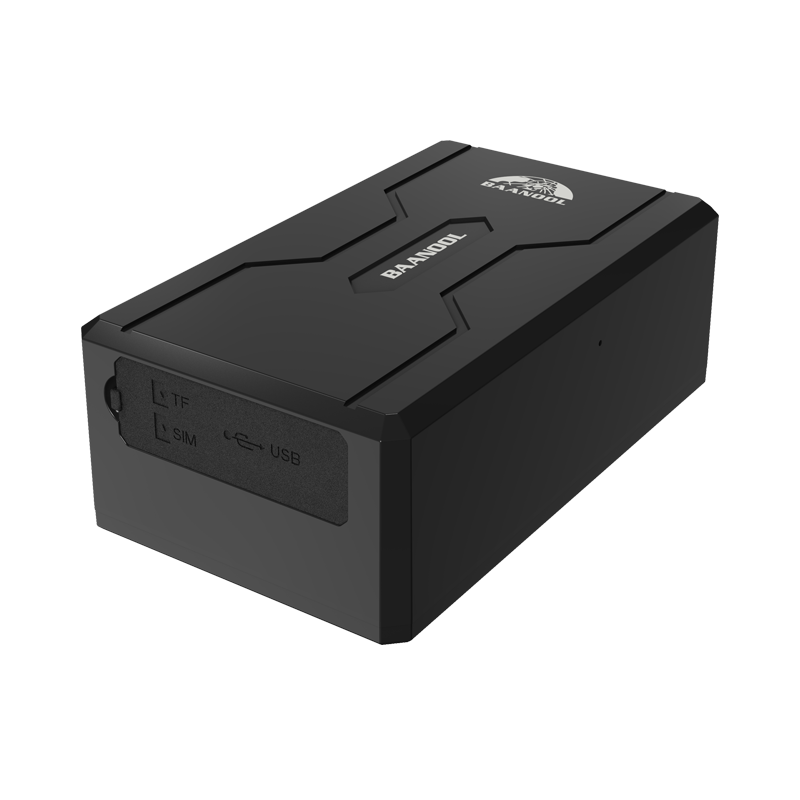
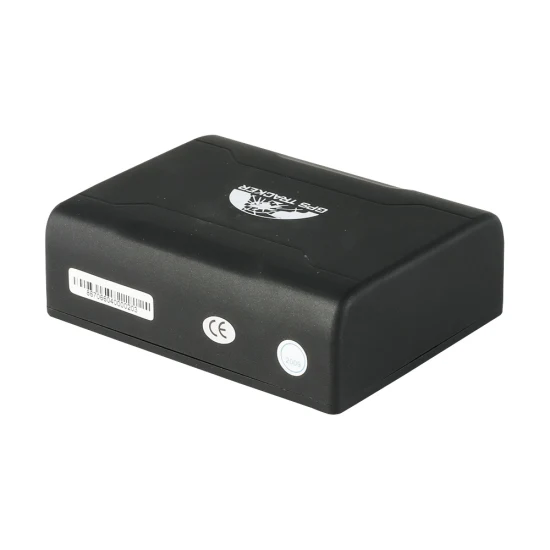
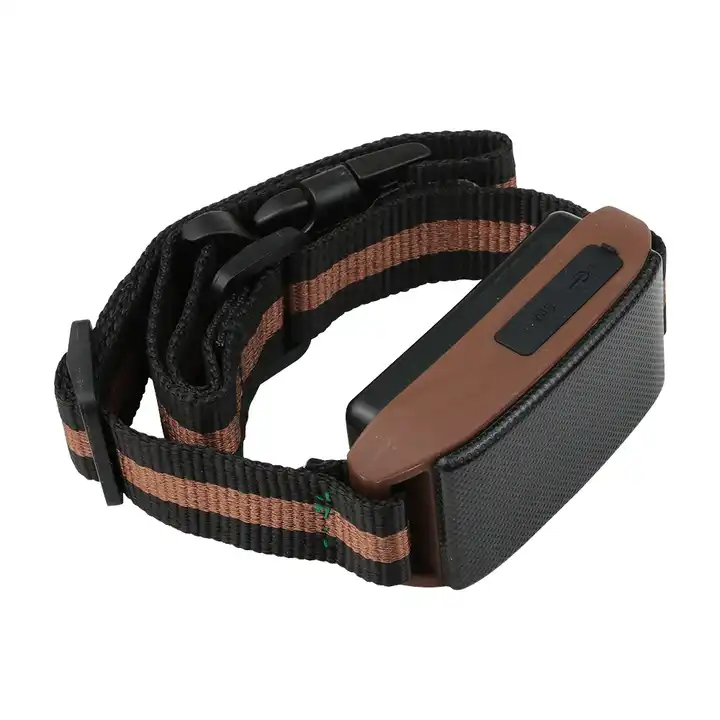
Coban produces GPS tracking devices used worldwide for vehicle and asset monitoring. Many Coban trackers are compatible with Plaspy, allowing organizations to monitor location, motion, and basic telemetry data from a single platform. This page explains how Coban devices integrate with Plaspy, typical capabilities you can expect, common use cases, and how to find the right device model for your needs.



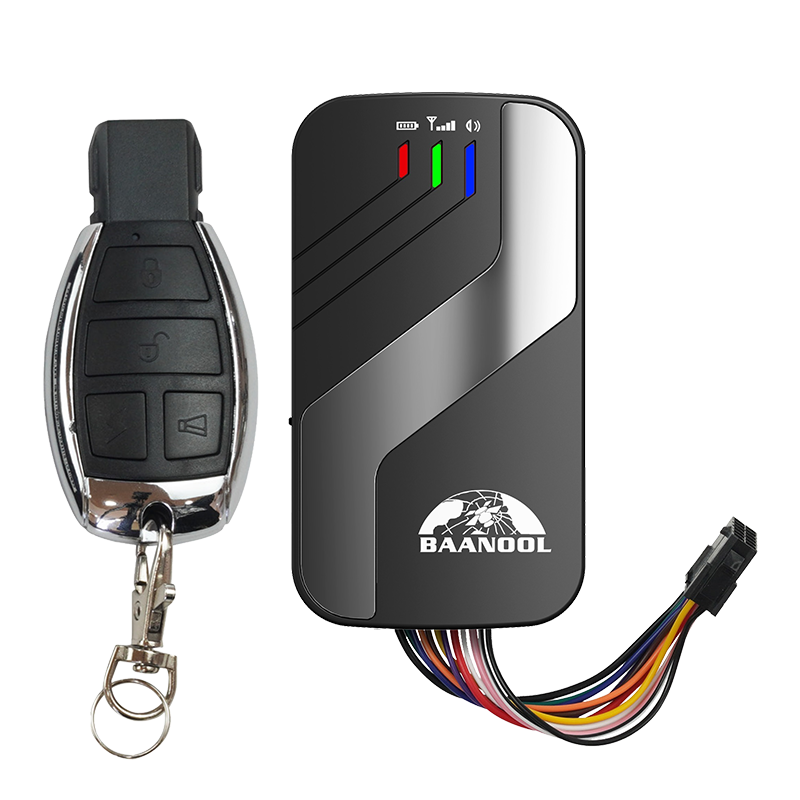
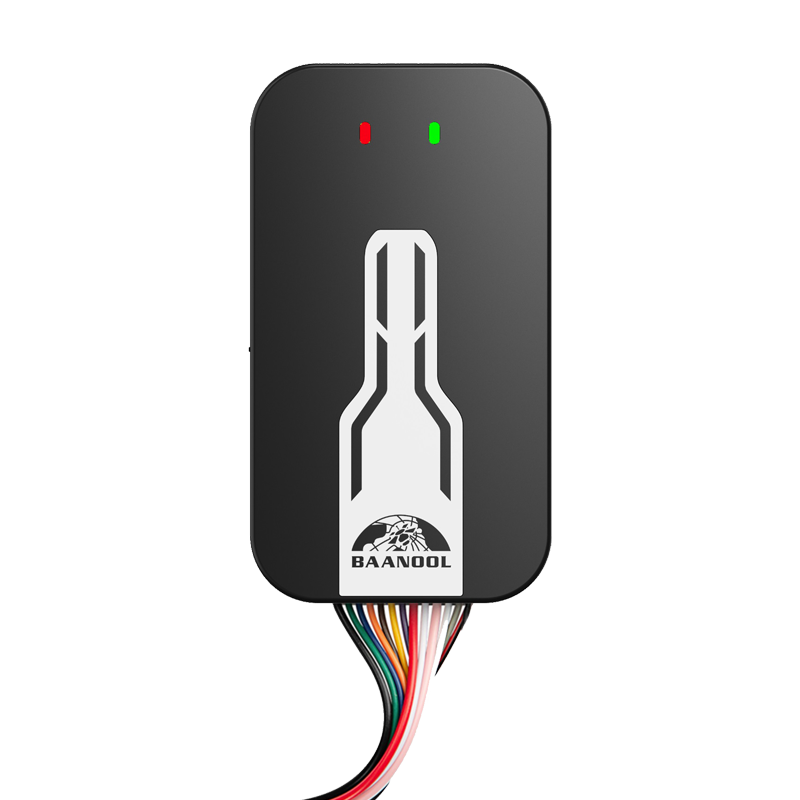
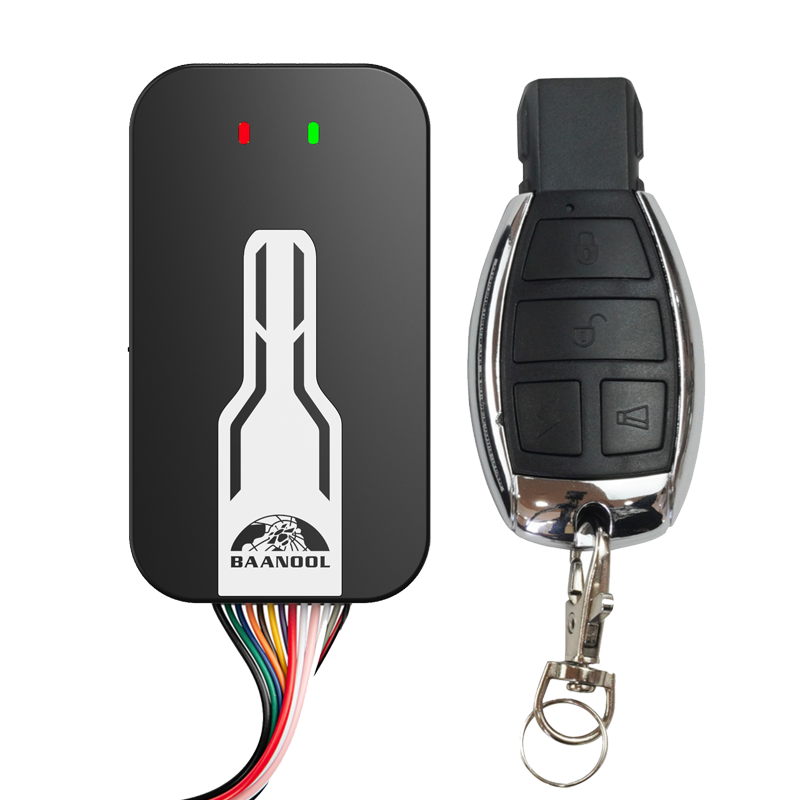
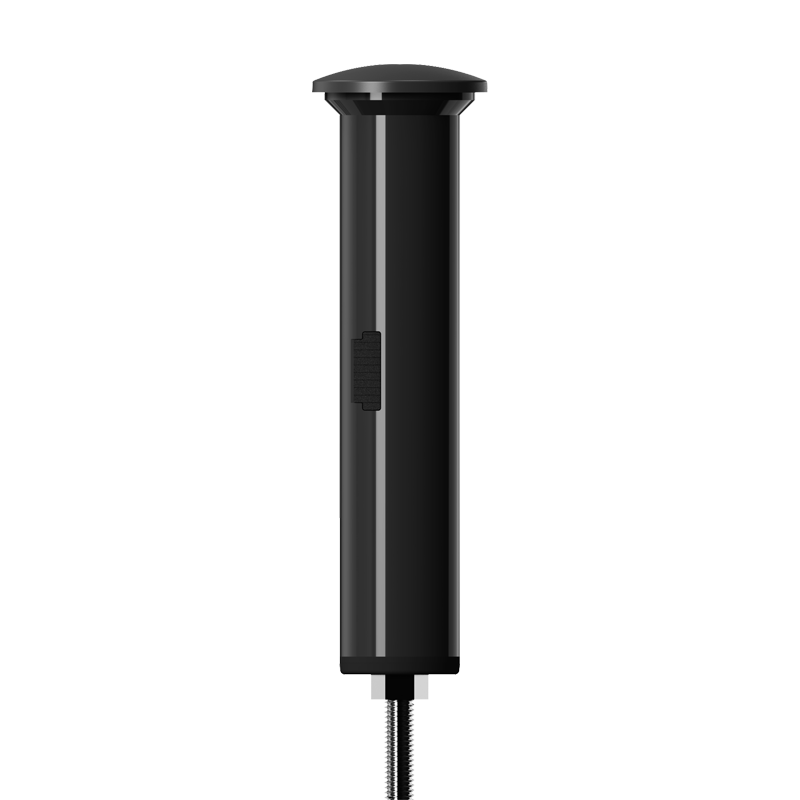

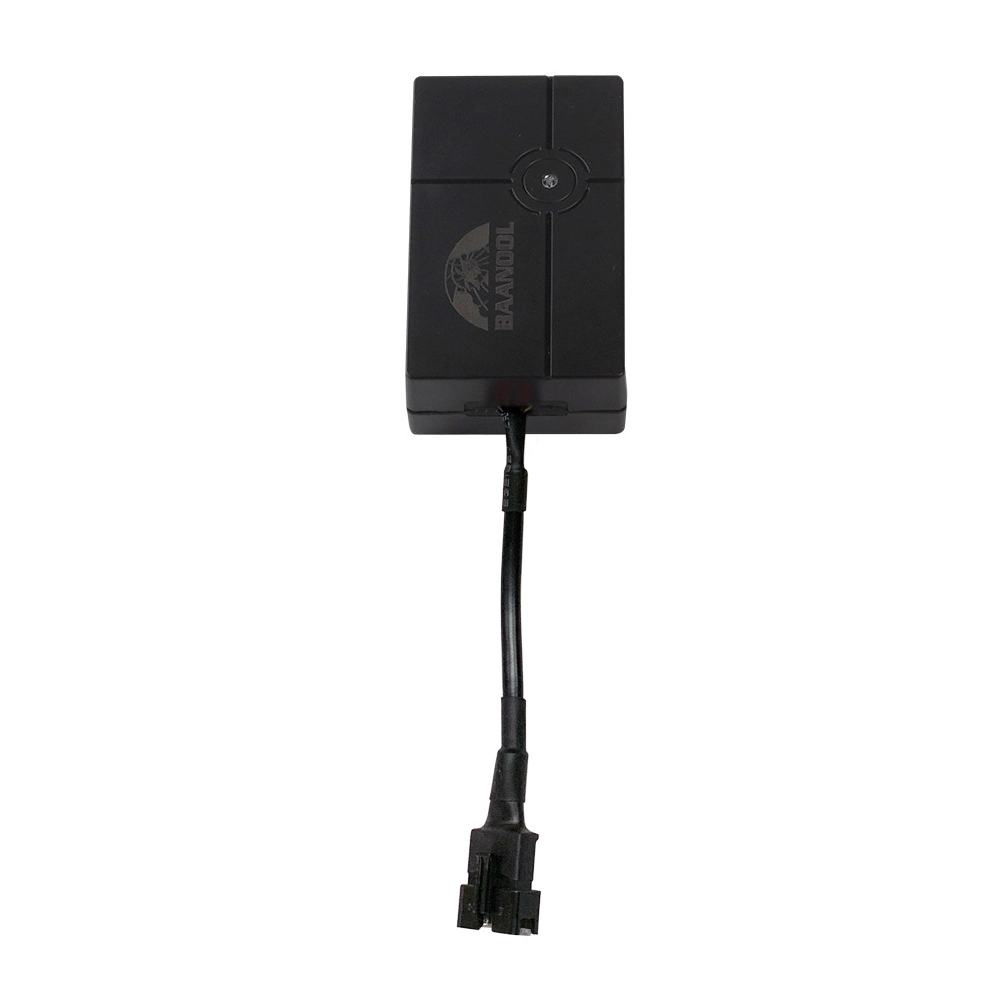
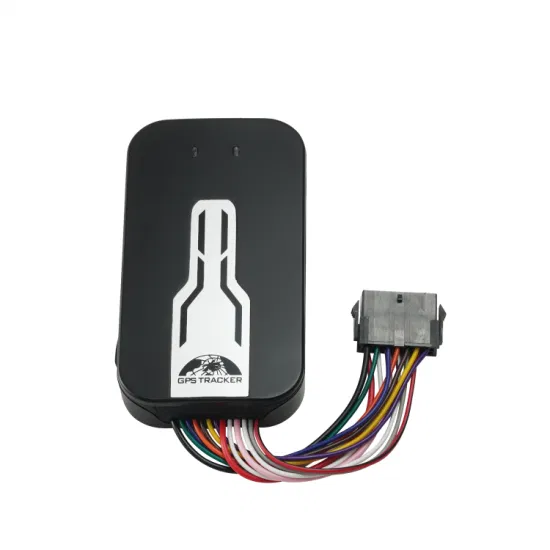




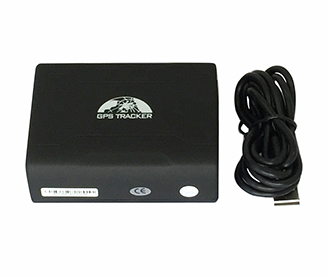




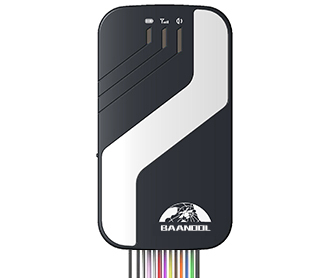


How Coban devices work with Plaspy
Coban trackers transmit location and telemetry over mobile networks to a server endpoint. Plaspy accepts and processes the telemetry from Coban devices when the correct device profile and connection settings are configured. Once a device is connected to your Plaspy account, you can view live location, historical routes, and alerts in the Plaspy interface.
Plaspy supports device configuration and server settings that are commonly used by Coban trackers. For model specific configuration steps, refer to the device detail pages available in this brand catalog and the device documentation linked from each model page.
Common features found in Coban devices
Feature sets vary by model, but many Coban trackers provide:
- GPS location reporting for real time and historical tracking
- Configurable reporting intervals for live tracking and power saving
- Event reporting such as movement detection or digital input changes
- Basic vehicle telemetry like battery voltage monitoring Note that exact features depend on the specific device model. Use the catalog above to inspect model capabilities and review the device documentation for details.
Typical use cases for Coban GPS trackers
Coban devices are commonly used for:
- Fleet vehicle tracking for light commercial vehicles and trucks
- Asset monitoring for trailers, containers, and equipment
- Motorcycle and personal vehicle security
- Mobile workforce location and route auditing These use cases benefit from Plaspy features such as geofencing, route history, and customizable alerts.
Why choose Plaspy for Coban device monitoring
Plaspy provides a unified platform to manage devices from multiple manufacturers including Coban. Key advantages include:
- Centralized device management and monitoring across your fleet
- Flexible alerting and reporting to match operational needs
- Mapping and history tools to analyze vehicle movements
- Integration options and APIs for connecting Plaspy data to other systems Plaspy is designed to make it straightforward to add Coban trackers to your account and start receiving telemetry without requiring separate vendor dashboards. To learn more about the Plaspy platform visit https://www.plaspy.com.
Help finding the right Coban device
The Brand Catalog above lists Coban models that are compatible with Plaspy. Use the catalog to:
- Compare device specifications and supported features
- Open model pages for setup steps and protocol information
- Find links to manufacturer documentation on the official Coban site at https://www.coban.net/ If you are unsure which model fits your project, evaluate your needs for reporting frequency, input/output support, and power constraints, then consult the model pages shown in the catalog.
Frequently Asked Questions
Q What Coban devices are compatible with Plaspy? A The Brand Catalog on this page displays Coban models confirmed to work with Plaspy. Click any model to view device specific information and setup instructions.
Q Can I use Coban GPS trackers with Plaspy? A Yes. Many Coban trackers can be configured to send telemetry to Plaspy. After adding a device to your Plaspy account and applying the correct device profile and server settings, Plaspy will process the incoming data.
Q Does Plaspy support fleet monitoring with Coban devices? A Plaspy supports fleet monitoring features such as live tracking, route history, geofencing, and alerts for devices connected from this brand. Exact capabilities may vary by device model.
Q Where can I find Coban device documentation in Plaspy? A Each model listed in the Brand Catalog links to a device page with setup guidance and protocol hints. For manufacturer technical manuals consult the official Coban website at https://www.coban.net/.
Q How do I get started connecting a Coban device to Plaspy? A Start by selecting the model in the Brand Catalog, follow the model page for server and device settings, and then add the device to your Plaspy account. If you need help, Plaspy documentation and support resources can guide you.
Next steps
Explore the Coban device catalog above to find compatible trackers and open device pages for setup instructions. For platform information and commercial inquiries visit https://www.plaspy.com. If you need hands on assistance, consult Plaspy support or your local integrator for help with device provisioning and configuration.
Brand Compatibility
Monitor compatible brand devices with Plaspy
Plaspy helps businesses work with compatible GPS trackers for visibility, reporting, and daily operational control across vehicle and asset tracking workflows.