
DCT
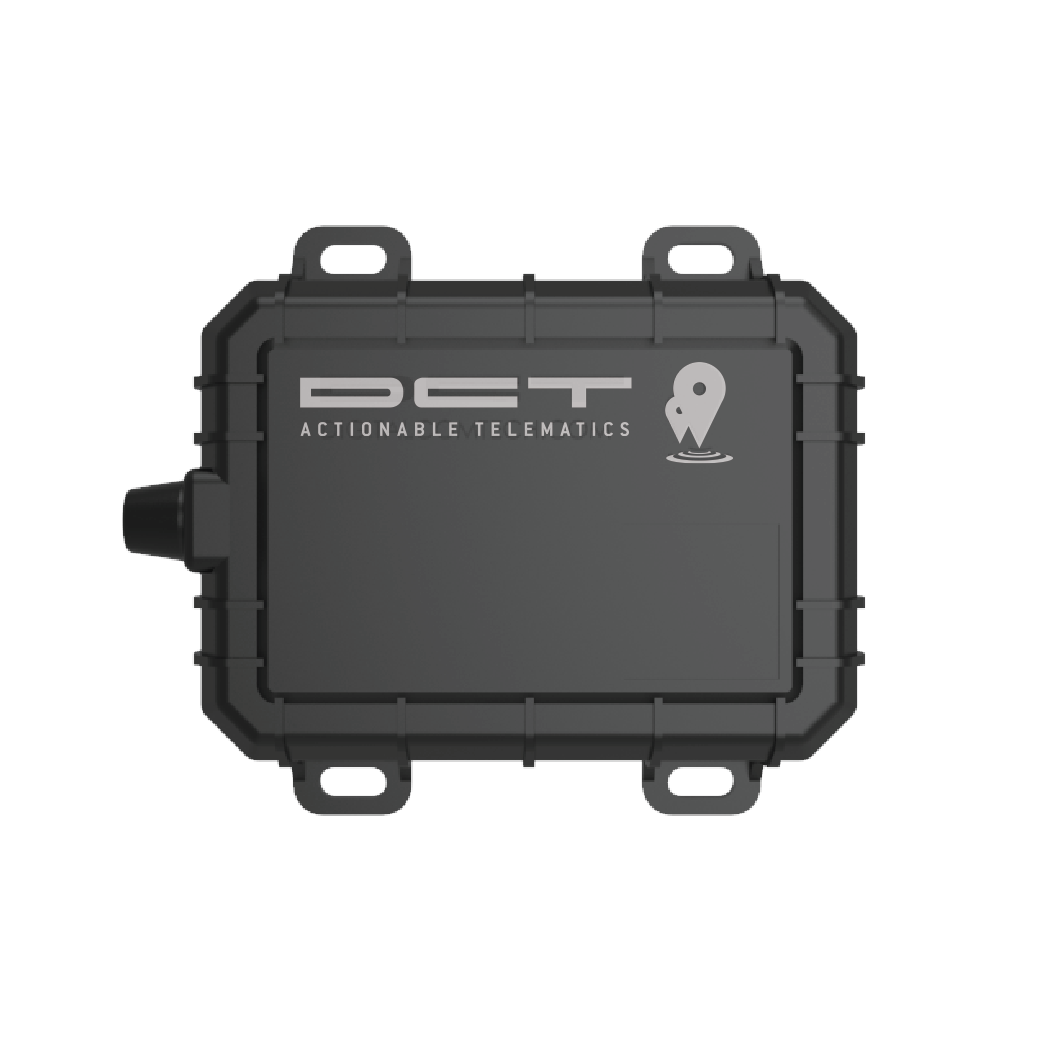
DCT devices are part of the global ecosystem of GPS and telematics hardware used for vehicle and asset tracking. This page explains how DCT devices can work with Plaspy, what to expect from DCT hardware in general terms, and how to find the right DCT device for your monitoring needs. Use the device catalog below to view compatible models and access device pages with configuration and protocol details.
How DCT devices work with Plaspy
Plaspy ingests location and telemetry data from many third party trackers, including DCT devices that send position and sensor information over mobile networks. When a DCT unit is configured to report to Plaspy, the device delivers periodic GPS fixes and event messages to Plaspy servers where data is processed, stored, and displayed through Plaspy interfaces.
For exact setup steps you should consult the device page in the catalog or your DCT device documentation. Device pages linked from the catalog include the protocol and message examples needed to complete configuration. If you need assistance, Plaspy support can help confirm configuration settings for common DCT models.
Common features found in DCT devices
While specific capabilities vary by model, DCT hardware typically offers the kinds of features telematics users expect:
- Real time GPS location and periodic position reports
- Motion detection and ignition or vibration sensors
- Battery monitoring and external power detection
- Input and output lines for alarms and remote control
- Basic geofence and overspeed alarm support
- Cellular connectivity for data transmission
These standard features make DCT devices suitable for many tracking and monitoring scenarios when paired with a platform like Plaspy.
Typical use cases for DCT GPS trackers
DCT devices are commonly deployed for:
- Fleet vehicle tracking and route monitoring
- Asset tracking for trailers and equipment
- Theft recovery and location alerts
- Field service and last mile delivery monitoring
- Basic driver behavior and utilization reporting
Plaspy turns device telemetry into actionable information with maps, alerts, and reports suitable for fleet managers and operations teams.
Why choose Plaspy for DCT device monitoring
Plaspy is designed to work with diverse hardware ecosystems and to centralize tracking data from multiple device brands. Benefits when using Plaspy with DCT devices include:
- A unified dashboard for live tracking and historical playback
- Alerts and event rules based on incoming device messages
- Reporting tools for utilization, mileage, and activity summaries
- A device catalog that links each DCT model to setup and protocol guidance
- Scalability for fleets of any size and tools for team access management
Plaspy focuses on making hardware interoperability straightforward so you can manage DCT devices alongside other device brands in one platform.
Help finding the right DCT device
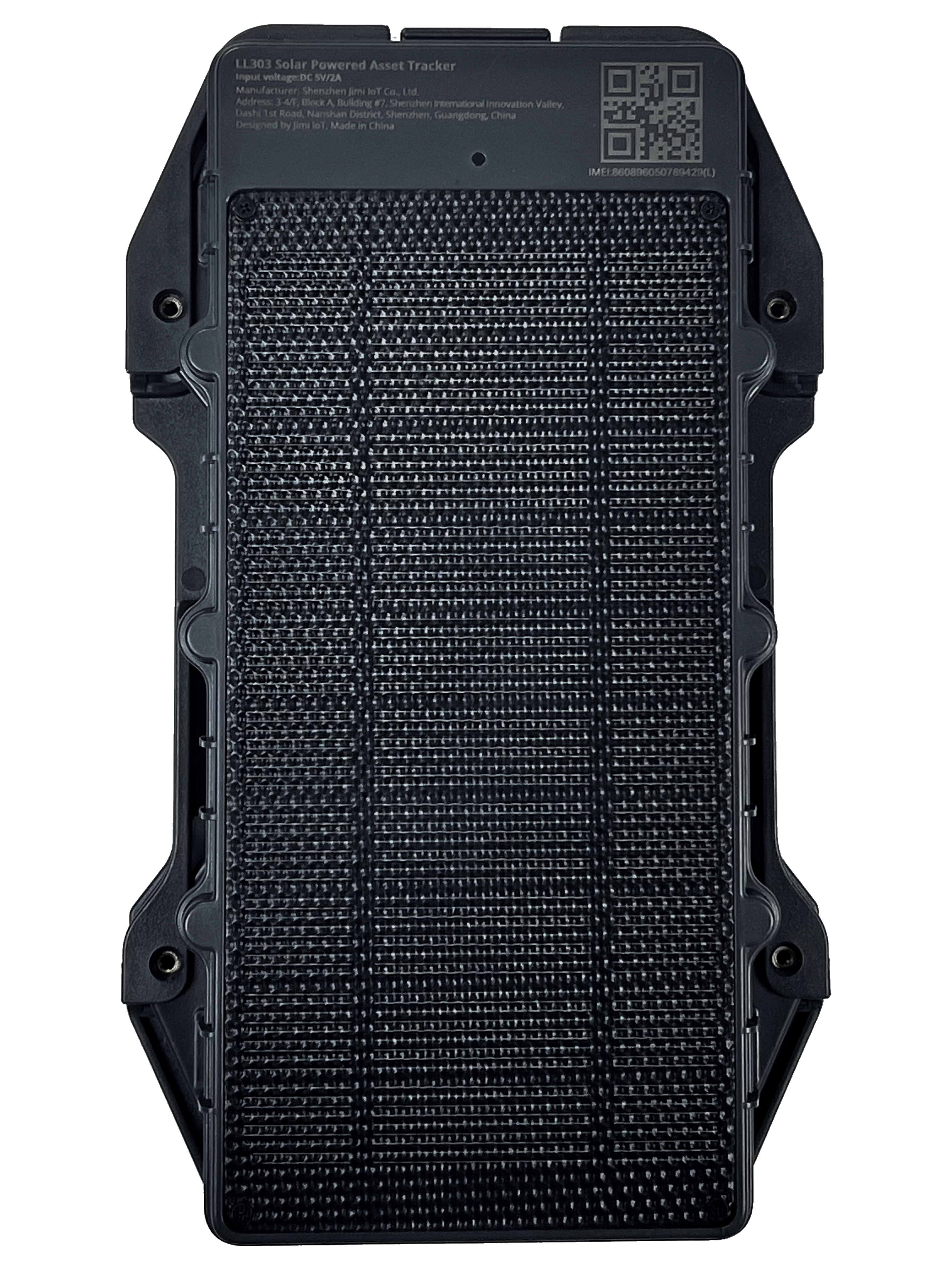
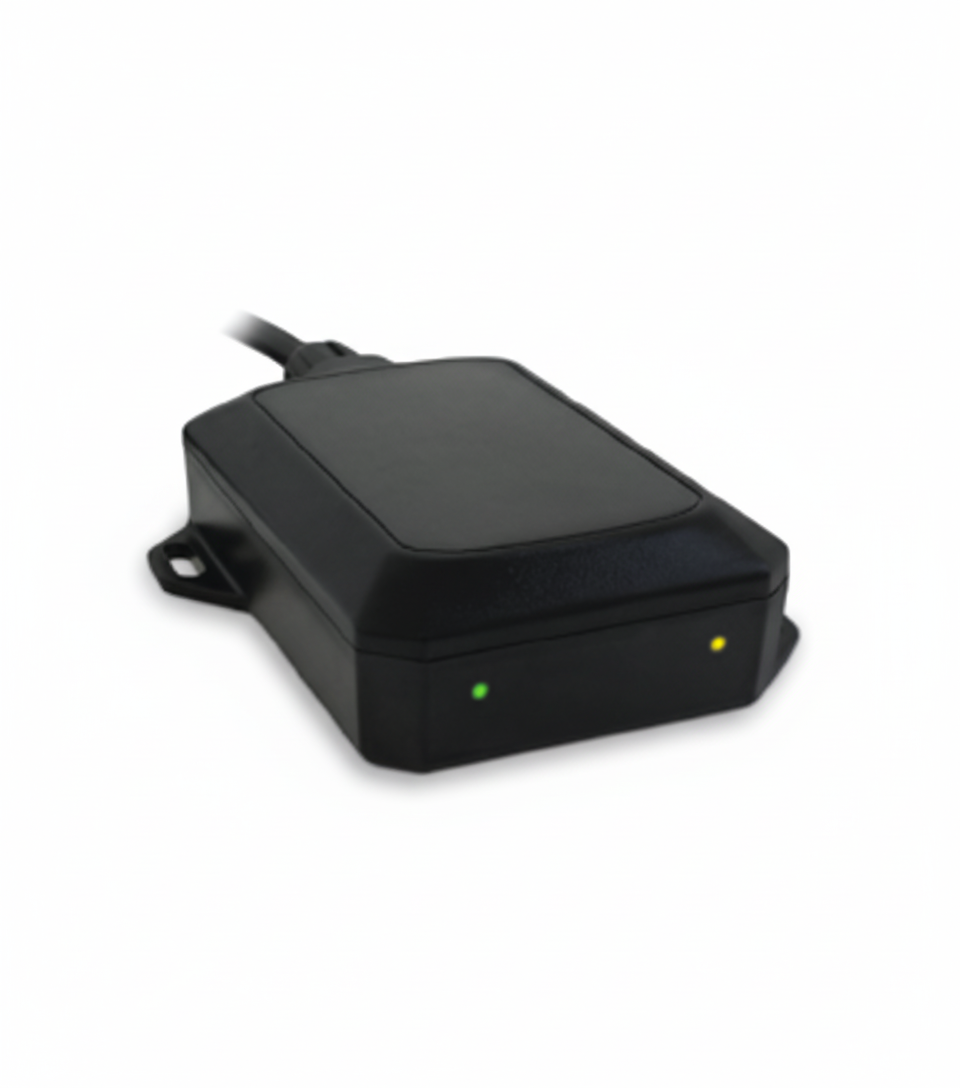
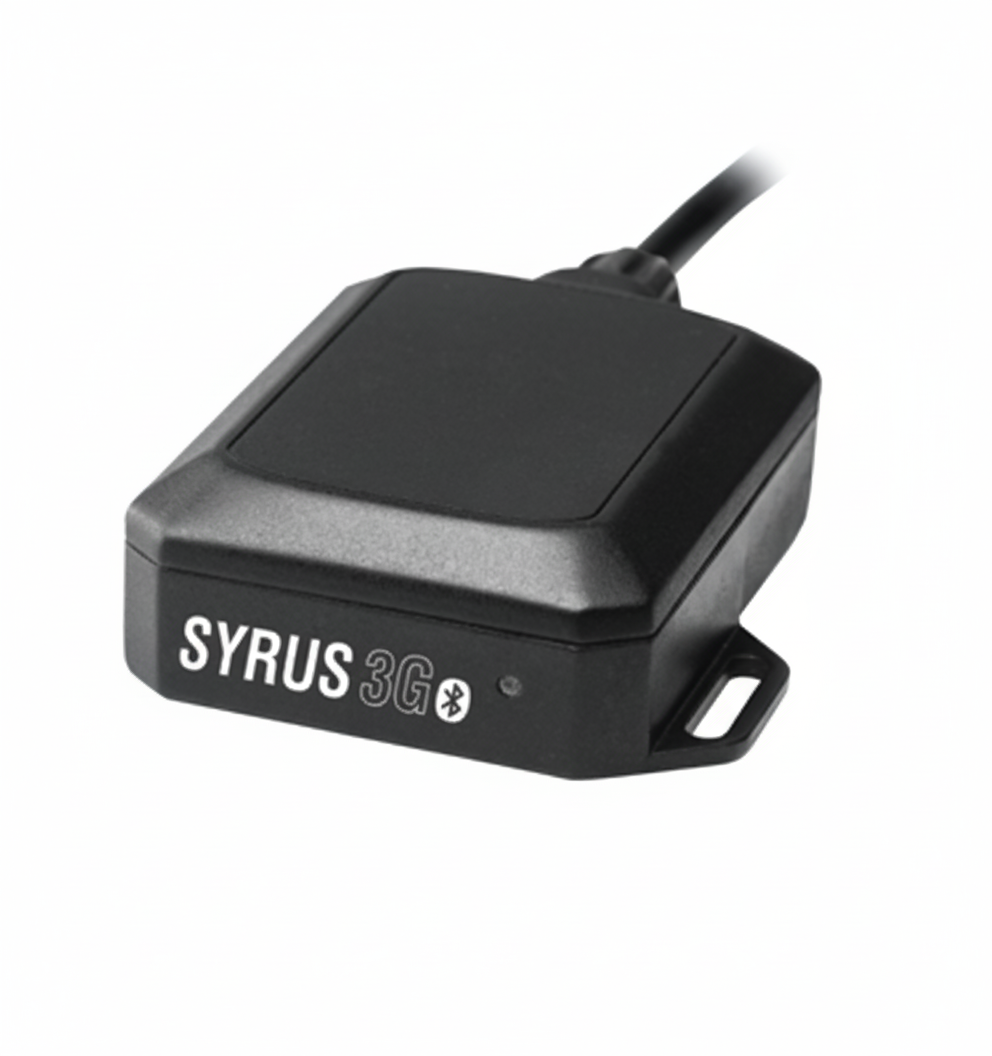
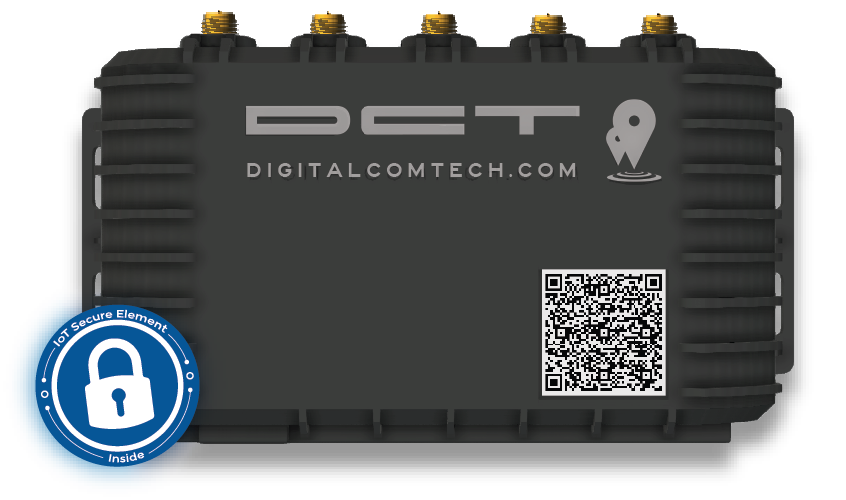
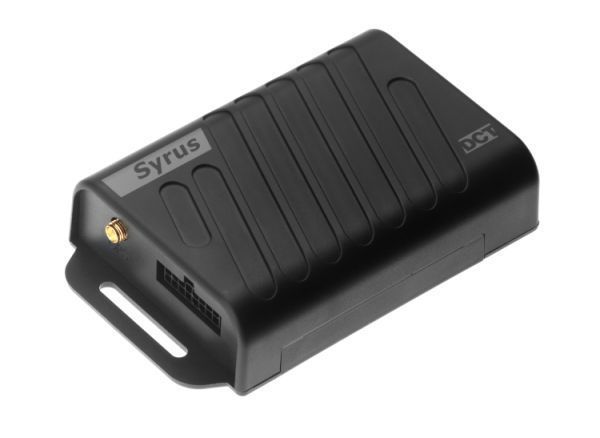
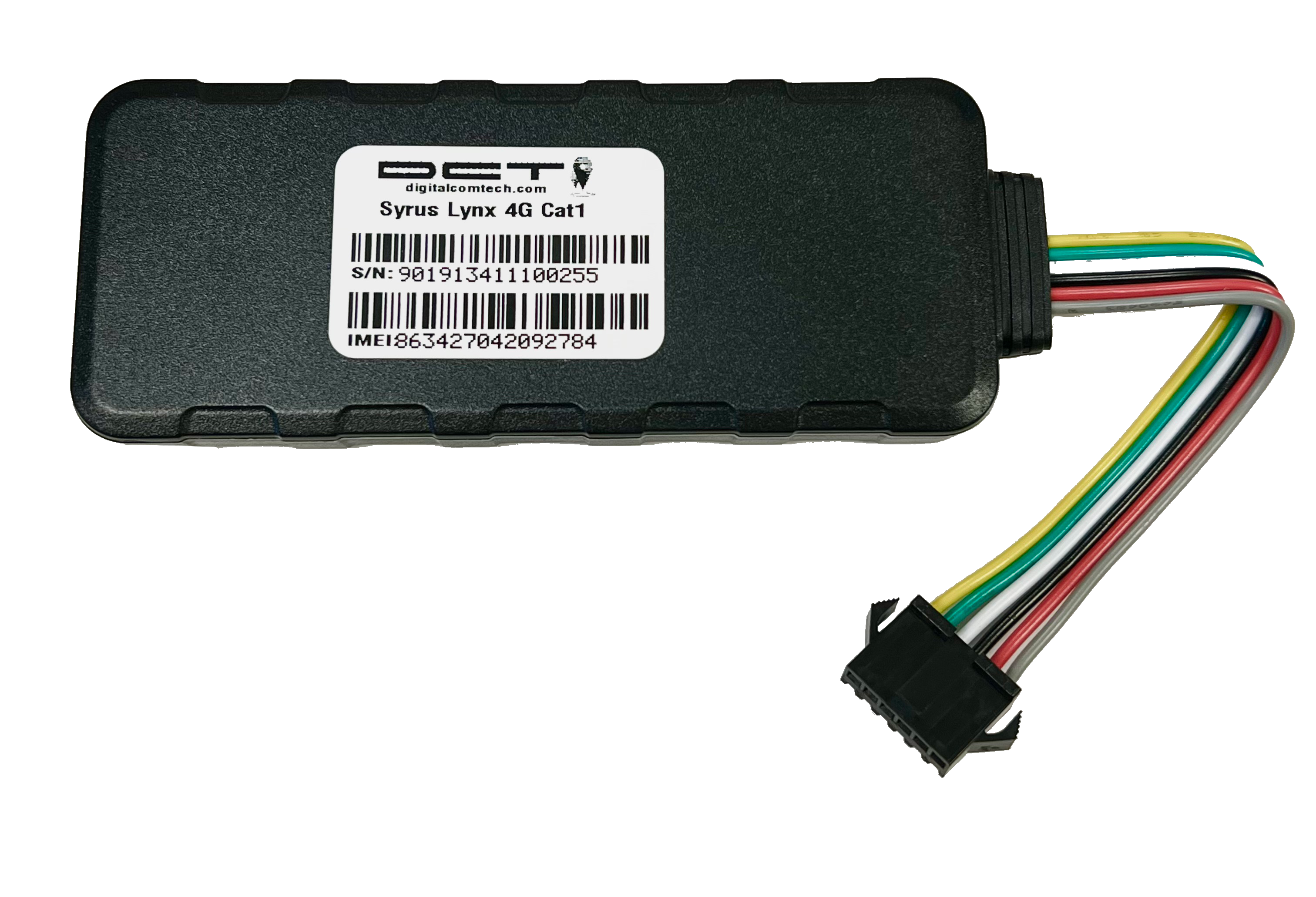
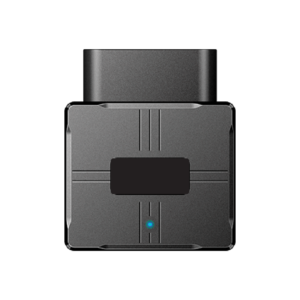
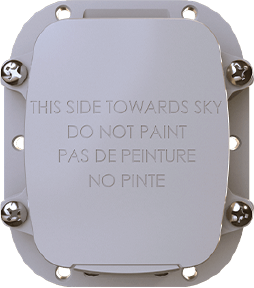
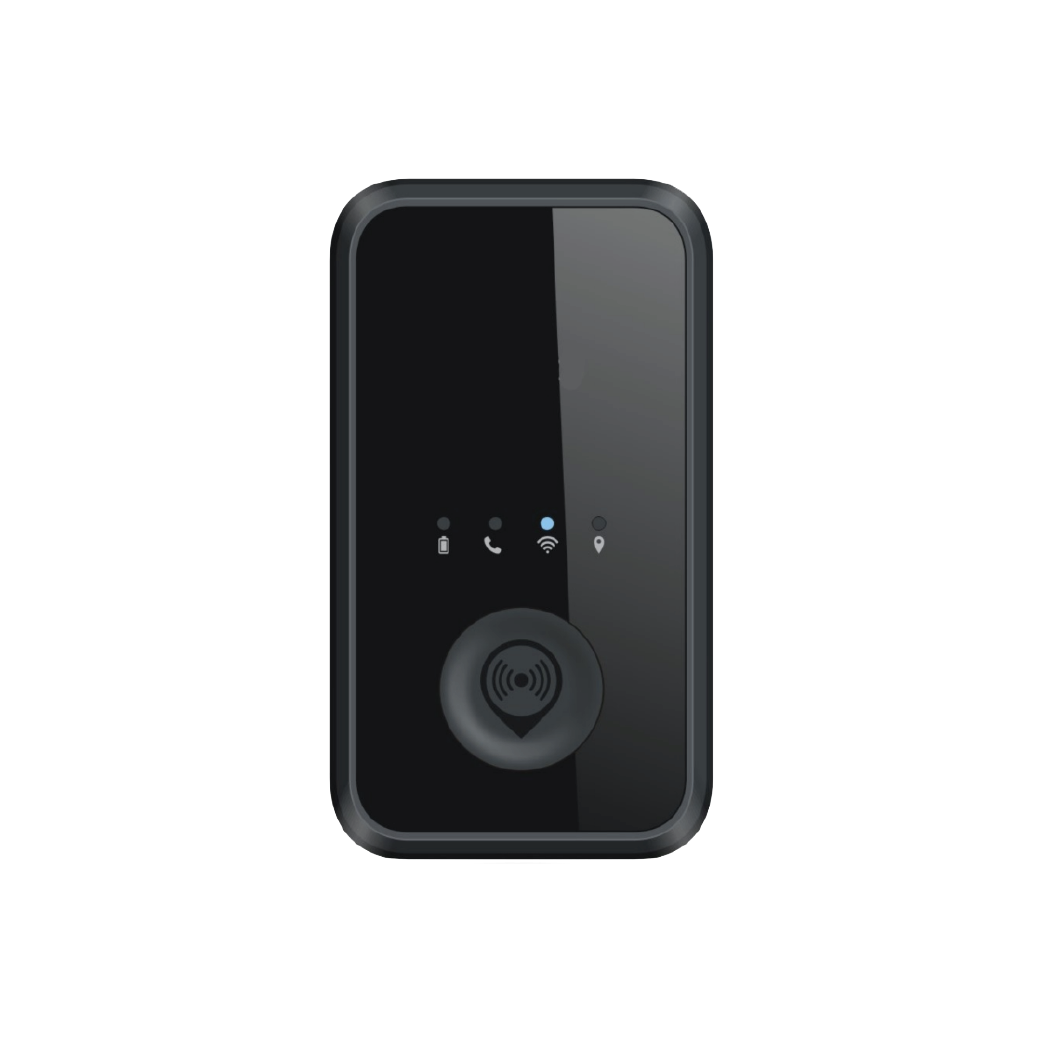
Use the catalog below to explore compatible DCT models. Each device page includes configuration hints, supported protocols, and links to more detailed setup guides. If you are unsure which device fits your use case, consider the required reporting frequency, available power sources, and needed input or sensor types.
If you need personalized advice, contact Plaspy or your DCT reseller for guidance on hardware selection and recommended configurations.
Frequently asked questions
Q: What DCT devices are compatible with Plaspy? A: Compatible DCT models are listed in the device catalog above. The catalog links to each device page where you can find the required protocol and configuration details for connecting that model to Plaspy.
Q: Can I use DCT GPS trackers with Plaspy? A: Yes. Many DCT trackers can send telemetry to Plaspy. Check the specific device page in the catalog for configuration instructions and ensure the device firmware and reporting format match the expected protocol.
Q: Does Plaspy support fleet monitoring with DCT devices? A: Plaspy supports fleet monitoring features such as real time tracking, alerts, geofences, and reporting for devices that transmit the needed location and event data. Use the DCT model pages to confirm the telemetry each device provides.
Q: Where can I find DCT device documentation in Plaspy? A: Device documentation and setup notes are available from the individual device pages in the catalog above. Those pages include the protocol format and example messages you can use to configure the device to report to Plaspy.
Q: What if my DCT device needs APN or network settings? A: APN and network settings are configured on the device itself or via the device management tools from your SIM provider. Consult the device page for recommended settings and contact Plaspy support if you need help confirming how those settings interact with the Plaspy configuration.
Explore DCT models and get started
Browse the DCT models in the catalog to identify devices that match your operational needs. Each model page contains the technical details needed for connection and initial setup with Plaspy. For more information about Plaspy features and deployment options, visit https://www.plaspy.com or contact Plaspy sales and support for help planning a rollout.
Brand Compatibility
Monitor compatible brand devices with Plaspy
Plaspy helps businesses work with compatible GPS trackers for visibility, reporting, and daily operational control across vehicle and asset tracking workflows.