
Flextrack
Flextrack is a manufacturer of GPS tracking hardware used across fleet and asset monitoring applications. This page explains how Flextrack devices integrate with Plaspy, what to expect from their hardware in general terms, and how to choose the right device for your use case. If you need full specifications or vendor resources you can also visit the manufacturer site at https://flextrack.dk.
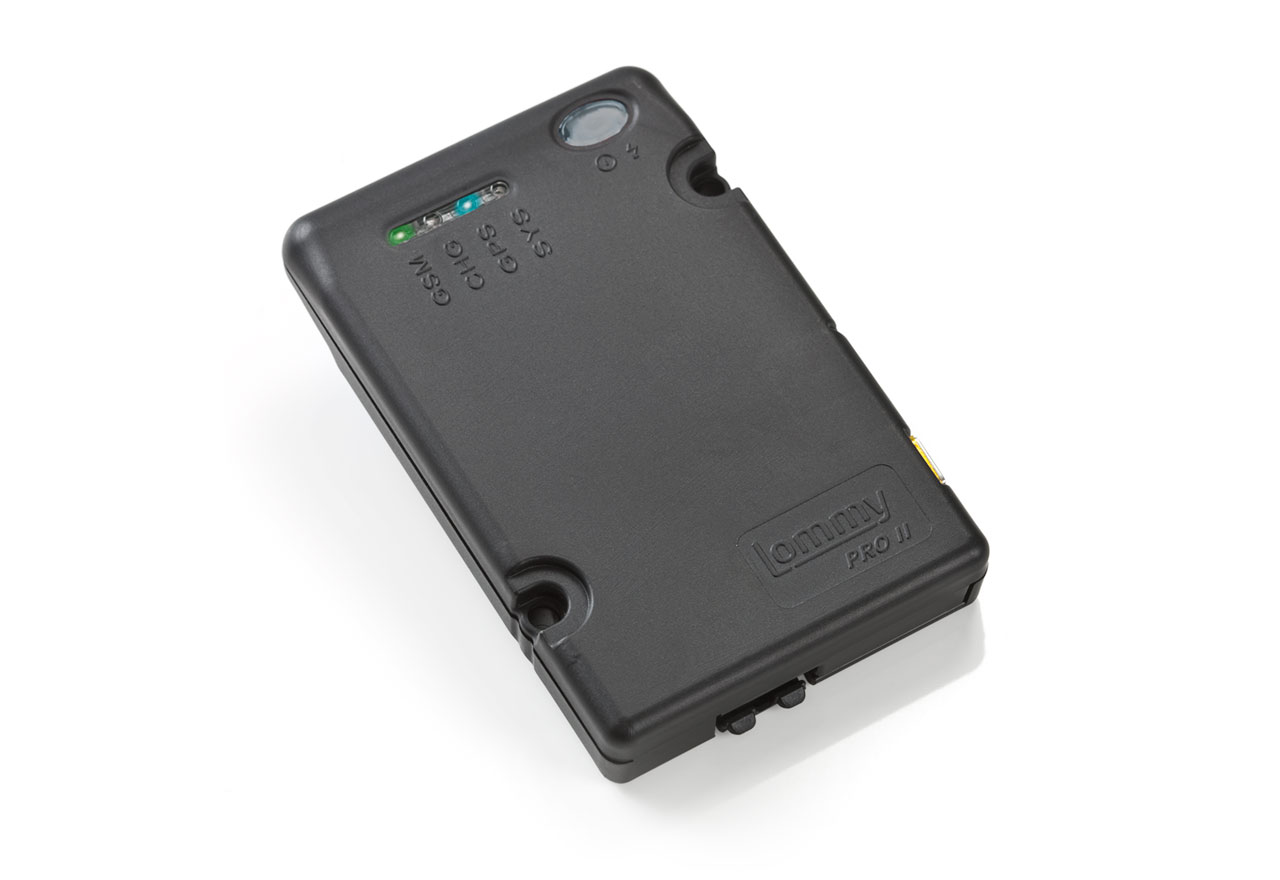
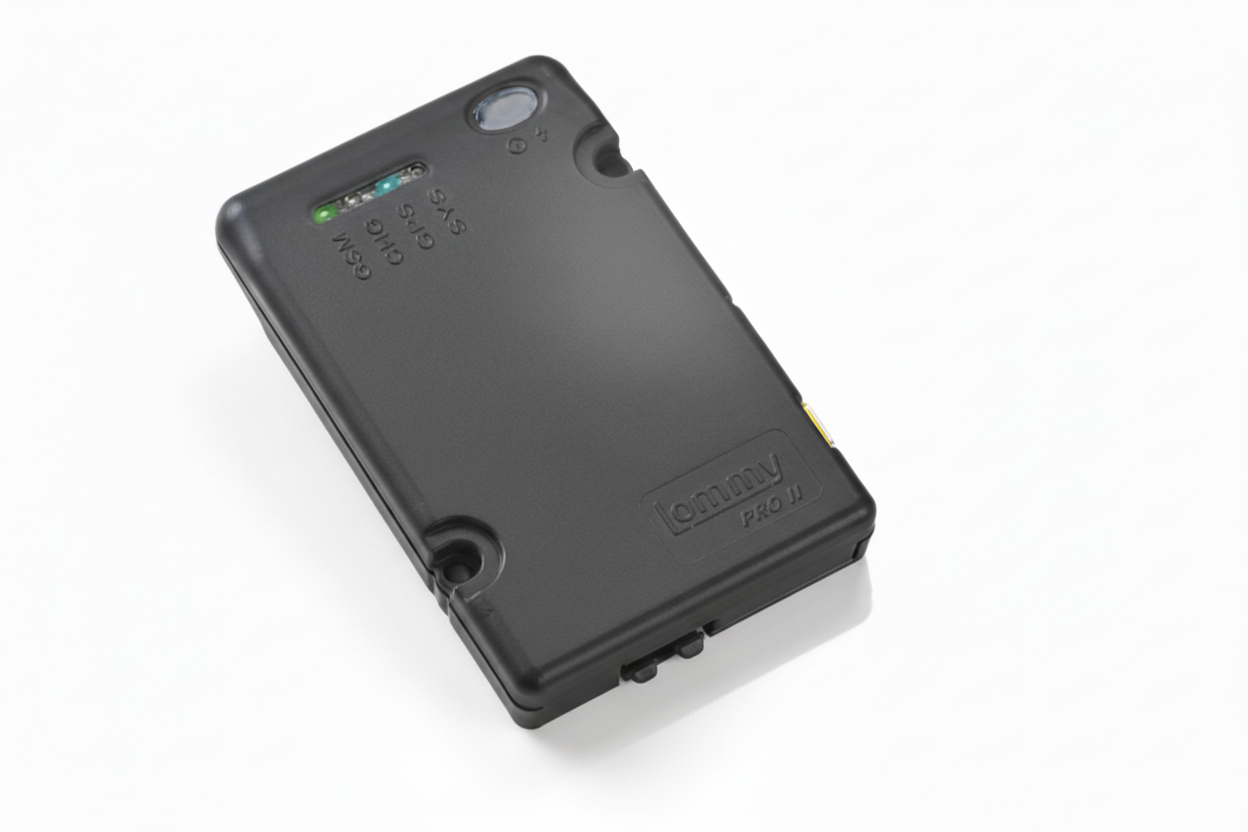
Overview
Flextrack devices are commonly used to capture location and vehicle telemetry for businesses and individuals. When paired with Plaspy, these devices send position updates and status information to a centralized platform where teams can view live locations, analyze historical trips, and configure alerts for operational events. This page helps technical users and fleet managers understand compatibility and next steps for connecting Flextrack hardware to Plaspy.
How Flextrack devices work with Plaspy
Flextrack trackers gather GPS location and other sensor data and can be configured to forward that data to a tracking platform. Plaspy receives device data, decodes it into usable telemetry, and exposes the results in maps, dashboards, alerts, and reports. The integration workflow typically involves:
- Registering the device on Plaspy so the platform recognizes data from that device.
- Configuring the device to send telemetry to the Plaspy ingest endpoints according to device settings.
- Verifying that location updates and expected parameters appear in Plaspy after configuration.
Device specific setup steps and configuration parameters belong on model level pages and in device manuals. Use the BrandCatalog above to navigate to a specific Flextrack model and find per model configuration guidance.
Common features found in Flextrack devices
While capabilities vary by model, Flextrack hardware typically offers features commonly used in tracking solutions. Expect to find some or many of the following across the product family:
- GPS location reporting for real time and historical tracking
- Power management options for hardwired installation or battery operated use
- Movement and ignition detection for vehicle state monitoring
- Input and output pins for sensors and external control
- Basic telemetry such as speed and heading
- Tamper and low battery alerts on select models
These features enable basic fleet monitoring and asset protection workflows when combined with Plaspy’s platform functionality.
Typical use cases
Flextrack devices are used in a variety of tracking scenarios including but not limited to:
- Vehicle fleet management for route oversight and driver monitoring
- Asset tracking for non powered items that need periodic location updates
- Rental and shared vehicle monitoring to track usage and location
- Field service operations to manage vehicle assignments and job timing
- Trailer and equipment tracking to reduce loss and improve utilization
Plaspy’s mapping, alerts, and reporting tools can be applied to these use cases to improve operational visibility and control.
Why choose Plaspy for monitoring Flextrack devices
Plaspy provides a unified platform to manage device fleets and translate raw device telemetry into actionable insights. Key benefits when using Plaspy with Flextrack include:
- Centralized device management across multiple device brands and protocols
- Real time map visualization and historical trip playback
- Alerting and geofencing to notify teams about events and exceptions
- Reporting tools to analyze utilization, trips, and compliance
- Integrations and APIs for connecting tracking data with third party business systems
These capabilities make it easier to operate mixed fleets and scale monitoring workflows without having to maintain custom infrastructure for each device type.
Help finding the right Flextrack device
Choosing the right tracker depends on your installation and reporting needs. Consider these factors:
- Power source and installation environment for selecting wired or battery models
- Reporting frequency needed for your operations to balance visibility and battery life
- Environmental resilience if devices will be exposed to weather or vibration
- Required inputs and outputs for sensors or external triggers
- Desired features such as motion detection, tamper alerts, or extended battery modes
If you need assistance matching requirements to hardware options, use the BrandCatalog above to view available Flextrack models and then consult the model pages or vendor documentation for technical details.
Frequently asked questions
Q: What Flextrack devices are compatible with Plaspy? A: Many Flextrack devices are compatible with Plaspy. The BrandCatalog on this page lists all Flextrack models known to work with Plaspy. Click a model to view model specific setup guidance and compatibility notes.
Q: Can I use Flextrack GPS trackers with Plaspy for fleet monitoring? A: Yes. Flextrack devices can be used to send location and status data to Plaspy where that information can be used for fleet monitoring, alerts, and reporting. Model specific capabilities vary so check the model details for exact telemetry options.
Q: How do I add a Flextrack device to Plaspy? A: Adding a device typically involves registering the device in Plaspy and configuring the device to report to Plaspy. Exact steps depend on the model. Navigate to the relevant model in the BrandCatalog to access model level setup instructions.
Q: Does Plaspy support alerts and geofencing for Flextrack devices? A: Plaspy supports alerting, geofencing, and other platform level features for devices sending compatible telemetry. Once your Flextrack device is configured to report the required events and location data, you can create alerts and geofences in Plaspy.
Q: Where can I find Flextrack device documentation in Plaspy? A: Start with the BrandCatalog above to choose a specific model. Model pages include links to documentation and any required configuration examples. For overall platform guidance visit the Plaspy documentation or contact Plaspy support.
Q: Who do I contact if my Flextrack device is not sending data to Plaspy? A: First verify device settings and connectivity using the device documentation. If problems persist, consult the model page in the BrandCatalog and contact Plaspy support with device identifiers and recent telemetry logs if available.
Next steps and resources
Explore the device catalog above to view Flextrack models compatible with Plaspy. For platform level information, pricing, or to discuss deployment options visit Plaspy at https://www.plaspy.com. If you need hands on help connecting a Flextrack device to Plaspy, refer to the model page for configuration details or reach out to Plaspy support for assistance.
Thank you for choosing Plaspy to manage Flextrack devices. Use the BrandCatalog to find the model that matches your needs and proceed to model documentation for setup and troubleshooting.
Brand Compatibility
Monitor compatible brand devices with Plaspy
Plaspy helps businesses work with compatible GPS trackers for visibility, reporting, and daily operational control across vehicle and asset tracking workflows.