
GlobalSat
GlobalSat is a long established name in GPS hardware. Its range of tracking devices is commonly used for vehicle and asset location, mobile data logging, and field telemetry. On this page you will find how GlobalSat devices can work with Plaspy, what to expect from typical GlobalSat hardware, and where to go next to configure a tracker for use on the Plaspy platform.



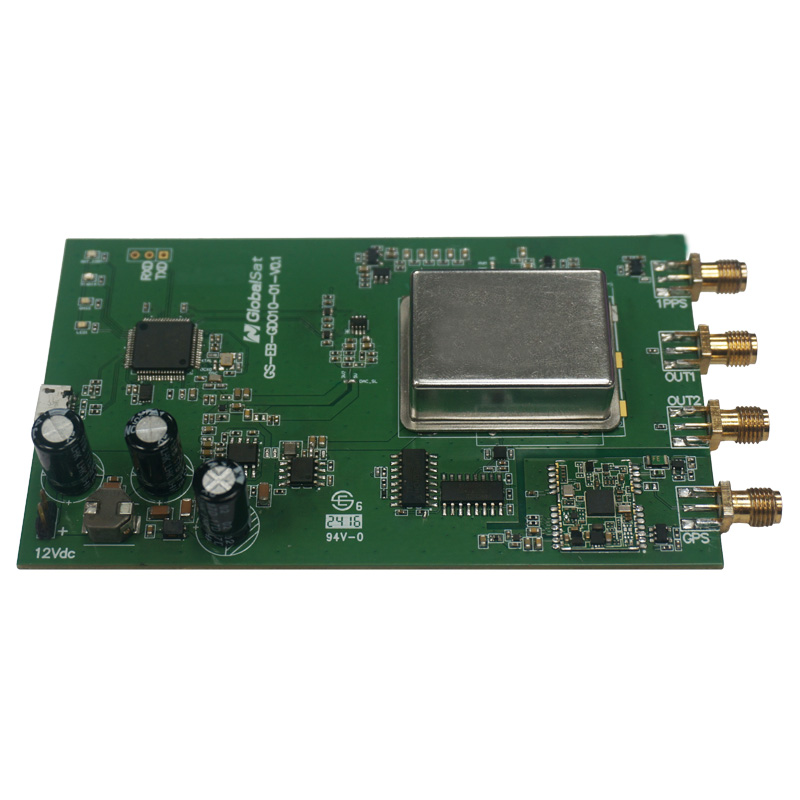








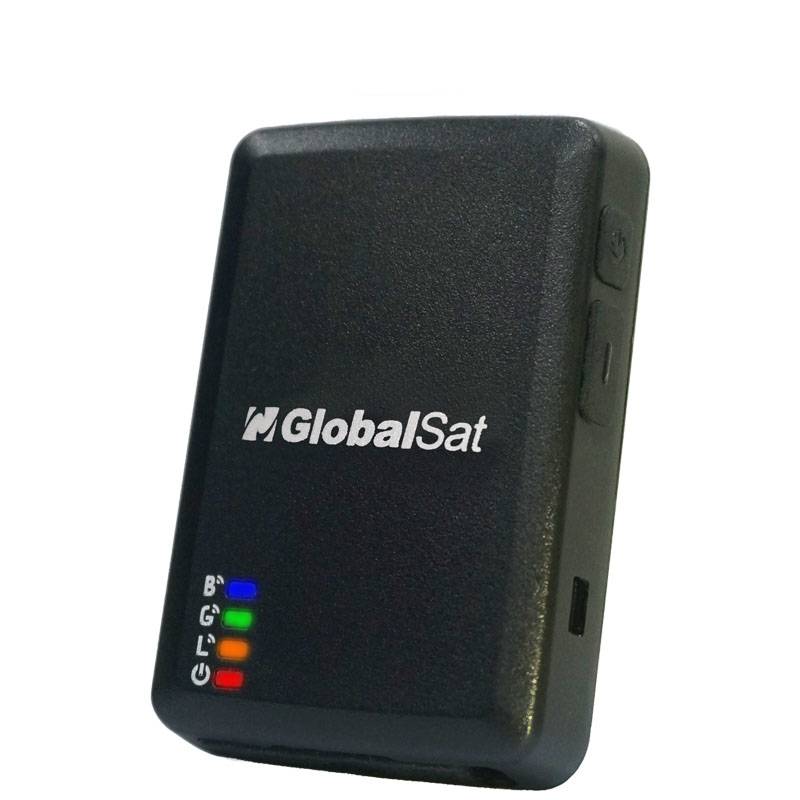
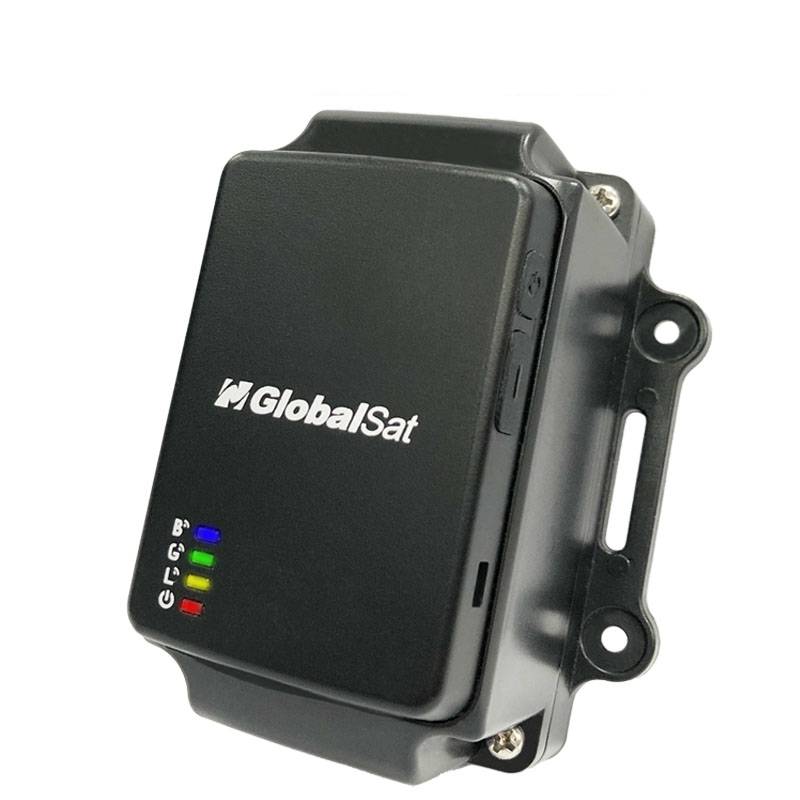






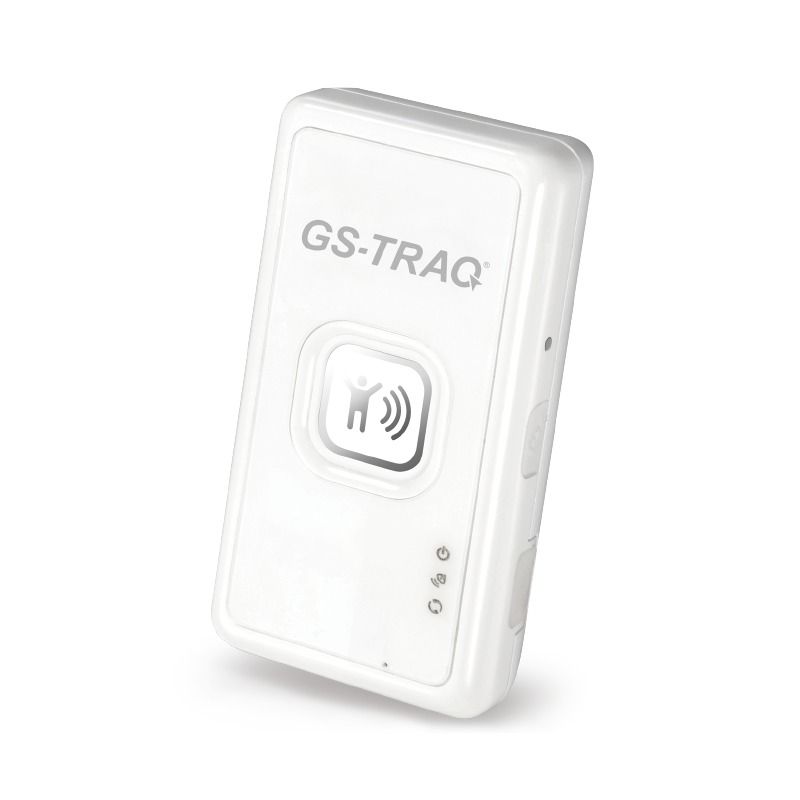


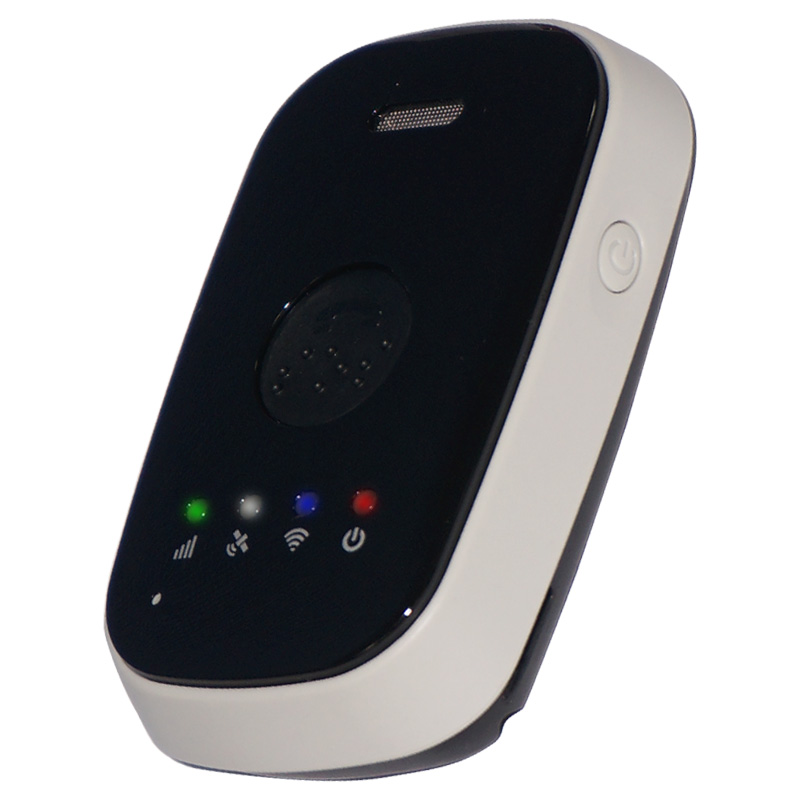
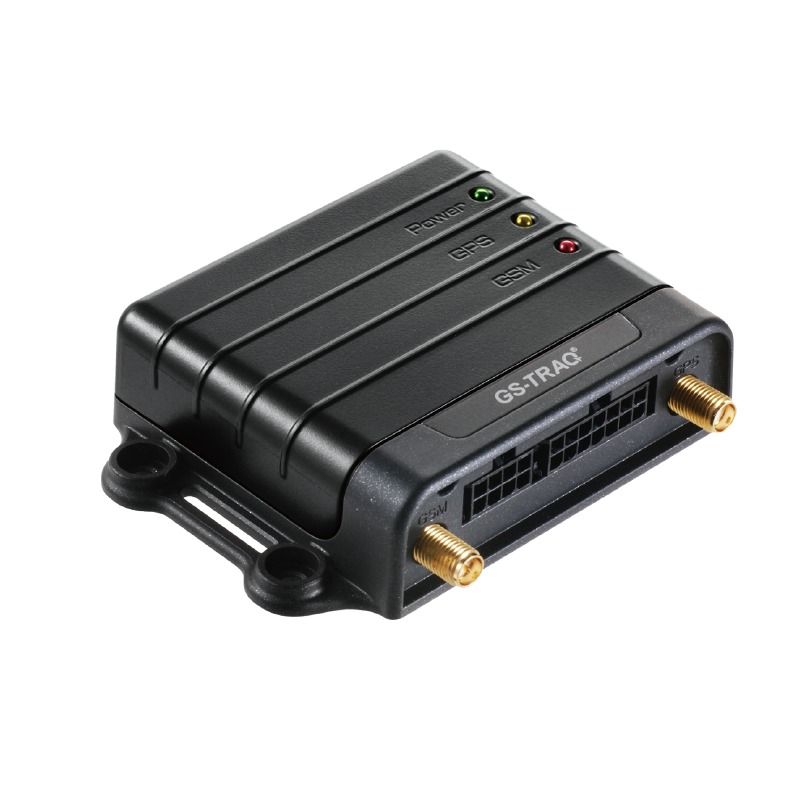
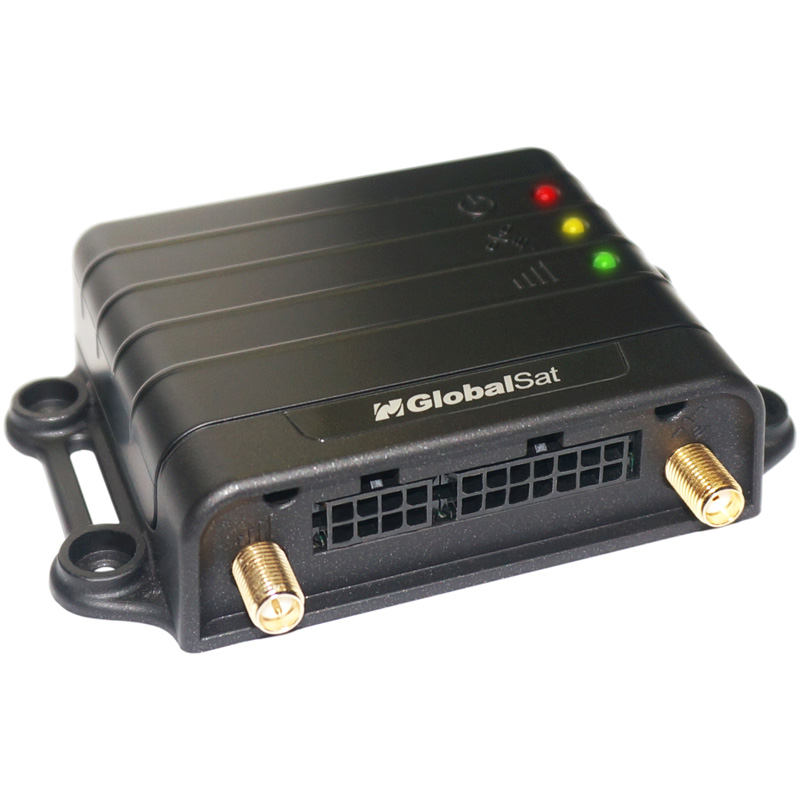
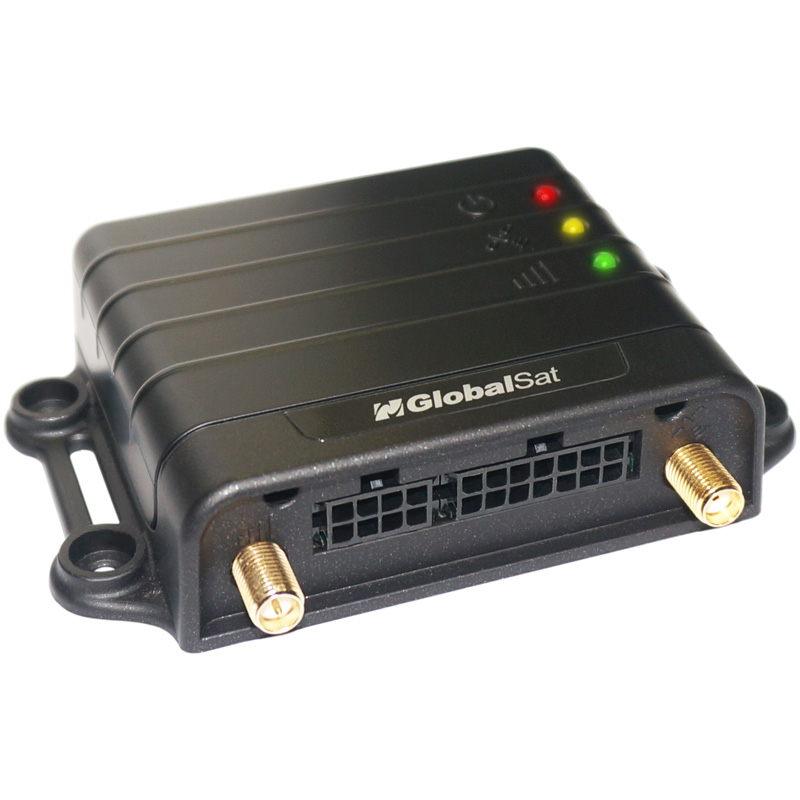

How GlobalSat devices work with Plaspy
GlobalSat devices that are compatible with Plaspy can transmit location, speed, and basic telemetry to Plaspy so that the platform can display live positions, history, and status. Integration usually involves configuring the device to send its data to the network endpoint and protocol accepted by Plaspy, and then using the Plaspy interface to manage devices and view tracking data.
If you are evaluating compatibility, start by confirming that the device firmware supports standard tracking protocols or configurable server settings. For device specific instructions, consult the device entries in the catalog above or contact Plaspy support for setup guidance.
Common features found in GlobalSat devices
GlobalSat devices often include a useful set of features that make them suitable for fleet and asset tracking. While specific capabilities vary by model, common features you may encounter include:
- Location reporting for live position and historical playback
- Basic telemetry such as speed and movement state
- Power and battery reporting on portable units
- Configurable reporting intervals and geofence related events
- Support for remote configuration through device settings
These characteristics make many GlobalSat devices a good fit for use with cloud based fleet management platforms like Plaspy.
Typical use cases for GlobalSat GPS trackers
GlobalSat trackers are used across a variety of scenarios where reliable positioning is required. Typical use cases include:
- Vehicle fleet tracking for route visibility and history
- Asset monitoring for trailers, containers, and equipment
- Personnel or field team location tracking for safety and coordination
- Mobile data logging for research and survey tasks
Plaspy can collect and visualize the location and status data from compatible GlobalSat devices to provide operational insights and reporting.
Why choose Plaspy for GlobalSat device monitoring
Plaspy provides a central place to manage devices, view live locations, and analyze historical data. For organizations using GlobalSat trackers, Plaspy offers:
- Unified device management and grouping tools
- Real time map views with history and playback
- Alerts and notifications configured on device events
- Reporting and export options for operational analysis
For more detail on Plaspy features or to start a trial, visit https://www.plaspy.com.
Help finding the right GlobalSat device
The Brand Catalog above lists GlobalSat models that are known to work with Plaspy. Use the catalog to:
- Compare device categories and typical applications
- Open device specific documentation and setup pages
- Identify portable units versus fixed vehicle trackers
If you need help selecting a model for a particular project, Plaspy support and sales teams can advise on common configurations and deployment considerations.
Frequently Asked Questions
Q: What GlobalSat devices are compatible with Plaspy?
A: Compatibility varies by model and firmware. The Brand Catalog on this page shows GlobalSat devices that can be configured to work with Plaspy. Check each device entry for configuration notes and requirements.
Q: Can I use GlobalSat GPS trackers with Plaspy?
A: Yes. Many GlobalSat trackers can be configured to send tracking data to Plaspy. Successful integration depends on the device firmware and ability to set the server and protocol used by Plaspy.
Q: Does Plaspy support fleet monitoring with GlobalSat devices?
A: Plaspy supports fleet monitoring features such as live tracking, history playback, alerts, and reporting for devices that send compatible data. Use the Brand Catalog and device pages to confirm the features available for a selected GlobalSat model.
Q: Where can I find GlobalSat device documentation in Plaspy?
A: Each compatible device has a detail or setup page linked from the Brand Catalog above. Those device pages contain configuration steps, notes about required settings, and links to manufacturer documentation when available.
Q: What should I check before adding a GlobalSat device to Plaspy?
A: Verify the device has firmware that allows configuring network server settings, confirm the required protocol is supported, and review power and reporting interval options to match your tracking needs. For specific setup instructions, consult the device page in the catalog or contact Plaspy support.
Next steps and further help
Explore the device entries in the catalog above to find the GlobalSat tracker that matches your use case. Once you have selected a device, follow the device page instructions to configure it for Plaspy, or reach out to Plaspy support for assistance with setup and deployment.
For general information about Plaspy features and plans, visit https://www.plaspy.com.
Brand Compatibility
Monitor compatible brand devices with Plaspy
Plaspy helps businesses work with compatible GPS trackers for visibility, reporting, and daily operational control across vehicle and asset tracking workflows.