
GLONASSsoft
GLONASSsoft is a brand known for producing GNSS and GPS tracking devices used in vehicle and asset monitoring. For organizations and technical users evaluating device compatibility, Plaspy can receive telemetry from GLONASSsoft devices so you can manage location, alerts, and reporting in a unified fleet platform.
Overview of GLONASSsoft and GPS tracking
GLONASSsoft devices are positioned in the telematics market to address common tracking needs such as vehicle monitoring, asset security, and remote telemetry. While specific models vary in capability, the brand focuses on hardware that integrates with third party tracking platforms. If you are comparing brands for a fleet deployment, GLONASSsoft models appear in Plaspy as compatible device options that can feed location and status data into the platform.
For more information about the manufacturer, visit the GLONASSsoft website at https://glonasssoft.ru/.
How GLONASSsoft devices work with Plaspy
Plaspy accepts device data from a wide range of trackers using standard GNSS and cellular telemetry. To connect GLONASSsoft hardware with Plaspy you typically:
- Verify the model is listed in the catalog on this page and review any device documentation provided in its device entry.
- Configure the device to send telemetry to Plaspy using the supported protocol for that model. Exact setup steps vary by model and are provided at the device level.
- Use Plaspy to map incoming location data, create geofences, configure alerts, and generate reports.
Plaspy acts as the integration layer and visualization platform. Device-specific configuration is handled at the device level; consult the model entry in the catalog for links to setup guides and recommended settings.
Common features found in GLONASSsoft devices
While capabilities vary across the product range, GLONASSsoft models commonly include features typical in modern trackers. Many devices provide:
- Multi constellation GNSS support for improved positioning accuracy
- Cellular connectivity for real time telemetry
- Power and IO interfaces for sensors and vehicle integration
- Battery backup options for portable or failover tracking
- Movement detection, configurable reporting intervals, and basic alerting
Because features differ by model, use the catalog component below to review device specifications and choose hardware that meets your project requirements.
Typical use cases for GLONASSsoft GPS trackers
GLONASSsoft devices are suitable for several tracking scenarios, including:
- Fleet vehicle location and route monitoring for logistics and deliveries
- Security and recovery tracking for high value assets
- Remote equipment telematics where periodic or real time reporting is required
- Site personnel safety monitoring when equipped with panic or SOS functions
Consider the operational environment, desired update frequency, and power options when selecting a device for any of these use cases.
Why choose Plaspy for GLONASSsoft device monitoring
Plaspy provides a platform-agnostic approach to device integration and fleet management. Key benefits when using Plaspy with GLONASSsoft hardware include:
- Centralized visualization of location and status across all devices in one interface
- Configurable alerts and geofences to support operational workflows
- Historical route playback and reporting for analysis and compliance
- Flexible device onboarding that supports a variety of telemetry protocols
Plaspy focuses on delivering a reliable telemetry ingestion layer and tools to operate a fleet. For more on Plaspy capabilities, visit https://www.plaspy.com.
Help finding the right GLONASSsoft device
Choosing the right tracker depends on your priorities. Use these criteria to narrow options:
- Deployment environment: vehicle install, portable asset, or fixed equipment
- Network compatibility: ensure cellular bands match the region of operation
- Power source and backup battery requirements
- Required input and sensor interfaces for external telemetry
- Ruggedness and environmental ratings for outdoor use
- Data reporting interval needed for operational use cases
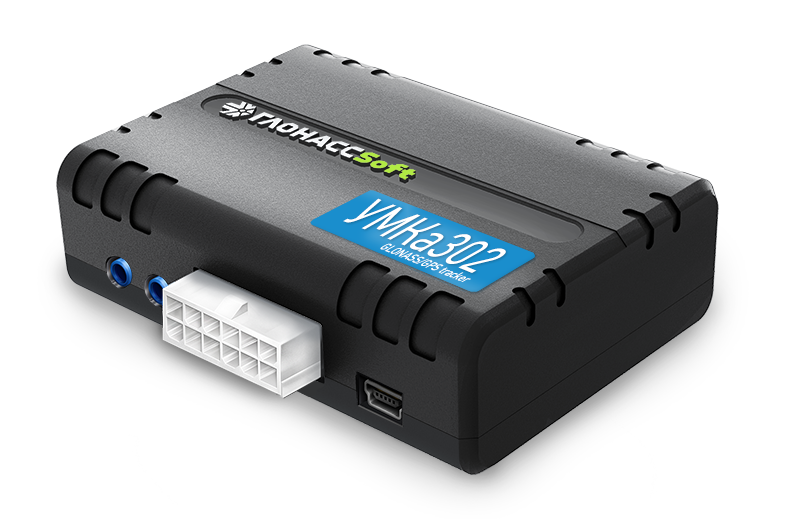
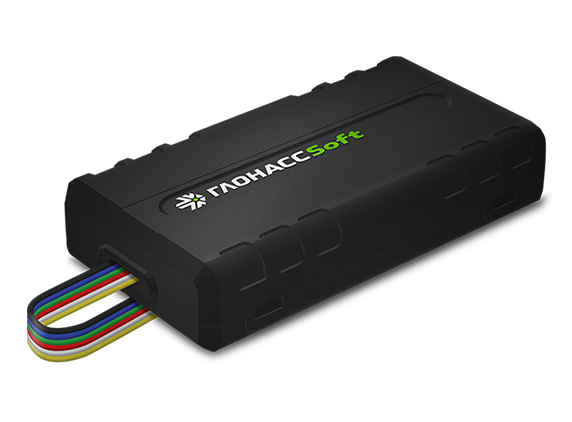
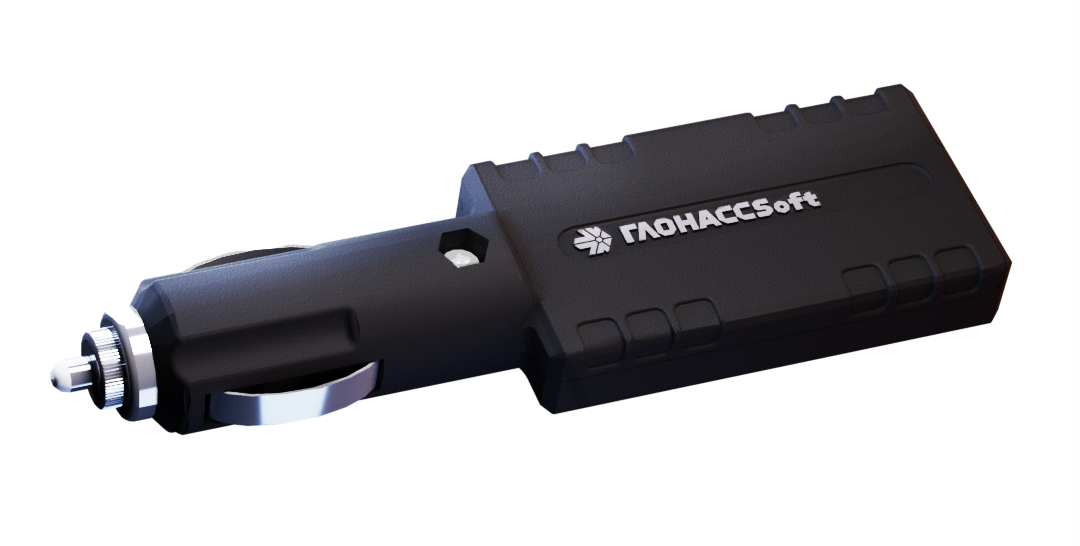
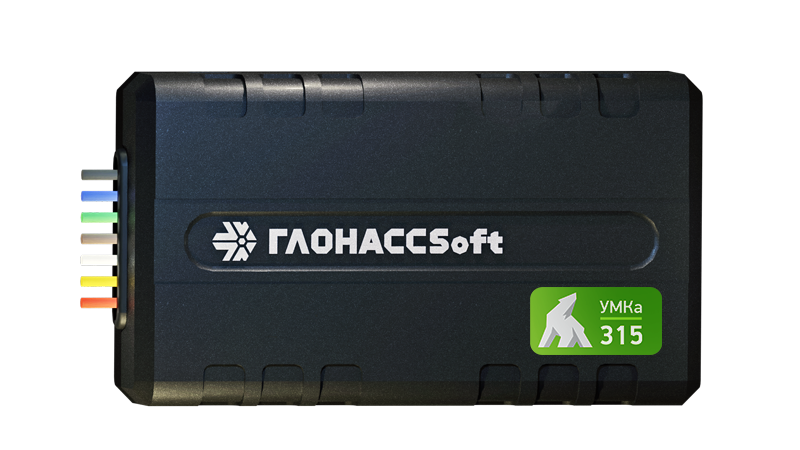
The device catalog below displays all GLONASSsoft models compatible with Plaspy. Click a model to read its specification summary and follow its device page for setup instructions.
Frequently Asked Questions
Q: What GLONASSsoft devices are compatible with Plaspy? A: The Brand Catalog on this page displays all GLONASSsoft models whose telemetry Plaspy can accept. Open a model entry to review compatibility notes and links to device documentation.
Q: Can I use GLONASSsoft GPS trackers with Plaspy? A: Yes. Many GLONASSsoft devices can be configured to send data to Plaspy. Exact configuration steps depend on the model and are provided on each device page in the catalog.
Q: Does Plaspy support fleet monitoring with GLONASSsoft devices? A: Plaspy supports fleet monitoring features such as real time tracking, geofencing, alerts, and reporting for devices that send compatible telemetry. Use the catalog to select models suitable for fleet use.
Q: Where can I find GLONASSsoft device documentation in Plaspy? A: Click any device in the Brand Catalog above to access its product entry. Device pages include specification summaries and links to setup documentation. For platform level guidance, consult the Plaspy documentation or contact Plaspy support.
Q: Do I need special hardware or firmware for integration? A: Integration requirements vary by model. Some devices may require setting the correct telemetry server, protocol, or firmware. Check the model page for recommended settings and firmware notes.
Q: Who should I contact for advanced integration help? A: For device specific questions, consult the model documentation linked in the catalog or the GLONASSsoft website. For platform configuration and account level assistance, visit https://www.plaspy.com and contact Plaspy support.
Next steps
Explore the GLONASSsoft device catalog above to find models that match your technical and operational needs. Once you identify candidate devices, follow the device page instructions for configuration and then connect them to Plaspy to begin monitoring and managing your fleet.
If you need more information about Plaspy features and enterprise options, visit https://www.plaspy.com for product details and contact options.
Brand Compatibility
Monitor compatible brand devices with Plaspy
Plaspy helps businesses work with compatible GPS trackers for visibility, reporting, and daily operational control across vehicle and asset tracking workflows.