
Goome
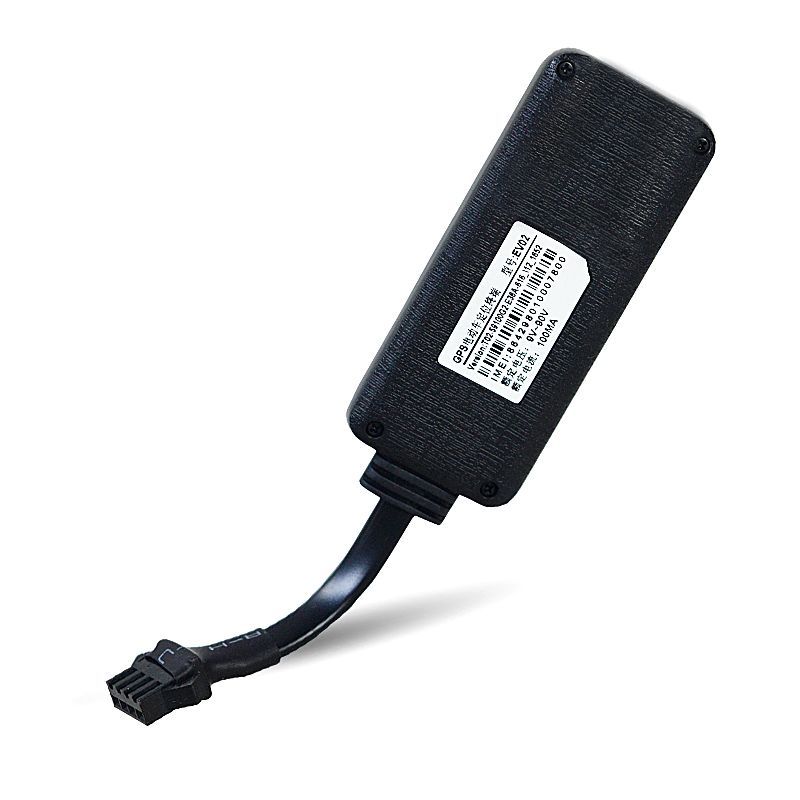
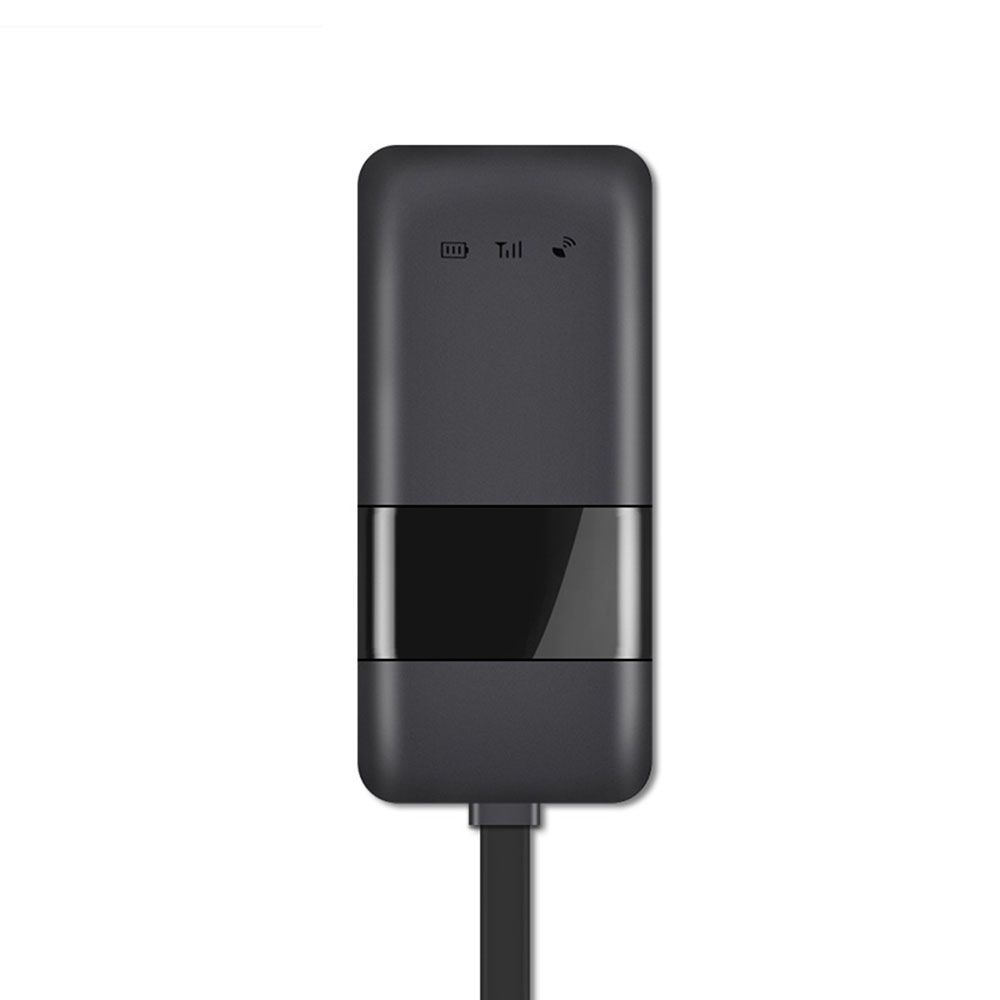
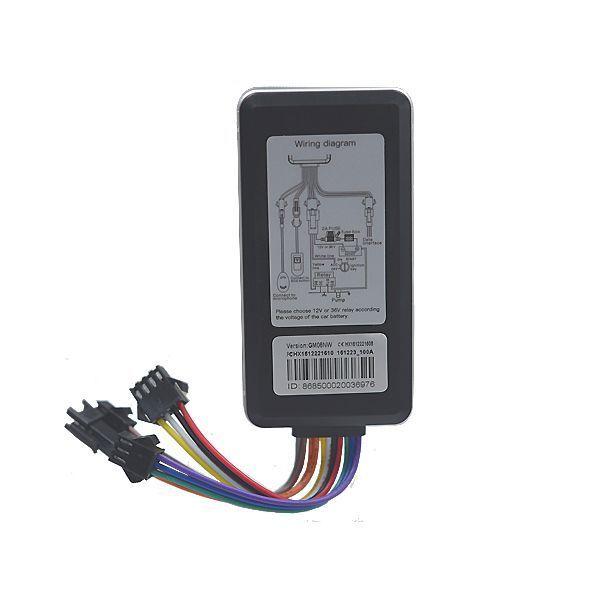
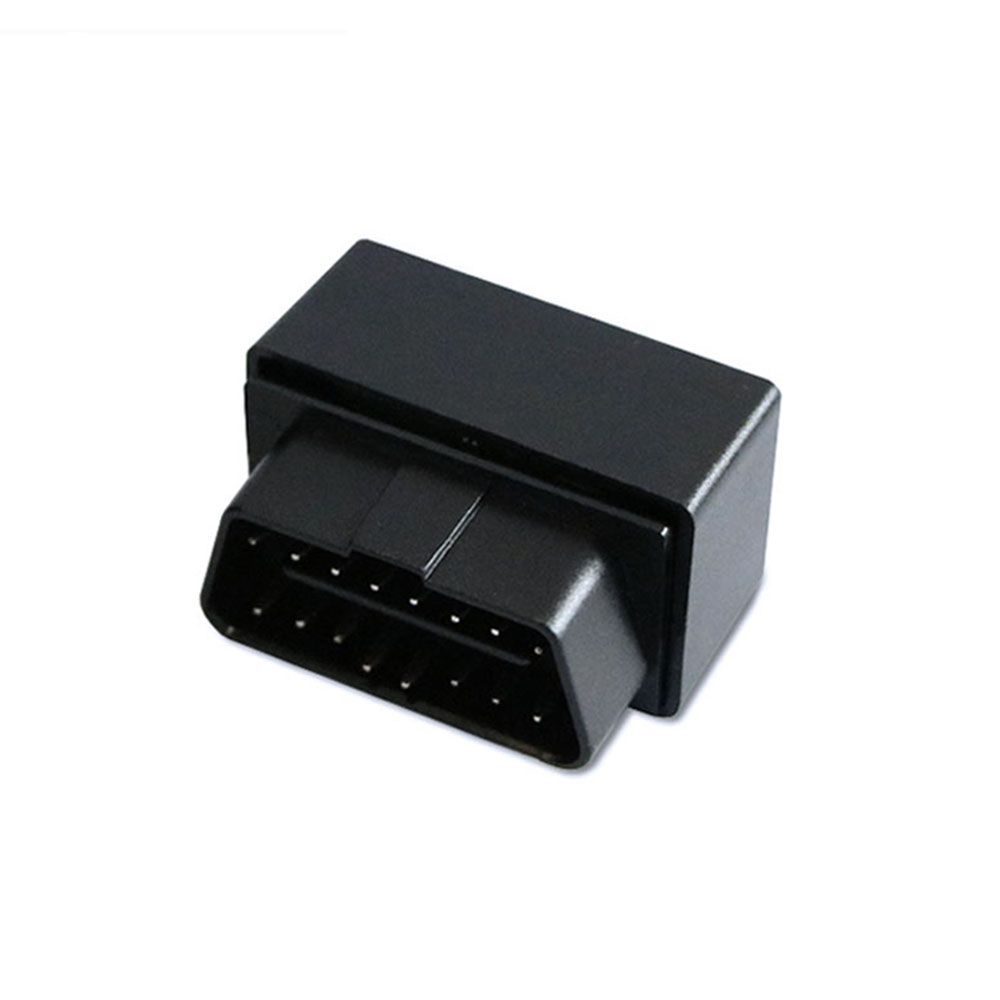
Goome produces a range of GPS tracking hardware commonly used for vehicle and asset tracking. This page explains how Goome devices can work with the Plaspy platform, what to expect from Goome hardware in general terms, typical use cases, and where to find model level details inside Plaspy. Use the device catalog below to browse compatible models and jump to setup or documentation for each unit.

How Goome devices work with Plaspy
Many Goome trackers use standard GPS and cellular connectivity to report location and basic telematics. Plaspy receives device data via supported tracker protocols and makes that information available through a unified dashboard. When a Goome model is compatible, Plaspy can display real time location, history, and alerts from that device so you can manage tracking, reporting, and notifications from one platform.
Compatibility depends on the specific model and its firmware. The Brand Catalog above links to each compatible model so you can view device details and the exact instructions needed to connect it to Plaspy.
Common features found in Goome devices
Goome hardware typically provides core tracking capabilities useful across many deployments. Common features you can expect at a general level include:
- GPS based location reporting and history
- Cellular connectivity for live updates
- Event based alerts such as movement or geofence notifications
- Basic telematics data useful for fleet monitoring Plaspy surfaces these capabilities in the platform so you can configure alerts, view maps, and export tracking data. For fine grained feature lists and sensor support refer to the model pages in the catalog.
Typical use cases for Goome GPS trackers
Goome devices are suitable for a variety of tracking scenarios. Typical use cases include:
- Fleet vehicle tracking and route monitoring
- Asset tracking for trailers or equipment
- Anti theft and vehicle recovery monitoring
- Usage and location reporting for mixed vehicle fleets Plaspy helps implement these use cases by aggregating device data, applying rules and alerts, and offering reporting tools for operations and management.
Why choose Plaspy for Goome device monitoring
Plaspy provides a single platform to manage multiple device brands and models including Goome units. Benefits when pairing Goome devices with Plaspy include:
- Centralized device management and remote configuration options where supported
- Unified live tracking, alerts, and historical reporting across mixed fleets
- Flexible alerting and geofencing tools to match operational needs
- Integrations and export options to connect tracking data into existing workflows
For a hands on look at platform features and how they apply to Goome devices, visit https://www.plaspy.com for more information and to learn about deployment options.
Help finding the right Goome device
Use the Brand Catalog on this page to browse compatible Goome models. Each model entry links to a device level page with configuration notes, supported protocols, and steps to connect that model to Plaspy. If you are evaluating hardware, compare the catalog entries for connectivity options and the features that matter for your use case.
If you need assistance selecting a model, consult Plaspy documentation pages or reach out to Plaspy sales and support channels via the main site at https://www.plaspy.com.
Frequently Asked Questions
Q: What Goome devices are compatible with Plaspy? A: Check the Brand Catalog on this page for the complete list of Goome models compatible with Plaspy. Each model entry links to specific documentation and connection steps.
Q: Can I use Goome GPS trackers with Plaspy? A: Yes. Many Goome trackers can send location and event data to Plaspy. Compatibility and setup details are shown on each model page within the catalog.
Q: Does Plaspy support fleet monitoring with Goome devices? A: Plaspy supports fleet level monitoring for compatible Goome devices by consolidating device data, enabling alerts, and providing fleet reporting tools. Review the device pages for any model specific limitations.
Q: Where can I find Goome device documentation in Plaspy? A: Click a model in the Brand Catalog above to open its device page. Those pages include setup guidance, supported features, and links to any required configuration notes.
Q: What should I check before connecting a Goome device to Plaspy? A: Verify the device model appears in the catalog, confirm the device has cellular connectivity enabled, and follow the model specific instructions provided on its Plaspy device page. Firmware and protocol settings sometimes need to be set according to the device documentation.
Next steps
Explore the models in the Brand Catalog to identify the Goome device that fits your needs. Once you select a model, follow the linked device documentation for setup and connecting the unit to Plaspy. For platform information, deployment options, or to learn more about Plaspy features visit https://www.plaspy.com.
Brand Compatibility
Monitor compatible brand devices with Plaspy
Plaspy helps businesses work with compatible GPS trackers for visibility, reporting, and daily operational control across vehicle and asset tracking workflows.