
GOTOP
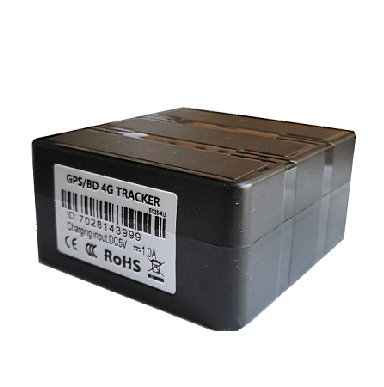
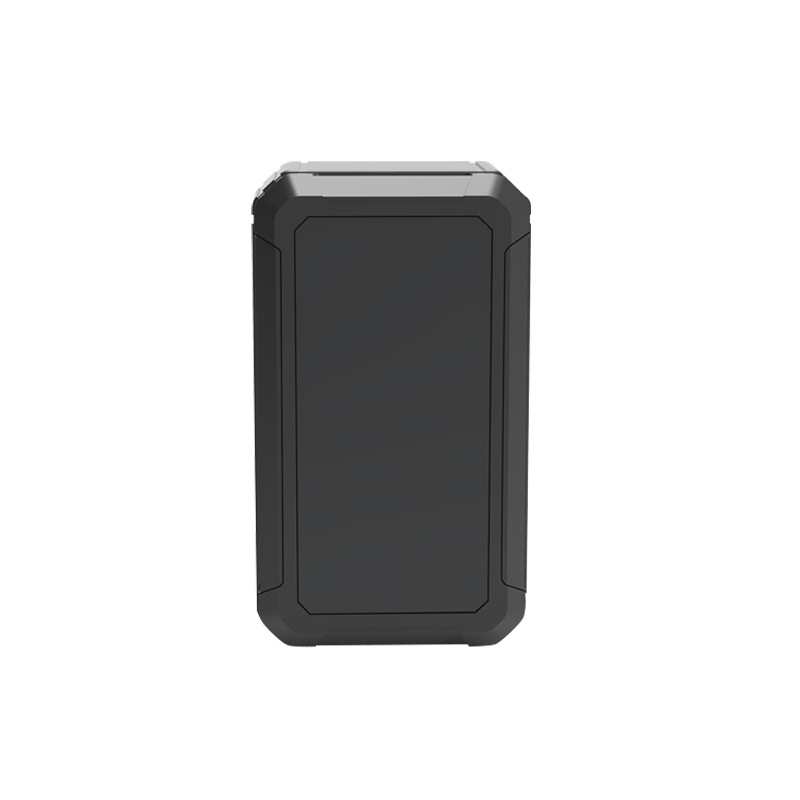
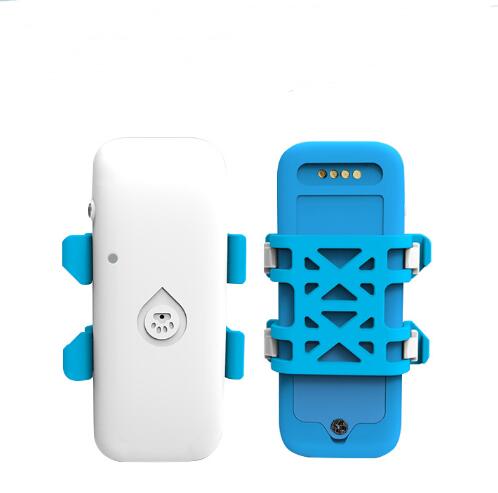
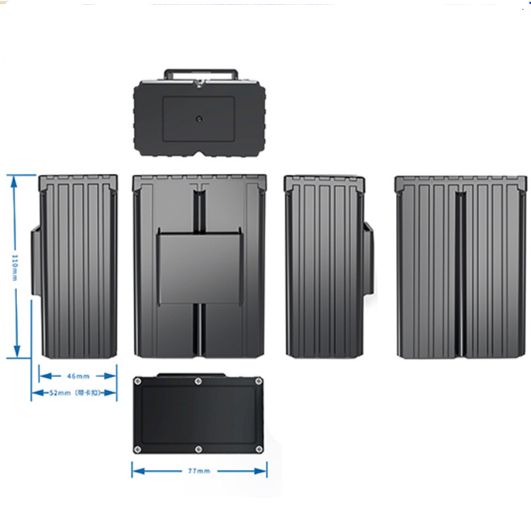
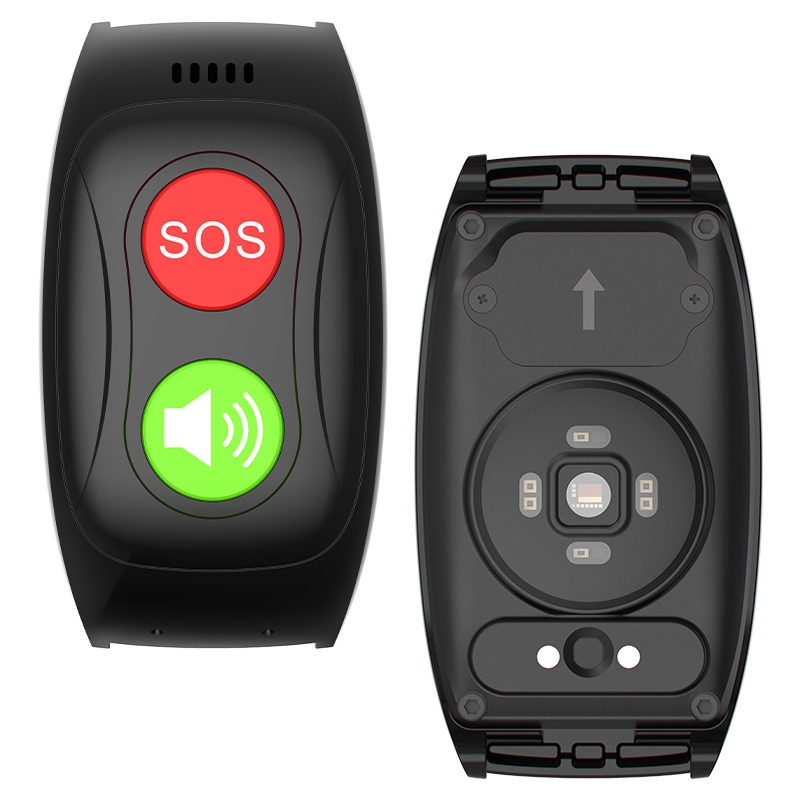
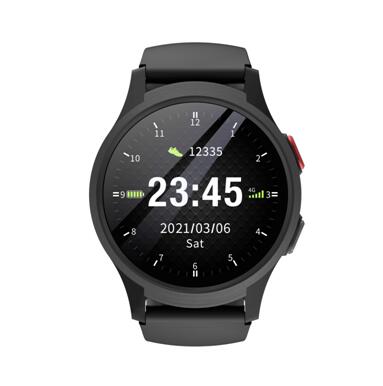
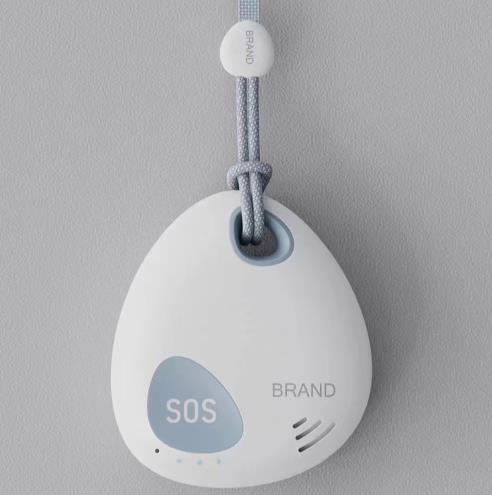
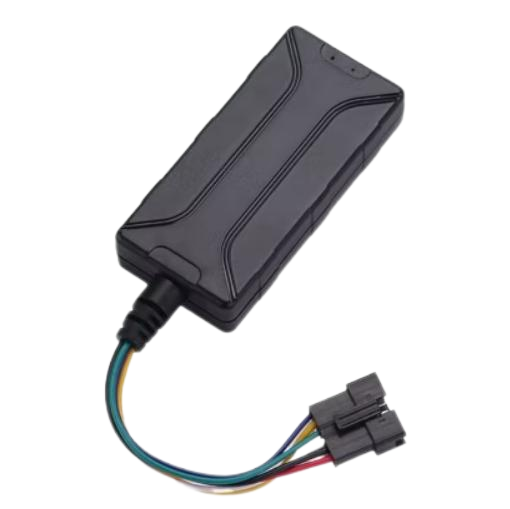
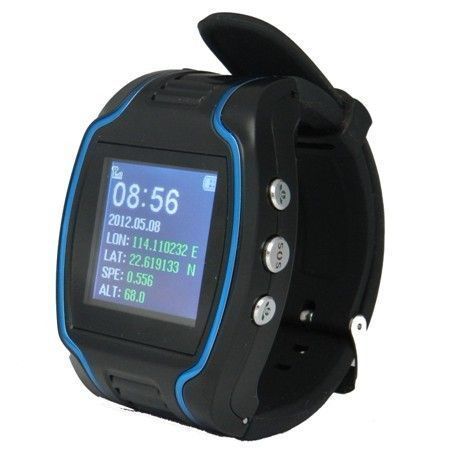
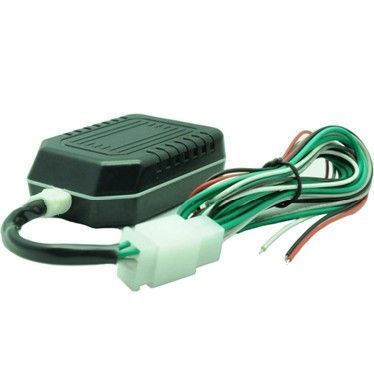
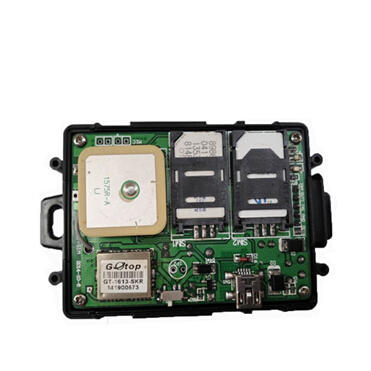
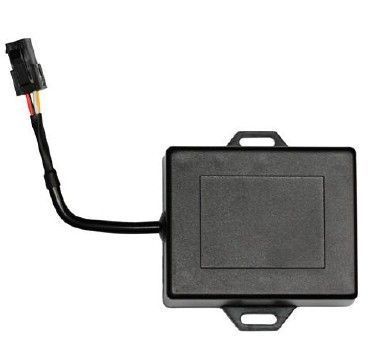
GOTOP is a brand known for a range of GPS tracking devices used across vehicle and asset tracking applications. This page explains how GOTOP devices integrate with Plaspy, what to expect from typical device features, and how to find the right device for your needs. Use the device catalog below to view all GOTOP models that can be monitored through Plaspy.
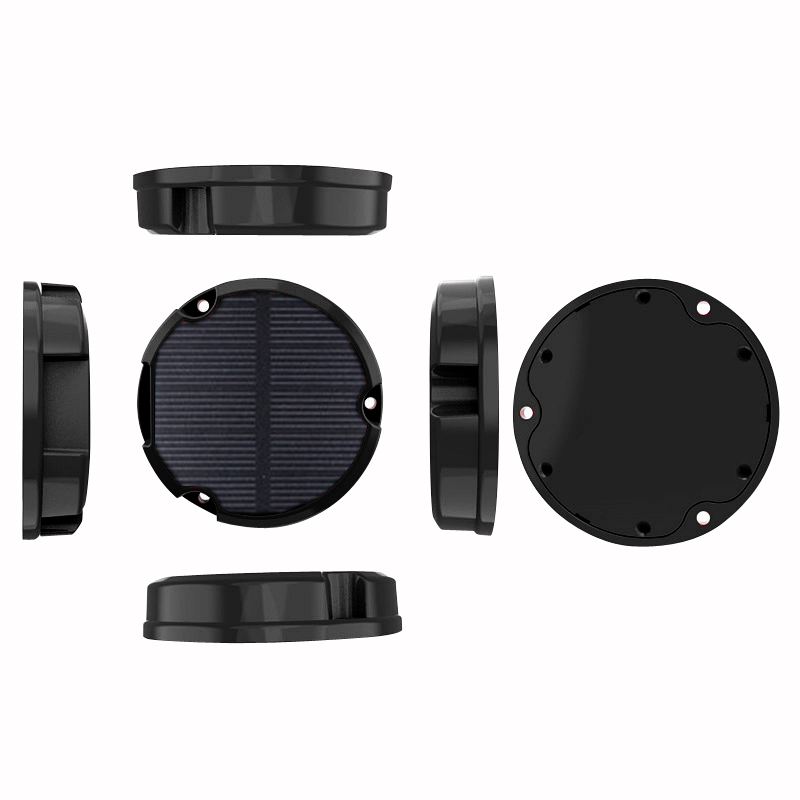
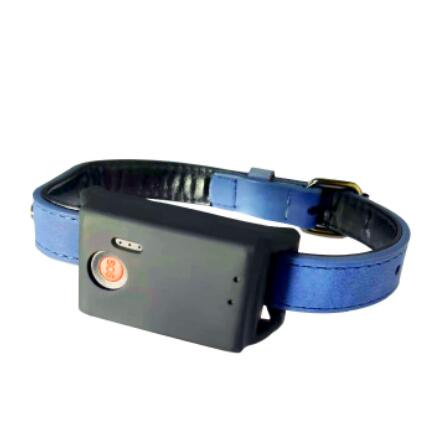
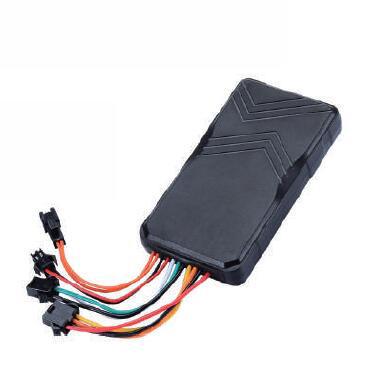
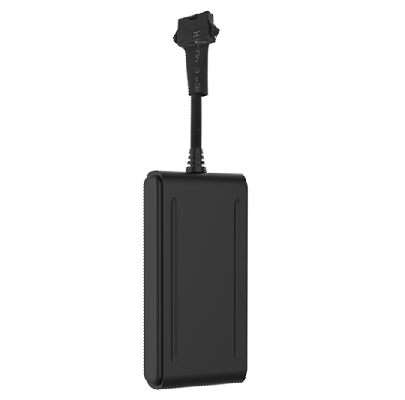
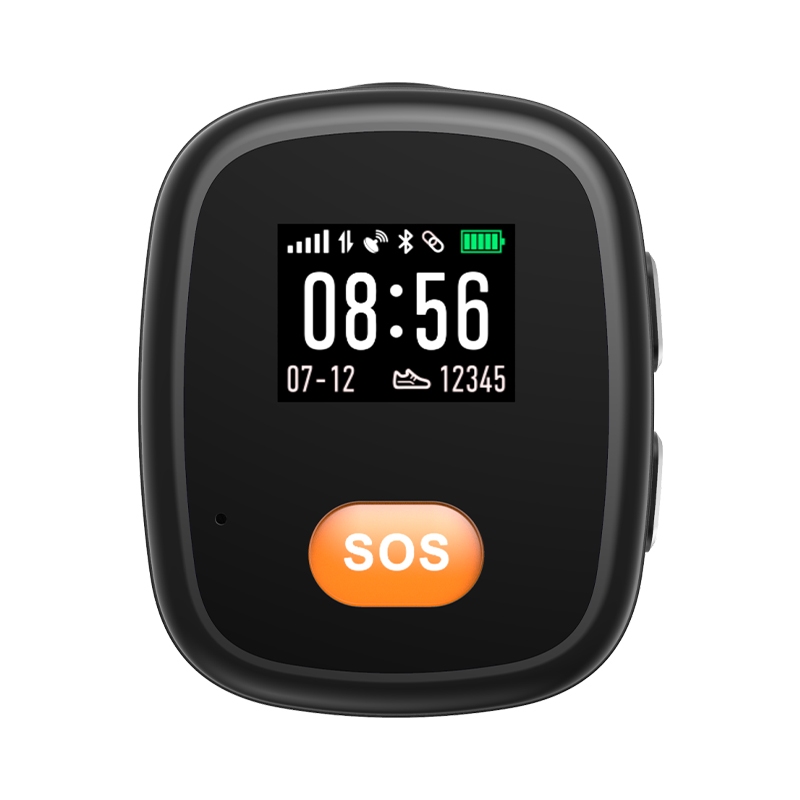
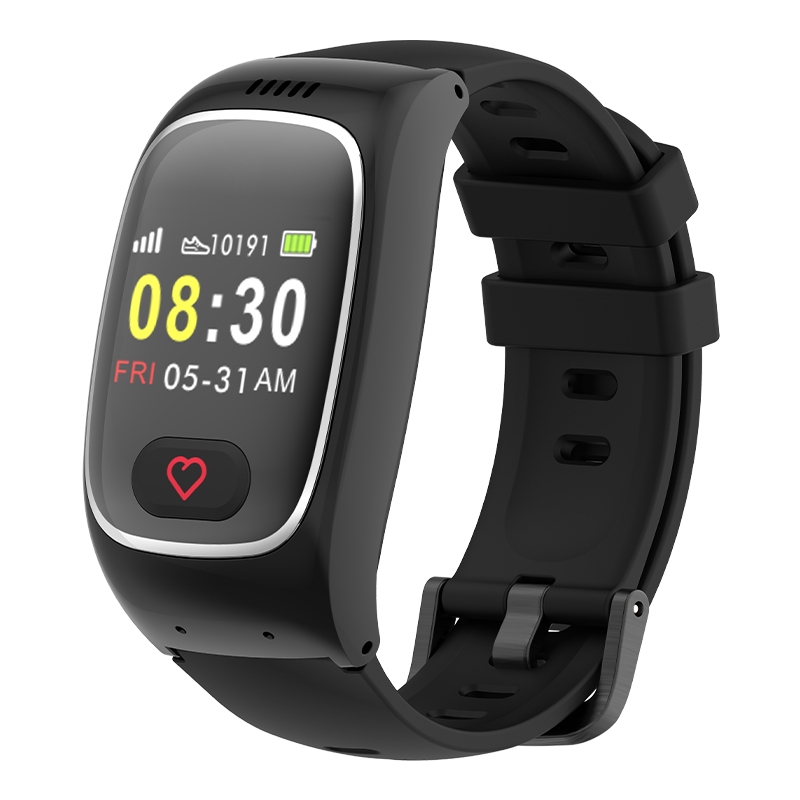
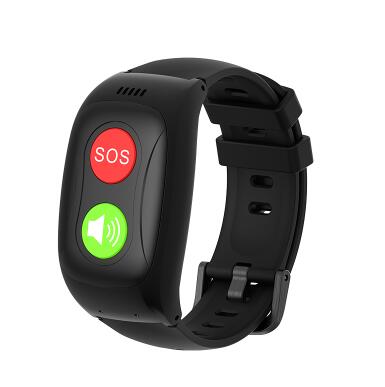
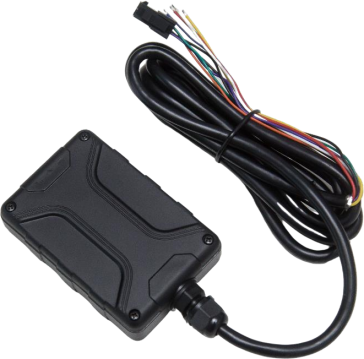
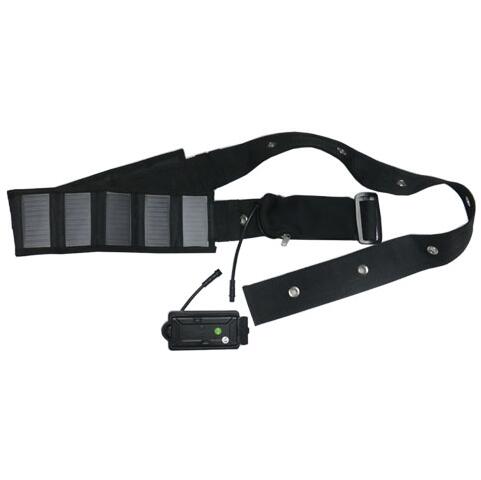
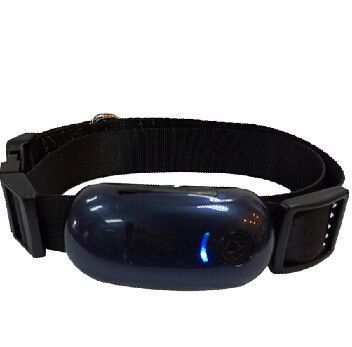
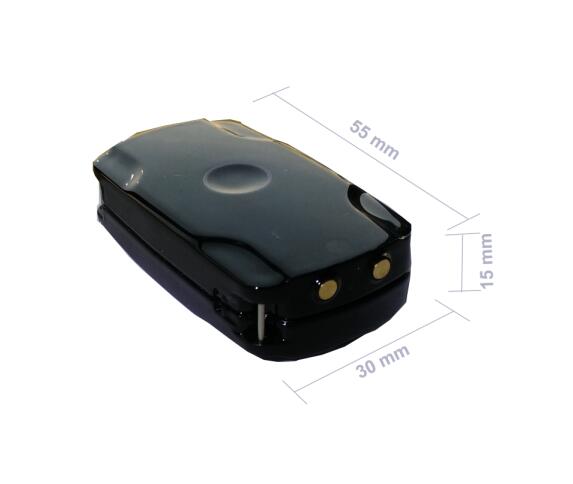
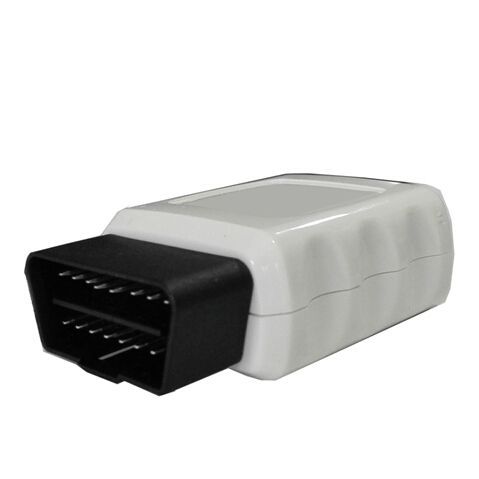
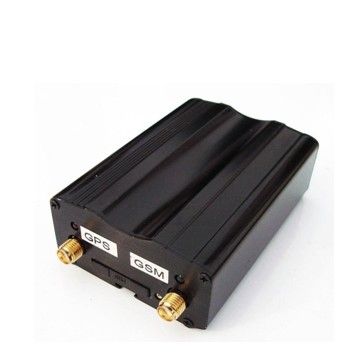
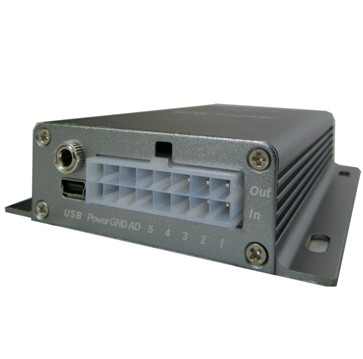
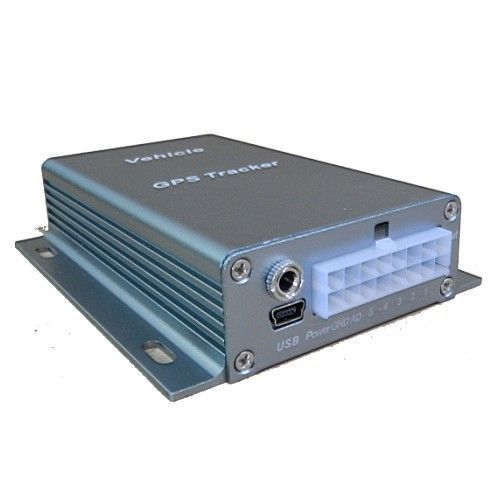
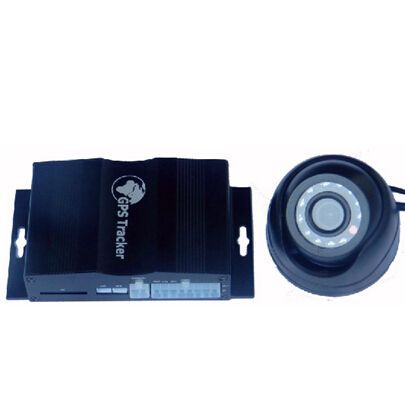
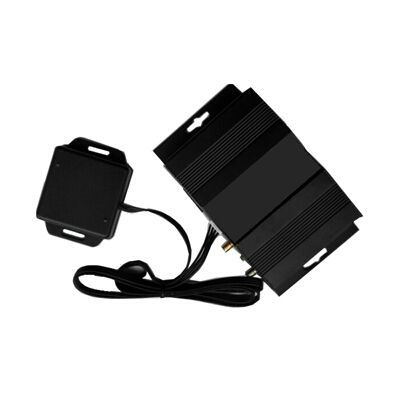
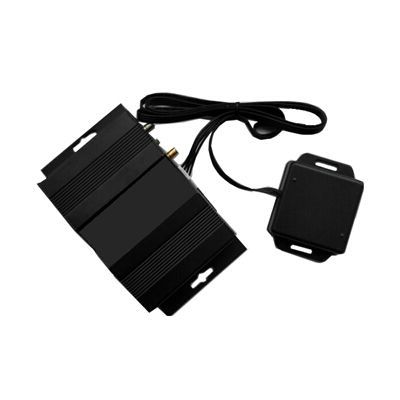
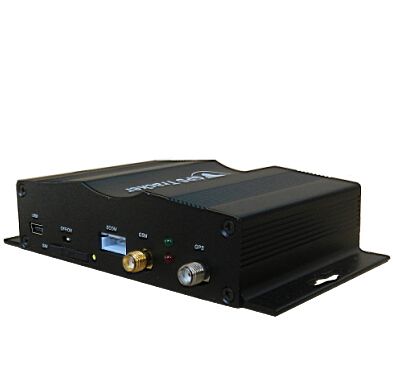
Brand compatibility and device listings are shown in the catalog component below. Click any model there to open the device specific documentation and setup instructions within Plaspy.
How GOTOP devices work with Plaspy
Plaspy connects to GOTOP devices using standard GPS tracking protocols supported by the devices. Once a GOTOP device is configured to send location and status data to Plaspy, the platform consolidates that data for real time tracking, historical playback, geofencing, alerts, and reporting.
Typical steps for using a GOTOP device with Plaspy:
- Verify the device can send data to a third party tracking platform.
- Configure device reporting parameters such as APN or server settings according to the device guide.
- Claim and manage the device in Plaspy to view live locations and telemetry.
For exact setup and server parameters, open the model page in the catalog or consult the device documentation linked from each model entry.
Common features found in GOTOP devices
GOTOP product ranges often include features commonly expected in modern tracking hardware. While exact capabilities vary by model, common features include:
- GPS location reporting for vehicles and mobile assets
- Cellular connectivity for live data transmission
- Basic IO for ignition, alarm, and external sensors
- Configurable reporting intervals and sleep modes
- Motion and tamper detection for security use cases
The Brand Catalog lists model specifics and links to configuration guidance where available. Use those model pages for precise feature lists and supported protocols.
Typical use cases for GOTOP GPS trackers
GOTOP devices are used in a variety of scenarios where reliable location and event data are required:
- Fleet vehicle location and route monitoring
- Asset tracking for trailers, containers, and equipment
- Driver and vehicle behavior analysis with event reporting
- Theft recovery and tamper alerts for high value assets
- Basic dispatch and logistics visibility for small fleets
Plaspy’s platform accommodates these use cases by providing live maps, configurable alerts, historical playback, and reporting tools that work with GOTOP device data.
Why choose Plaspy for GOTOP device monitoring
Plaspy is built to manage diverse GPS hardware ecosystems and is compatible with many tracking devices including GOTOP. Reasons teams choose Plaspy for GOTOP monitoring:
- Unified view: Manage GOTOP devices alongside other brands from a single Plaspy account
- Flexible alerts: Configure custom alerts based on input events, speed, or geofence transitions
- Scalable reporting: Generate trip, mileage, and usage reports for fleet operations
- Device centric documentation: Each GOTOP model in the catalog links to relevant setup notes and troubleshooting tips
If you are evaluating how GOTOP devices fit into your tracking workflow, Plaspy provides the monitoring and reporting tools to operationalize device data without requiring bespoke software.
Help finding the right GOTOP device
Not all tracking use cases need the same hardware. Consider the following when selecting a GOTOP device:
- Power source and installation method for the asset
- Required sensor inputs such as ignition, fuel, or temperature
- Desired reporting frequency and battery life expectations
- Cellular network compatibility for your region
Use the catalog below to browse GOTOP models and open each model page for technical specifications and Plaspy integration notes.








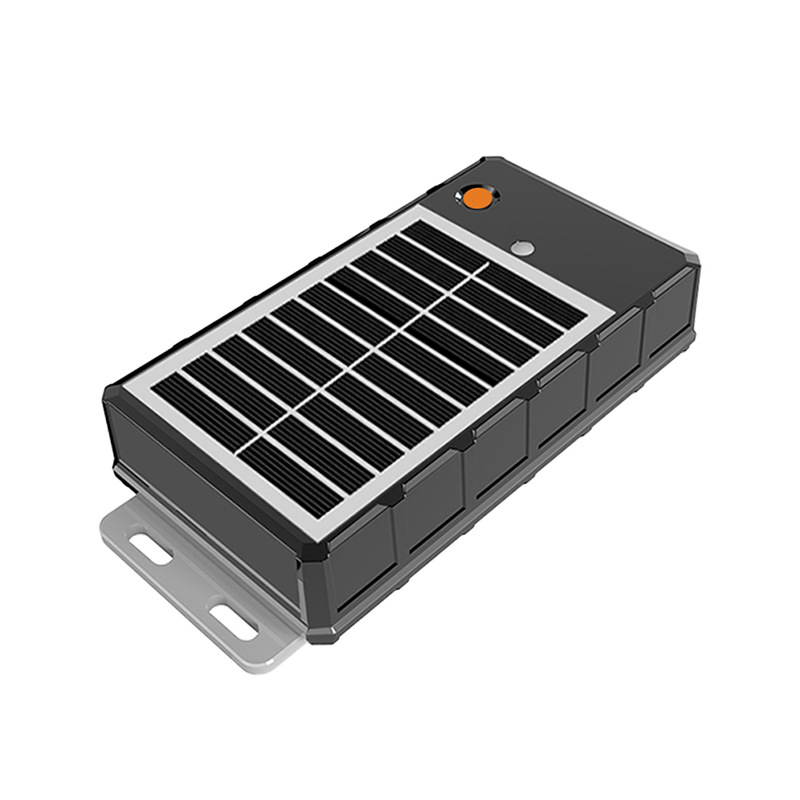
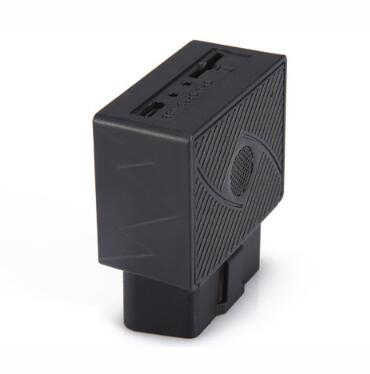
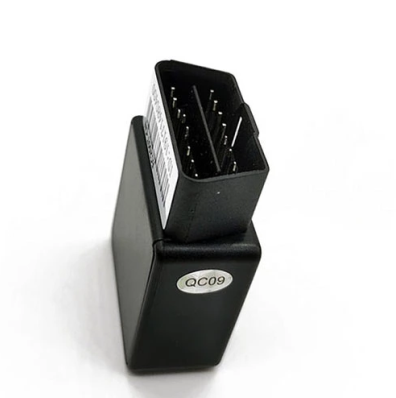




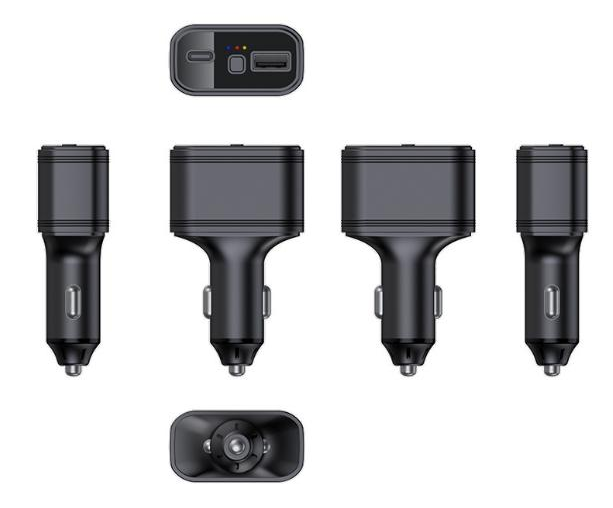
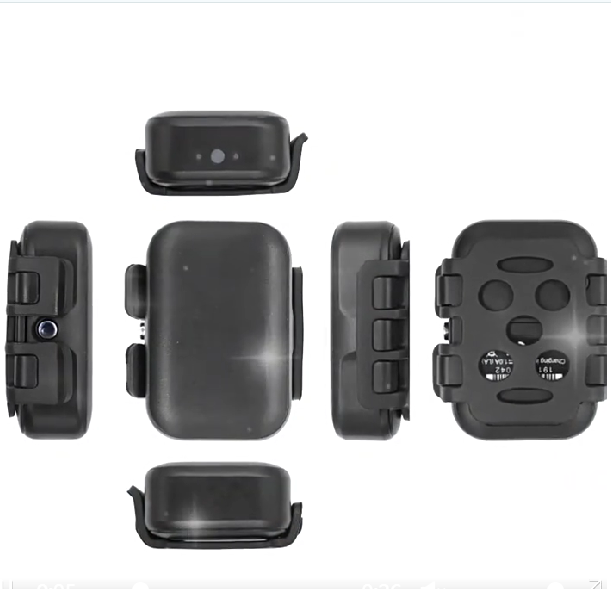
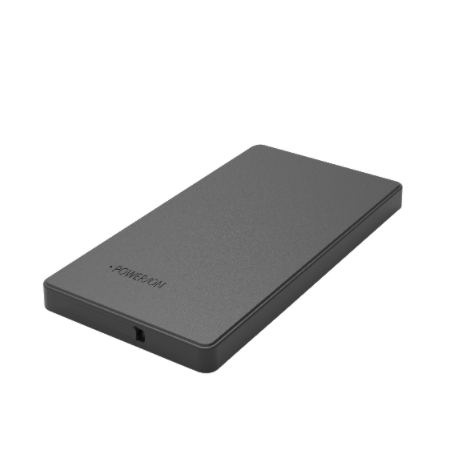

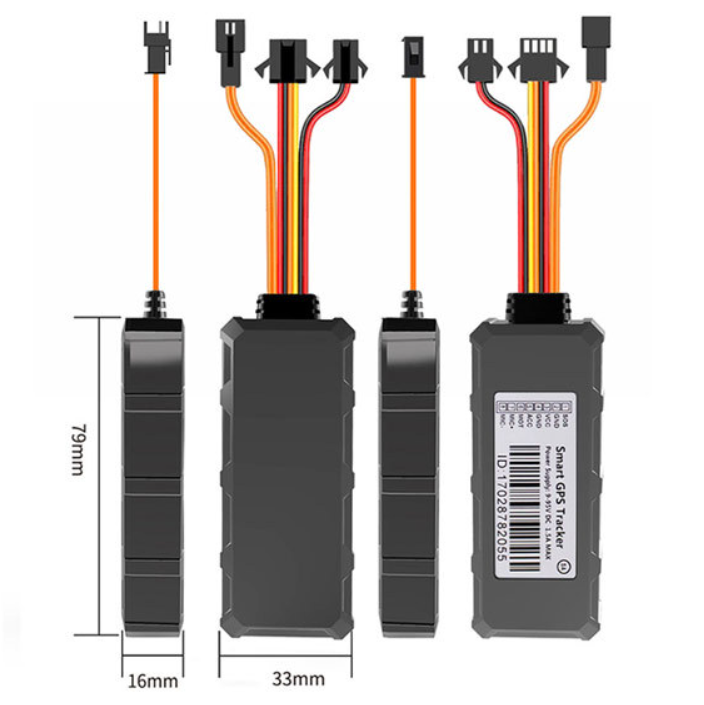
















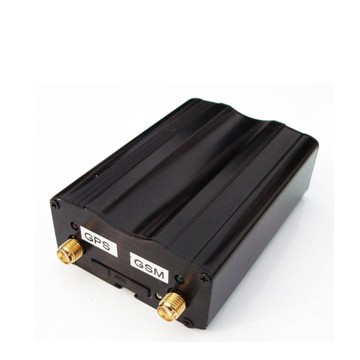
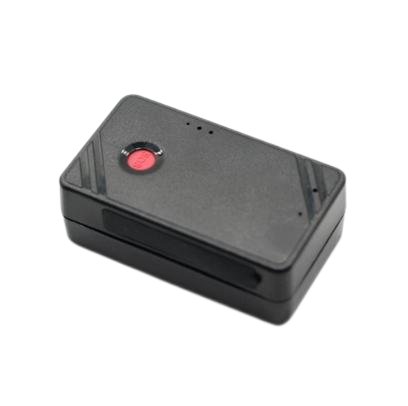

Frequently Asked Questions
Q: What GOTOP devices are compatible with Plaspy? A: The Brand Catalog above lists all GOTOP models known to work with Plaspy. Open a model entry to view compatibility notes and any model specific instructions.
Q: Can I use GOTOP GPS trackers with Plaspy? A: Yes. Many GOTOP devices can be configured to send data to Plaspy using standard tracking protocols. Refer to the model page for setup details.
Q: Does Plaspy support fleet monitoring with GOTOP devices? A: Plaspy supports fleet monitoring features such as live tracking, alerts, and reports for GOTOP devices once they are connected and configured in the platform.
Q: Where can I find GOTOP device documentation in Plaspy? A: Click any GOTOP model in the Brand Catalog to access device specific documentation, setup tips, and recommended settings for use with Plaspy.
Q: What should I check before deploying GOTOP devices at scale? A: Verify cellular network coverage, confirm device power and mounting options, test reporting intervals in Plaspy, and validate alert rules on a small pilot before full deployment.
Q: Who can help if I have issues connecting a GOTOP device to Plaspy? A: Start with the device model page in the catalog for configuration notes. If further help is needed, Plaspy support can assist with device onboarding and troubleshooting.
Next steps
Explore the catalog above to view all GOTOP devices compatible with Plaspy. For platform details, pricing, and to get started with monitoring your fleet or assets, visit https://www.plaspy.com. If you need hands on assistance, Plaspy support resources and documentation are available from the main site.
Brand Compatibility
Monitor compatible brand devices with Plaspy
Plaspy helps businesses work with compatible GPS trackers for visibility, reporting, and daily operational control across vehicle and asset tracking workflows.