
Huabao
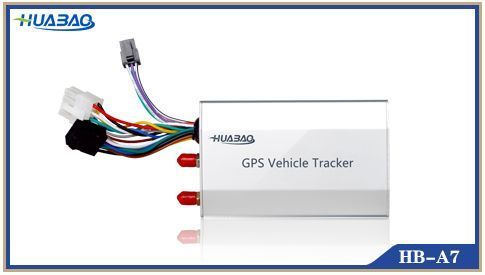
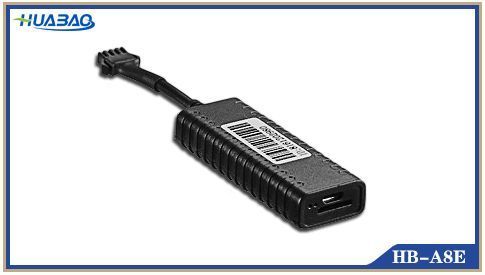
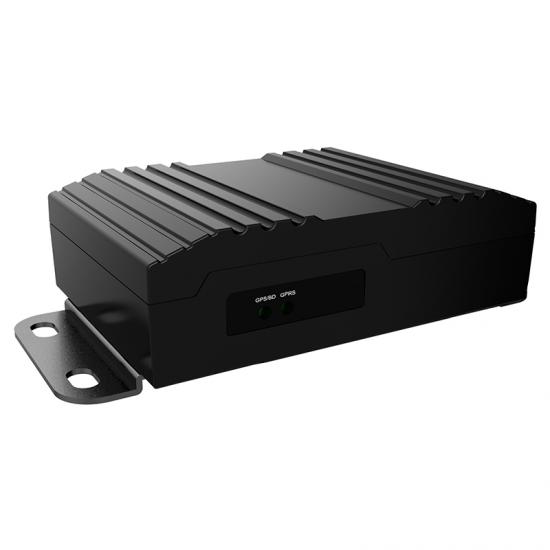
Huabao produces a range of GPS tracking devices used for vehicle and asset tracking. On this page you will find how Huabao devices integrate with Plaspy, what typical features to expect, common use cases, and guidance to help you choose the right device for your deployment. Use the catalog below to browse all Huabao models that are known to work with Plaspy.
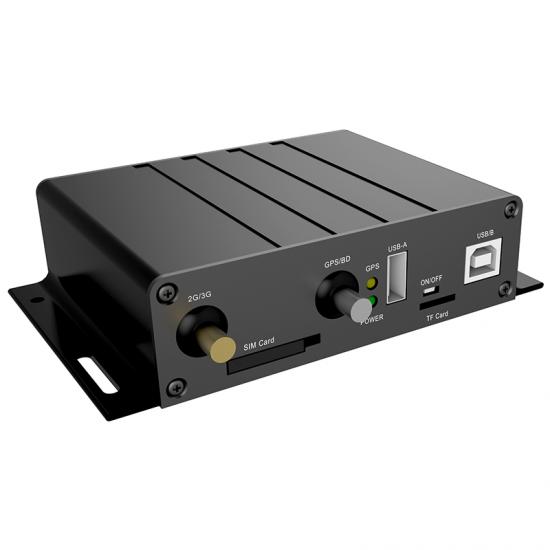
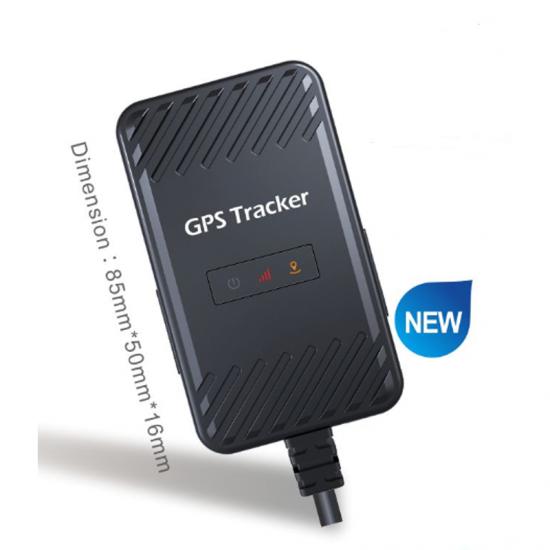
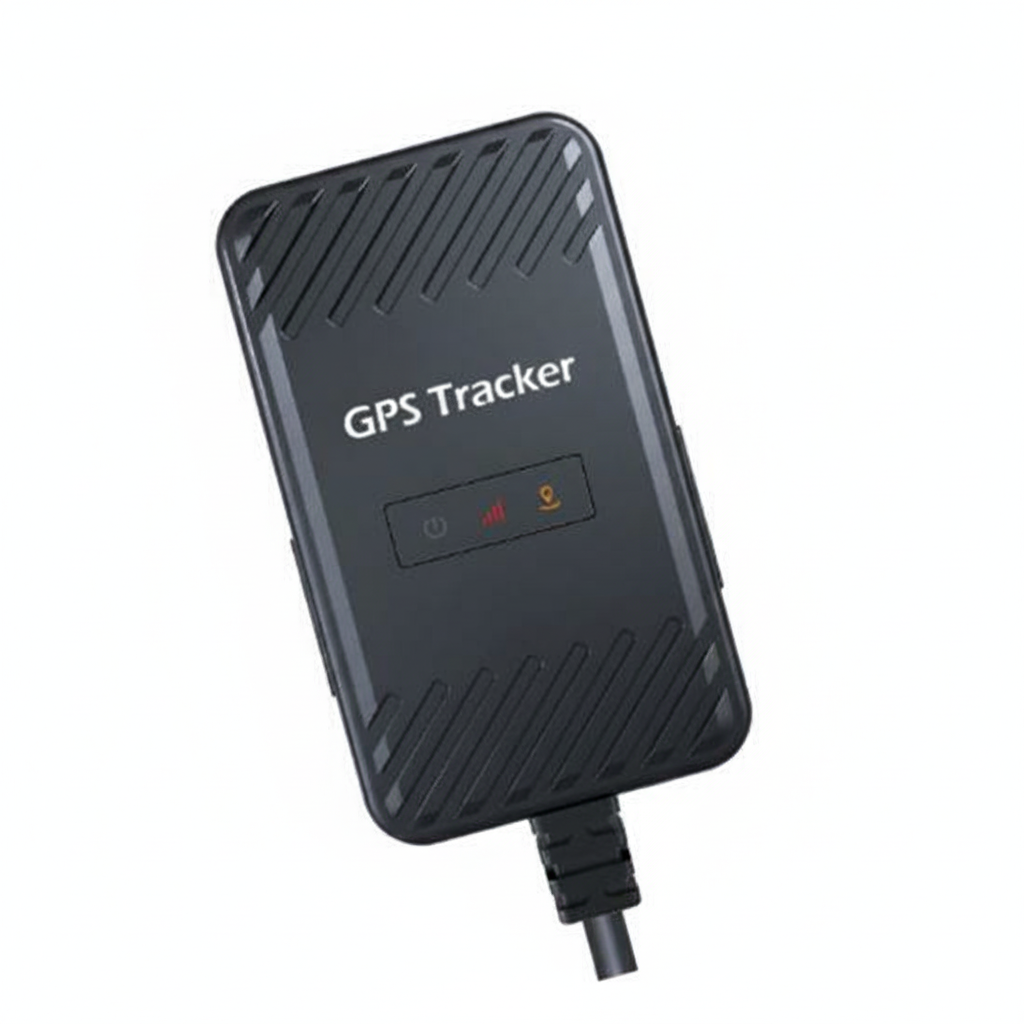

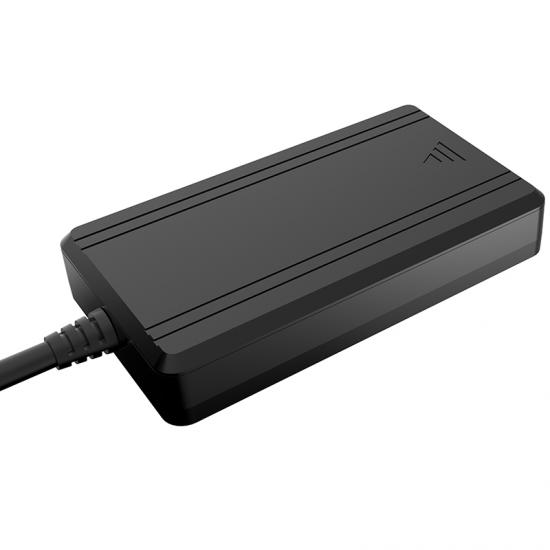
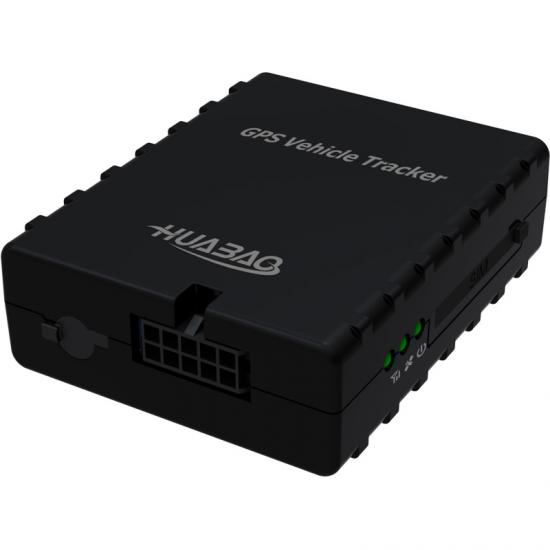
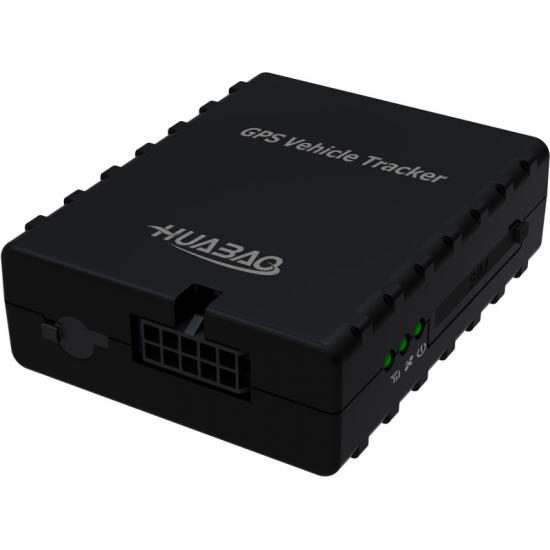
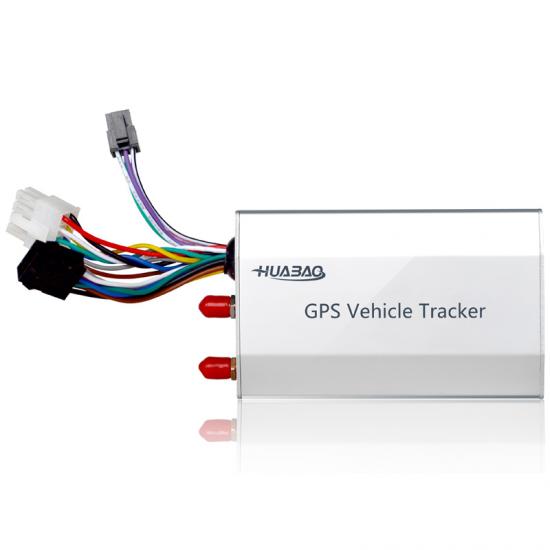
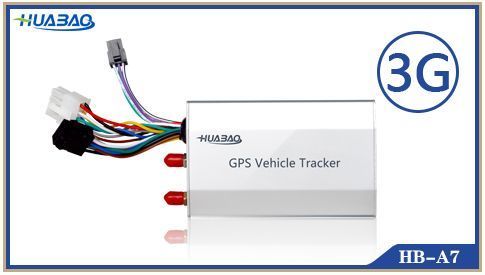
How Huabao devices work with Plaspy
Plaspy receives location and telemetry data that Huabao devices transmit from the field and presents it in a unified dashboard for monitoring, alerts, and reporting. Most integrations require configuring the device to send its data to Plaspy and registering the device identifier inside the Plaspy platform. Once connected, Plaspy decodes the incoming data and associates it with the vehicle or asset record so you can track motion, status, and history.
For device specific connection notes and configuration steps, open the individual device pages from the catalog. Those pages explain the settings and parameters commonly needed to connect a Huabao unit to Plaspy.
Common features found in Huabao devices
While features vary by model, many Huabao units include capabilities commonly used for fleet and asset tracking:
- GPS location reporting with periodic updates
- Cellular connectivity for live tracking and remote reporting
- Digital inputs and outputs for ignition detection and external sensors
- Geofencing and movement alerts
- SOS or panic input on some models
- Internal battery backup for tamper detection and off‑vehicle tracking
- Basic trip logging and mileage reporting
These features are typically supported by Plaspy for visualization, alerting, and reporting once the device is connected.
Typical use cases for Huabao GPS trackers
Huabao devices are suitable for a broad set of tracking scenarios including:
- Commercial vehicle fleet monitoring and route oversight
- Delivery and logistics tracking for real time visibility
- Rental vehicle and equipment monitoring
- Theft deterrence and recovery through geofence alerts and location history
- Mobile workforce tracking and safety monitoring
Plaspy helps turn the raw device data into actionable information for operations, compliance, and customer service.
Why choose Plaspy for Huabao device monitoring
Plaspy is built to ingest data from a wide variety of GPS trackers and present it in a consistent, operationally useful way. When you pair Huabao devices with Plaspy you get:
- Centralized device management and registration
- Real time map visualization and live location updates
- Custom alerts and notification rules based on device events
- Historical trip and activity reporting for analysis
- Integrations and API access to connect tracking data with other systems
- User and access controls so teams see the right data
If you already have Huabao units in the field, Plaspy can help you manage them without replacing existing hardware.
Help finding the right Huabao device
To choose the best Huabao model for your needs:
- Browse the device catalog above and filter by the features you need.
- Check that the device supports the connectivity and sensor inputs required by your use case.
- Review the device page in Plaspy for configuration guidance and any notes about supported reports or events.
- Contact your Huabao reseller or visit the manufacturer site at https://www.huabaotelematics.com/ for hardware specifications and procurement questions.
- Reach out to Plaspy support if you need help matching a model to a specific workflow or integration.
Frequently Asked Questions
What Huabao devices are compatible with Plaspy?
- Compatible Huabao devices are listed in the catalog on this page. Select a model in the catalog to view its device page for details on compatibility and setup with Plaspy.
Can I use Huabao GPS trackers with Plaspy?
- Yes. Huabao devices can be configured to send tracking data to Plaspy. After registering the device in Plaspy and configuring the device to point to the Plaspy platform, you will be able to view live position, history, and alerts.
Does Plaspy support fleet monitoring with Huabao devices?
- Plaspy supports fleet monitoring workflows such as live tracking, geofence alerts, trip history, and reporting for Huabao devices that transmit the required location and event data.
Where can I find Huabao device documentation in Plaspy?
- Open the device pages from the Brand Catalog above. Each device page includes setup notes, recommended settings, and links to further documentation where available.
How do I connect a Huabao device to Plaspy for the first time?
- Connection typically involves configuring the device to send its data to the Plaspy server and adding the device identifier within your Plaspy account. Refer to the specific device page for the exact configuration parameters and reach out to Plaspy support if you need assistance.
What should I do if a Huabao device is not reporting correctly to Plaspy?
- Verify device power and cellular signal, confirm configuration parameters match the instructions on the device page, and check device registration in Plaspy. If issues persist, contact Plaspy support with the device ID and recent logs if available.
Explore Huabao models and start tracking
Use the catalog above to explore Huabao models compatible with Plaspy and open individual device pages for setup instructions. If you want to learn more about managing Huabao devices on Plaspy or to arrange a trial, visit https://www.plaspy.com for product information and contact options.
Brand Compatibility
Monitor compatible brand devices with Plaspy
Plaspy helps businesses work with compatible GPS trackers for visibility, reporting, and daily operational control across vehicle and asset tracking workflows.