
Neomatica
Neomatica is a maker of GPS tracking devices used across vehicle and asset monitoring applications. This page explains how Neomatica devices can work with Plaspy, what to expect from the devices in general terms, and how to find the right device for your use case. If you are evaluating trackers for fleet management, asset monitoring, or telematics projects, this page will help you connect Neomatica hardware to the Plaspy platform and get started.
How Neomatica devices work with Plaspy
Plaspy collects location and telemetry from compatible trackers and presents the data in a single monitoring interface. Neomatica devices that are compatible with Plaspy send positional and status data using standard device reporting methods that Plaspy can ingest and interpret. Once a Neomatica device is configured to send data to Plaspy, you can view live location, history, and alerts inside the Plaspy platform.
Key integration points:
- Device configuration to point reports to Plaspy data ingestion endpoints.
- Mapping device telemetry fields to Plaspy sensors and channels.
- Using Plaspy features such as alerts, geofences, and reporting to act on incoming data.
For device specific setup instructions consult the device documentation available on the device page in this catalog or the official Neomatica site at https://neomatica.com/.
Common features found in Neomatica devices
Neomatica trackers are used in a variety of tracking scenarios and commonly provide capabilities relevant to fleet and asset monitoring, typically including:
- Location reporting for real time and history views
- Movement and ignition detection for vehicle tracking
- Status inputs and outputs for basic sensor integration and control
- Power and battery reporting for portable assets
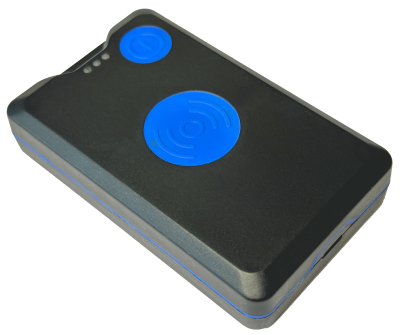
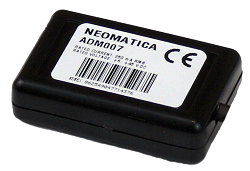
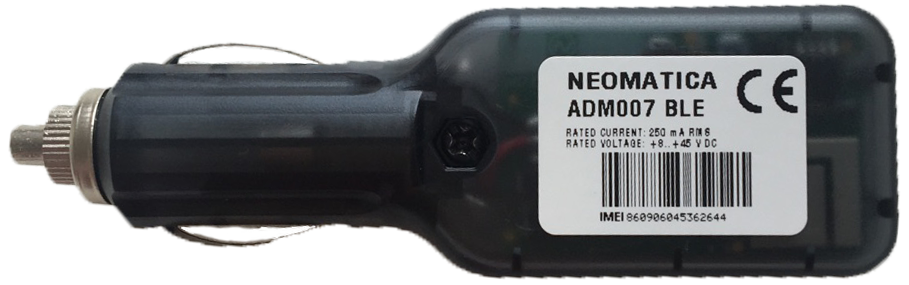
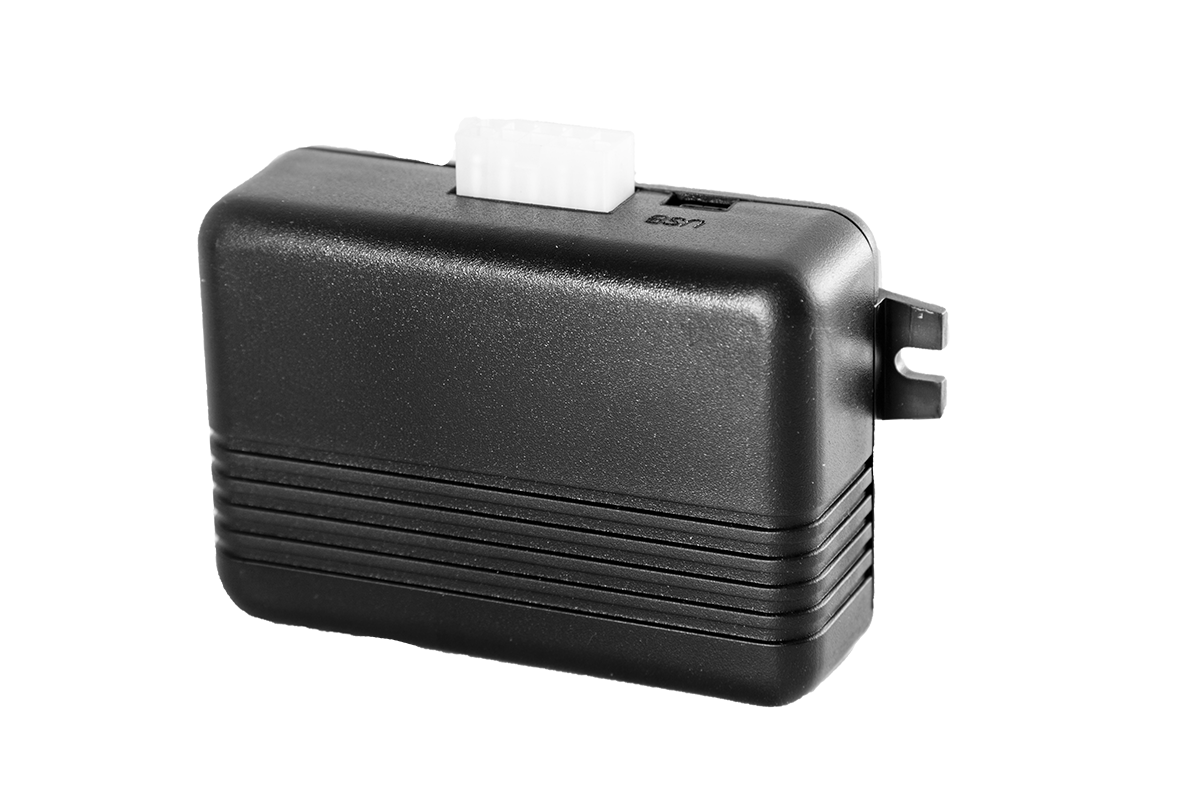
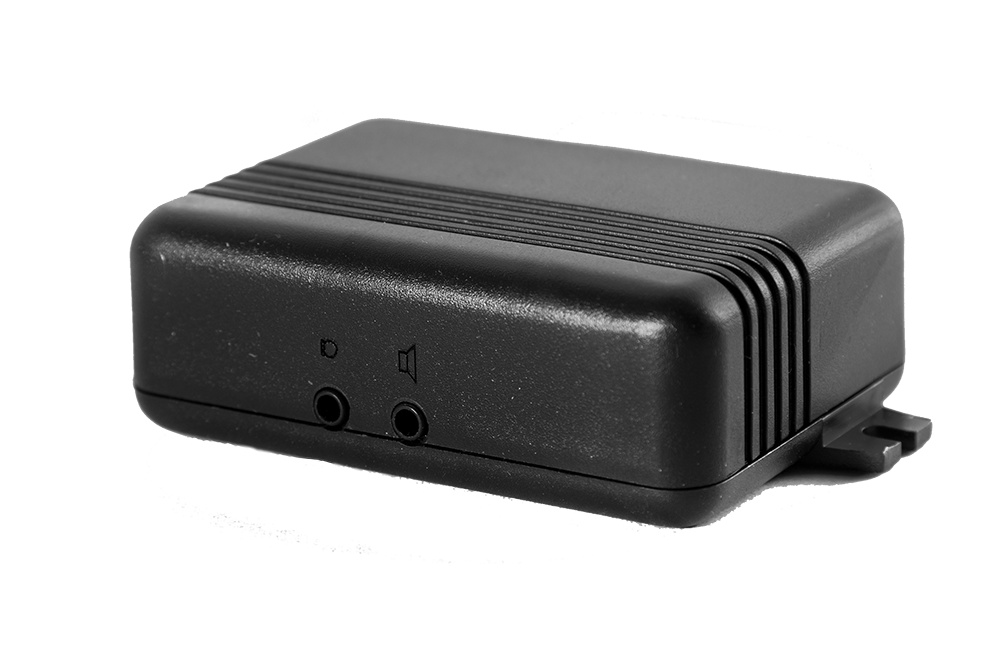
The BrandCatalog below shows the available Neomatica models that are compatible with Plaspy and links to device level pages for configuration notes.
Help finding the right Neomatica device
Choosing the right tracker depends on your vehicle or asset type, power availability, required inputs and outputs, and environmental constraints. To find the right Neomatica device:
- Use the device catalog below to compare form factors and intended use.
- Review power requirements and mounting options for each device category.
- Check which telemetry and sensor inputs are needed for your workflows.
- If your project requires cellular connectivity choices or extended battery life, evaluate those criteria against device descriptions.
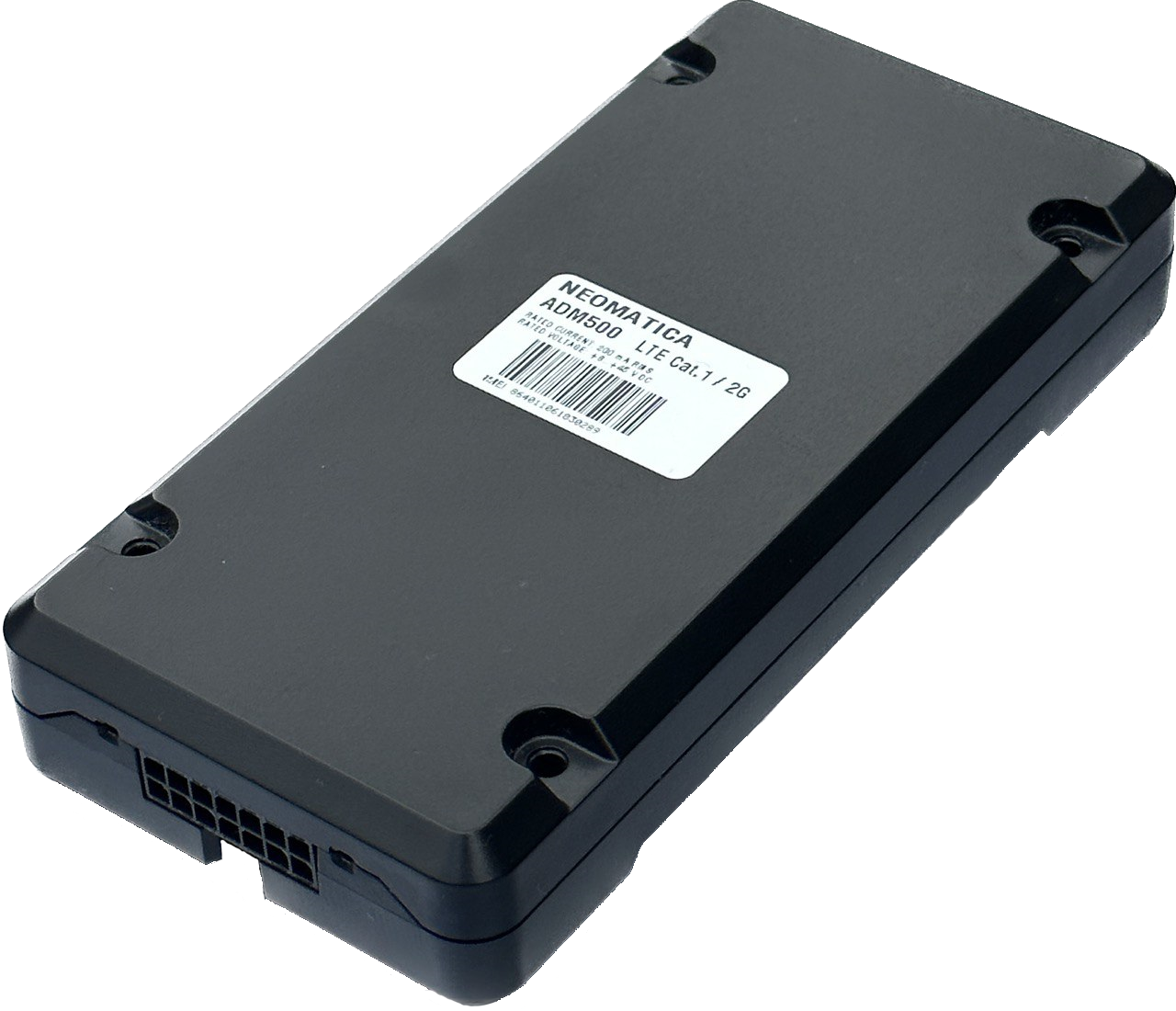
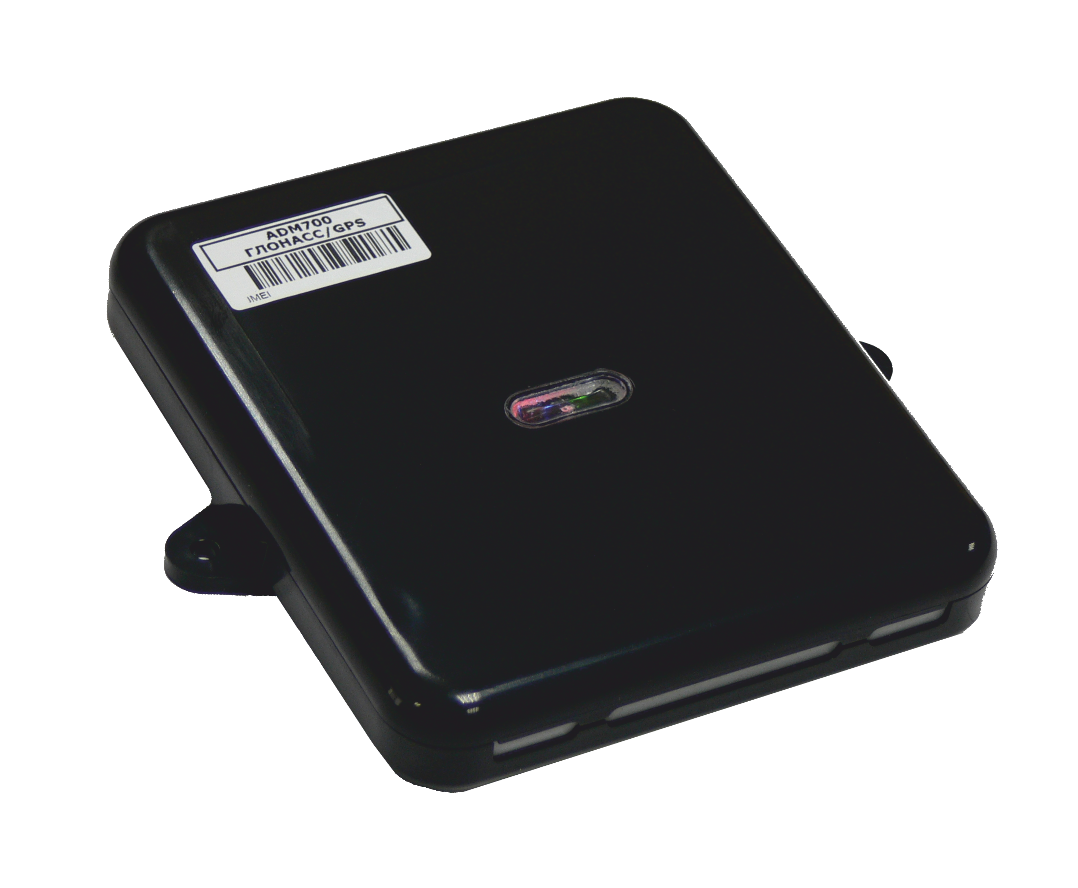
If you need further guidance, Plaspy support and sales resources can help match devices to your deployment needs. Visit https://www.plaspy.com for general product information and contact options.
Typical use cases for Neomatica GPS trackers
Neomatica devices are commonly used for:
- Fleet monitoring and route tracking
- Asset tracking for trailers, machinery, and equipment
- Rental and shared vehicle tracking
- Logistics visibility and proof of movement Plaspy makes it straightforward to consolidate that device data into dashboards, alerts, and operational reports.
Why choose Plaspy for Neomatica device monitoring
Plaspy provides a centralized platform to collect, visualize, and act on telemetry from multiple tracker brands including Neomatica. Benefits of using Plaspy include:
- Unified device management and monitoring across mixed fleets
- Alerting and geofence workflows to automate notifications
- Data exports and APIs for integrations with back office systems
- Role based access and reporting to support operations teams
Plaspy focuses on making device onboarding, configuration, and daily monitoring practical for operations teams. For more information about platform capabilities and pricing visit https://www.plaspy.com.
Frequently Asked Questions
Q: What Neomatica devices are compatible with Plaspy? A: Compatible Neomatica models are shown in the BrandCatalog on this page. Each device entry links to more details about its capabilities and configuration notes for use with Plaspy.
Q: Can I use Neomatica GPS trackers with Plaspy? A: Yes. Neomatica trackers that are configured to report to Plaspy can be monitored in the Plaspy platform. Device specific setup steps are available on each device page and in the device documentation.
Q: Does Plaspy support fleet monitoring with Neomatica devices? A: Plaspy supports fleet monitoring workflows such as live tracking, route history, geofencing, and alerts for devices that provide the necessary telemetry. Check the device entries in the catalog for capability details.
Q: Where can I find Neomatica device documentation in Plaspy? A: Device documentation and configuration notes are linked from each device listing in the BrandCatalog above. For additional documentation or resources, consult Neomatica documentation at https://neomatica.com/ or contact Plaspy support.
Q: How do I start sending data from a Neomatica device to Plaspy? A: Begin by reviewing the device entry in the catalog for connection parameters. Typically the process requires configuring the device to send reports to the Plaspy ingestion endpoint and registering the device in your Plaspy account. For step by step guidance, see the device page or contact Plaspy support.
Explore Neomatica models
Browse the device catalog above to review Neomatica models that work with Plaspy. The catalog pages include technical notes, configuration guidance, and links to the manufacturer site when available. If you are ready to evaluate Plaspy for your deployment, visit https://www.plaspy.com to learn more and request assistance.
If you need more technical help connecting a specific device, Plaspy support can assist with configuration and testing.
Brand Compatibility
Monitor compatible brand devices with Plaspy
Plaspy helps businesses work with compatible GPS trackers for visibility, reporting, and daily operational control across vehicle and asset tracking workflows.