
QuecLink
QuecLink produces a range of GPS tracking devices commonly used across fleet management, asset tracking, and vehicle telematics. Many QuecLink models are compatible with Plaspy, allowing organizations to centralize location data, telemetry, and alerts in a single management platform. This page explains how QuecLink devices work with Plaspy, what to expect from device capabilities in general terms, and how to find the right tracker for your needs.
How QuecLink devices work with Plaspy
QuecLink devices that are compatible with Plaspy transmit location and telemetry data over cellular networks to Plaspy servers. Plaspy ingests this incoming data and makes it available through live maps, historical tracks, alerts, and reporting tools. Device configuration and telemetry are accessed from Plaspy so you can manage device settings, view status, and receive event notifications without switching platforms.
Integration highlights to expect when using QuecLink devices with Plaspy
- Real time and periodic location updates displayed on Plaspy maps
- Telemetry and event forwarding into Plaspy for rule based alerts
- Centralized device health and connectivity status in the Plaspy dashboard
- Device configuration workflows available from the Plaspy interface where applicable
Note that device specific setup steps and advanced configuration are documented on the individual device pages and in Plaspy support materials.
Browse QuecLink devices compatible with Plaspy
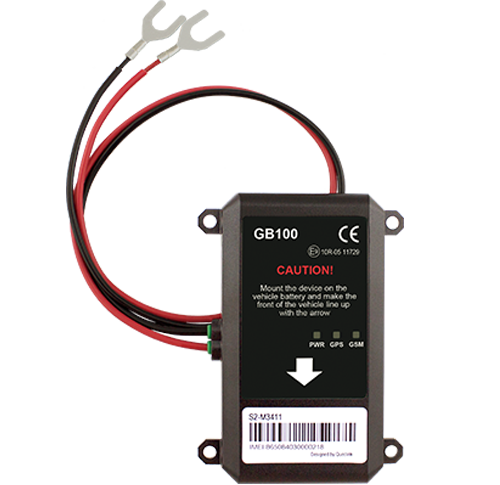
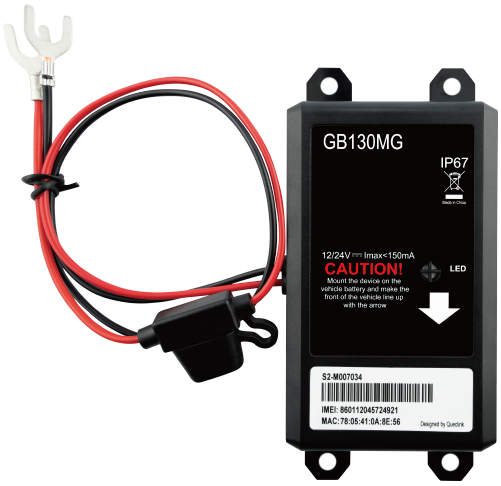
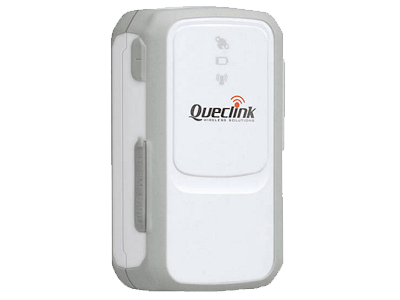
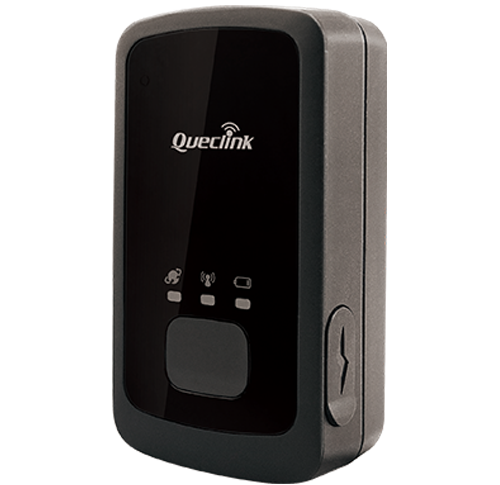
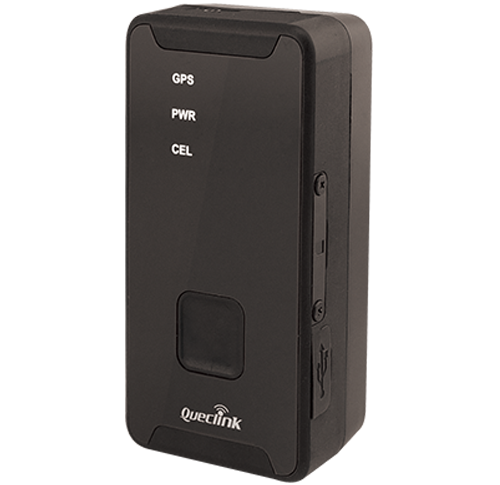
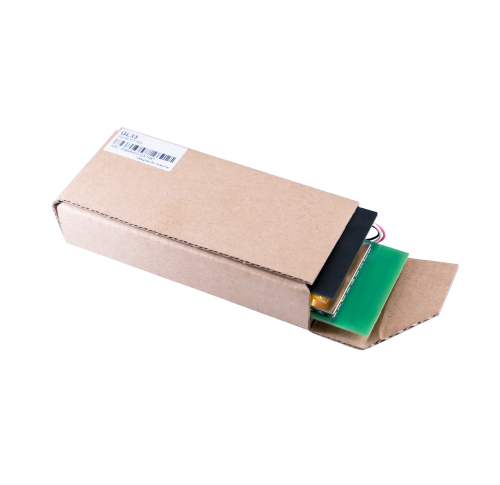
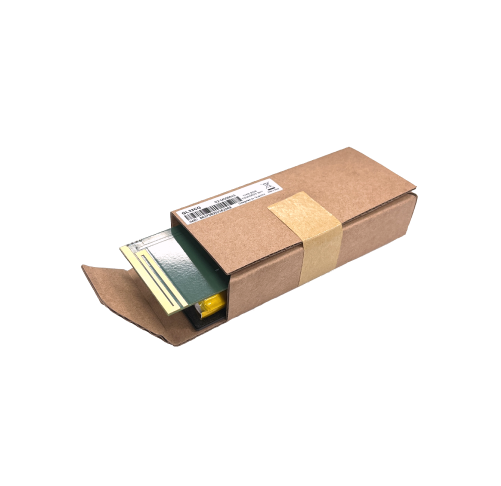
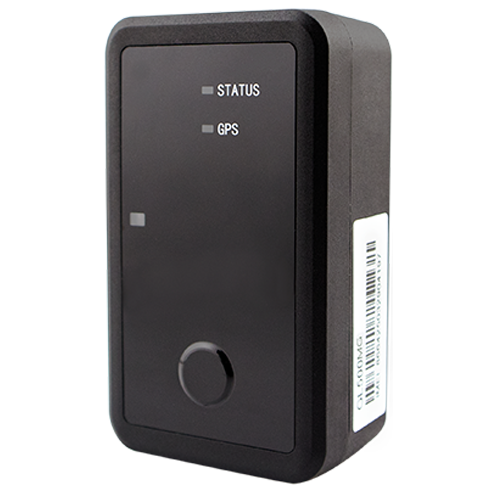
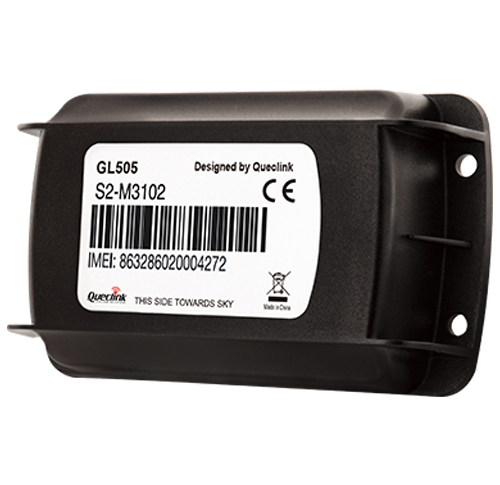
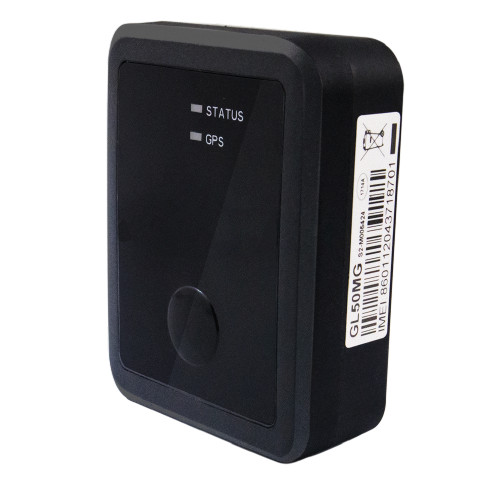
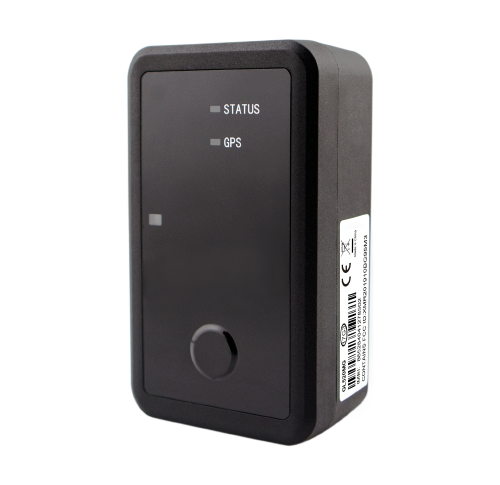
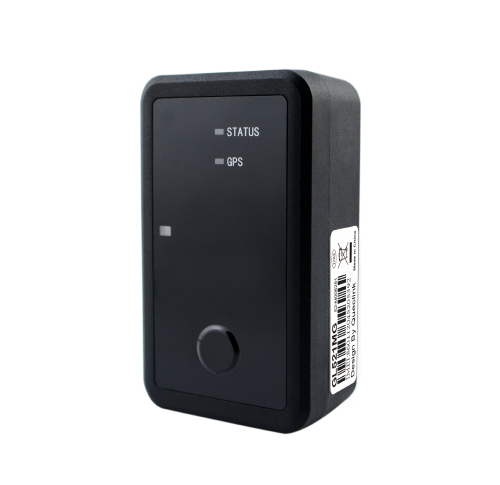
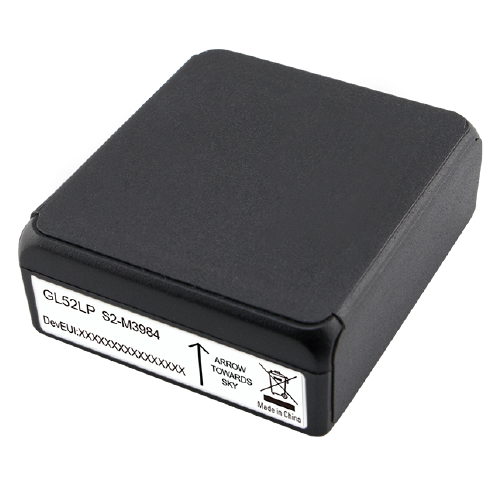
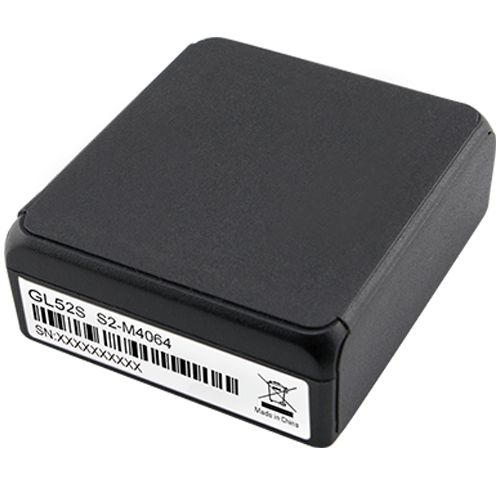
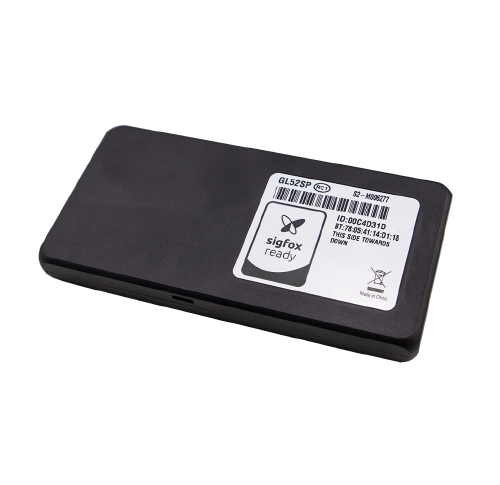
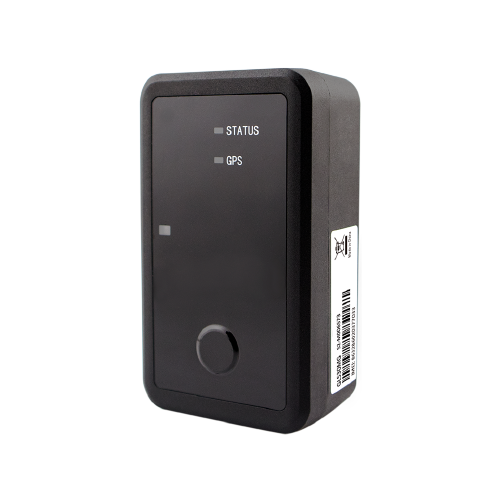
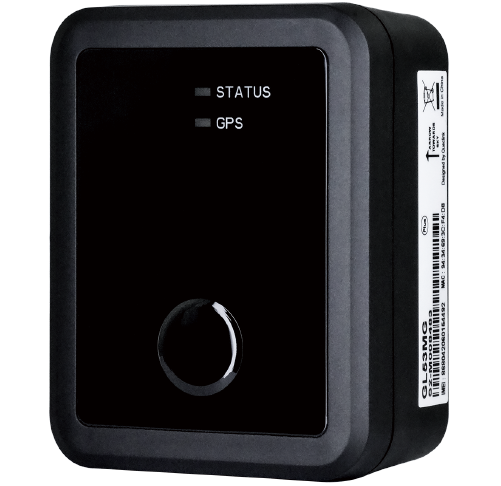
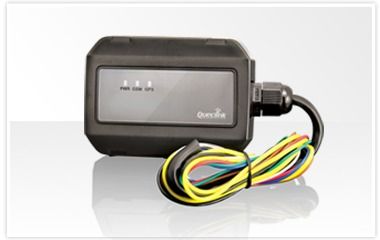
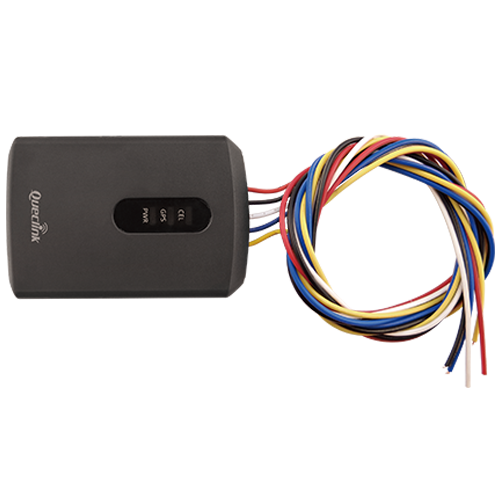
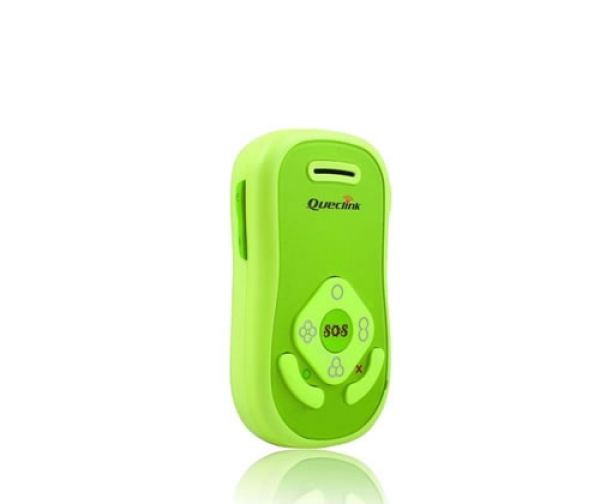
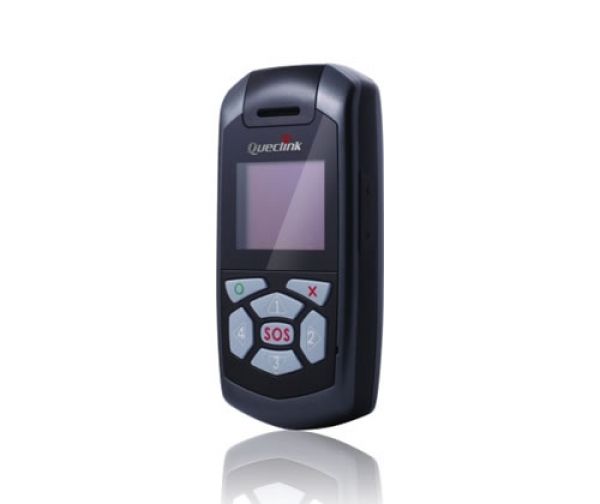
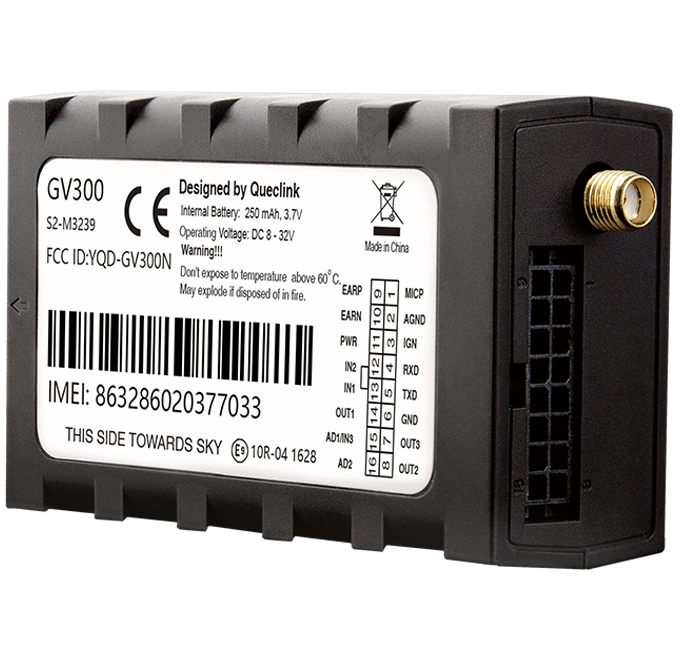
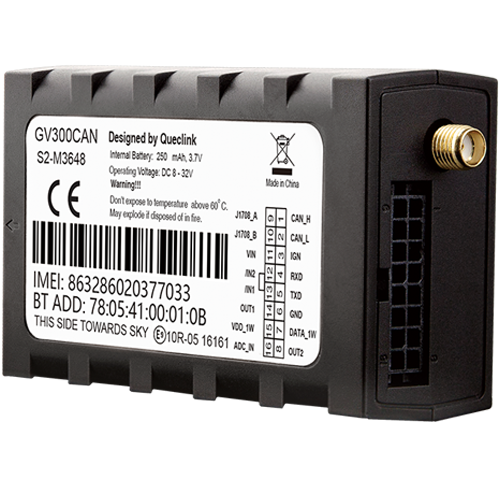
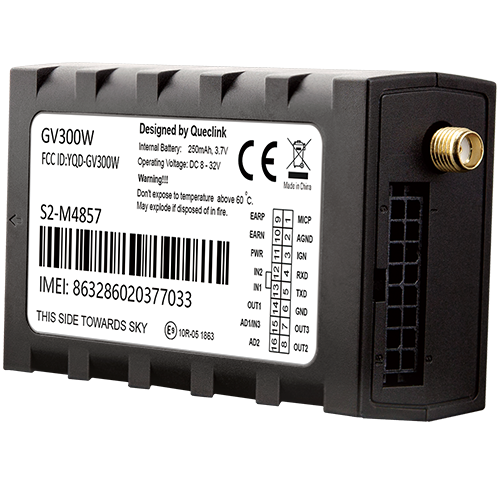
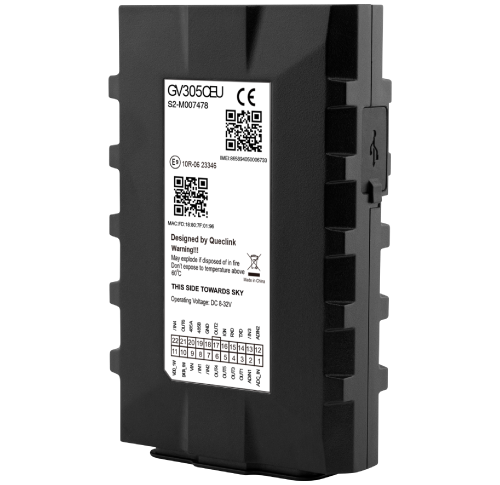
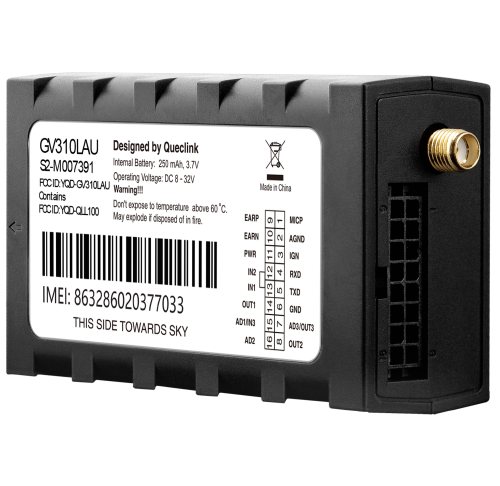
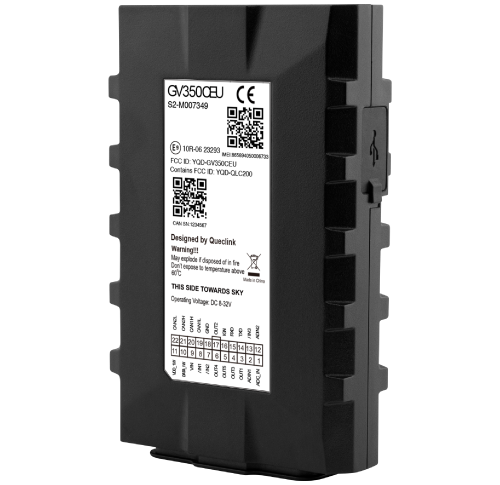
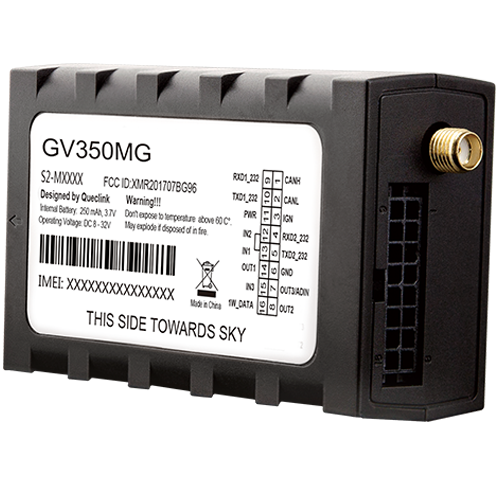
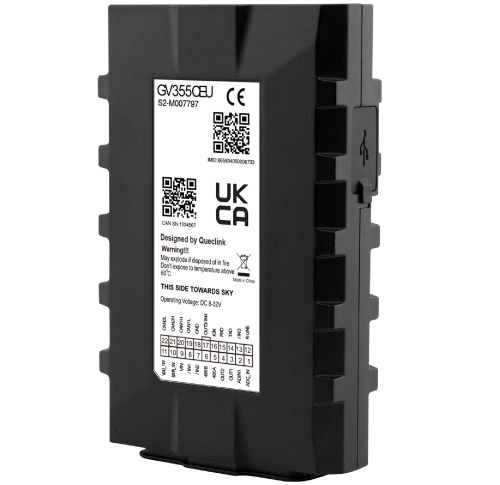
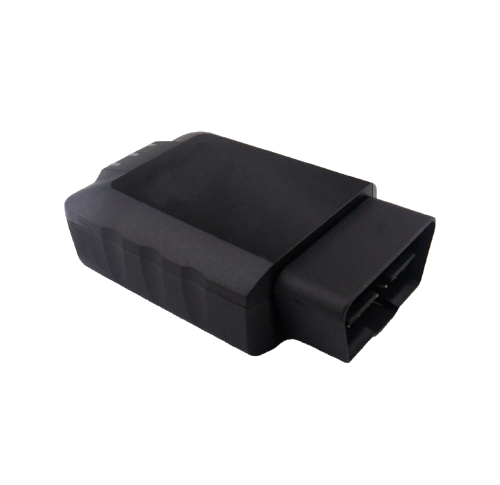
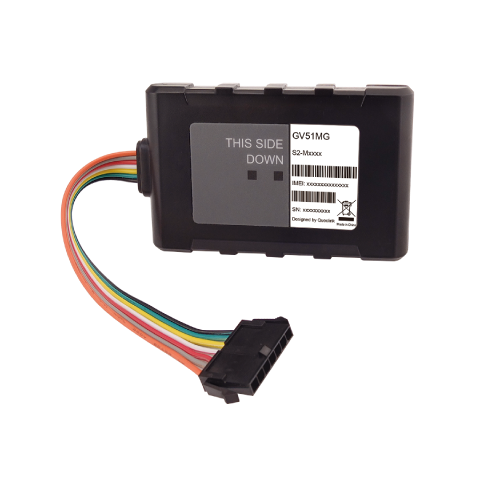
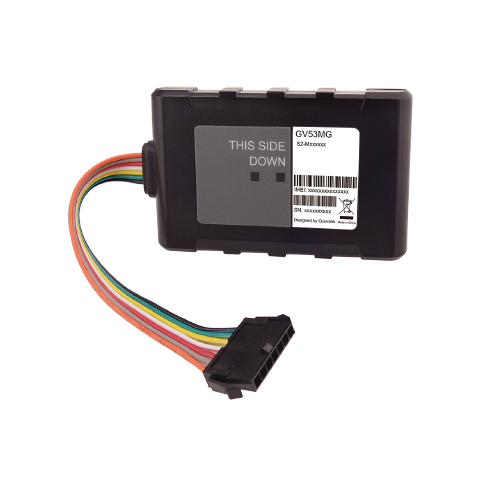
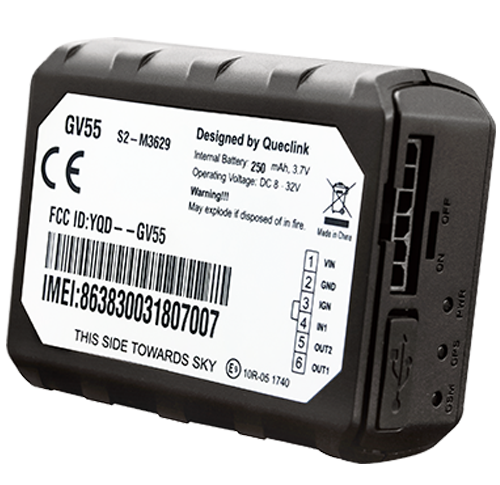
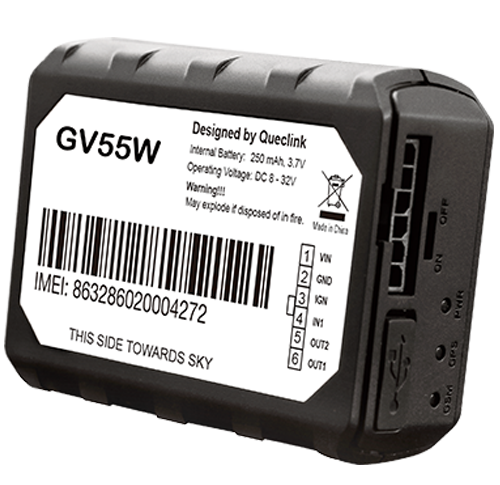
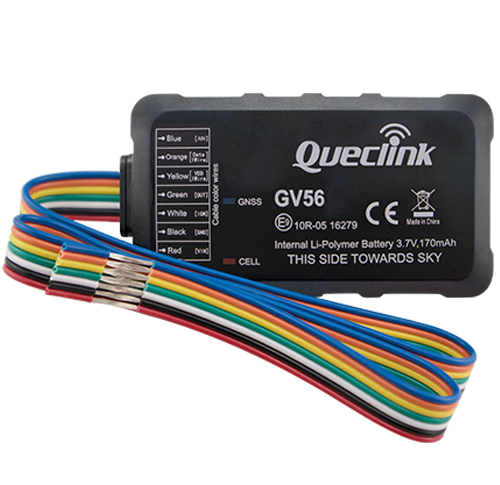
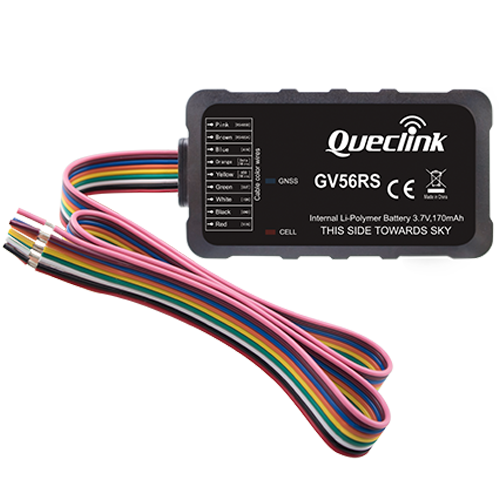
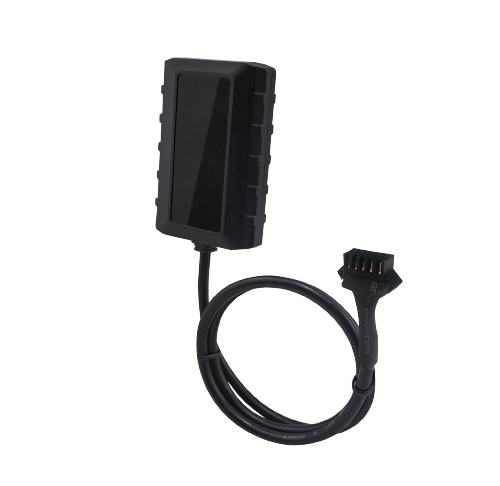
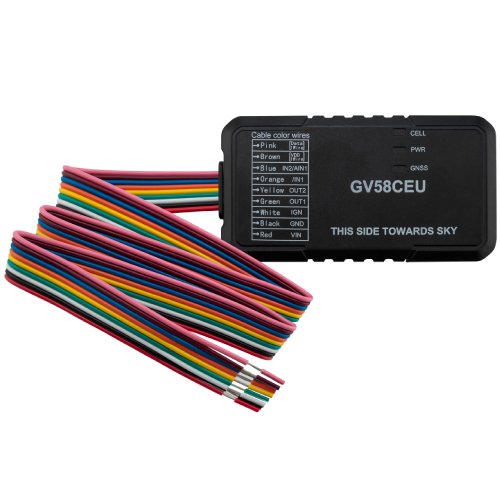
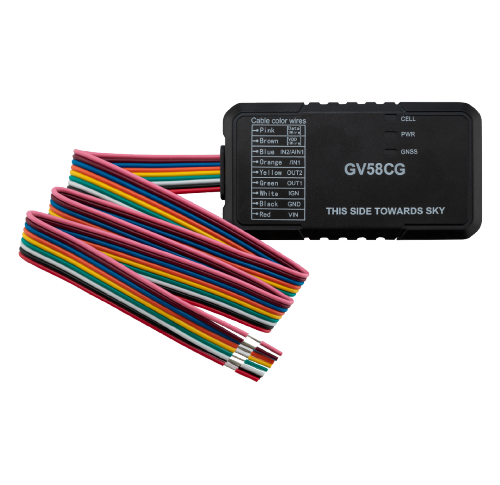
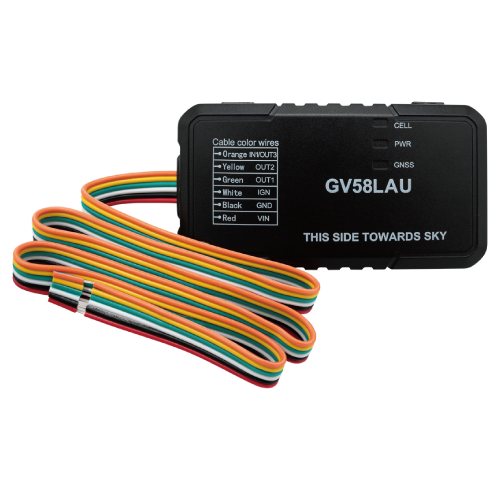
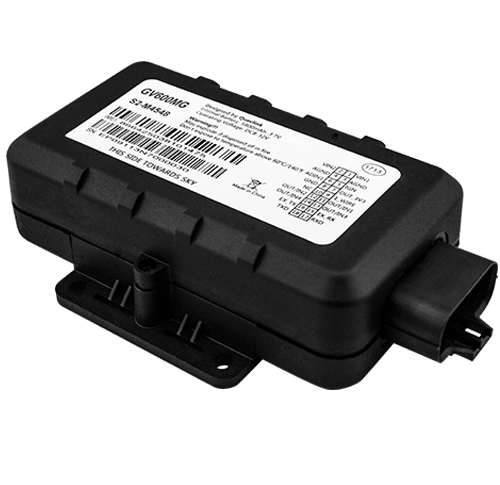
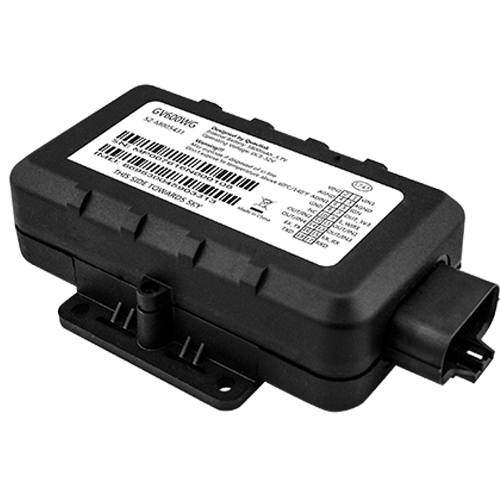
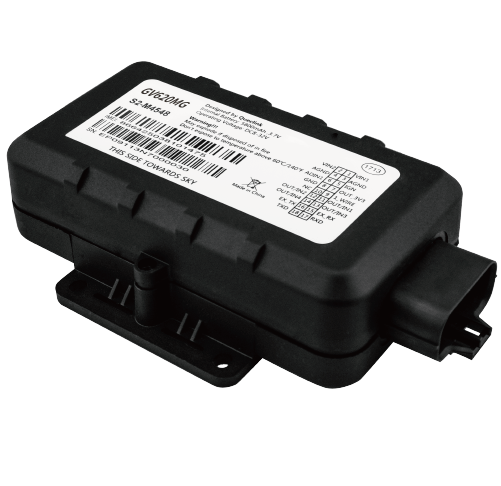
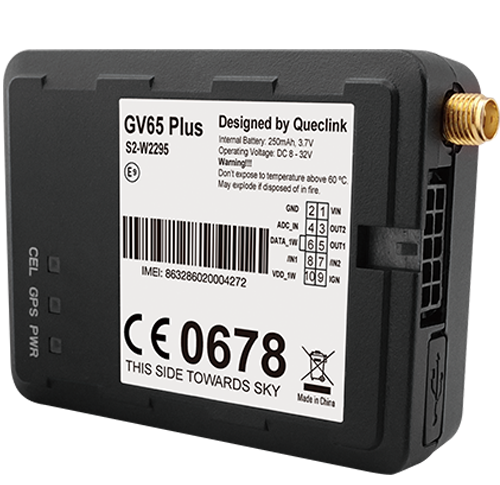
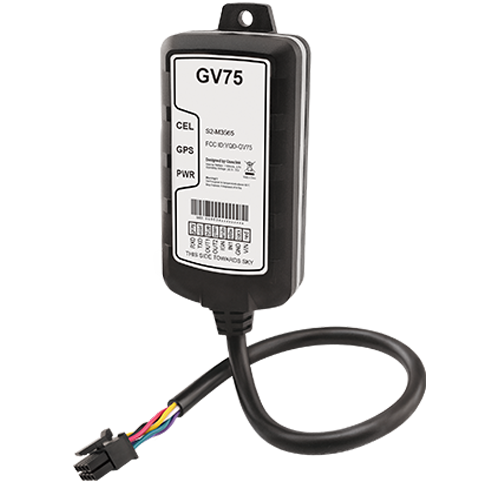
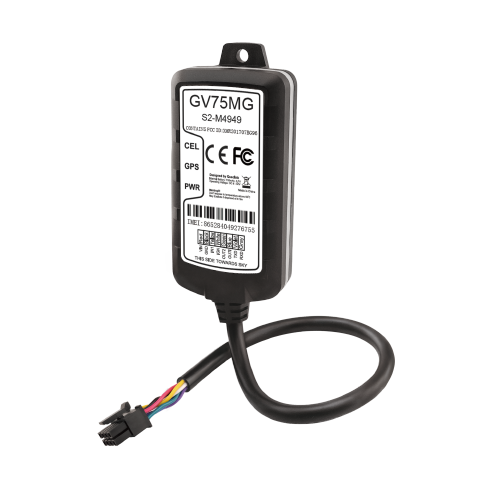
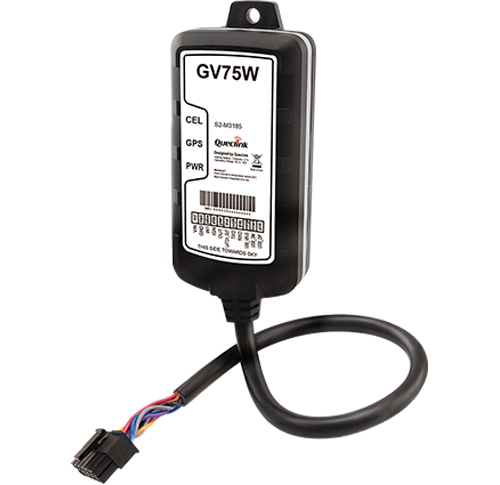
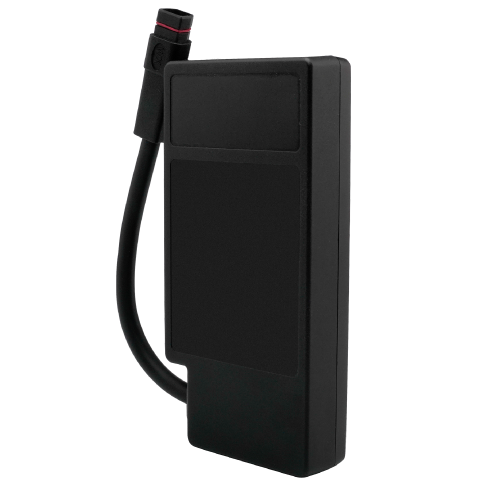
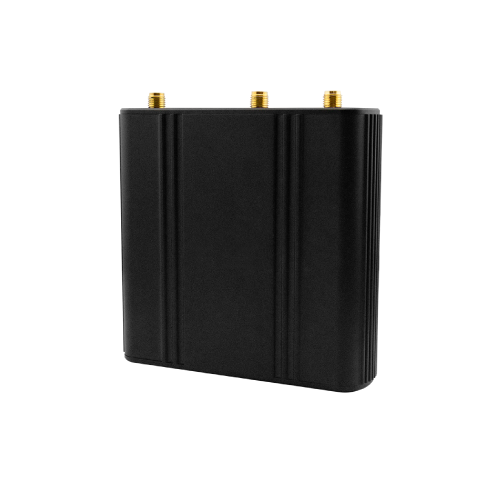
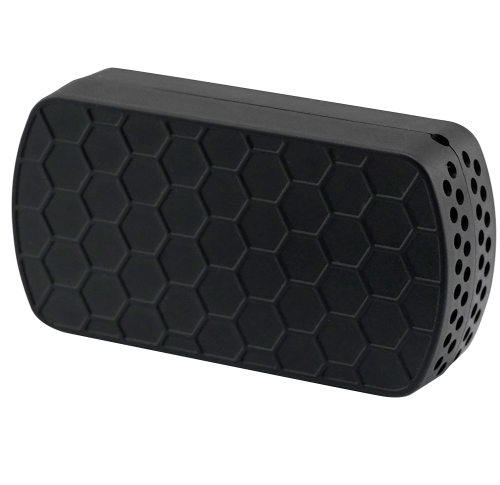
Browse the full catalog of QuecLink models supported by Plaspy below. The catalog shows available models with images, brief compatibility notes, and links to device level documentation where you can find technical setup and configuration guidance.










Common features often found in QuecLink trackers
While specific features vary by model, GPS tracking devices from QuecLink commonly include capabilities you will want to consider for Plaspy integration:
- GNSS based location reporting for real time and historical tracking
- Cellular data connectivity for remote reporting and remote management
- Configurable reporting intervals and power management options
- Digital and analog inputs for sensors and external triggers
- Motion detection and basic event reporting such as ignition or tamper events
For model specific feature sets and exact supported interfaces, consult the device page linked in the catalog.
Typical use cases
Organizations use QuecLink devices with Plaspy for a variety of scenarios:
- Commercial fleet tracking and route monitoring
- Asset tracking for trailers, containers, and equipment
- Vehicle theft prevention and recovery workflows
- Rental and sharing services that need usage history and geofencing
- Logistics and delivery operations requiring live ETA and telematics
Plaspy lets you apply rules and alerts to these use cases so teams can respond quickly to exceptions and analyze operational trends.
Why choose Plaspy for QuecLink device monitoring
Plaspy is designed to ingest data from a broad set of GPS trackers and provide tools to operate fleets efficiently. Using Plaspy with QuecLink devices gives you:
- A unified dashboard for live tracking and historical playback
- Alerting and geofence management to protect assets and optimize operations
- Reporting tools to analyze utilization, trips, and idle time
- API access and integration options to connect Plaspy with other business systems
- Centralized device management to view connectivity and update settings
If you need help confirming compatibility for a particular deployment or fleet size, Plaspy support can advise on recommended models and configuration practices.
Help finding the right QuecLink device
Start by browsing the catalog on this page to compare device families and their general capabilities. When evaluating models, consider:
- Required reporting frequency and accuracy
- Power options such as battery powered versus hardwired
- Input and sensor needs for the vehicles or assets you are tracking
- Cellular network coverage in your operating region
If your requirements are specific or complex, contact Plaspy support or visit https://www.plaspy.com for guidance. Device level documentation linked from the catalog provides the configuration details you will need when onboarding devices to Plaspy.
Frequently Asked Questions
Q: What QuecLink devices are compatible with Plaspy? A: The full list of QuecLink models compatible with Plaspy is shown in the catalog on this page. Click a model in the catalog to view device level documentation and compatibility notes.
Q: Can I use QuecLink GPS trackers with Plaspy? A: Yes. QuecLink trackers that are configured to report to Plaspy can send location and telemetry data into the Plaspy platform for tracking, alerts, and reporting. Device specific setup steps are available on each device page.
Q: Does Plaspy support fleet monitoring with QuecLink devices? A: Plaspy supports fleet monitoring workflows including live tracking, geofencing, alerting, and reporting when devices are sending compatible data streams. Review the device documentation and the Plaspy device pages to confirm required settings.
Q: Where can I find QuecLink device documentation in Plaspy? A: Each QuecLink model listed in the Brand Catalog links to a dedicated device page with setup instructions and configuration notes. Use those device pages for technical steps and example settings.
Q: Who can I contact if I need help with device onboarding? A: For assistance with device onboarding, configuration, or compatibility questions, reach out to Plaspy support or visit https://www.plaspy.com for contact options and resources.
Explore QuecLink models and get started
Explore the QuecLink models in the catalog above to find the right tracker for your use case. For guidance on deployment, network selection, or integration planning, visit https://www.plaspy.com or contact Plaspy support. The catalog and device pages provide the technical details you need to get QuecLink devices reporting into Plaspy quickly and reliably.
Brand Compatibility
Monitor compatible brand devices with Plaspy
Plaspy helps businesses work with compatible GPS trackers for visibility, reporting, and daily operational control across vehicle and asset tracking workflows.