
Reachfar
Reachfar is a provider of GPS tracking devices commonly used for vehicle and asset tracking. This page explains how Reachfar devices work with Plaspy, what to expect from Reachfar hardware in general terms, typical use cases, and where to find device models and documentation within the Plaspy ecosystem.
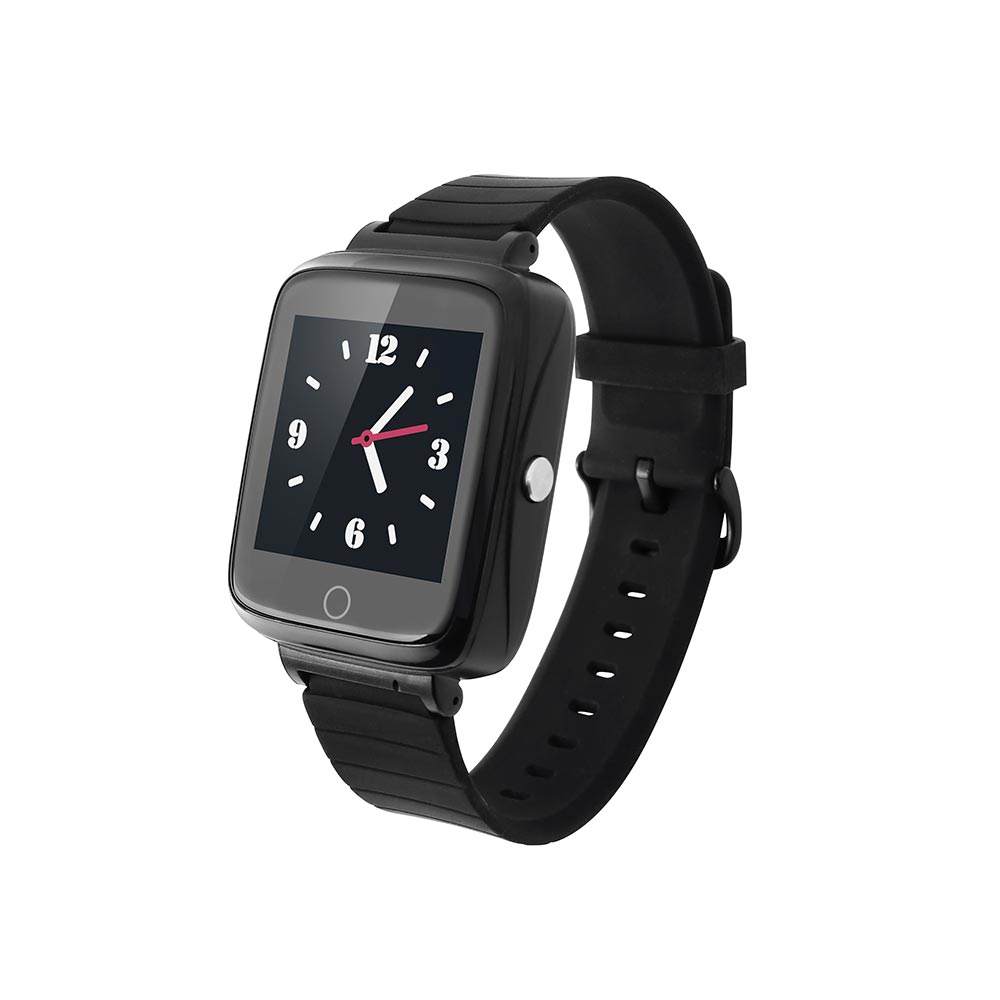
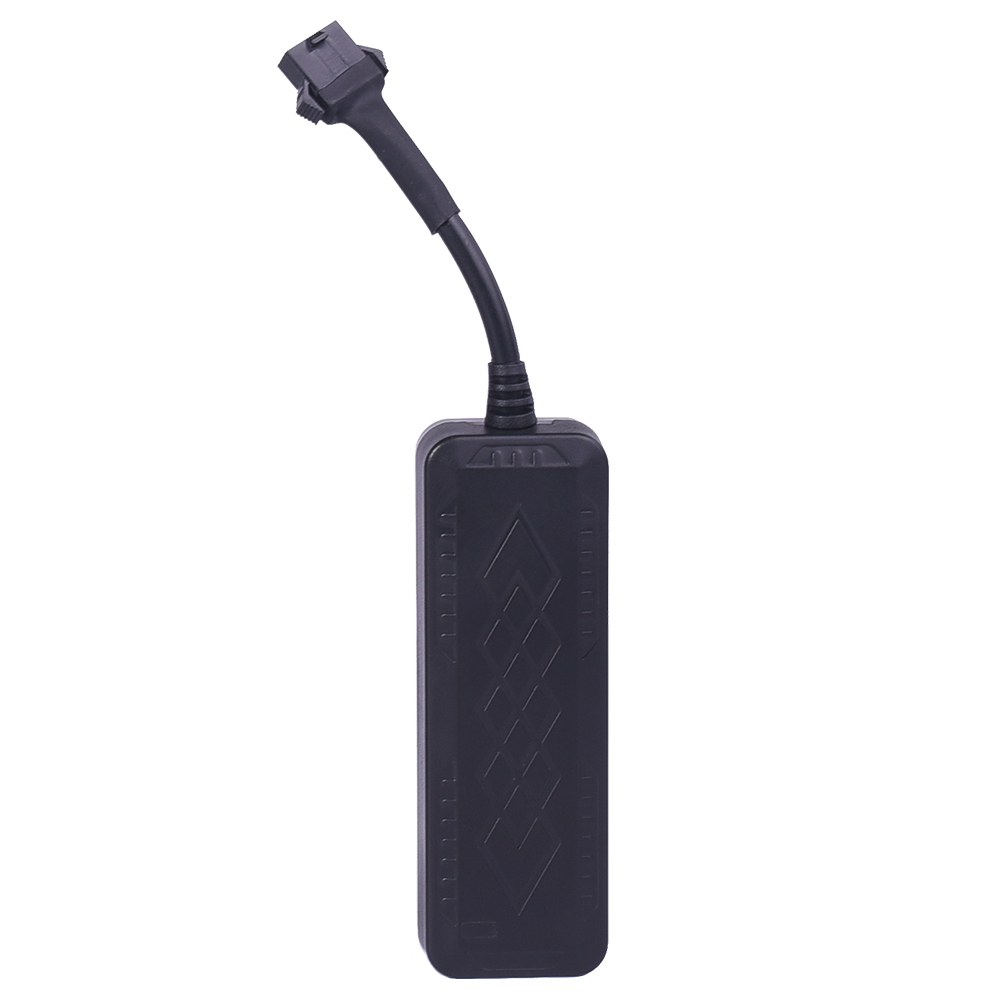
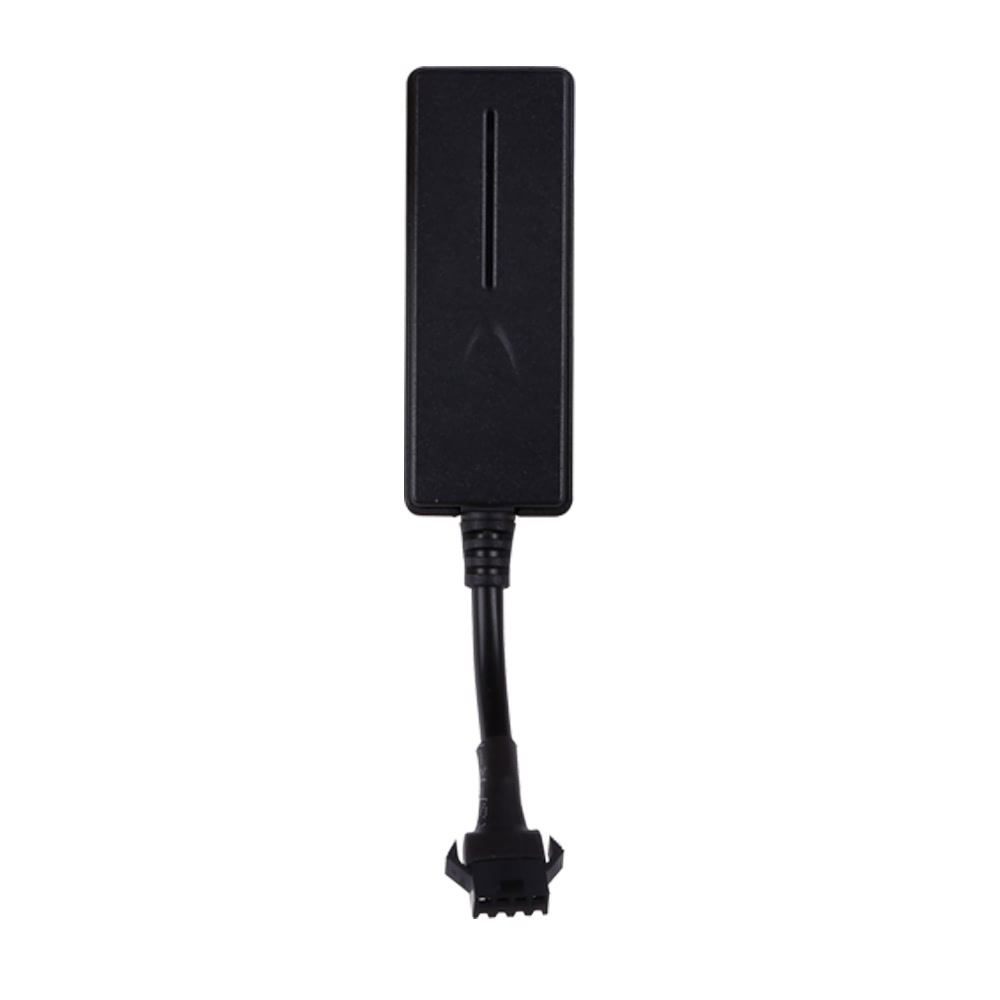
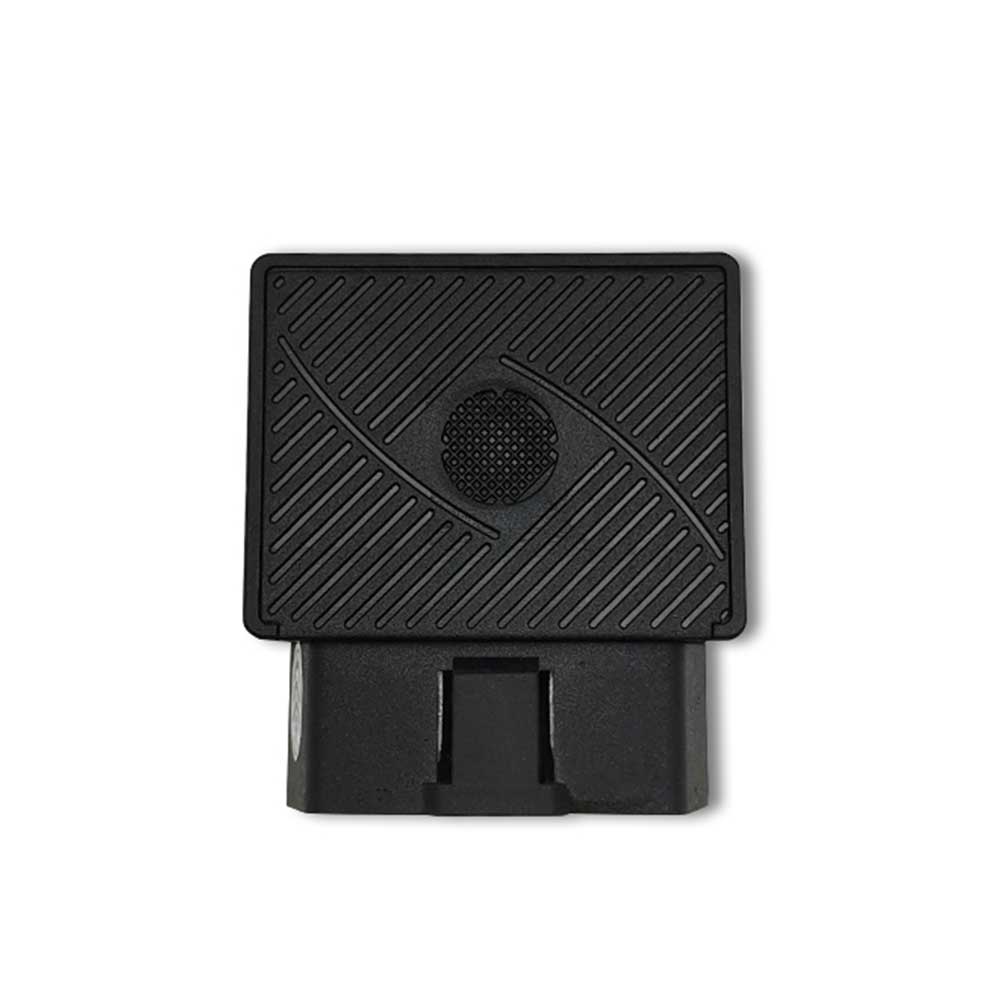
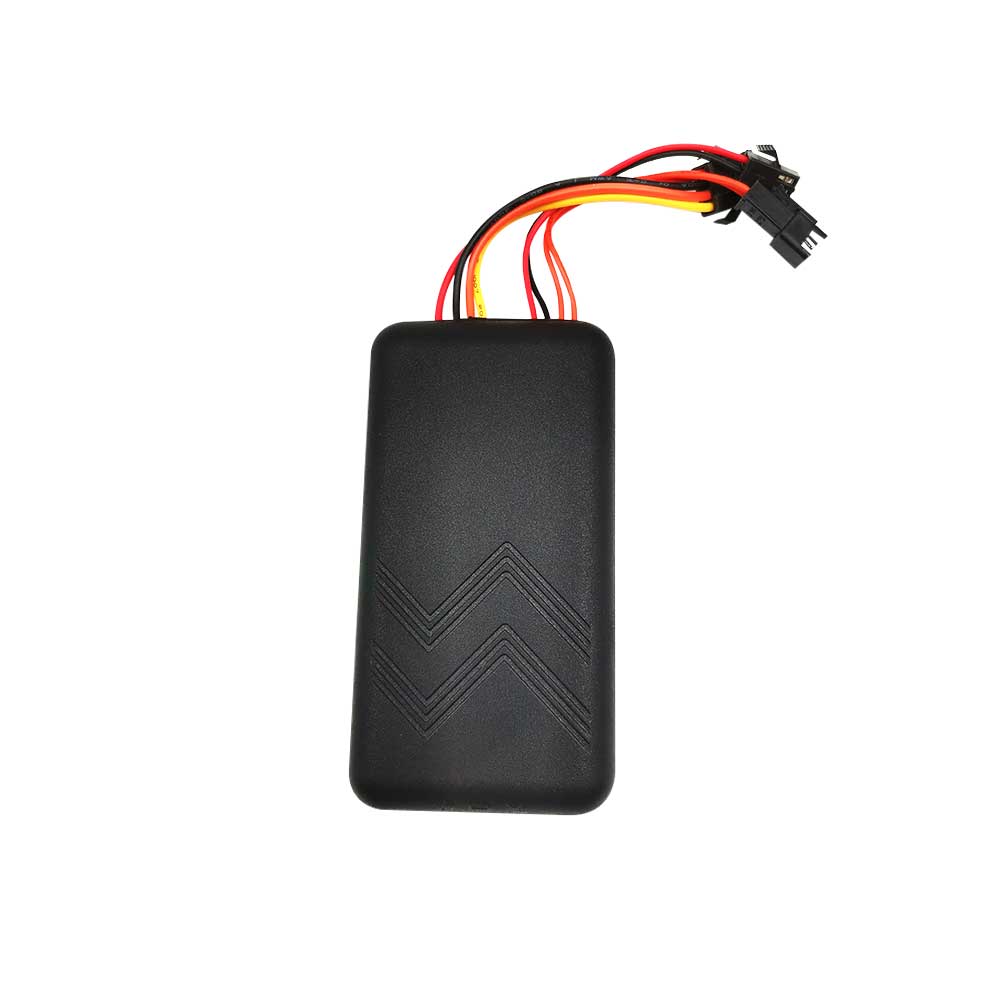
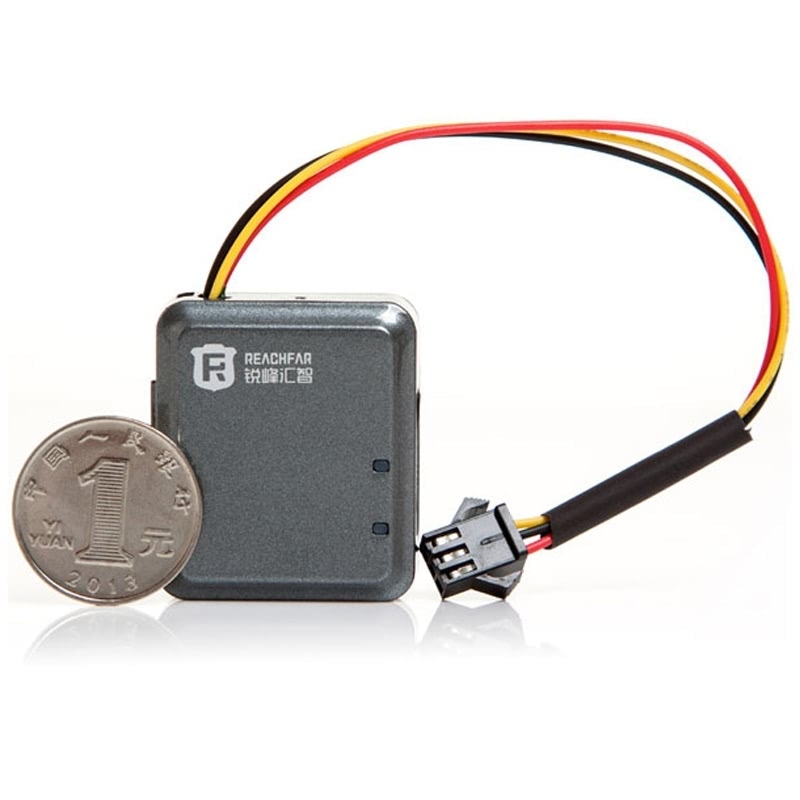
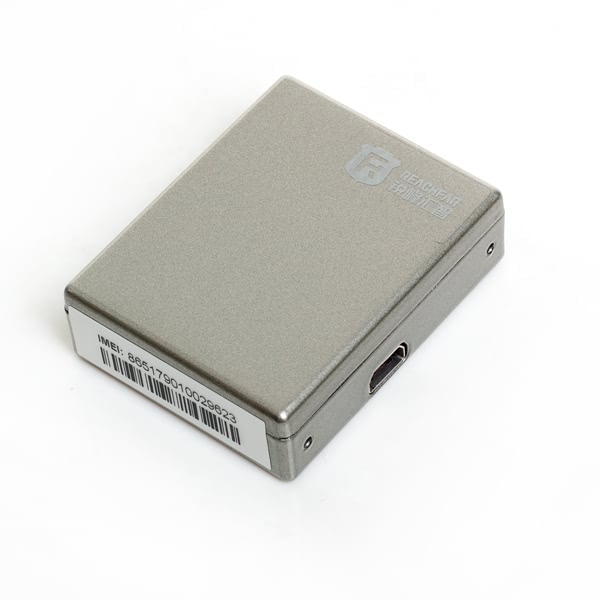
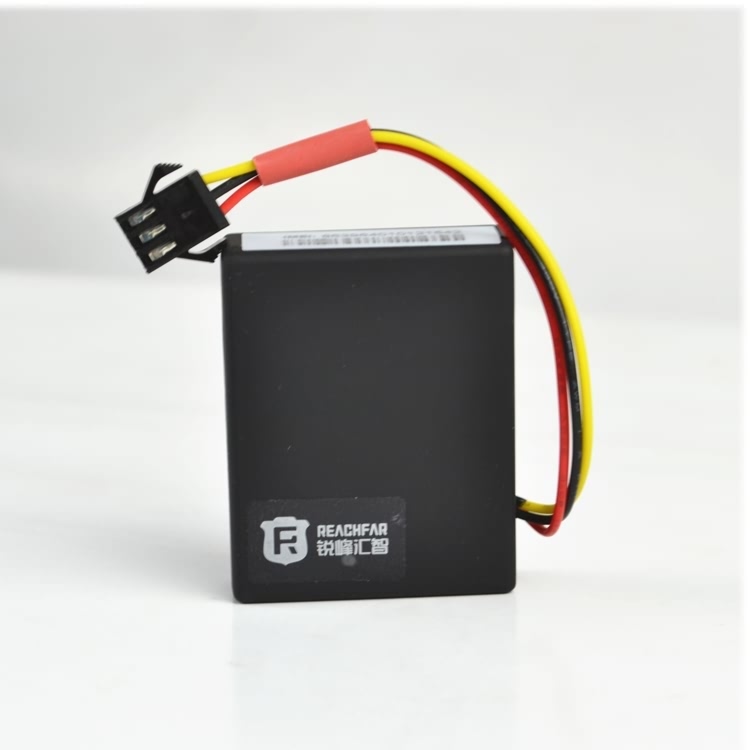
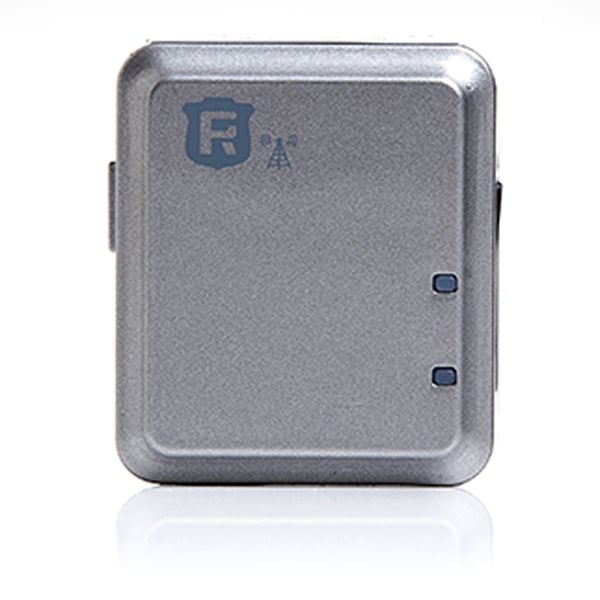
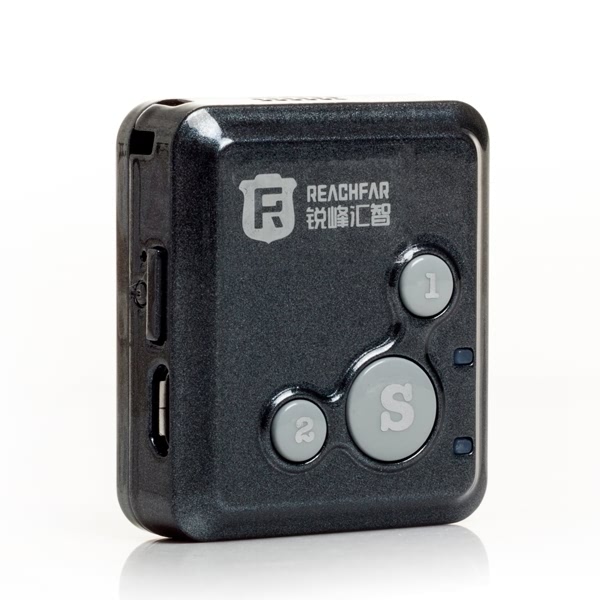
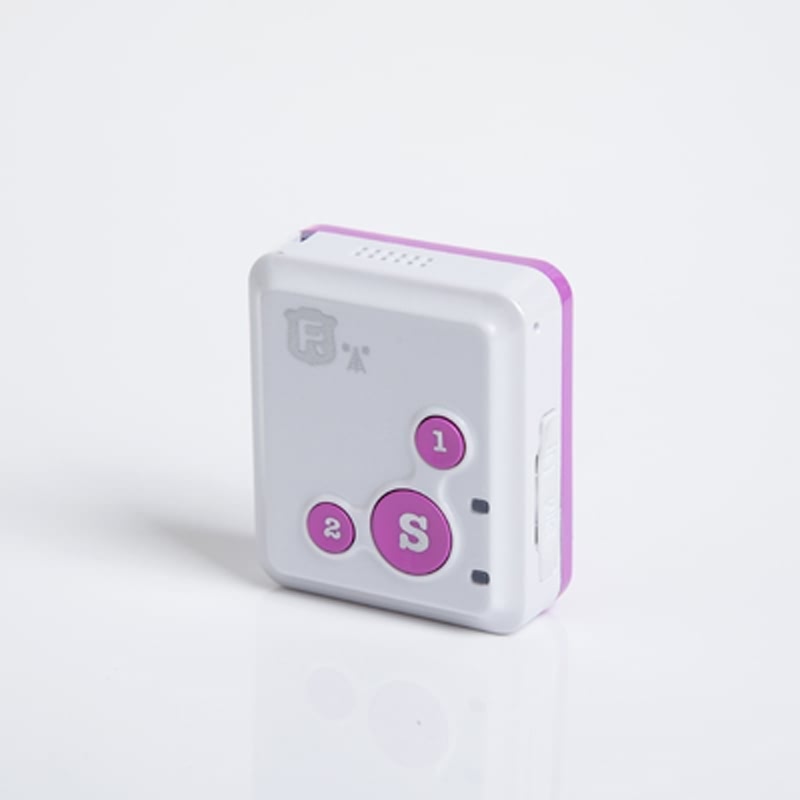
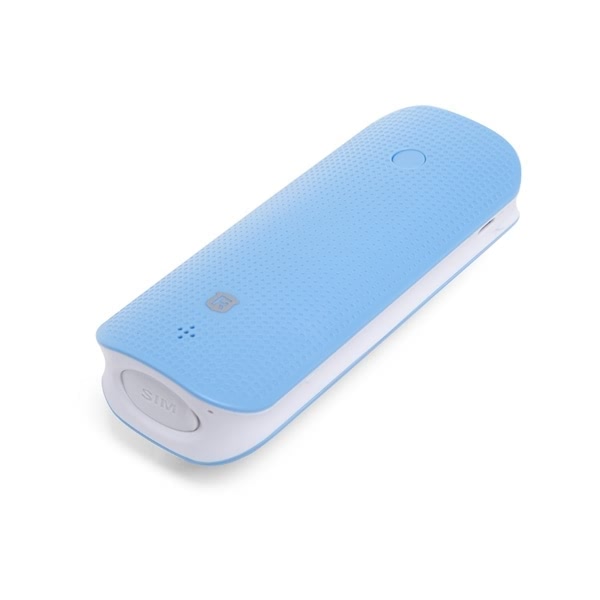
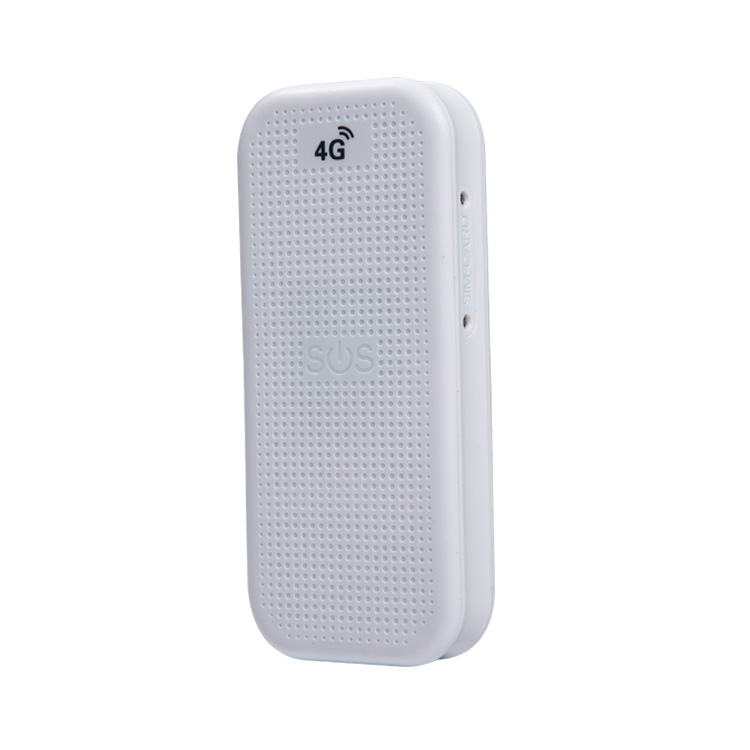
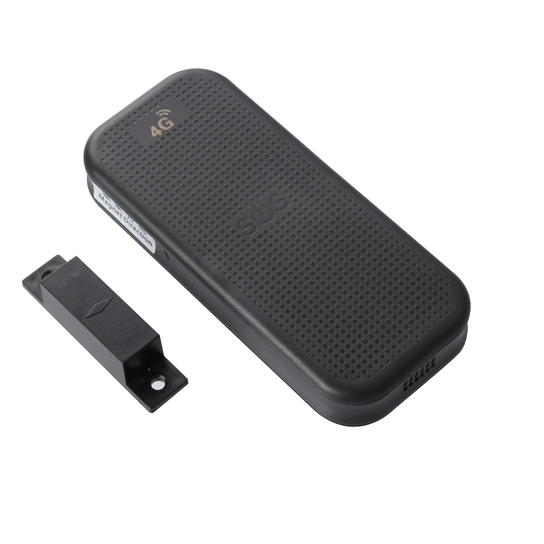
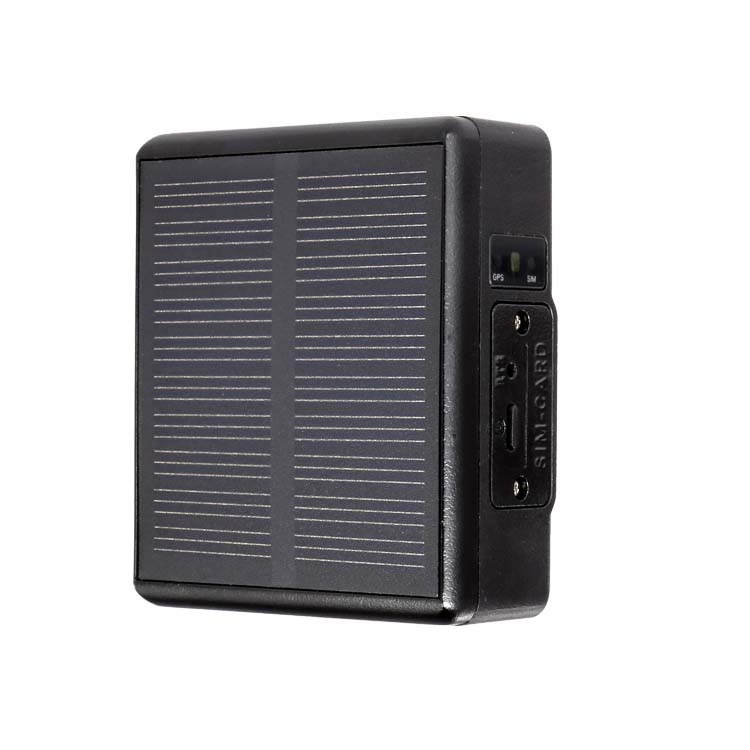
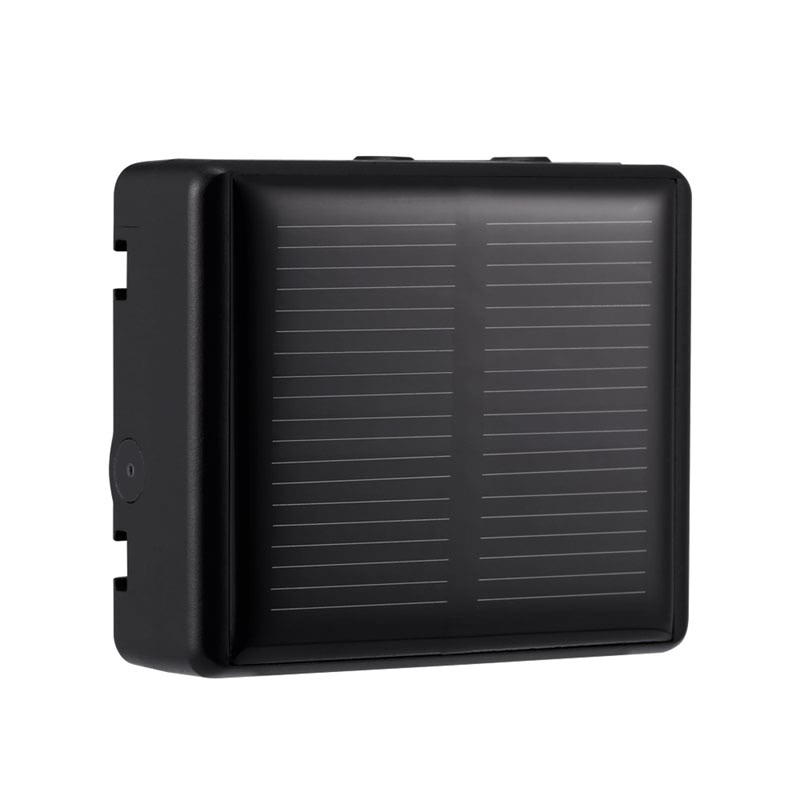
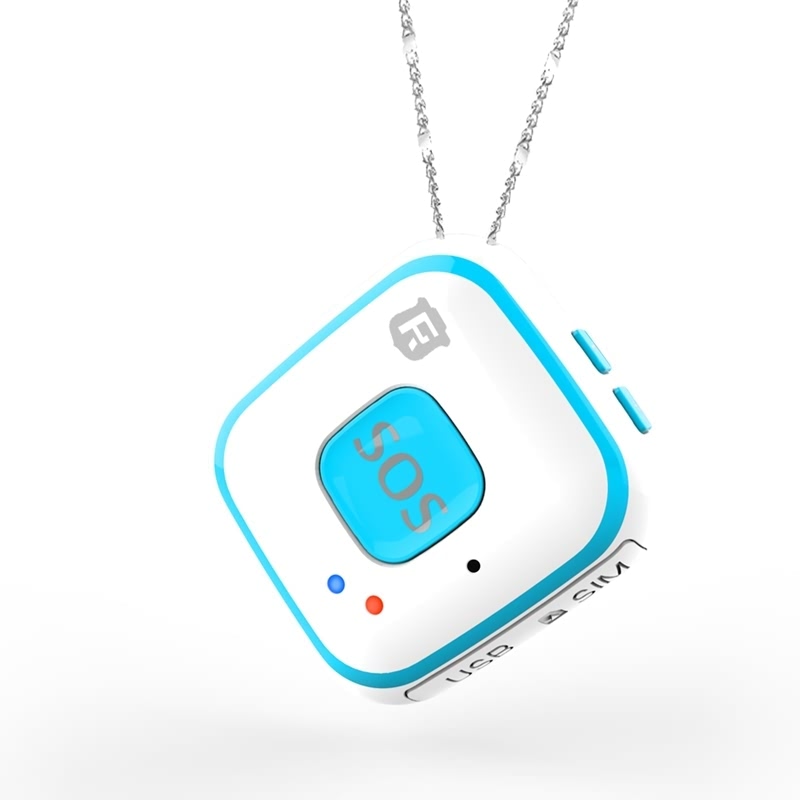

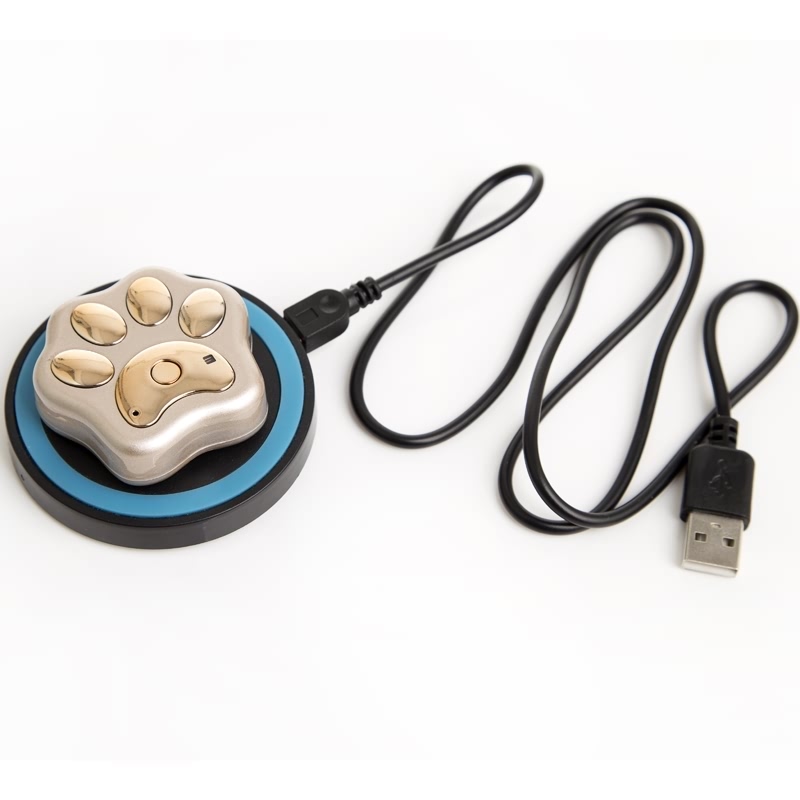
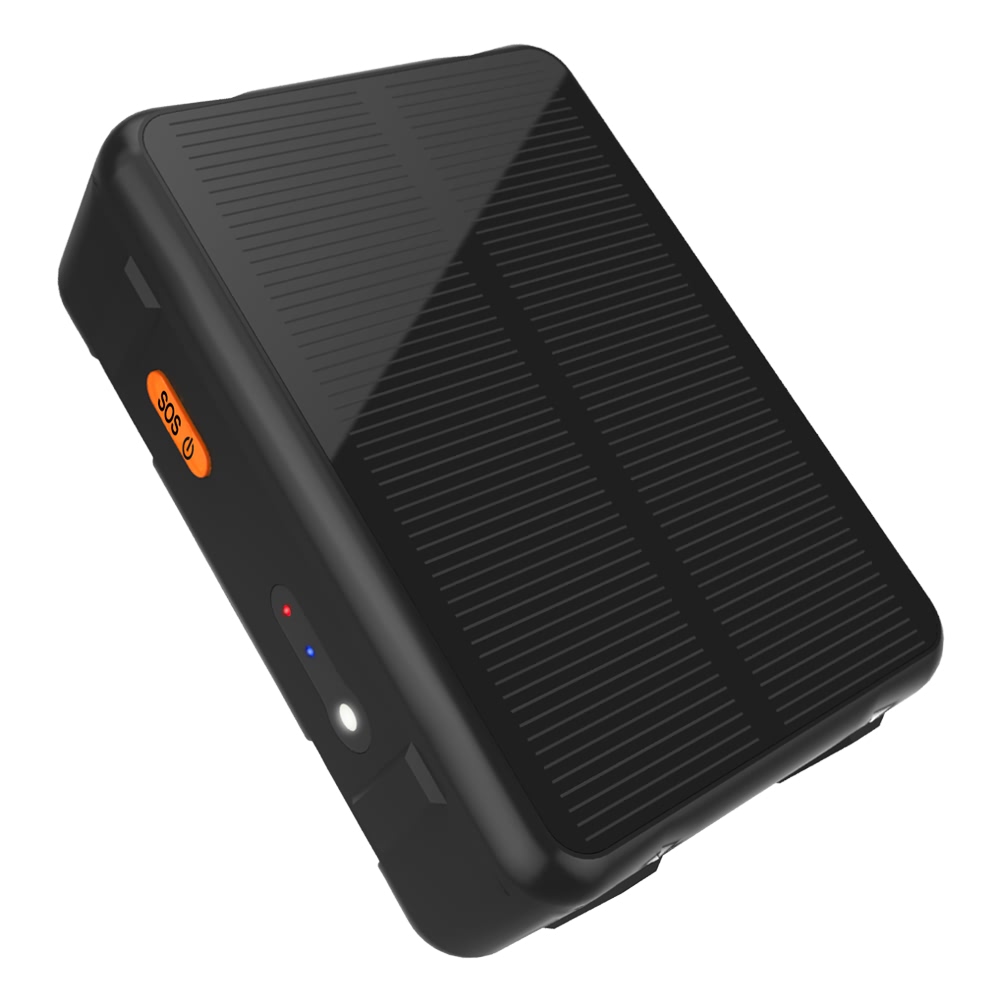
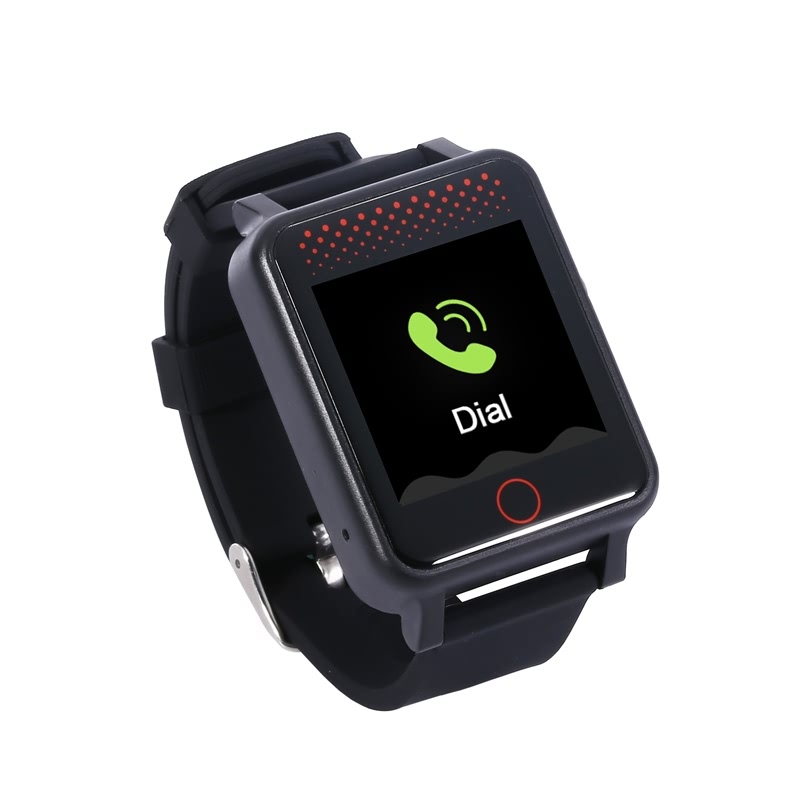
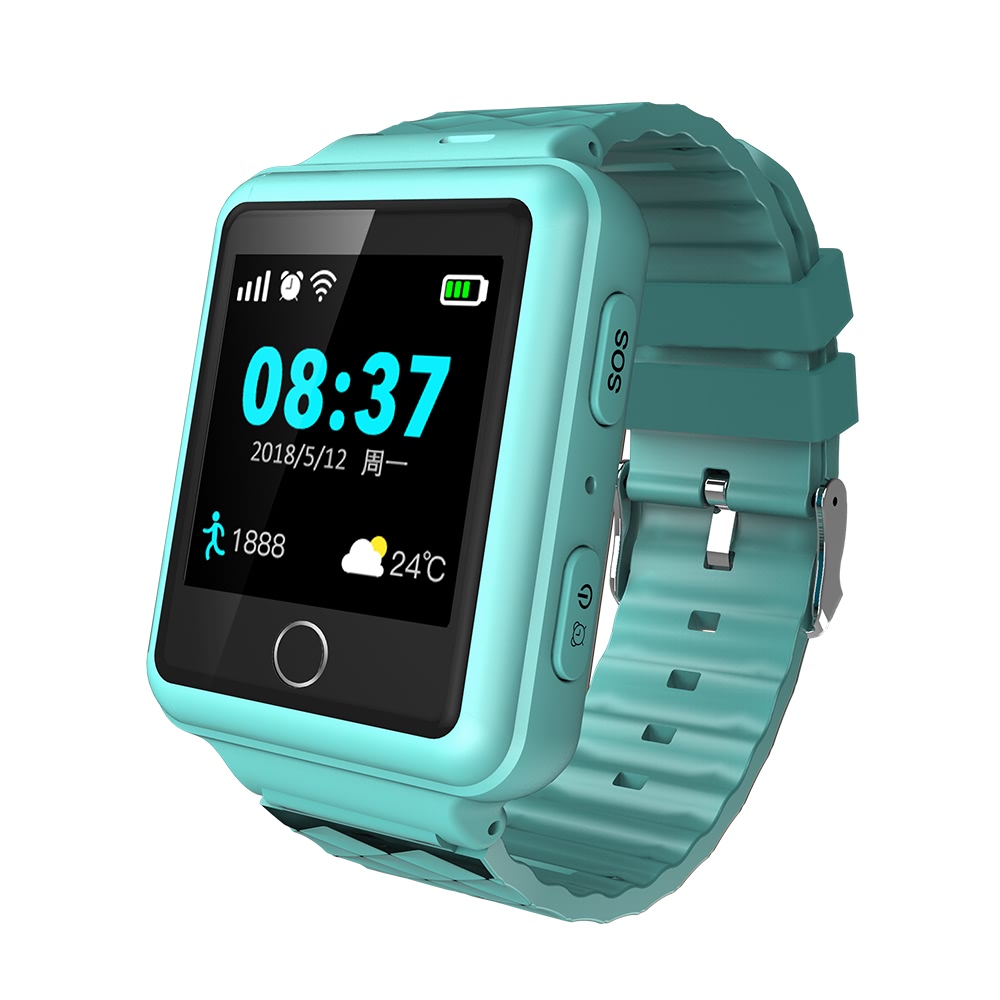

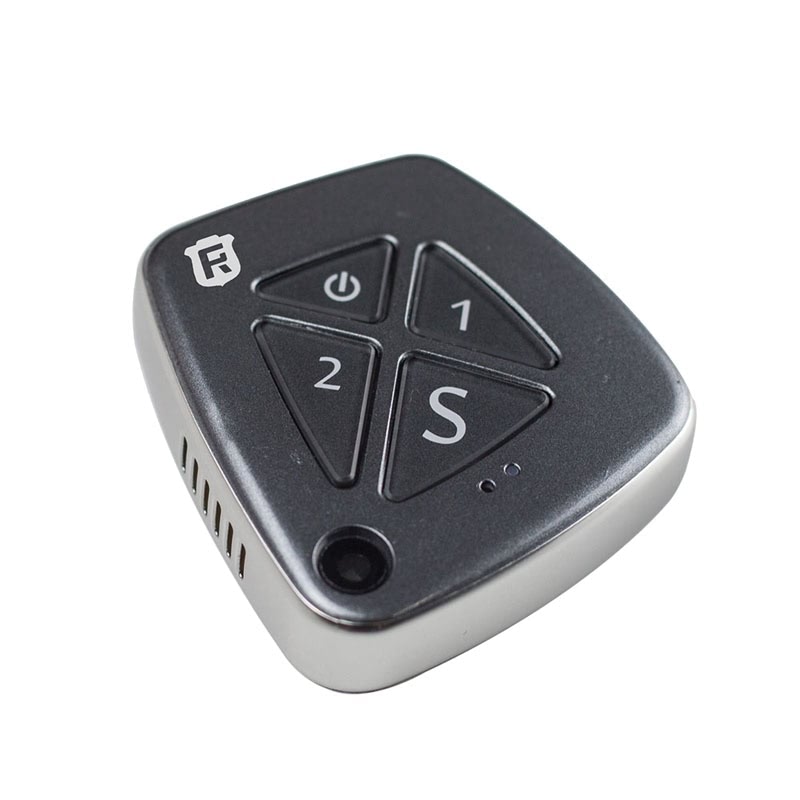
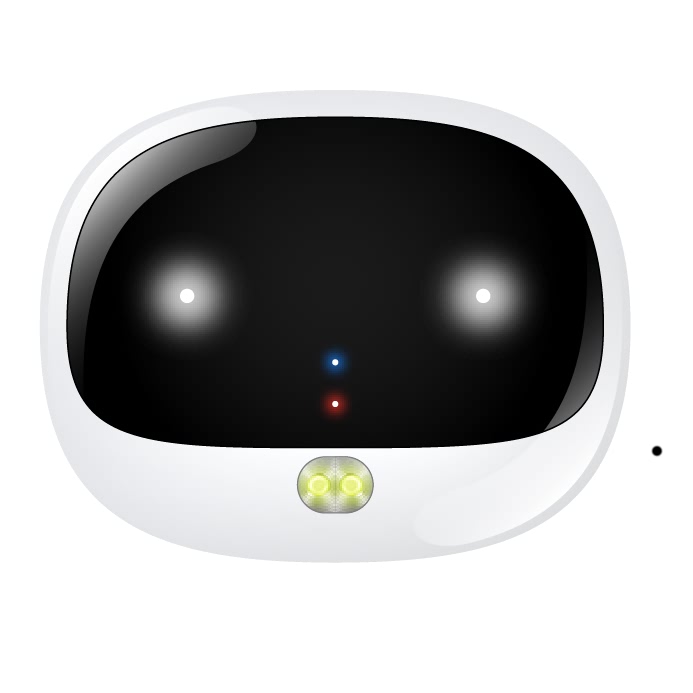
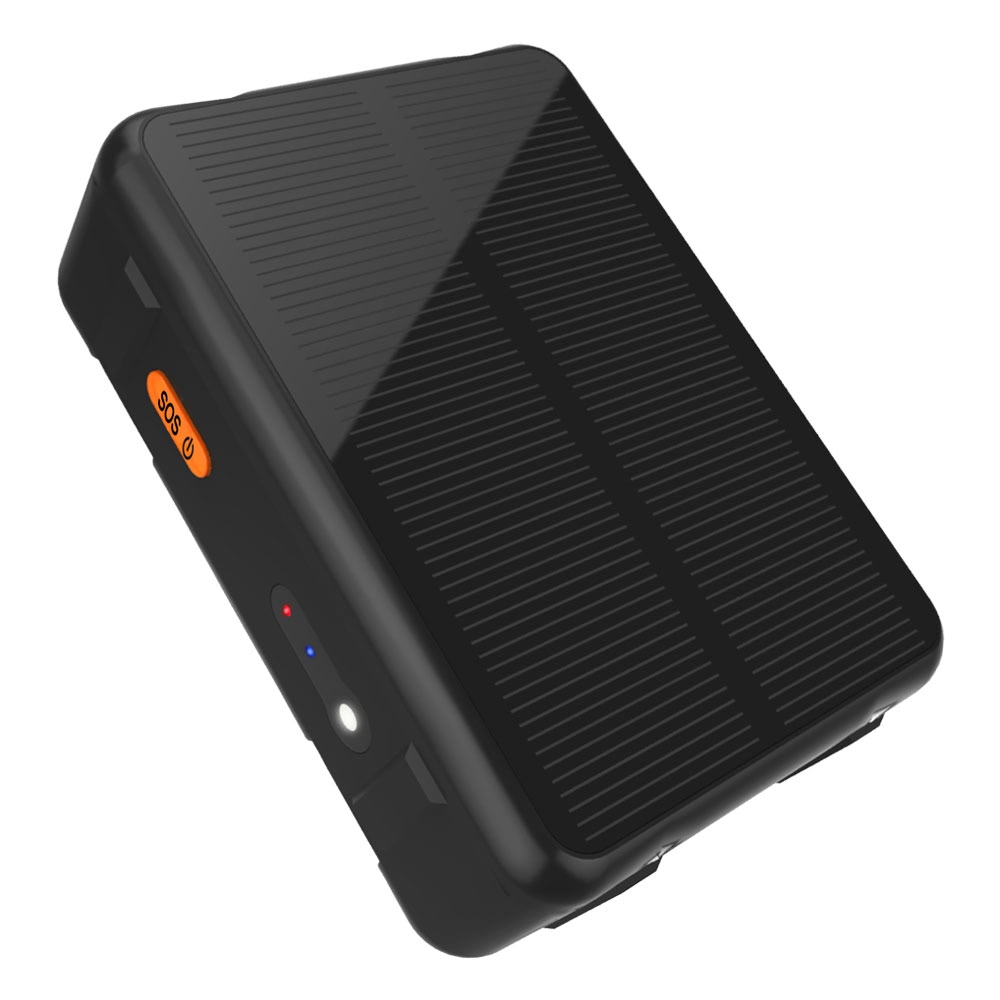
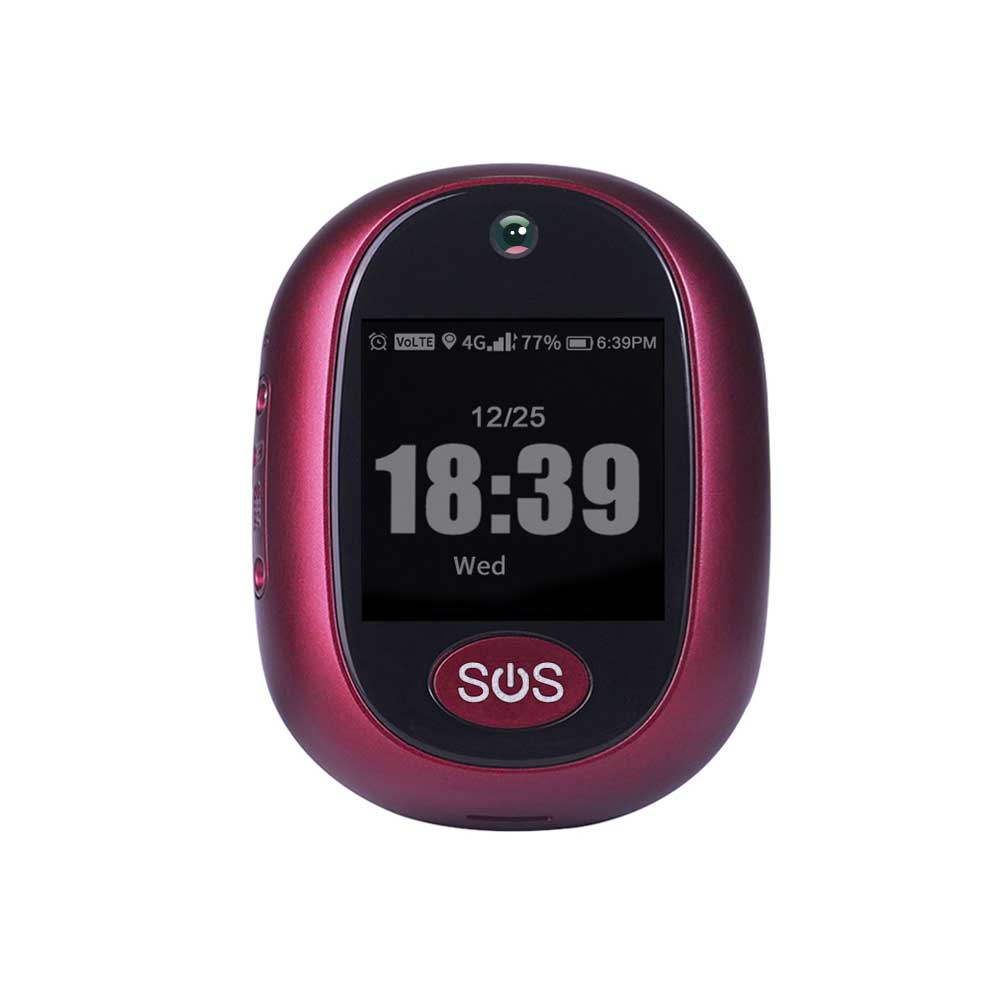
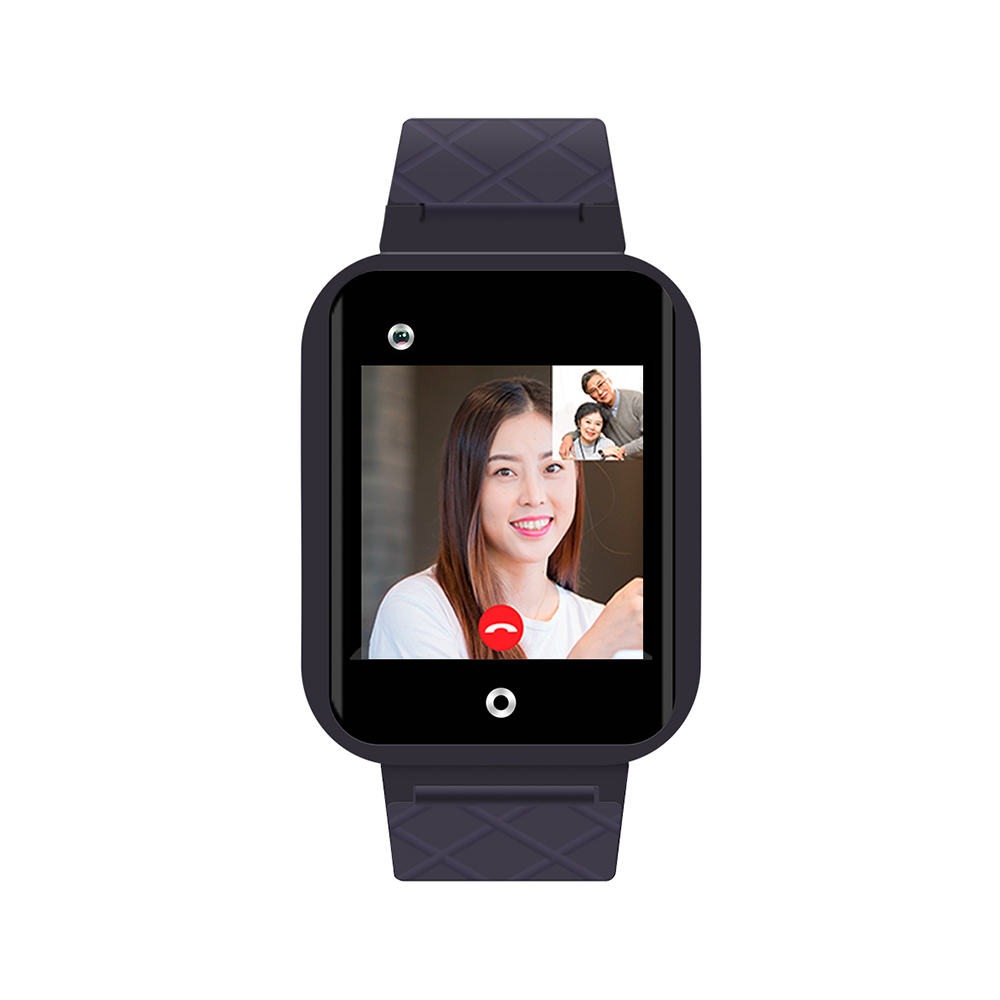



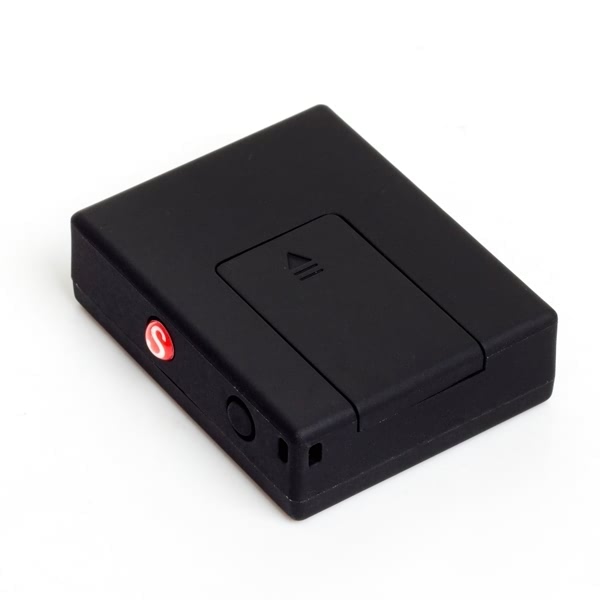
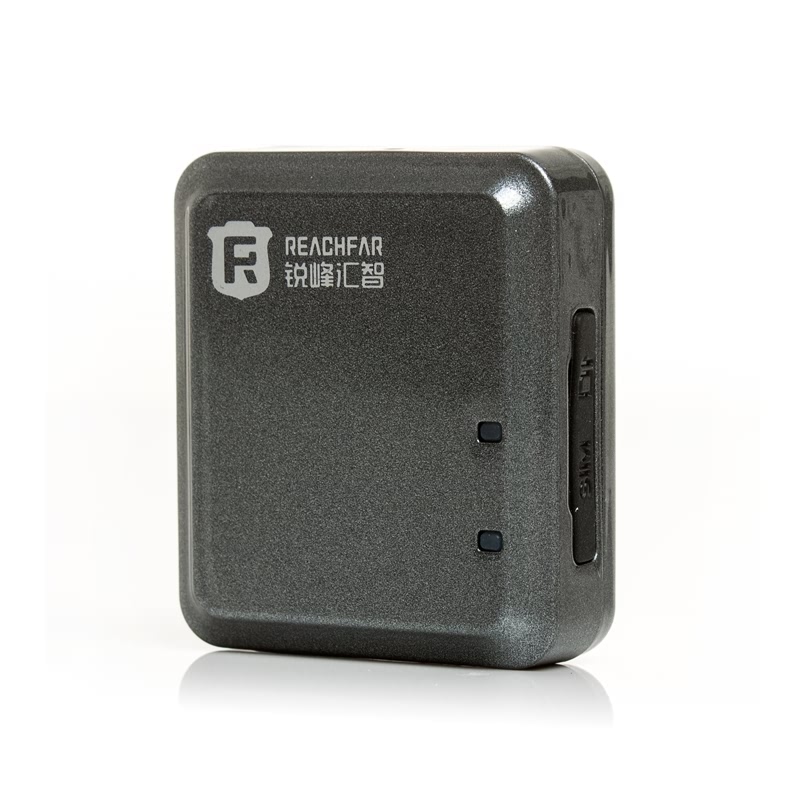
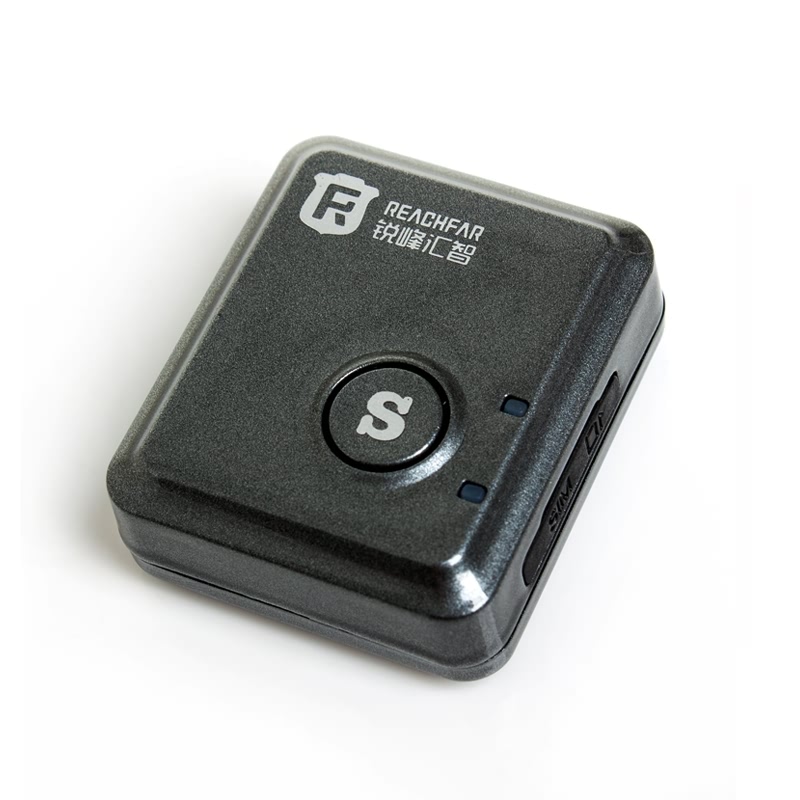
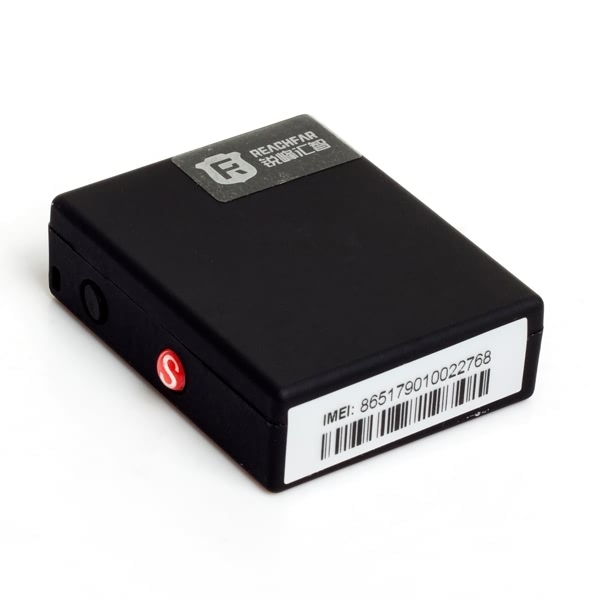
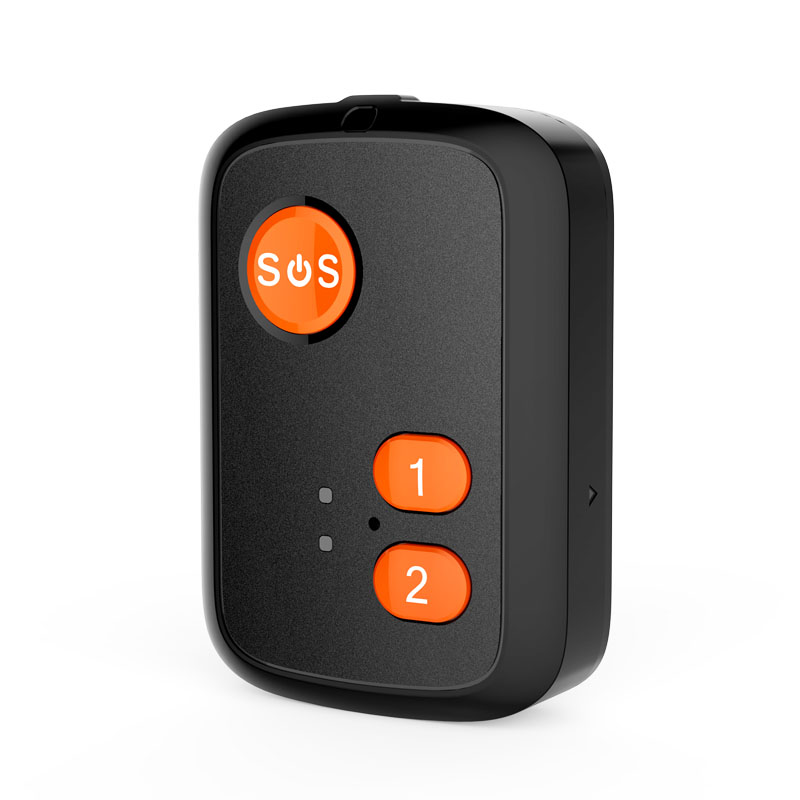

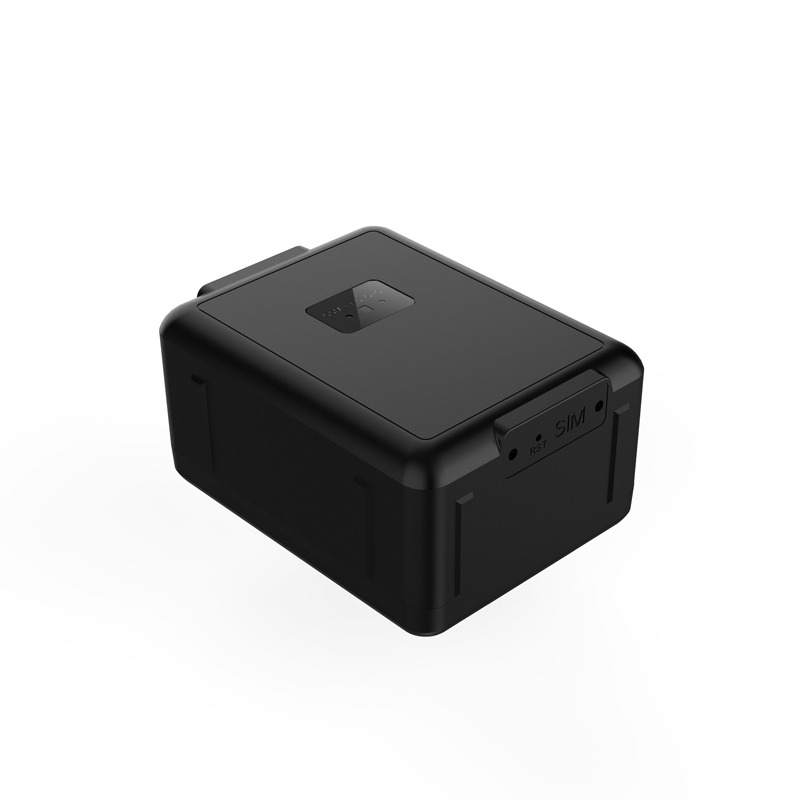
How Reachfar devices work with Plaspy
Reachfar devices transmit location and sensor data over cellular networks to a tracking server. Plaspy receives that data, normalizes it, and presents it through maps, alerts, and reports. For most Reachfar models the integration process involves configuring the device to send its data to Plaspy connection settings and selecting the correct protocol or device profile in Plaspy.
Device specific connection instructions and server settings belong on the device level pages. If you need help identifying the right profile or connection parameters for a particular Reachfar model, consult the model entry in the catalog above or contact Plaspy support.
Common features found in Reachfar devices
While capabilities vary across models, many Reachfar devices include common GPS tracking features such as:
- Real time location reporting and periodic position updates
- Cellular data connectivity for remote reporting
- Internal battery backup or low power options for asset tracking
- Motion detection and tamper alerts
- Digital inputs and outputs for ignition detection, door sensors, or relay control
- SOS button or emergency alarm input
- Basic geofencing and event reporting
Plaspy maps these device events into its alert and rule engine so you can build notifications and automated workflows.
Typical use cases for Reachfar GPS trackers
Reachfar devices are used in a range of tracking scenarios:
- Fleet vehicle tracking for location visibility and route optimization
- Rental and lease monitoring to track usage and prevent misuse
- Asset tracking for equipment on construction sites or in logistics
- Theft recovery and location history analysis
- Safety monitoring with SOS alerts and driver event logging
Plaspy provides the reporting, geofencing, and alerting tools to turn Reachfar device data into operational insights.
Why choose Plaspy for Reachfar device monitoring
Plaspy is designed to manage mixed fleets and numerous device brands from a single interface. Key benefits when using Plaspy with Reachfar devices include:
- Centralized device management and status monitoring
- Customizable alerts and geofence rules mapped to device events
- Historical tracking and trip reports for compliance and analysis
- API access to integrate tracking data with other systems
- Scalable infrastructure for fleets of all sizes
Using Plaspy allows you to manage Reachfar units alongside other brands without juggling multiple vendor platforms.
Help finding the right Reachfar device
The catalog above lists Reachfar models compatible with Plaspy. To choose a device, consider:
- Power options and installation method for your use case
- Battery life and reporting intervals for asset tracking
- Available inputs and outputs for sensors and control
- Size and environmental ratings if devices will be exposed to harsh conditions
- Cellular band and regional compatibility
For datasheets and manufacturer specifications, check the Reachfar website at https://www.reachfargps.com/. If you are unsure about compatibility or required settings, open a support ticket or consult Plaspy documentation for device level guidance.
Frequently Asked Questions
What Reachfar devices are compatible with Plaspy?
Plaspy lists compatible Reachfar models in the brand catalog pane above. The BrandCatalog component shows the models recognized by Plaspy and links to device level pages for configuration details.
Can I use Reachfar GPS trackers with Plaspy?
Yes. Reachfar trackers can be configured to send position and event data to Plaspy. After configuring the device to report to Plaspy and selecting the right device profile, data will flow into your Plaspy account.
Does Plaspy support fleet monitoring with Reachfar devices?
Plaspy supports fleet features such as live tracking, trip reporting, geofencing, and alerts for devices that report location and event data. These capabilities are available when Reachfar devices are connected and correctly configured in Plaspy.
Where can I find Reachfar device documentation in Plaspy?
Device specific configuration guidance and troubleshooting notes are available on each device page linked from the BrandCatalog above. For additional documentation or complex setup questions, contact Plaspy support or consult the device manufacturer documentation.
Do I need special credentials or server settings to connect a Reachfar device to Plaspy?
Most Reachfar models require that you configure device server settings and APN options. The exact fields depend on the model and firmware. Refer to the device level page in Plaspy for required settings and avoid sharing private credentials in public forums.
Can I integrate Reachfar device data from Plaspy into other systems?
Yes. Plaspy provides APIs and data export options to integrate tracking data with telematics tools, dispatch systems, or business intelligence platforms. Check Plaspy API documentation for available endpoints and authorization methods.
Explore Reachfar models
Browse the Reachfar models displayed above to find the device that fits your project. Each model entry links to device specific guidance and configuration notes within Plaspy. If you need assistance selecting a model or mapping device events into Plaspy rules, reach out to Plaspy support or visit https://www.plaspy.com for more information and service options.
Brand Compatibility
Monitor compatible brand devices with Plaspy
Plaspy helps businesses work with compatible GPS trackers for visibility, reporting, and daily operational control across vehicle and asset tracking workflows.