
Ruptela
Ruptela is a recognizable name in the telematics industry offering a range of vehicle and asset tracking devices. This page explains how Ruptela devices work with Plaspy, what to expect from this brand class, and how to find the right device model for your fleet or assets. If you are evaluating hardware for integration with Plaspy, this guide will help you understand compatibility and next steps.
How Ruptela devices work with Plaspy
Plaspy receives tracking data from Ruptela devices using common telematics data flows and network transport methods. Once a device is configured to forward its telemetry, Plaspy can visualize location, manage alerts, and process vehicle signals alongside other fleet data. Typical setup steps like registering device IDs, selecting the correct protocol profile in the Plaspy platform, and setting reporting intervals are handled on device or in your Plaspy account configuration. For device specific instructions consult the device entry in the catalog below or the manufacturer documentation at https://ruptela.com/.
Common features found in Ruptela devices
Ruptela devices are used in a wide range of telematics applications and tend to provide the capabilities required by modern fleet operations. Common capabilities you will encounter include:
- Accurate GPS based positioning and time stamped location reports
- Cellular data connectivity to forward telemetry to a cloud platform
- Vehicle interfaces for reading CAN or serial vehicle bus data
- Digital and analog inputs for sensors such as fuel level and door status
- Event detection features like ignition and motion reporting
The BrandCatalog below shows each model and its published specifications. Use those data sheets to confirm the feature set you need before deployment.
Typical use cases for Ruptela GPS trackers
Ruptela devices are employed across many fleet and asset scenarios, including:
- Fleet location tracking and route monitoring for transportation and delivery services
- Vehicle diagnostics and driver behavior monitoring when paired with vehicle bus data
- Asset and trailer tracking for logistics and equipment rental
- Security and recovery use cases with geofencing and tamper alerts
Plaspy can aggregate this data into dashboards, historical playback, and reports to support these operational needs.
Why choose Plaspy for Ruptela device monitoring
Plaspy is designed to ingest telemetry from popular tracker brands and present it in a unified interface. Key advantages when pairing Ruptela hardware with Plaspy include:
- Centralized device management and visibility across mixed fleets
- Flexible alerting and geo event rules for operational monitoring
- Data export and API access for reporting and integrations
- Guided device configuration resources to simplify onboarding
If you need help confirming compatibility or choosing a device profile, Plaspy Support can advise on recommended settings and workflows.
Help finding the right Ruptela device
To select the proper Ruptela device for your installation, consider these steps:
- Identify required interfaces such as CAN, fuel sensor inputs, or external power ranges
- Determine installation constraints like IP rating, mounting type, and antenna options
- Match reporting frequency and cellular connectivity to your coverage and data budget
Browse the catalog below to review each model image and specification quickly. If you are unsure which model fits your needs, contact Plaspy support or the device vendor for guidance. You can also review manufacturer resources at https://ruptela.com/.
Compatible Ruptela models
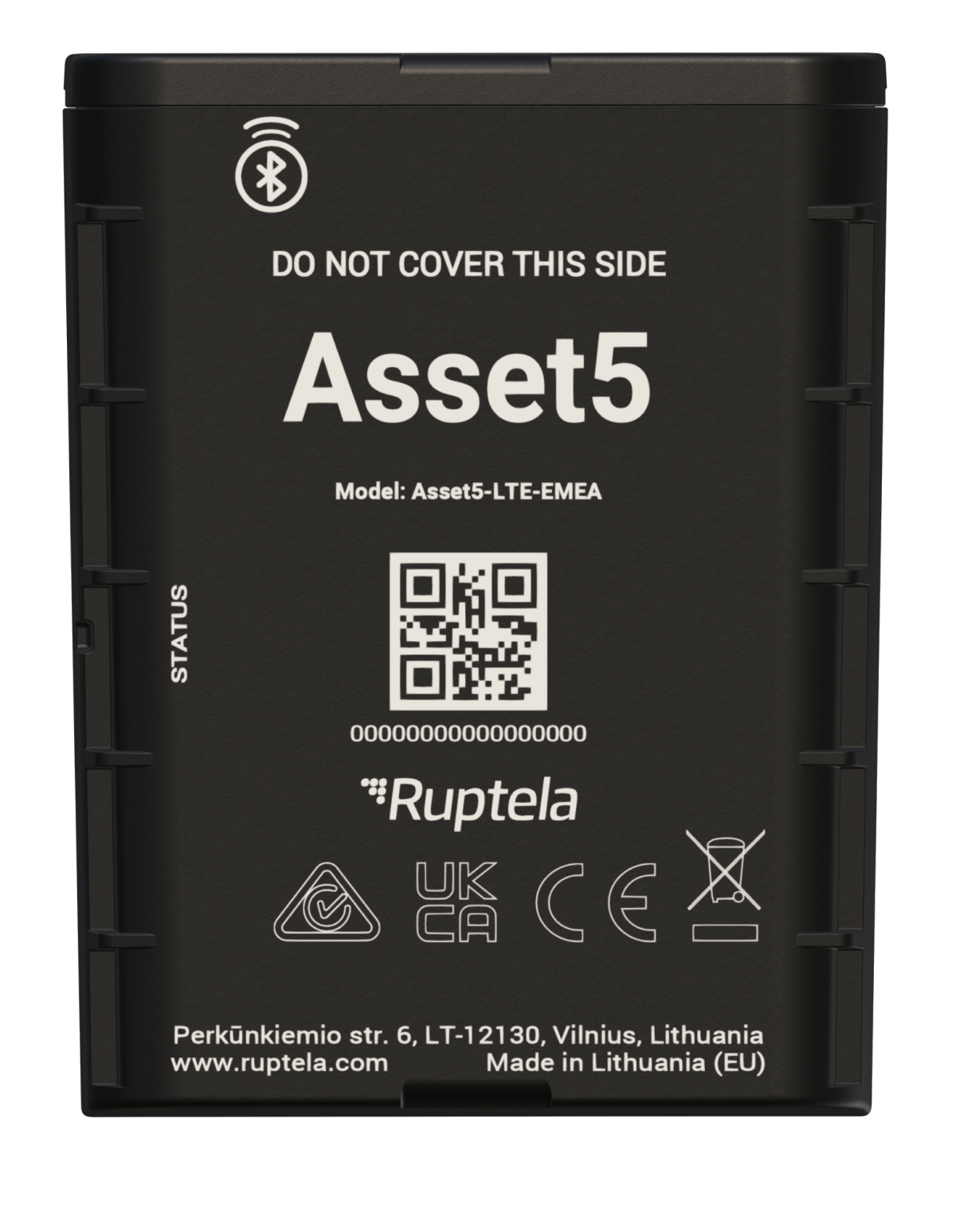
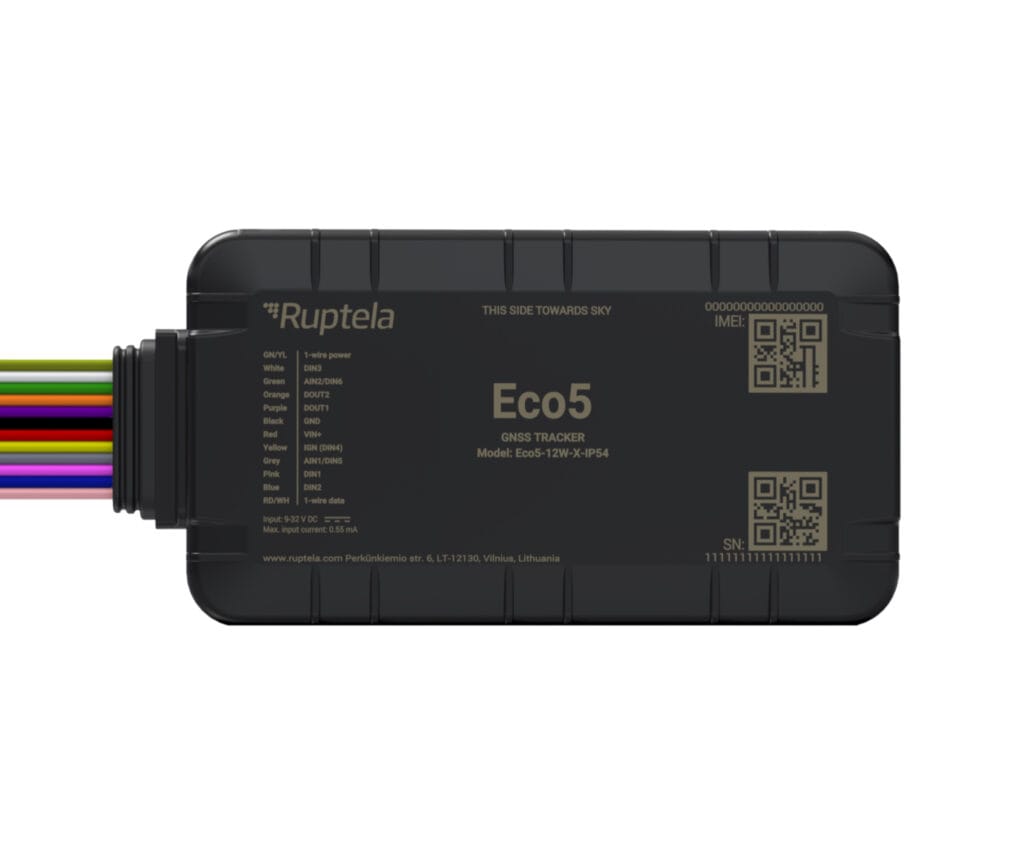
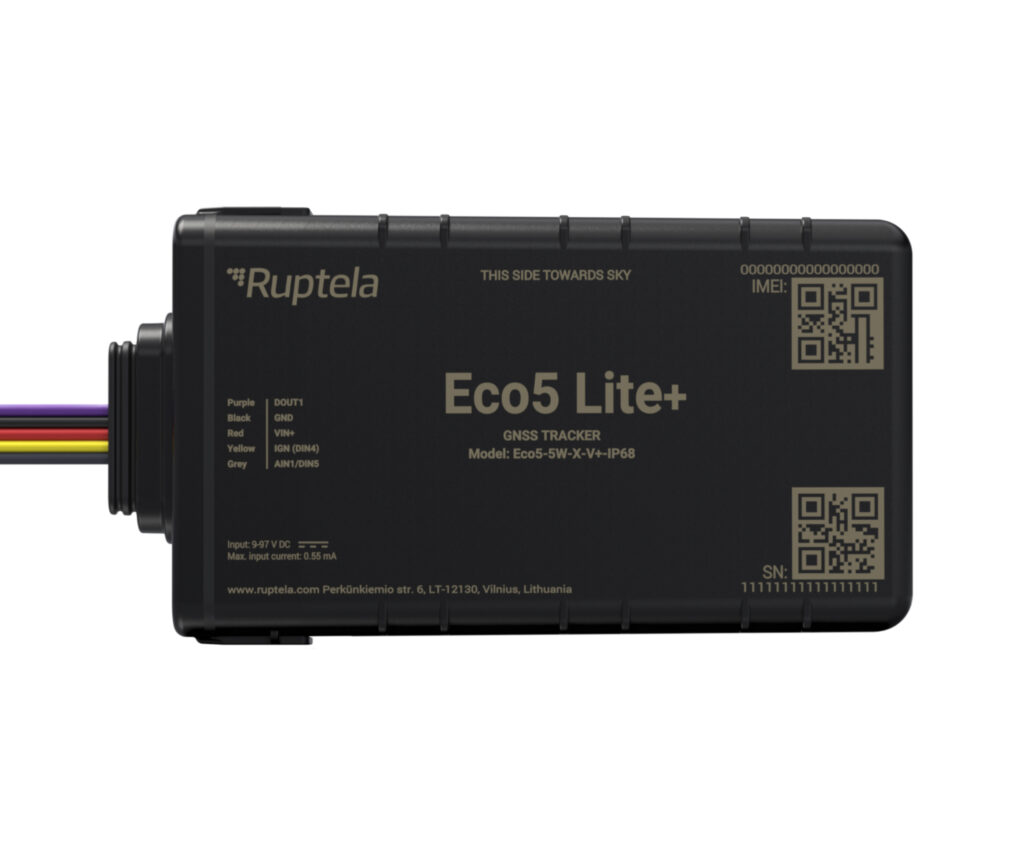
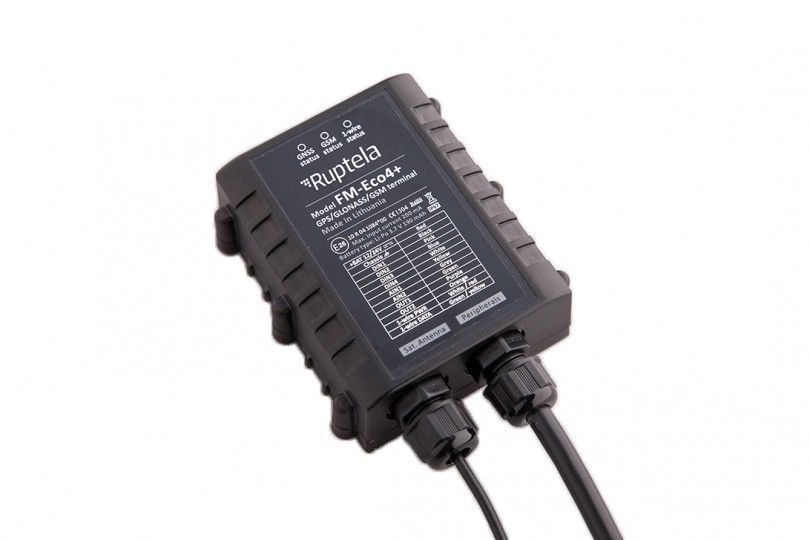
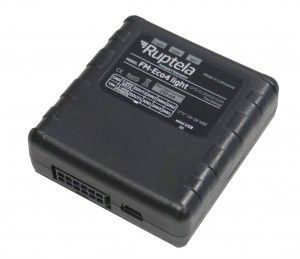
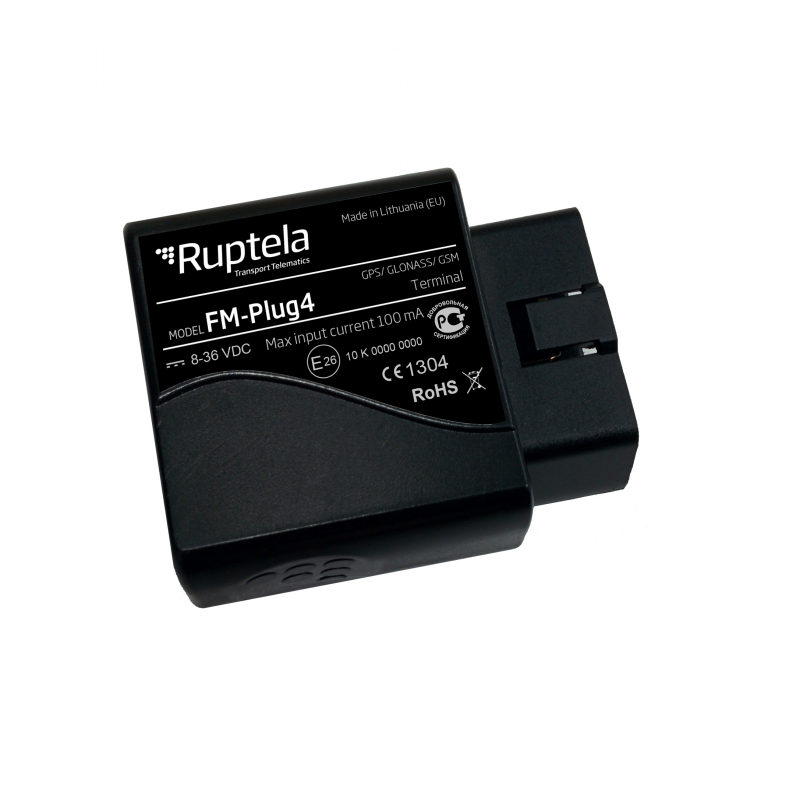
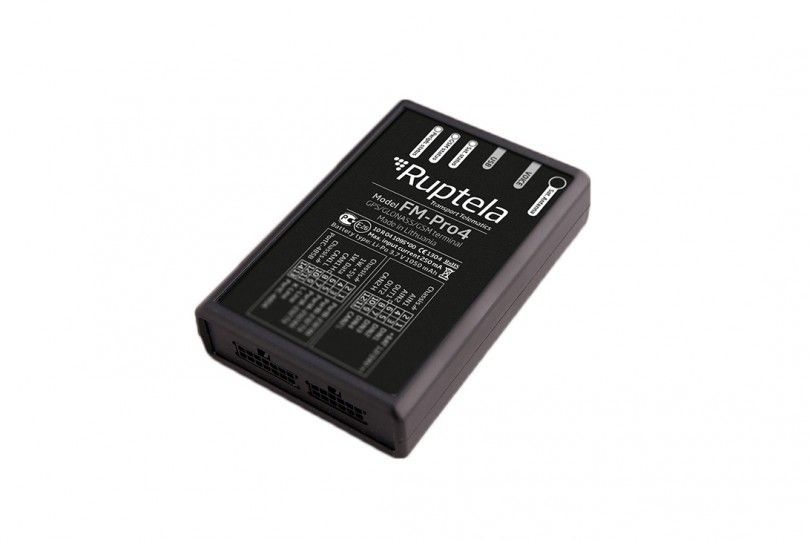
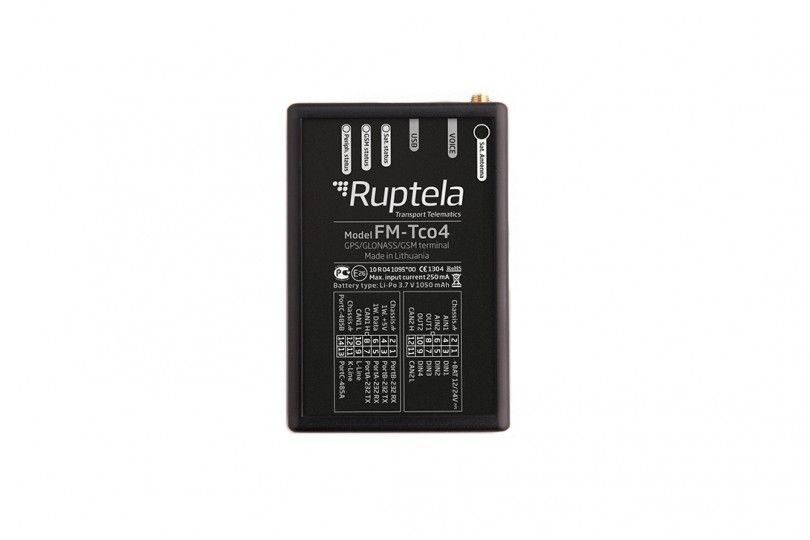
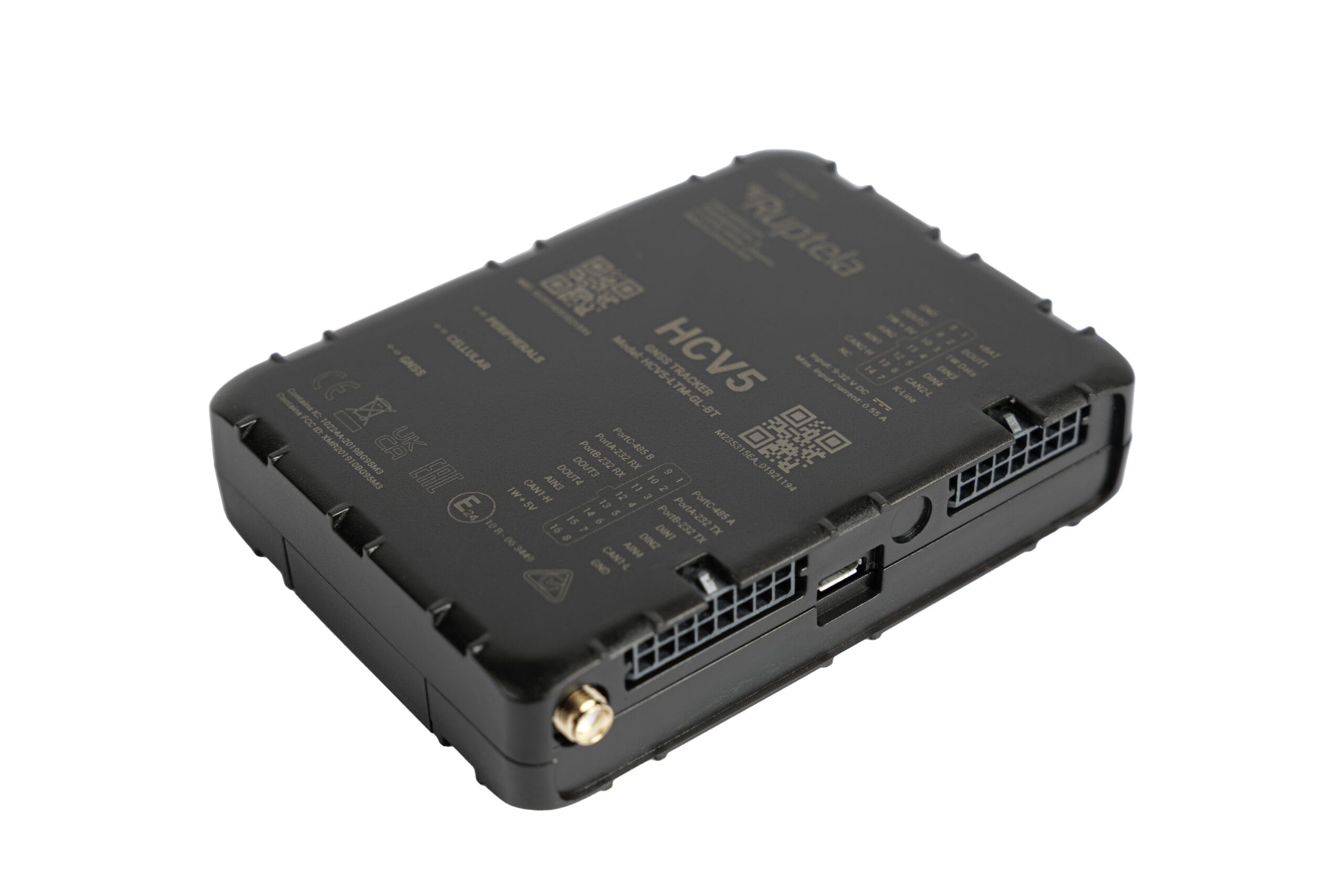
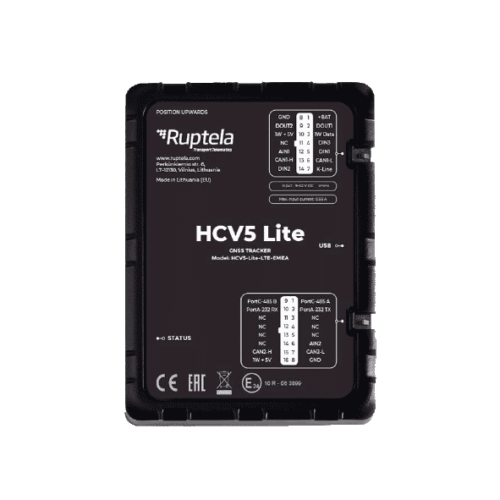
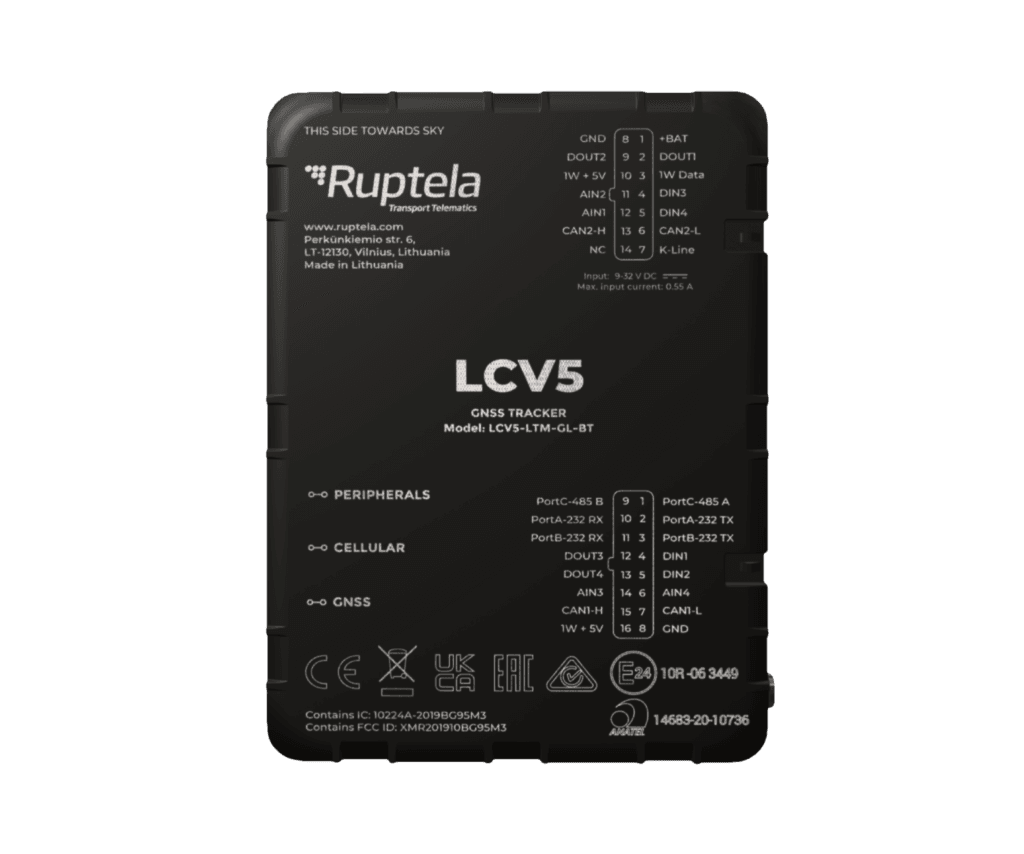
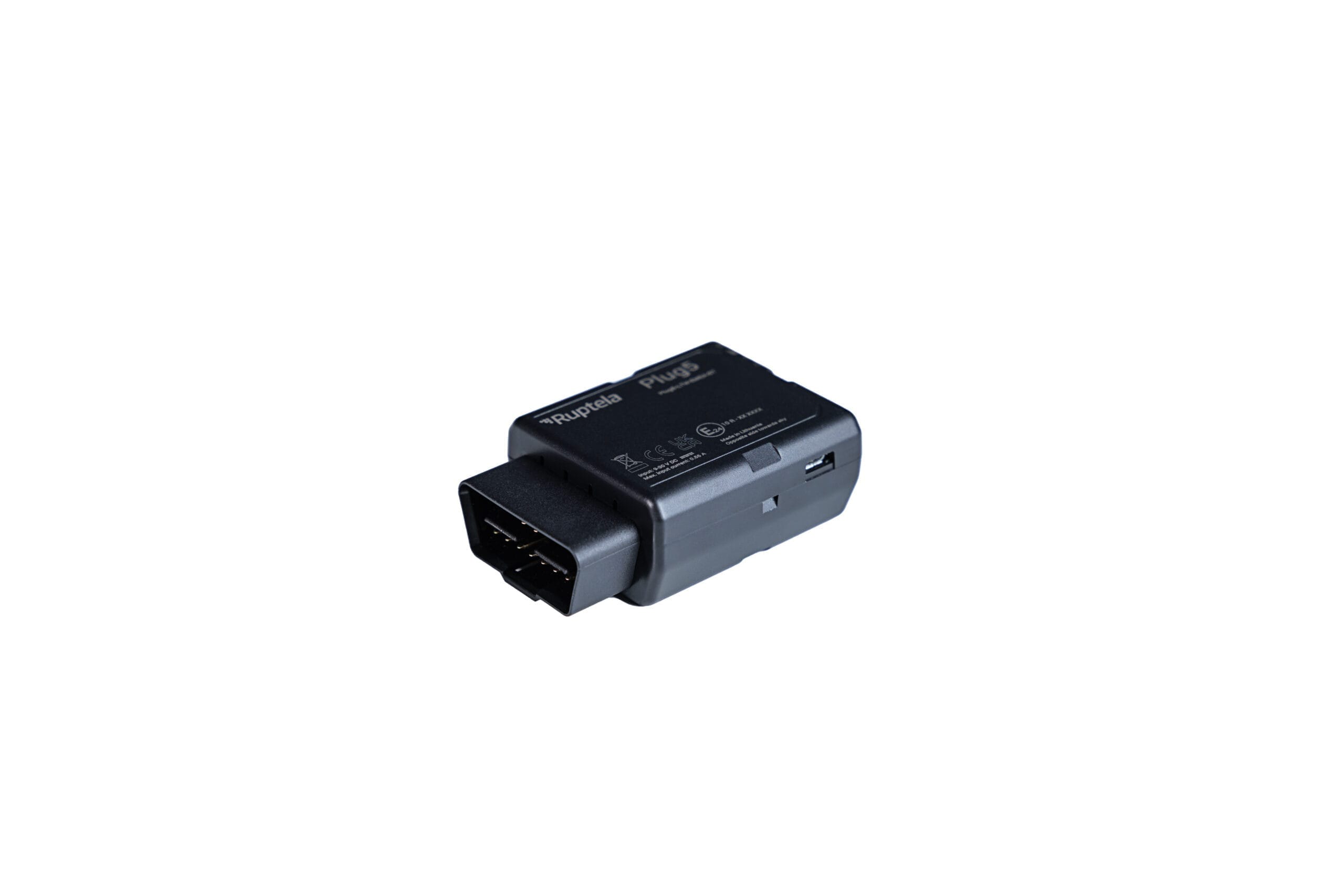
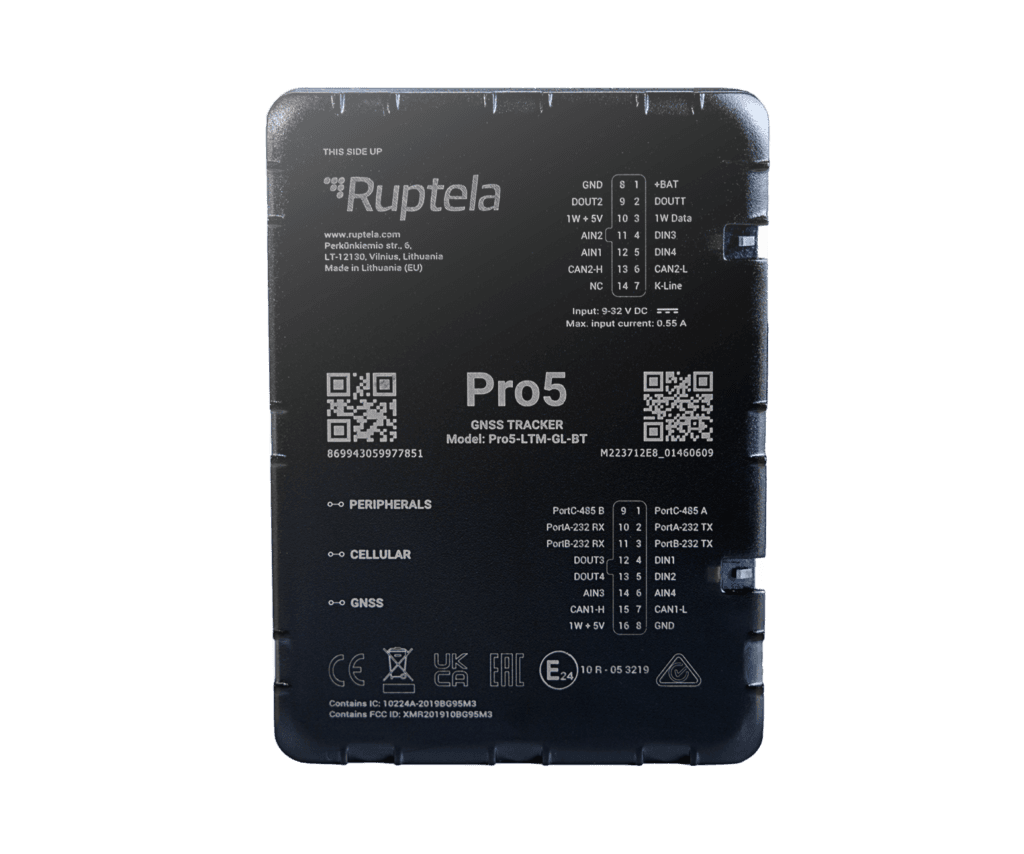
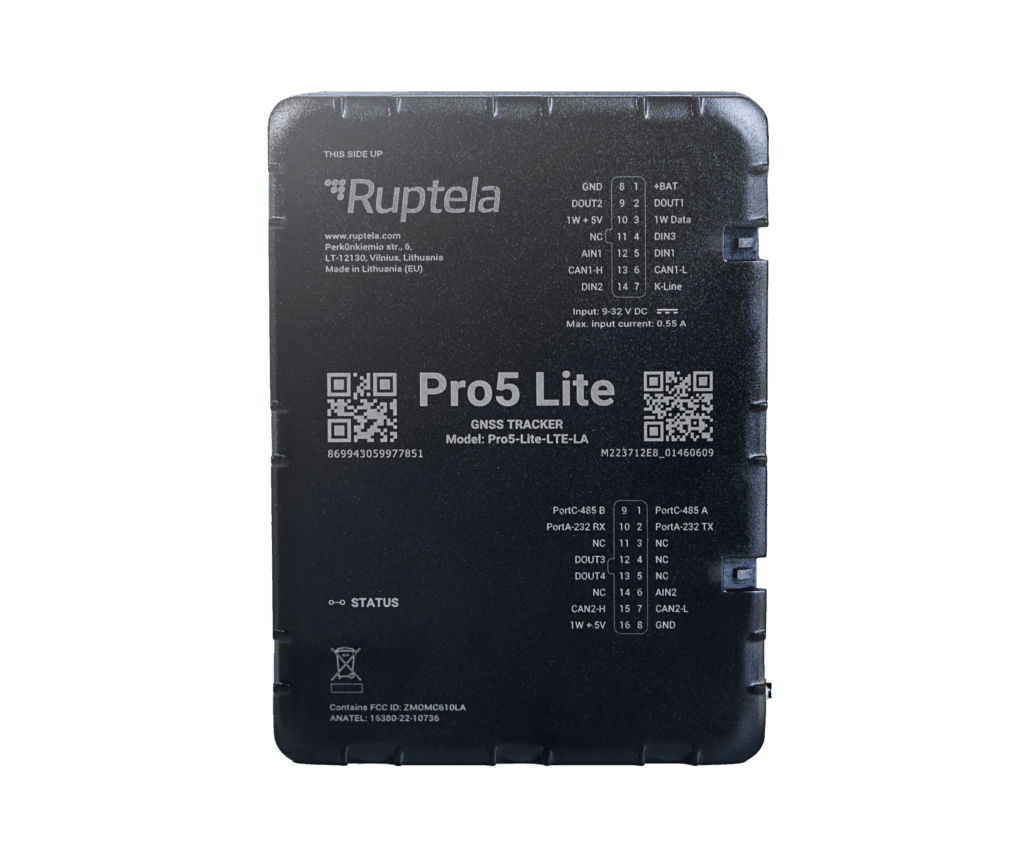
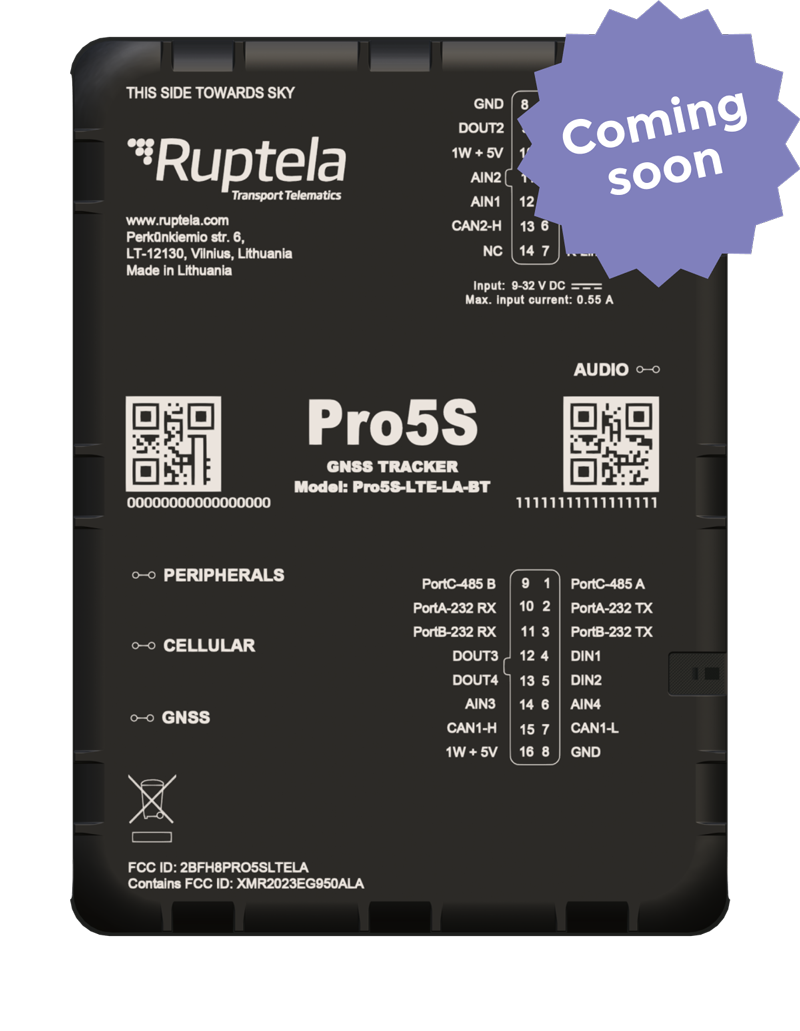
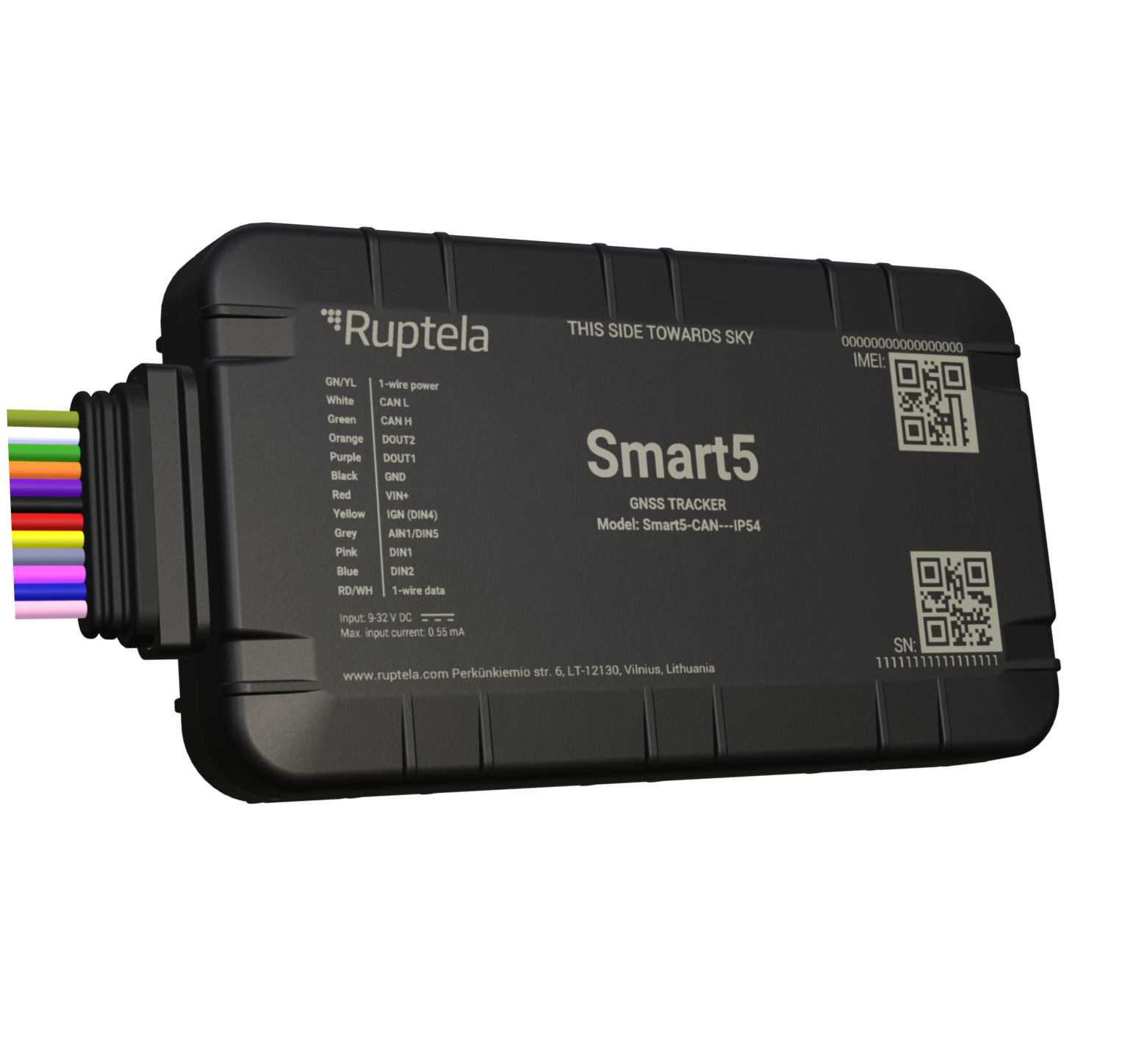
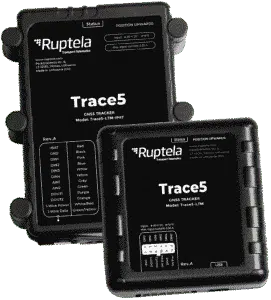
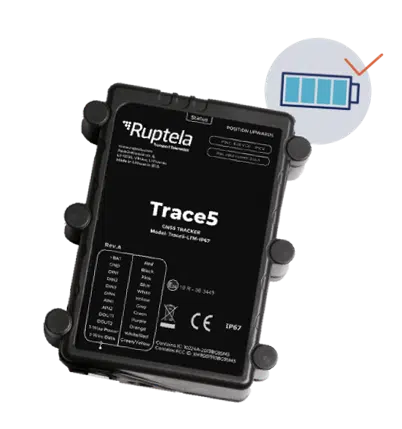
The catalog below lists all Ruptela models that can be integrated with Plaspy. Use the model cards to access detailed device specifications, wiring diagrams, and links to further documentation.
Frequently Asked Questions
Q: What Ruptela devices are compatible with Plaspy? A: Plaspy can accept telemetry from Ruptela devices that are configured to send data using supported tracking protocols. See the device catalog above for the specific Ruptela models that integrate with Plaspy.
Q: Can I use Ruptela GPS trackers with Plaspy? A: Yes. Ruptela trackers that are set up to forward telemetry to Plaspy can be monitored, reported on, and managed through the Plaspy platform after proper configuration.
Q: Does Plaspy support fleet monitoring with Ruptela devices? A: Plaspy supports fleet monitoring workflows such as live location, historical playback, alerts, and reporting for fleets using compatible Ruptela hardware.
Q: Where can I find Ruptela device documentation in Plaspy? A: Open the model entry in the BrandCatalog above to access device specifications and links to vendor documentation. For platform configuration guidance, consult Plaspy help resources or contact support.
Q: Do I need any special network settings to connect Ruptela devices to Plaspy? A: Network and protocol settings vary by device and firmware. Check the device entry in the catalog and the manufacturer documentation for recommended transport settings, and follow Plaspy guidance when registering device identifiers.
Q: How do I get support for setting up Ruptela devices with Plaspy? A: For assistance with device onboarding, configuration profiles, or troubleshooting, reach out to Plaspy support or consult the Plaspy knowledge base. Manufacturer resources at https://ruptela.com/ are also useful for hardware specific details.
Explore Ruptela models
Ready to browse device options? Use the catalog above to view all Ruptela models compatible with Plaspy and open each device page for more technical details. If you need personalized advice or enterprise guidance, visit https://www.plaspy.com to contact sales or support and learn about deployment services and integration assistance.
Brand Compatibility
Monitor compatible brand devices with Plaspy
Plaspy helps businesses work with compatible GPS trackers for visibility, reporting, and daily operational control across vehicle and asset tracking workflows.