
Sentar
Sentar manufactures GPS tracking devices used in vehicle and asset tracking. This page explains how Sentar devices can be used with Plaspy, what to expect from typical Sentar hardware, and where to find device pages and documentation inside the Plaspy documentation. Use the catalog below to jump to a specific Sentar model and its Plaspy configuration details.
How Sentar devices work with Plaspy
Many Sentar devices transmit standard GPS location and telemetry that Plaspy can receive and process. When configured to send tracker data to Plaspy, a Sentar device will report position, time, and common telemetry signals that Plaspy displays in the platform. Integration typically involves pointing the device to Plaspy tracking endpoints and supplying the device identifier used by Plaspy to map incoming data to your account.
Plaspy handles data parsing, map visualization, geofence alerts, and basic telemetry reporting for compatible Sentar devices. For device specific configuration steps such as APN settings, server address, and reporting intervals, open the model page from the catalog above or consult the manufacturer documentation on the Sentar site.
Common features found in Sentar devices
Sentar hardware typically provides a mix of features useful for tracking and fleet management. While features vary by model, common capabilities you can expect include:
- Real time GPS location reporting and periodic position updates
- Basic vehicle telemetry such as speed and movement status
- Multiple input and output options for sensors and external switches
- Configurable reporting intervals for position and alarms
The Brand Catalog above shows which models are listed for compatibility and links to their individual device pages in Plaspy where configuration instructions and supported telemetry are documented.
Typical use cases for Sentar GPS trackers
Sentar devices are commonly used in situations such as:
- Vehicle location monitoring for light fleets and single vehicles
- Asset tracking where periodic location updates are sufficient
- Basic driver behavior monitoring using speed and movement data
- Remote asset security with geofence and movement alerts
Plaspy’s platform organizes incoming data from Sentar trackers into maps, alerts, and history so fleet managers can monitor assets from one dashboard.
Why choose Plaspy for Sentar device monitoring
Plaspy provides a unified tracking platform that ingests data from many tracker brands, including Sentar devices. Choosing Plaspy for Sentar monitoring helps you:
- Centralize fleets using mixed brands and models in one platform
- Access history and geofence alerts without setting up separate systems per brand
- Use Plaspy dashboards and reporting to analyze location and movement trends
If you need broader fleet features beyond basic tracking, explore the Plaspy product site to learn about plans and capabilities at https://www.plaspy.com.
Help finding the right Sentar device
Use the Brand Catalog component below to view all Sentar models known to be compatible with Plaspy. Each catalog entry links to a device page that covers configuration notes, supported telemetry, and communication settings relevant to Plaspy.
























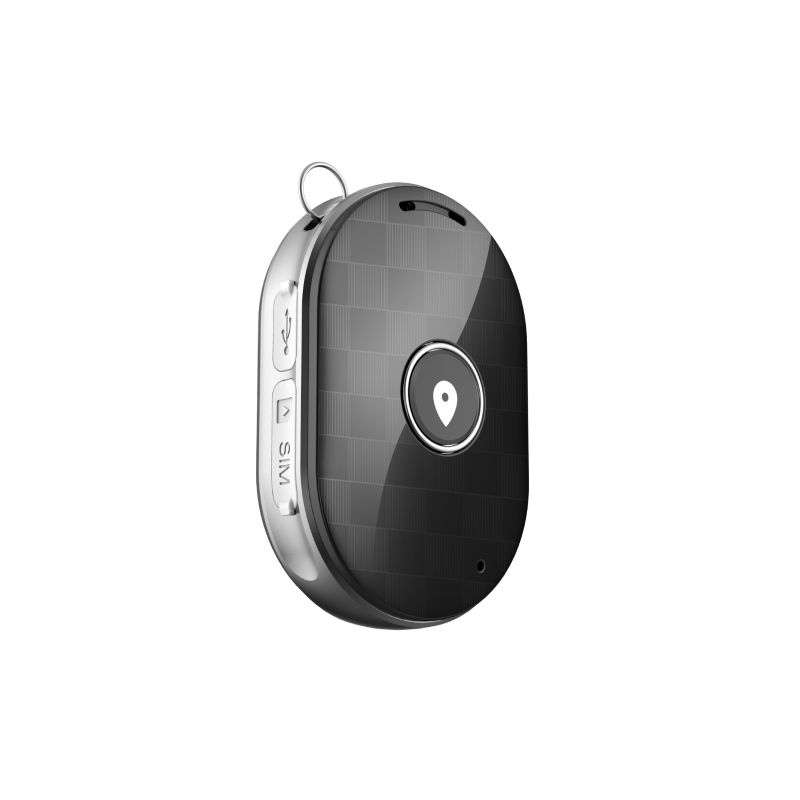
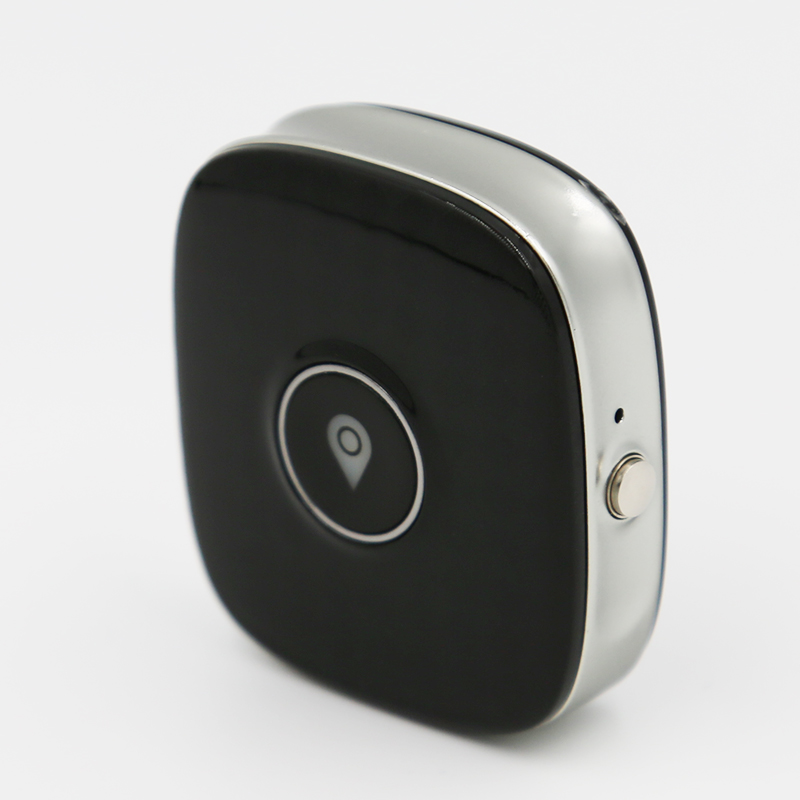


For manufacturer manuals and technical details, you can also visit Sentar’s website at http://www.sentarsmart.com/. If you are unsure which model suits your use case, review device pages in the catalog or contact your hardware supplier for guidance.
Frequently Asked Questions
Q: What Sentar devices are compatible with Plaspy?
A: The Brand Catalog on this page lists Sentar models that have known compatibility with Plaspy. Click a model in the catalog to view device specific documentation and configuration instructions.
Q: Can I use Sentar GPS trackers with Plaspy?
A: Yes. Many Sentar trackers can be configured to send tracking data to Plaspy. Follow the guidance on each device page to configure server settings and identifiers so Plaspy can receive and map the data.
Q: Does Plaspy support fleet monitoring with Sentar devices?
A: Plaspy supports fleet level features such as live tracking, history, alerts, and geofencing for compatible Sentar devices. Check the individual device pages for details about supported telemetry and features.
Q: Where can I find Sentar device documentation in Plaspy?
A: Use the Brand Catalog above to open the device page for your Sentar model. Each device page contains configuration notes, supported data fields, and any Plaspy specific instructions.
Q: Do I need to contact Sentar to use their devices with Plaspy?
A: In most cases you can configure device network settings and server addresses yourself following the device page instructions in Plaspy and the manufacturer manual. Contact Sentar or your reseller for hardware or warranty support.
Q: Can I mix Sentar devices with other brands in the same Plaspy account?
A: Yes. Plaspy is designed to consolidate devices from multiple brands into one account and fleet view. Use device pages to ensure each tracker is configured correctly to send data to Plaspy.
Next steps
Explore the Sentar models in the catalog above to find the device page that matches your hardware. For platform level information and to learn about Plaspy features and plans, visit https://www.plaspy.com. If you need help with onboarding or device setup, consult your reseller or the documentation linked from each device page.
Brand Compatibility
Monitor compatible brand devices with Plaspy
Plaspy helps businesses work with compatible GPS trackers for visibility, reporting, and daily operational control across vehicle and asset tracking workflows.