
TopFly
Overview
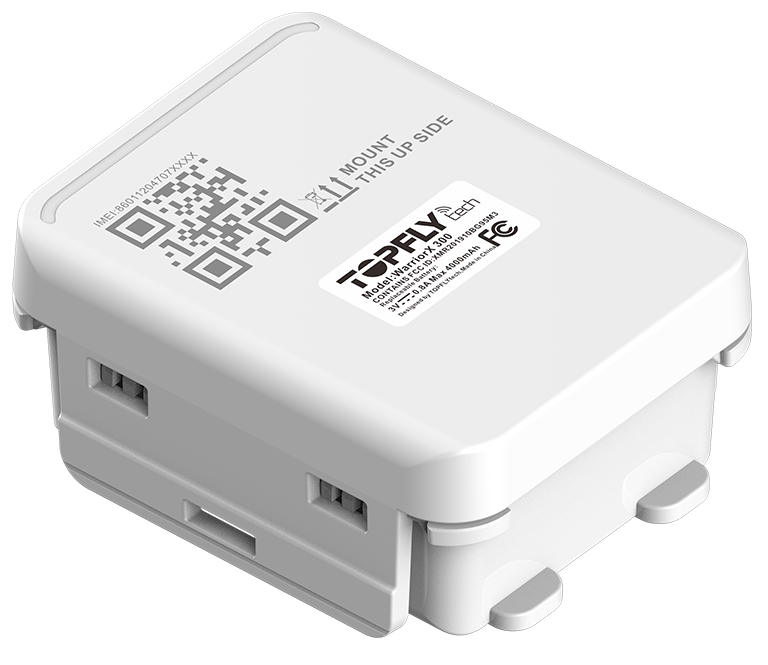
TopFly is a manufacturer of GPS tracking hardware used in vehicle and asset monitoring. Many TopFly devices can send positioning and telemetry data to third party platforms, and a selection of TopFly models are compatible with Plaspy. This page explains how TopFly devices integrate with Plaspy, what to expect from these trackers in general terms, and where to go next to add a TopFly device to your Plaspy account.
How TopFly devices work with Plaspy
TopFly trackers that are compatible with Plaspy transmit location and telemetry data that Plaspy ingests, normalizes, and displays in the platform. Once a TopFly device is configured to report to Plaspy, you can view real time location, history playback, and event alerts inside the Plaspy interface alongside devices from other manufacturers.
Compatibility typically means Plaspy can parse the device data format, accept messages from the tracker, and apply Plaspy features such as geofencing, alerts, and reporting. For device specific connection settings and message formats, consult the Plaspy device page for the exact TopFly model you are using.
Common features found in TopFly devices
TopFly sells a range of tracker types. Typical features commonly available in trackers of this class may include:
- Real time GPS location and historical playback
- Motion and ignition detection
- Battery backup and tamper reporting
- Built in cellular connectivity for remote reporting
- Configurable alerts for speed, geofence, and inactivity
- SOS or panic inputs on some models
Exact capabilities vary by device. Use the model catalog below to find which hardware options match your monitoring needs.
Typical use cases
TopFly trackers are used across a variety of monitoring scenarios, including:
- Commercial fleets needing vehicle location and route history
- Asset tracking for trailers, containers, and equipment
- Rental and shared vehicle monitoring for utilization and security
- Personal vehicle tracking and safety monitoring
- Remote asset supervision where cellular coverage is available
Plaspy enables centralized visibility and rules management across these use cases so you can treat TopFly hardware like other devices in your deployment.
Why choose Plaspy for TopFly device monitoring
Plaspy is designed to consolidate data from many tracker brands into a single operational view. When you pair TopFly hardware with Plaspy you get:
- Unified monitoring for mixed vendor deployments
- Alerts and notifications based on device events
- Fleet level reporting and exportable history
- Role based access and desktop and mobile access to tracking data
- Integration options and APIs to connect data to other systems
If you need a single platform to manage TopFly trackers alongside other devices, Plaspy offers a practical way to standardize monitoring and reporting.
Help finding the right TopFly device
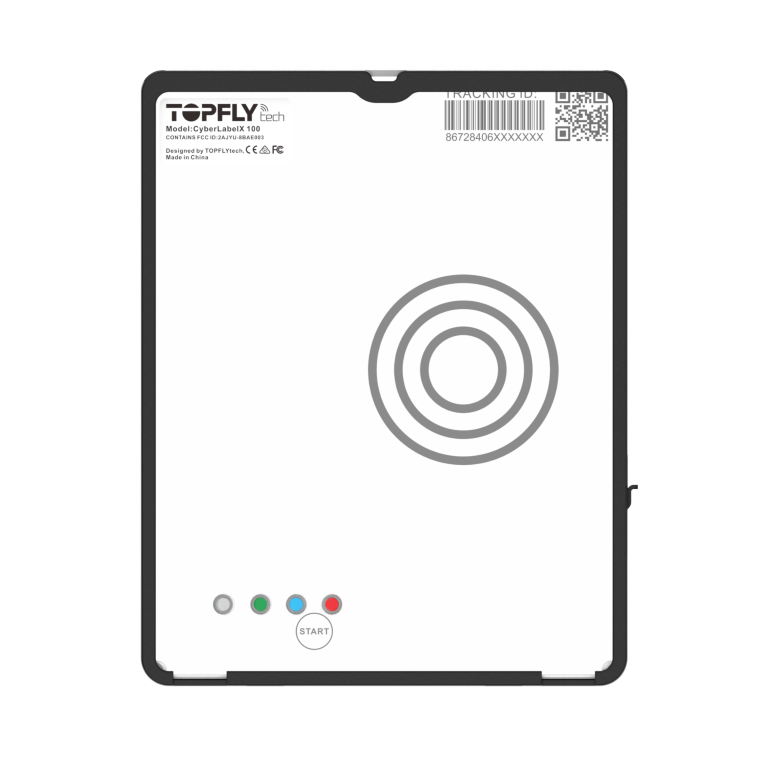
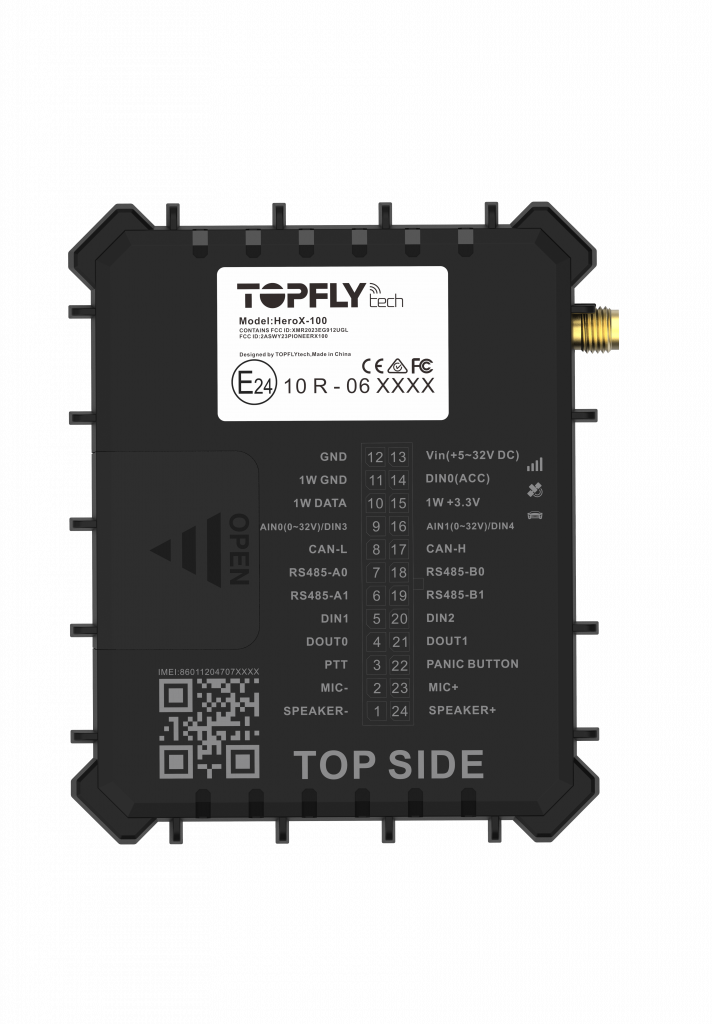
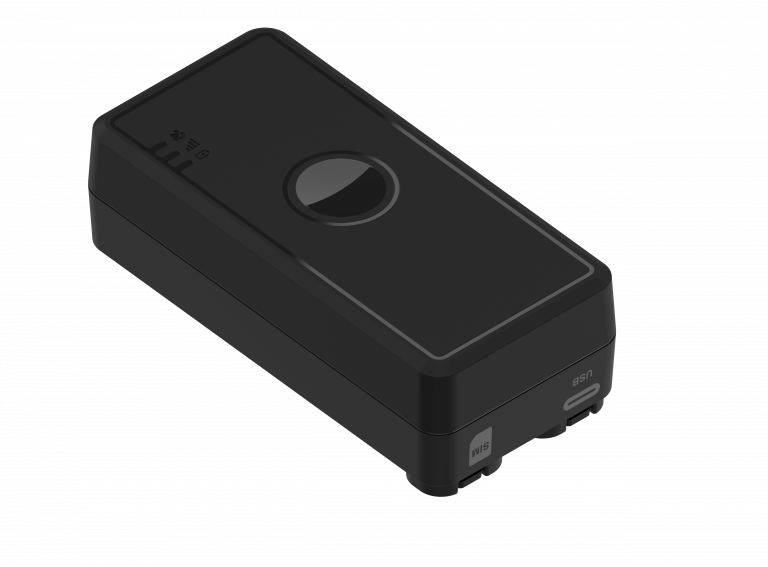
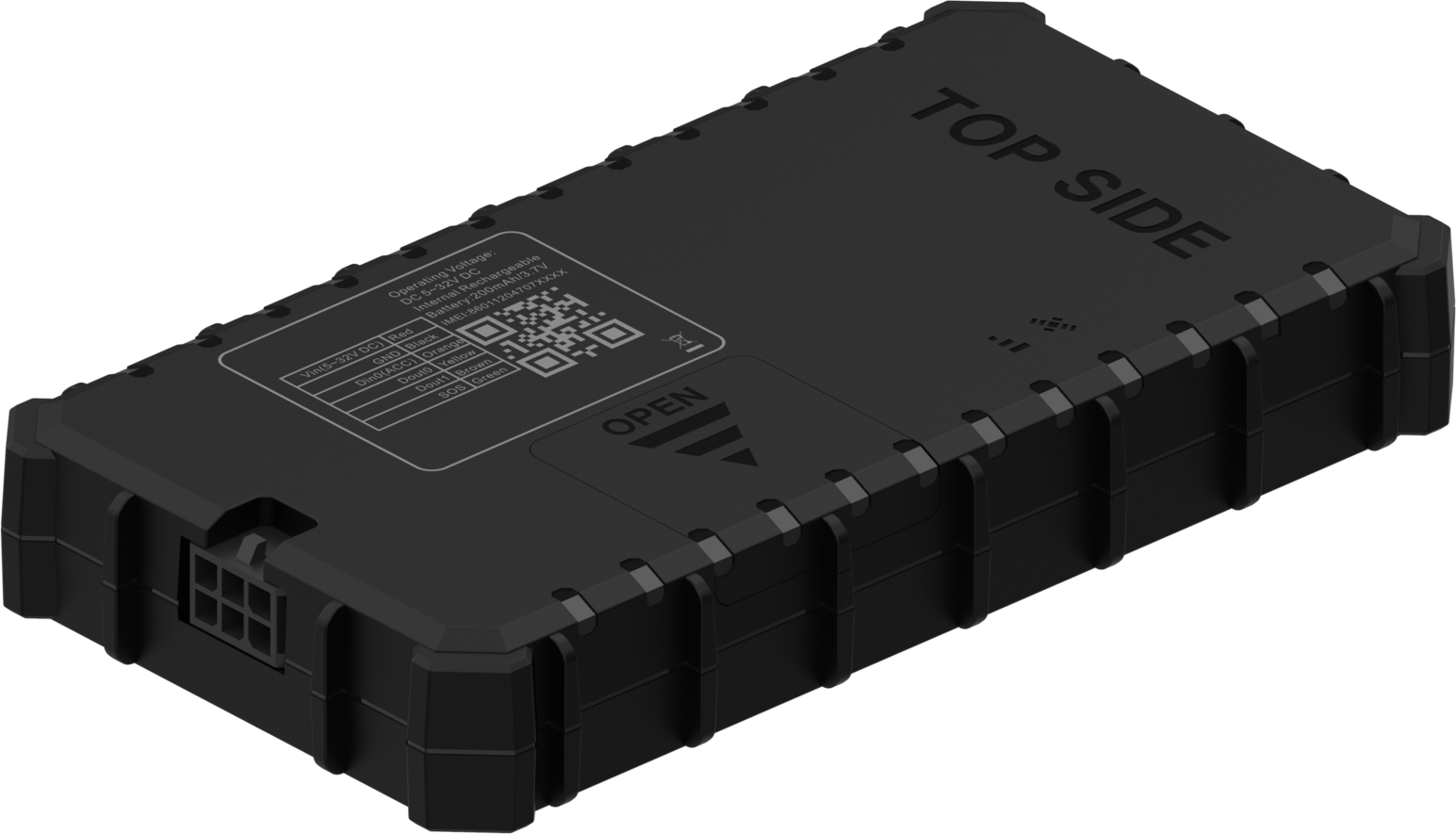
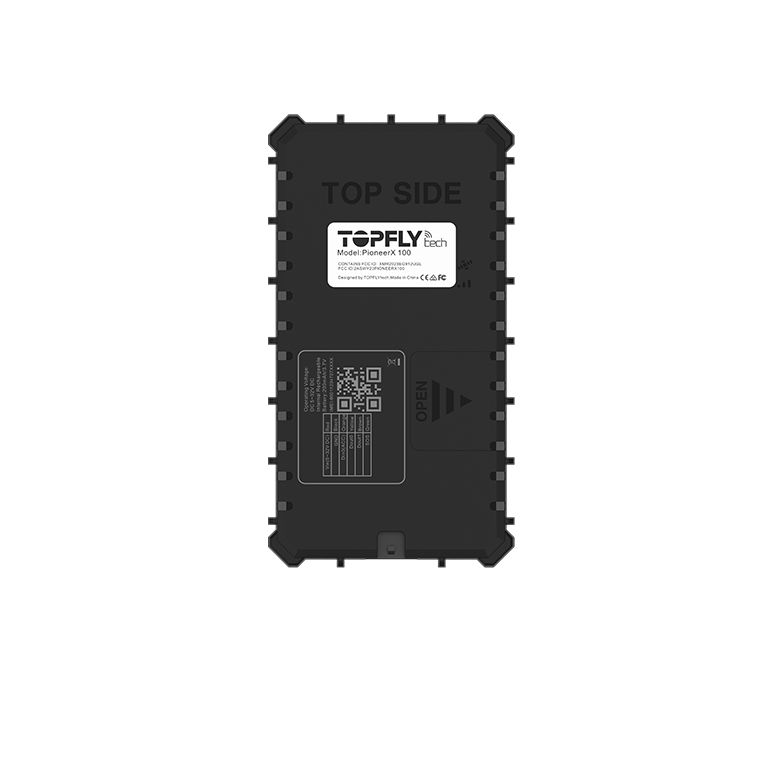
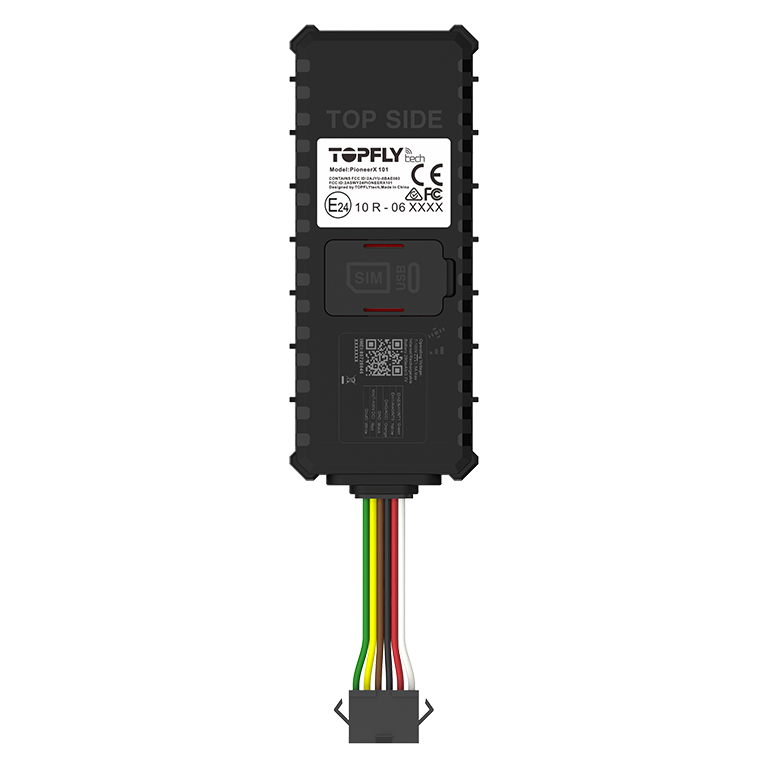
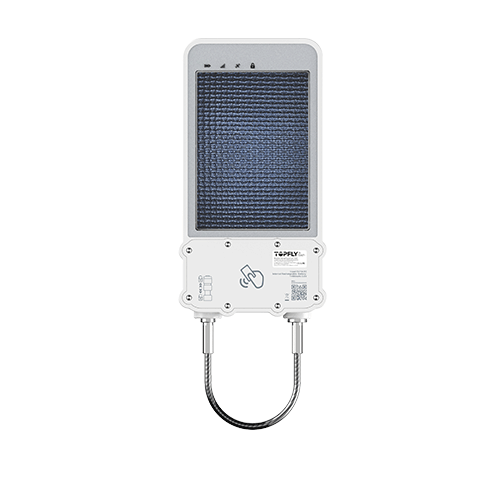
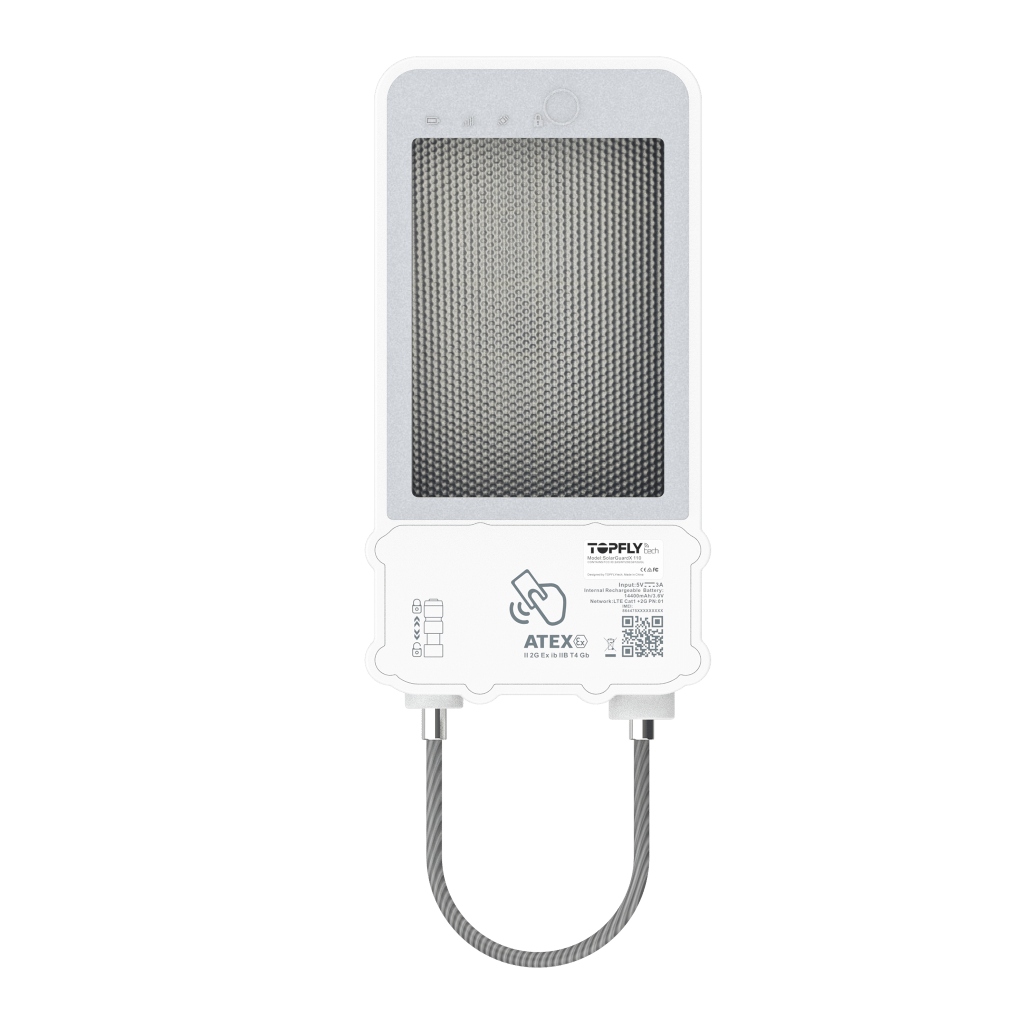
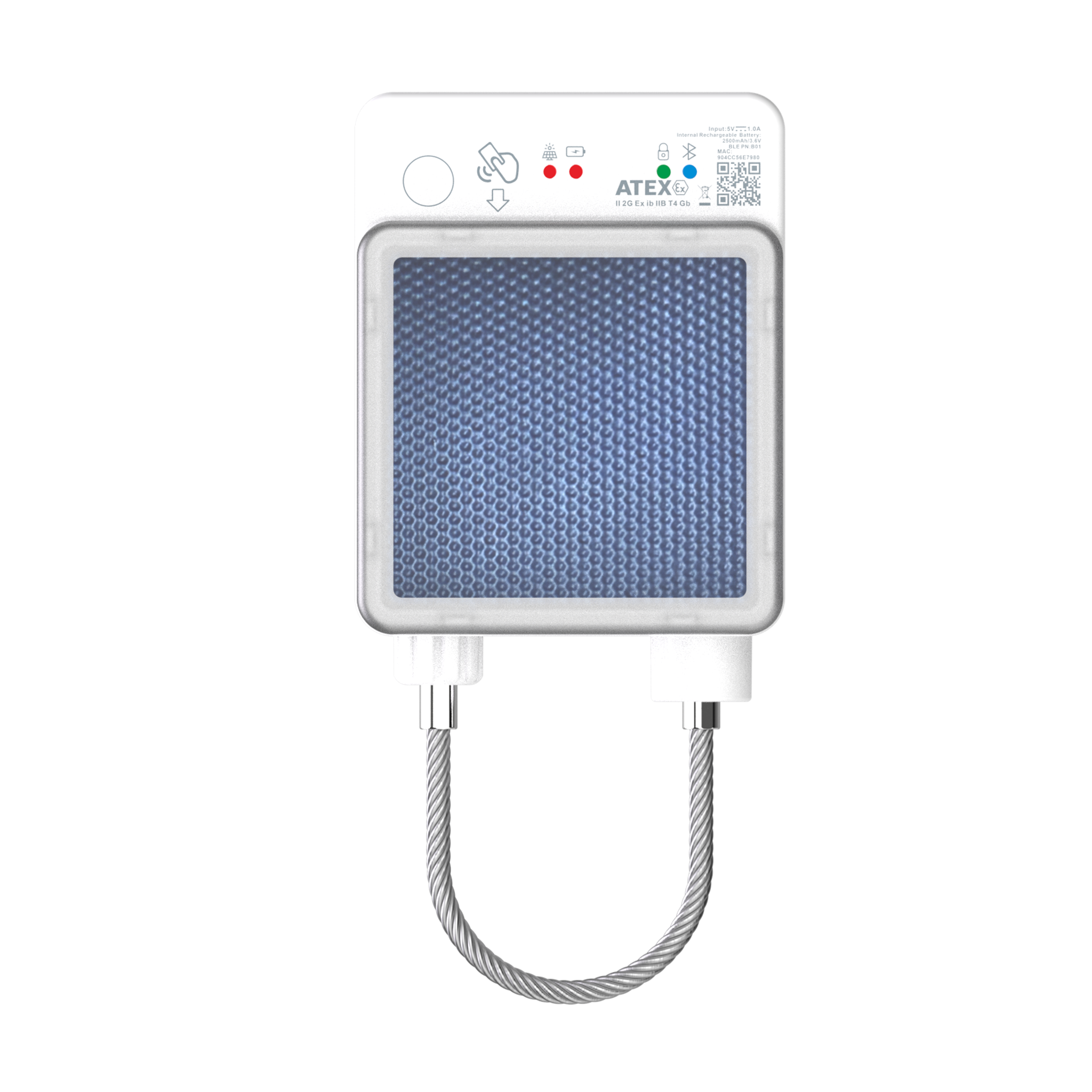
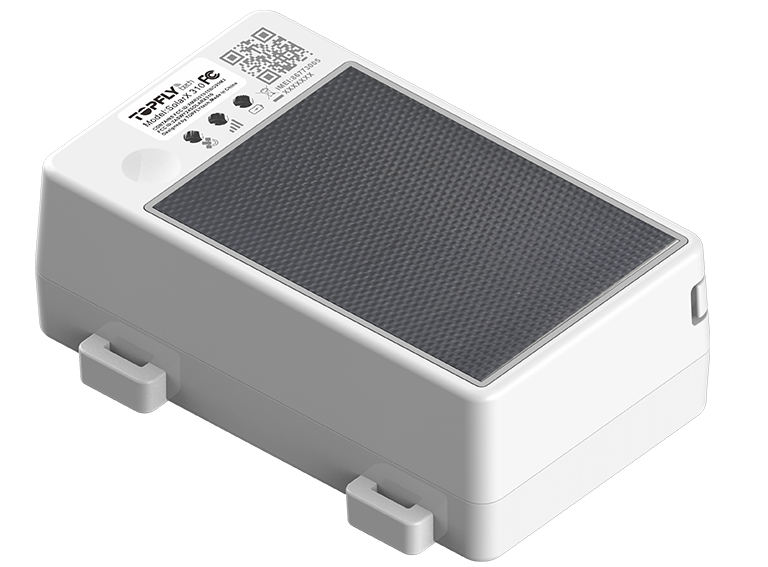
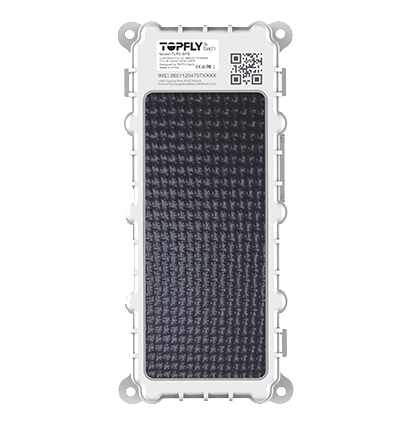
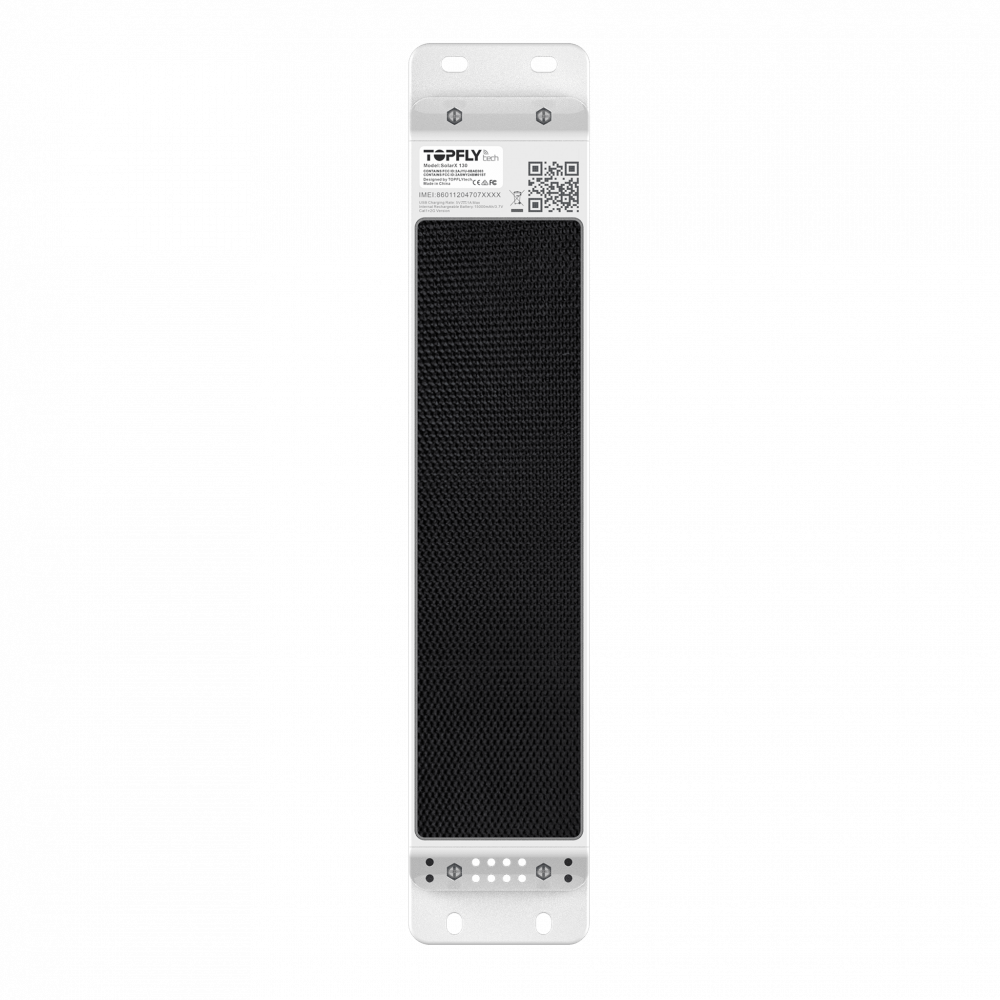
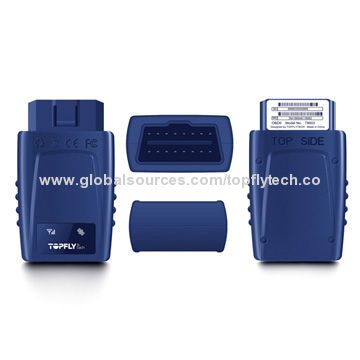
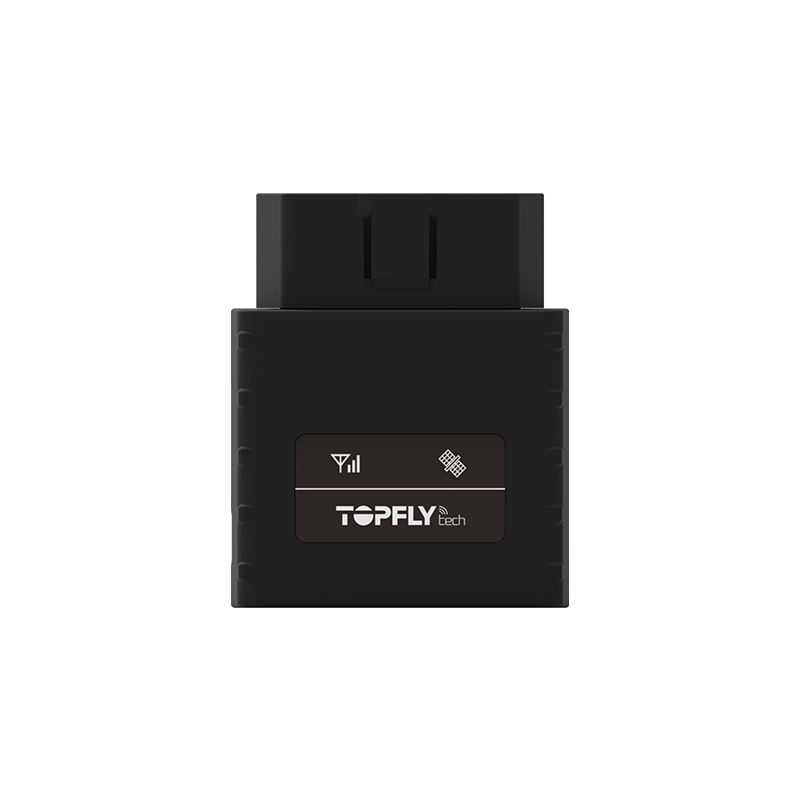
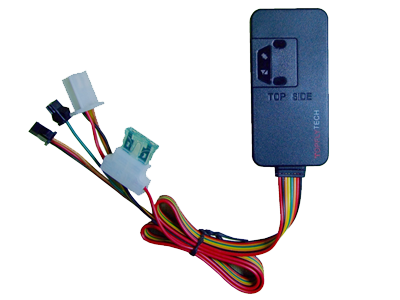
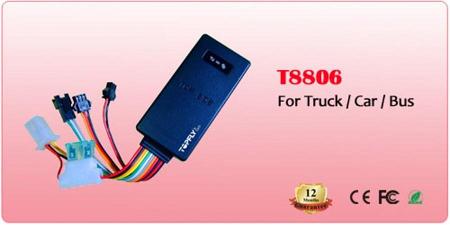
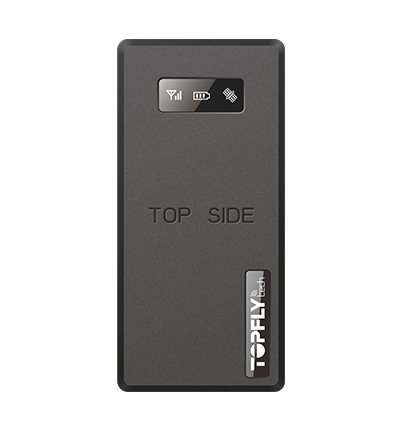
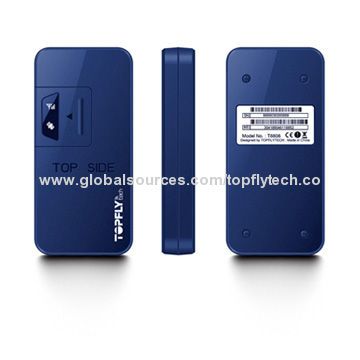
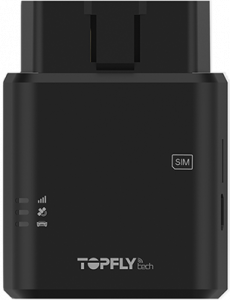
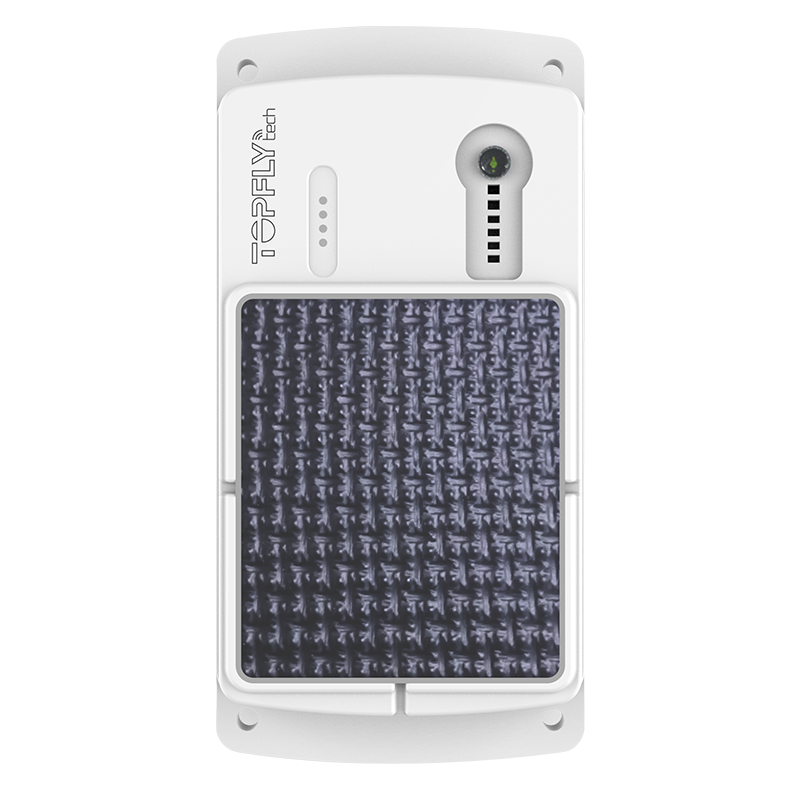
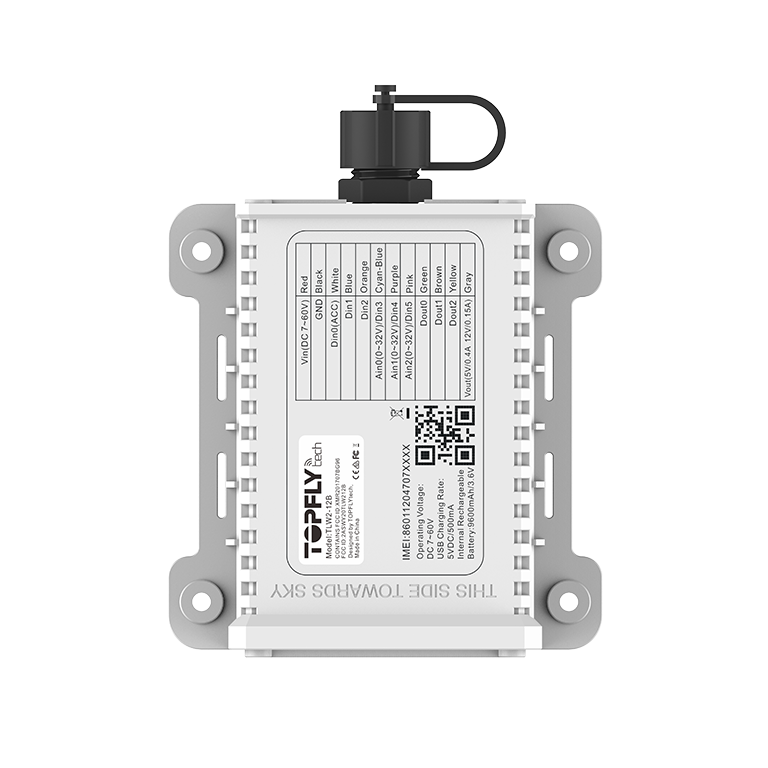
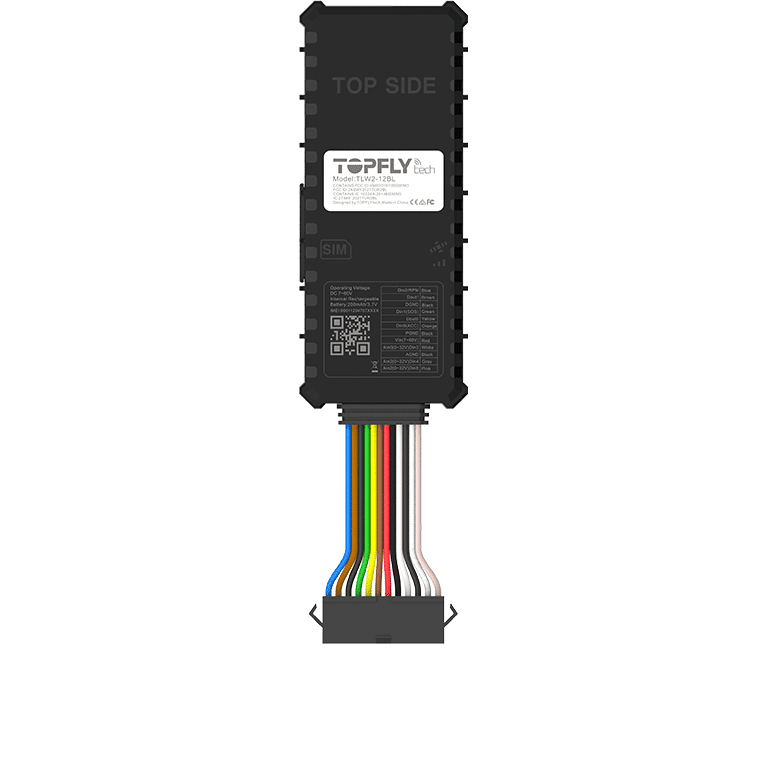
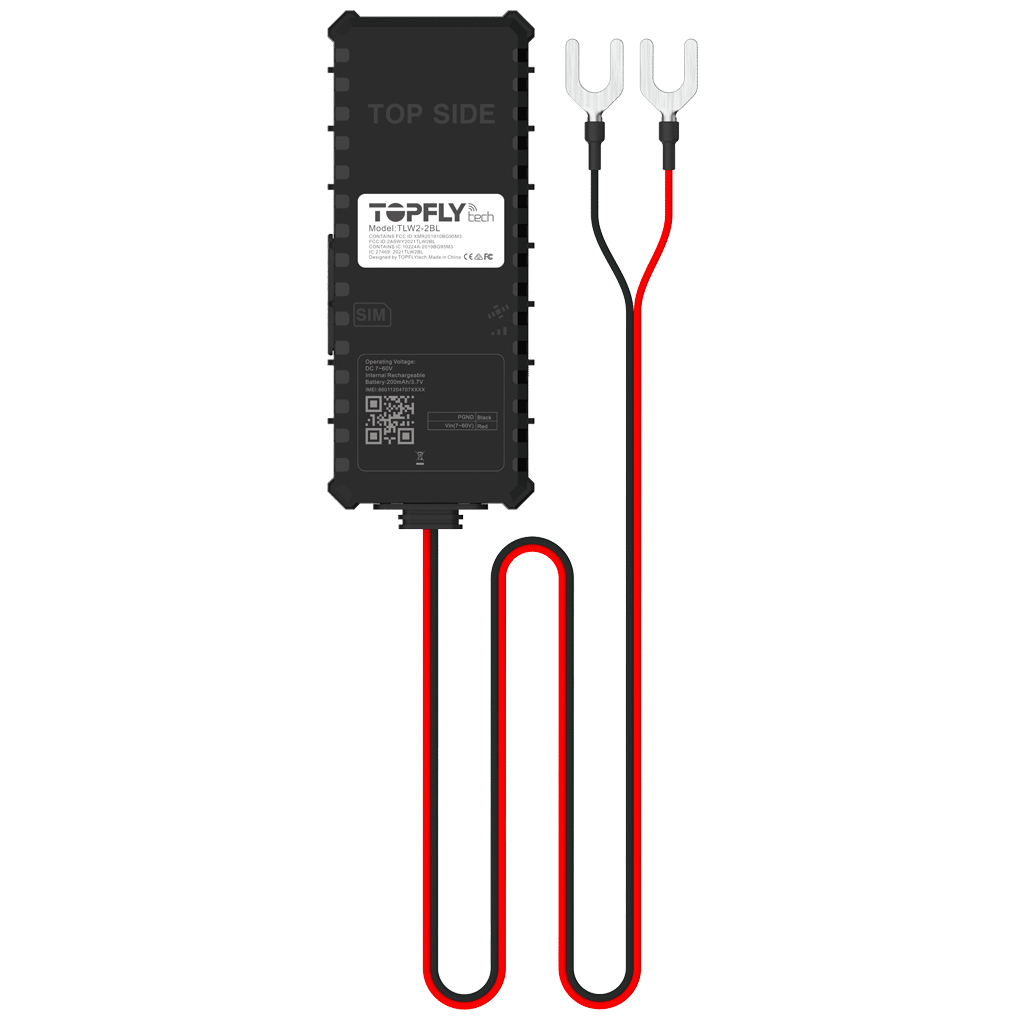
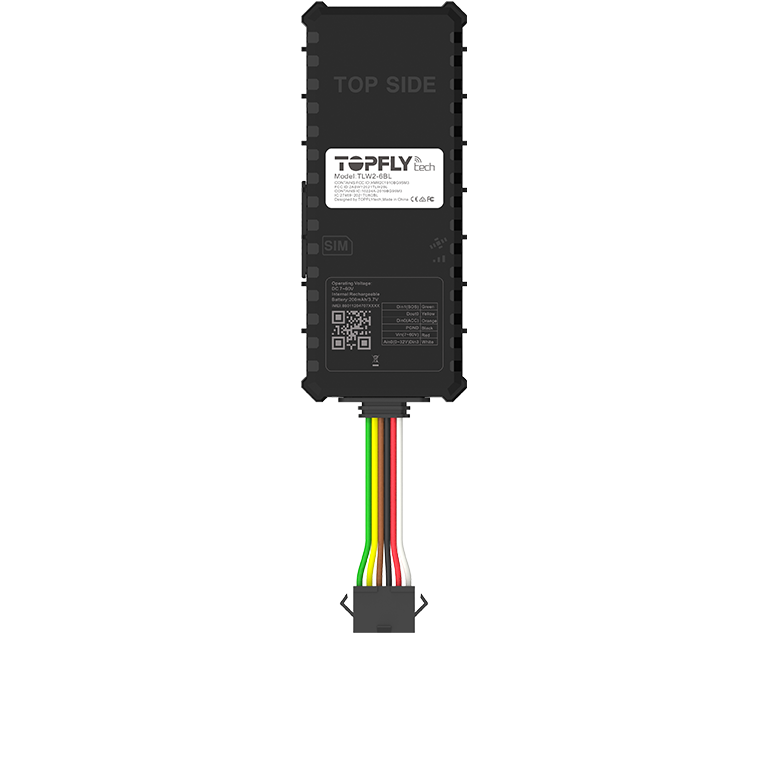
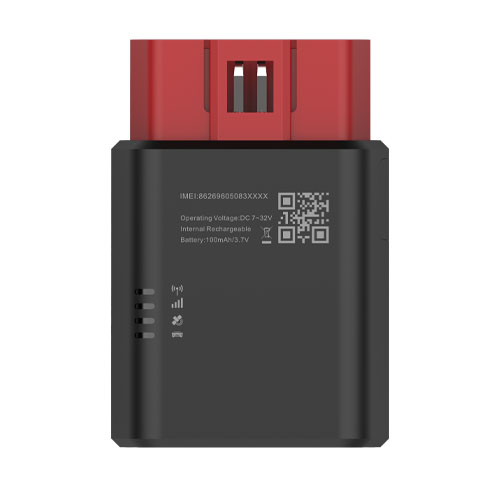
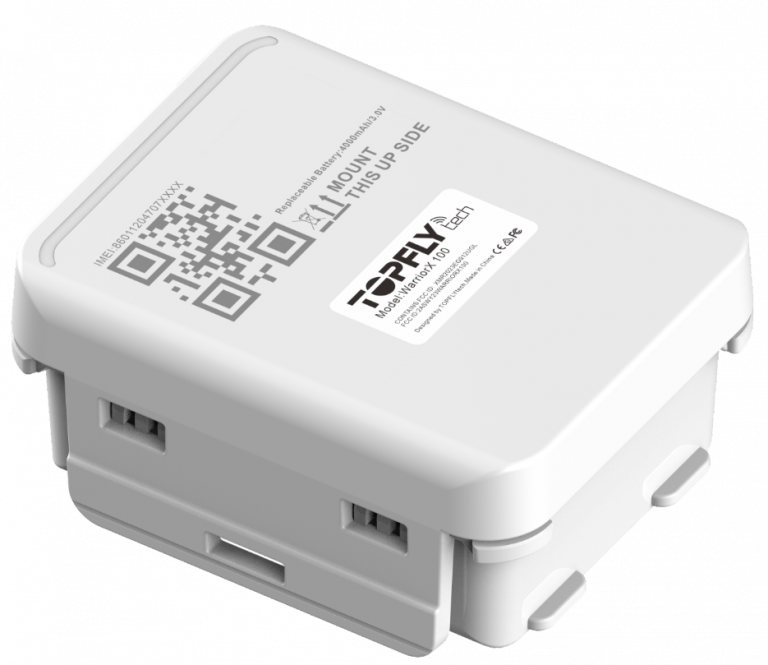
Use the device catalog below to explore the TopFly models that work with Plaspy. The catalog displays the compatible models and links to the corresponding Plaspy device pages where you can find connection instructions, protocol notes, and configuration options.
If you need manufacturer details, visit the TopFly website at https://www.topflytech.com/. For platform and account information, or to start a trial, visit https://www.plaspy.com.

Frequently Asked Questions
Q: What TopFly devices are compatible with Plaspy? A: Compatible TopFly devices are shown in the catalog above. The BrandCatalog component lists every TopFly model known to work with Plaspy and links to the model specific documentation.
Q: Can I use TopFly GPS trackers with Plaspy? A: Yes. Selected TopFly trackers can be configured to report to Plaspy. After configuring the device to send messages to the Plaspy server and registering the device in Plaspy, you can monitor location, events, and history.
Q: Does Plaspy support fleet monitoring with TopFly devices? A: Plaspy supports fleet level features such as grouped views, alerts, and reporting for devices that send compatible data. Use the Plaspy interface to manage TopFly devices alongside other hardware in your fleet.
Q: Where can I find TopFly device documentation in Plaspy? A: Each compatible TopFly model in the BrandCatalog links to a Plaspy device page with documentation for that model. The model pages include notes on message formats, common settings, and recommended configuration practices.
Q: What should I do if my TopFly device is not sending data to Plaspy? A: First confirm network coverage and device power. Then review the model specific Plaspy device page for correct server settings and message type. If issues persist, contact your device reseller or Plaspy support for assistance.
Q: Can I mix TopFly hardware with other brands in the same Plaspy account? A: Yes. Plaspy is built to manage heterogeneous fleets so you can operate TopFly devices alongside other compatible brands in one account.
Next steps
Explore the TopFly models in the catalog above to find the right tracker for your use case. When you select a model, follow the Plaspy device page for configuration details and message formats. For platform information and to learn about onboarding, visit https://www.plaspy.com. If you need help choosing hardware or planning deployment, Plaspy support and your hardware supplier can advise on the best combination for your needs.
Brand Compatibility
Monitor compatible brand devices with Plaspy
Plaspy helps businesses work with compatible GPS trackers for visibility, reporting, and daily operational control across vehicle and asset tracking workflows.