
TrackerKing
TrackerKing is a GPS device brand known for offering a range of trackers that can be integrated with third party tracking platforms. This page explains how TrackerKing devices work with Plaspy, highlights common device capabilities, outlines typical use cases, and points you to resources for choosing and configuring compatible devices. Use the model catalog below to see all TrackerKing hardware that can be monitored using Plaspy.
How TrackerKing devices work with Plaspy
TrackerKing devices use standard GPS and cellular communications to report location and status data. Plaspy ingests that device data when the tracker is configured to send telemetry to Plaspy compatible endpoints and protocols. On this page you will find information about general compatibility and platform capabilities that apply across the TrackerKing product range.
Key integration aspects to consider:
- Device reporting intervals and data types such as location, speed, and basic sensor inputs.
- Network connectivity methods supported by the tracker and your local mobile networks.
- How Plaspy maps incoming device messages to the platform dashboard and alerts.
For device specific setup steps and protocol parameters consult the individual tracker documentation within Plaspy or the manufacturer resources linked from the device catalog.
Common features found in TrackerKing devices
While specific capabilities vary by model, TrackerKing products typically include a combination of the following features that work well with Plaspy:
- GPS location reporting suitable for vehicle and asset tracking.
- Cellular connectivity for real time data uplink.
- Basic I/O for external sensors and ignition detection.
- Motion and tamper detection routines.
- Battery powered and hardwired options for different installation needs.
Plaspy processes these standard telemetry elements to provide location history, alerts, geofencing, and reporting without requiring model specific listing on this page.
Typical use cases for TrackerKing GPS trackers
TrackerKing devices are commonly used in the following scenarios:
- Fleet vehicle tracking for route oversight and driver behavior monitoring.
- Asset tracking for trailers, equipment, and portable goods that need location visibility.
- Mobile workforce coordination where location history and simple alerts improve operations.
- Low power deployments where battery powered trackers report at configurable intervals.
Plaspy lets you group devices, create alert rules, and generate reports tailored to these real world use cases.
Why choose Plaspy for TrackerKing device monitoring
Plaspy provides a unified platform to monitor TrackerKing hardware alongside other device brands. Reasons organizations choose Plaspy include:
- Centralized device management and live location visualization.
- Flexible alerting and reporting to match operational requirements.
- Support for multi brand fleets so TrackerKing units can coexist with other tracker vendors in a single account.
- Scalable infrastructure for small fleets up to enterprise deployments.
Plaspy focuses on making device onboarding and data normalization straightforward so you can focus on operations instead of integration details.
Help finding the right TrackerKing device
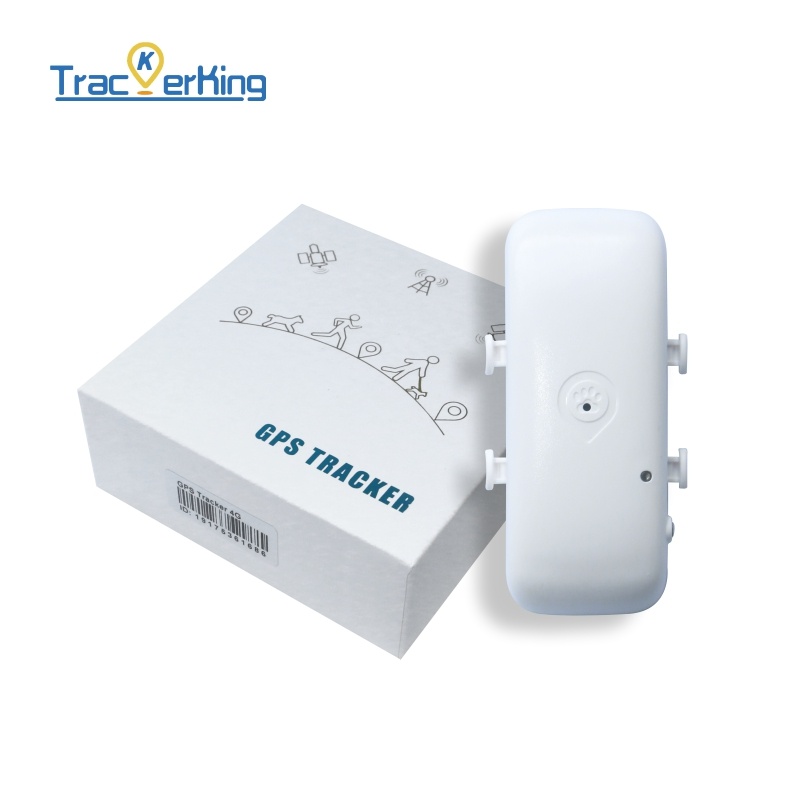
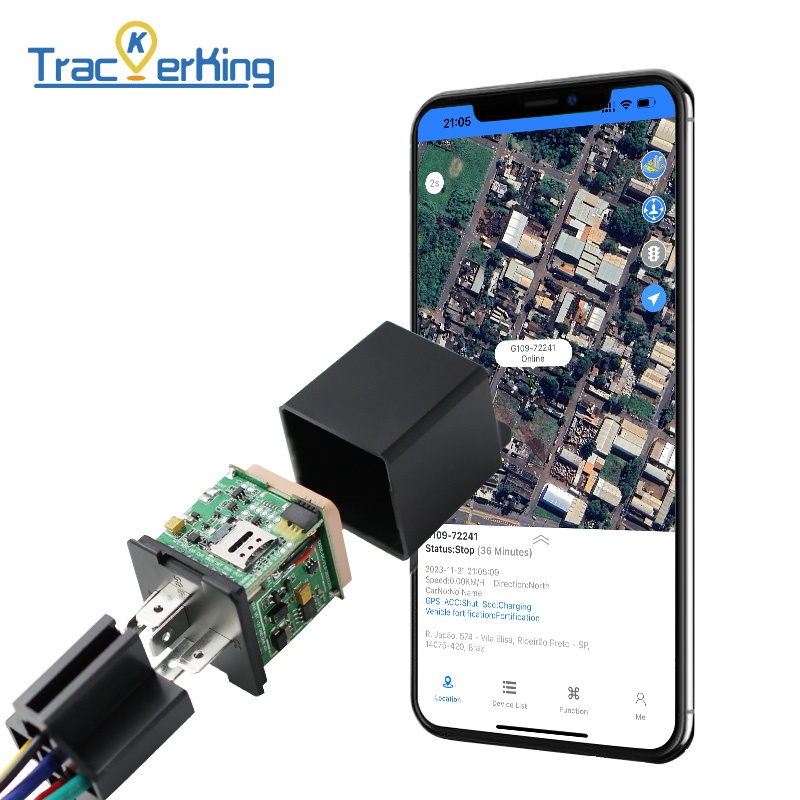
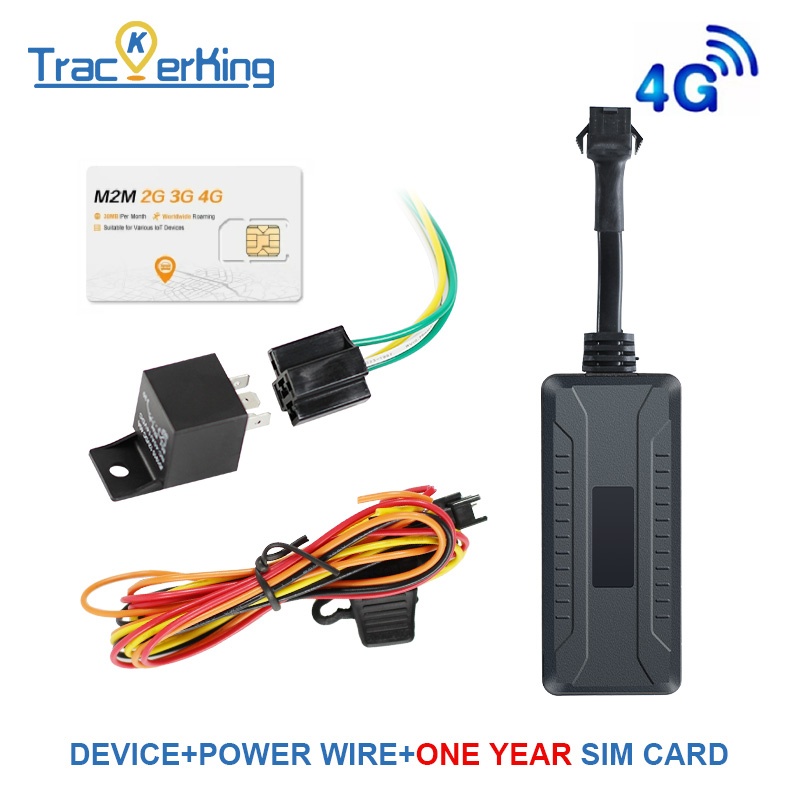
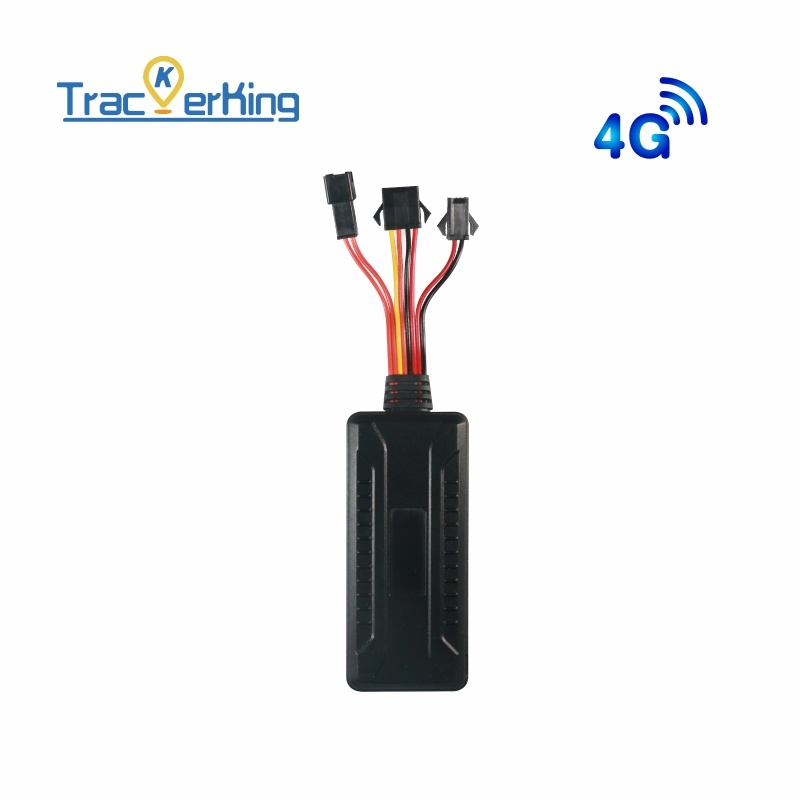
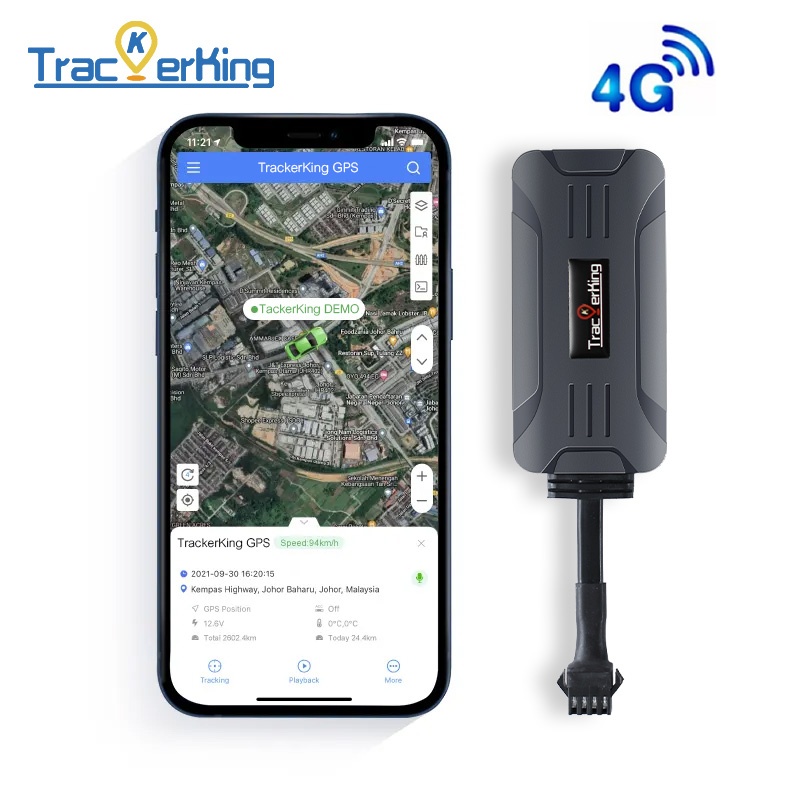
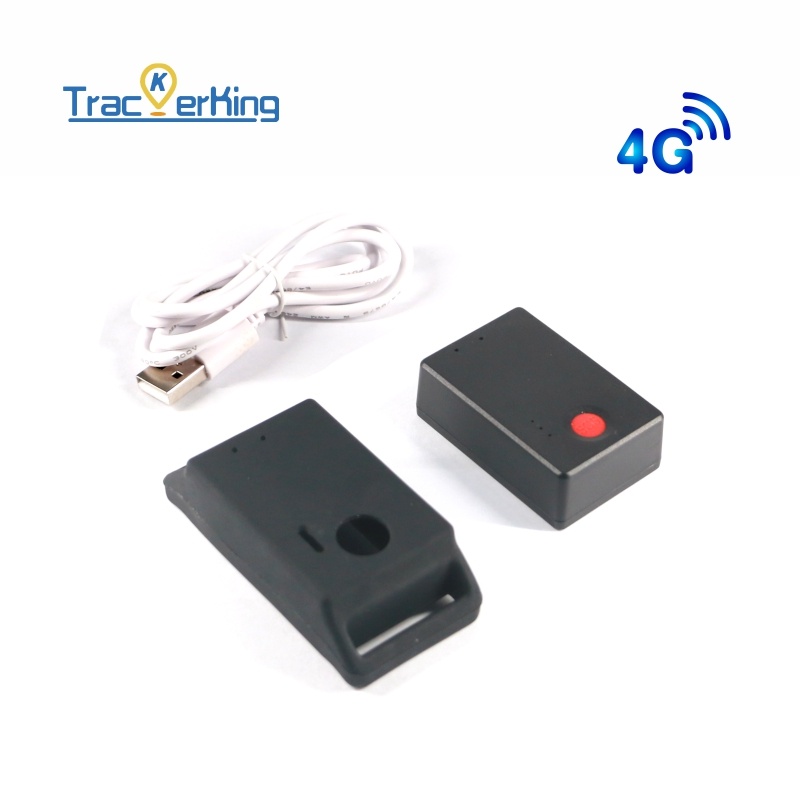
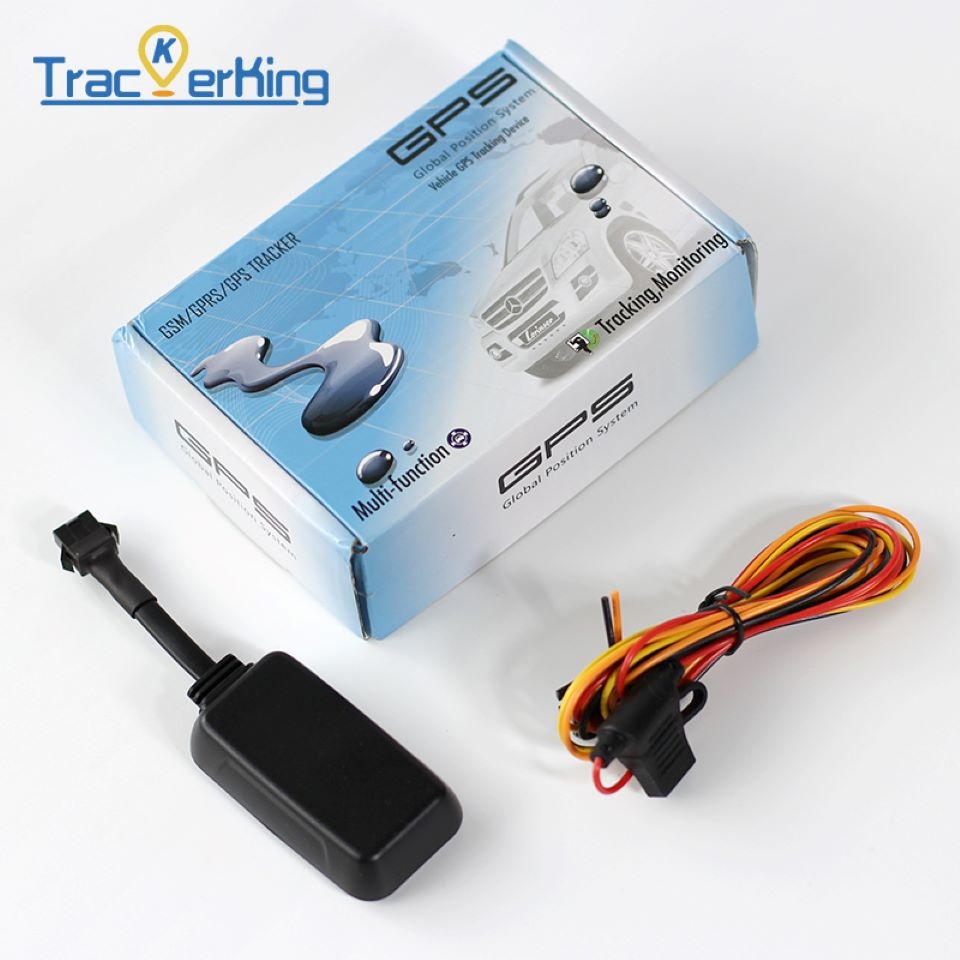
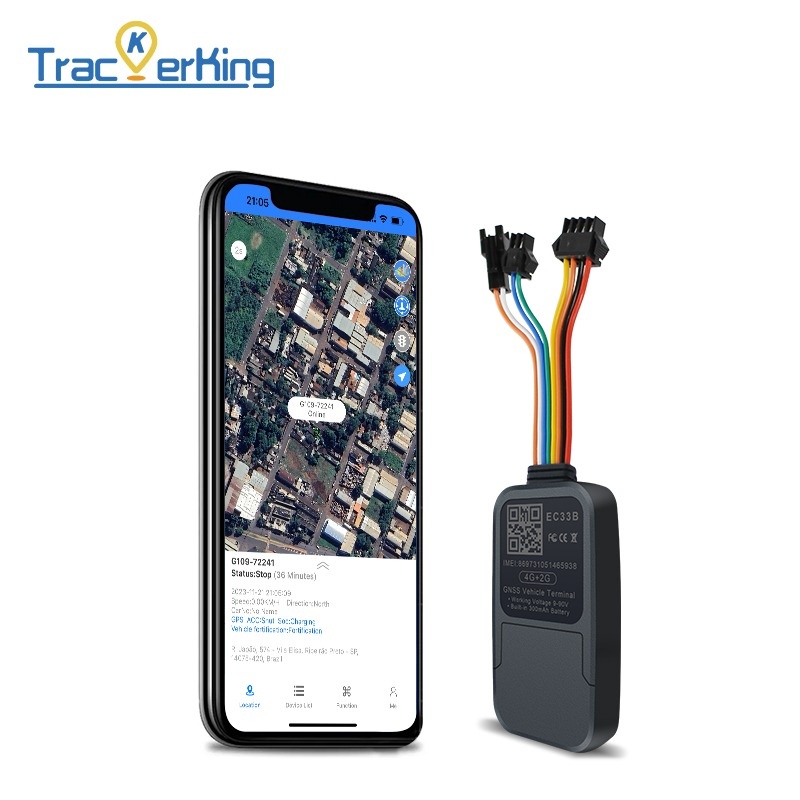
Use the device catalog on this page to browse TrackerKing models that are compatible with Plaspy. The catalog shows available hardware with images and links to model pages where you can find:
- Manufacturer reference and basic capability summaries
- Plaspy integration notes if applicable
- Links to setup and configuration guides
If you need assistance selecting a tracker for a specific application, consider these factors:
- Mounting and power options required by your installation.
- Expected reporting frequency and battery life needs.
- Required external sensors or inputs.
- Coverage and cellular network compatibility in your operating regions.
For broader guidance and platform information visit Plaspy at https://www.plaspy.com.
Frequently Asked Questions
Q: What TrackerKing devices are compatible with Plaspy? A: The TrackerKing models compatible with Plaspy are listed in the catalog on this page. Click a model entry to view device specific details and Plaspy integration notes.
Q: Can I use TrackerKing GPS trackers with Plaspy? A: Yes. Many TrackerKing devices can be configured to send telemetry to Plaspy. The exact configuration steps vary by model and are available on each device page in the catalog.
Q: Does Plaspy support fleet monitoring with TrackerKing devices? A: Plaspy supports fleet monitoring for TrackerKing devices by ingesting location and status data, enabling live tracking, historical playback, alerts, and reporting for fleet operations.
Q: Where can I find TrackerKing device documentation in Plaspy? A: Open the catalog entry for the TrackerKing model you are using. Each model page links to setup guidance and device parameters relevant to integration with Plaspy.
Q: Do I need technical help to connect a TrackerKing device to Plaspy? A: Many users can follow the device specific setup instructions to connect their tracker. If you face issues, Plaspy documentation and support resources are available to help with configuration questions.
Q: Will Plaspy normalize data from different TrackerKing models? A: Plaspy maps incoming telemetry to common platform fields so that data from different models can be visualized and managed consistently.
Explore TrackerKing models
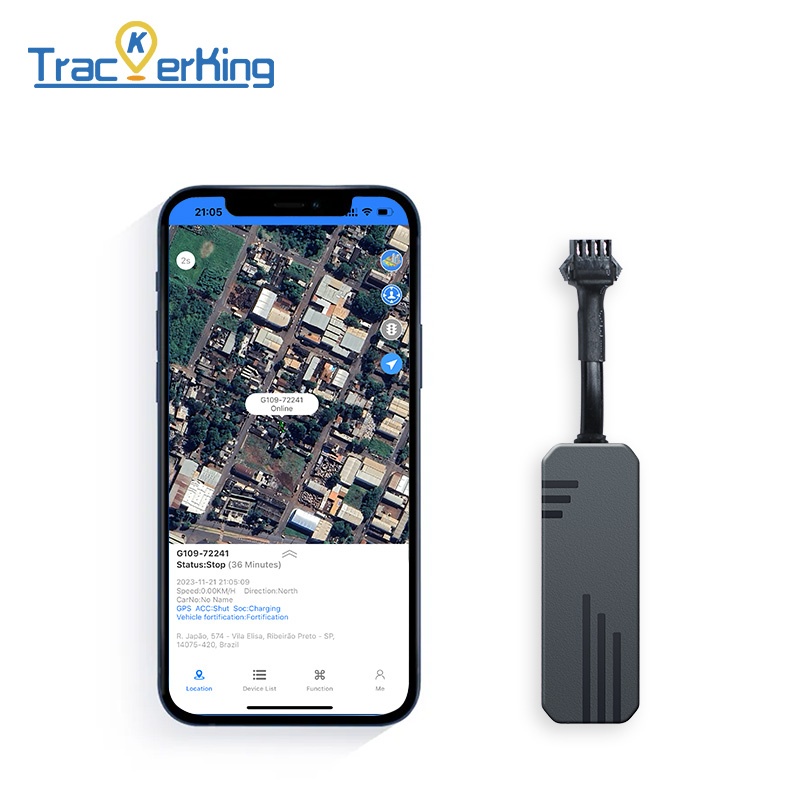
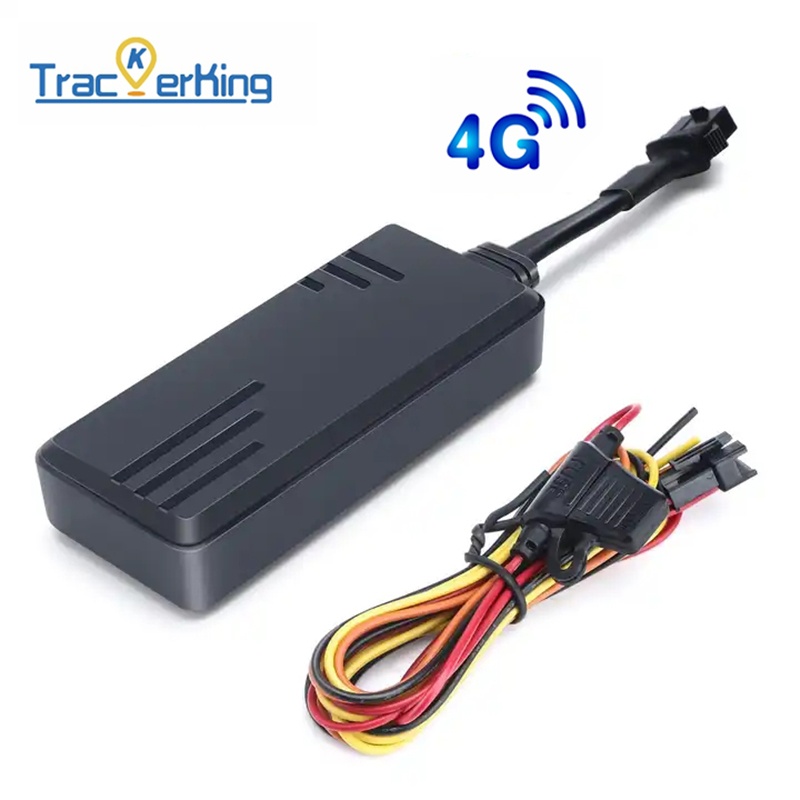
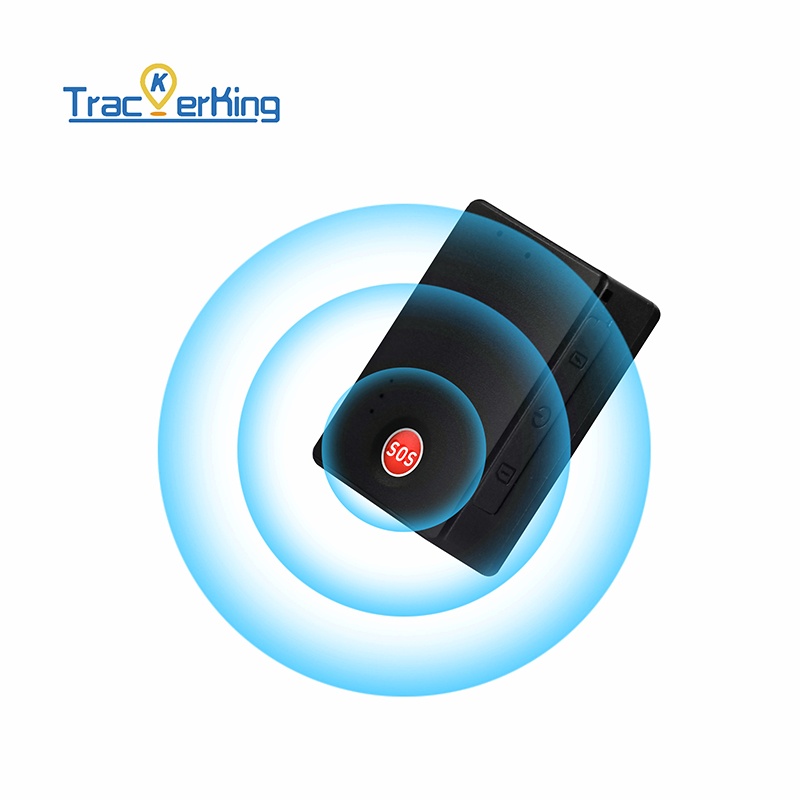
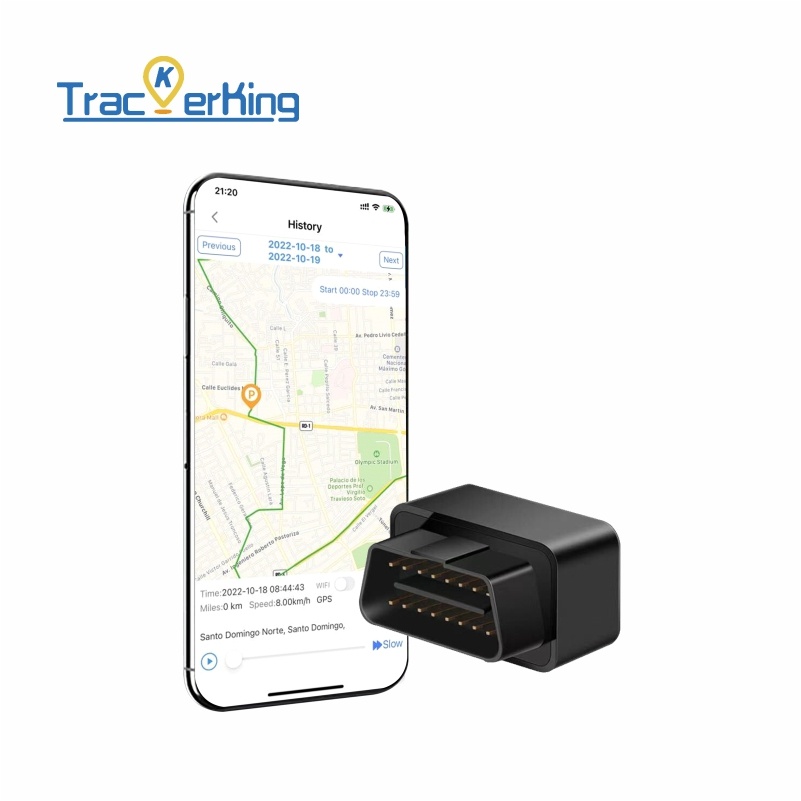
Below you will find the catalog of TrackerKing devices that can be monitored with Plaspy. Use the catalog to open model pages for configuration details, manufacturer resources, and Plaspy notes.
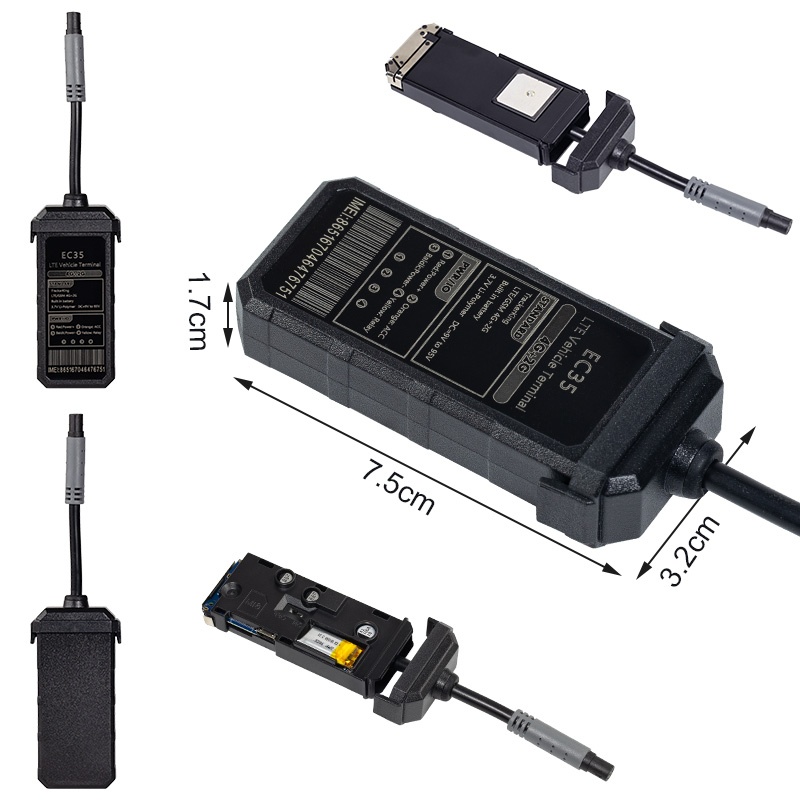
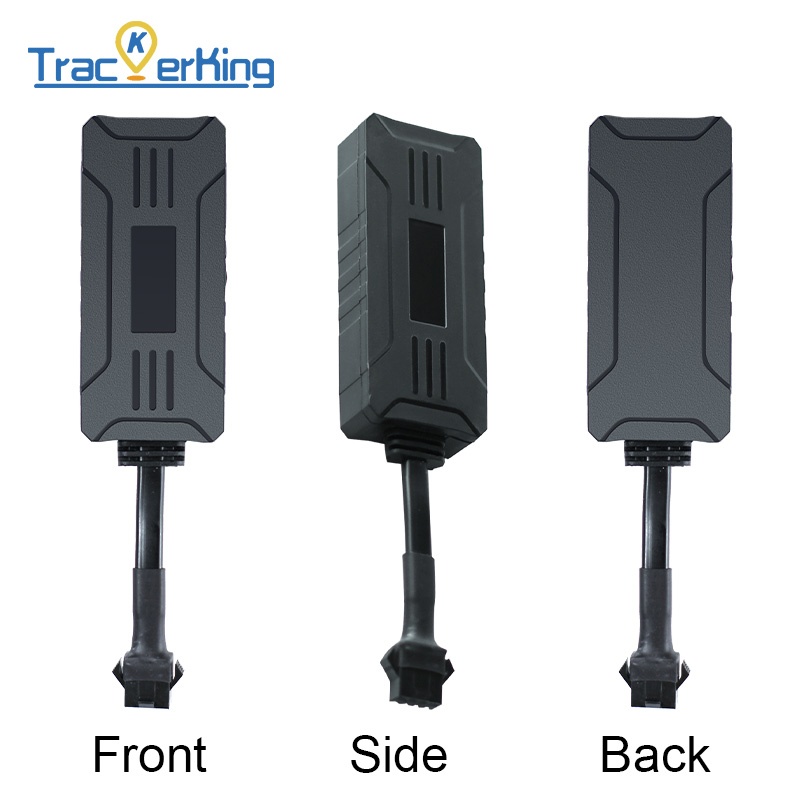
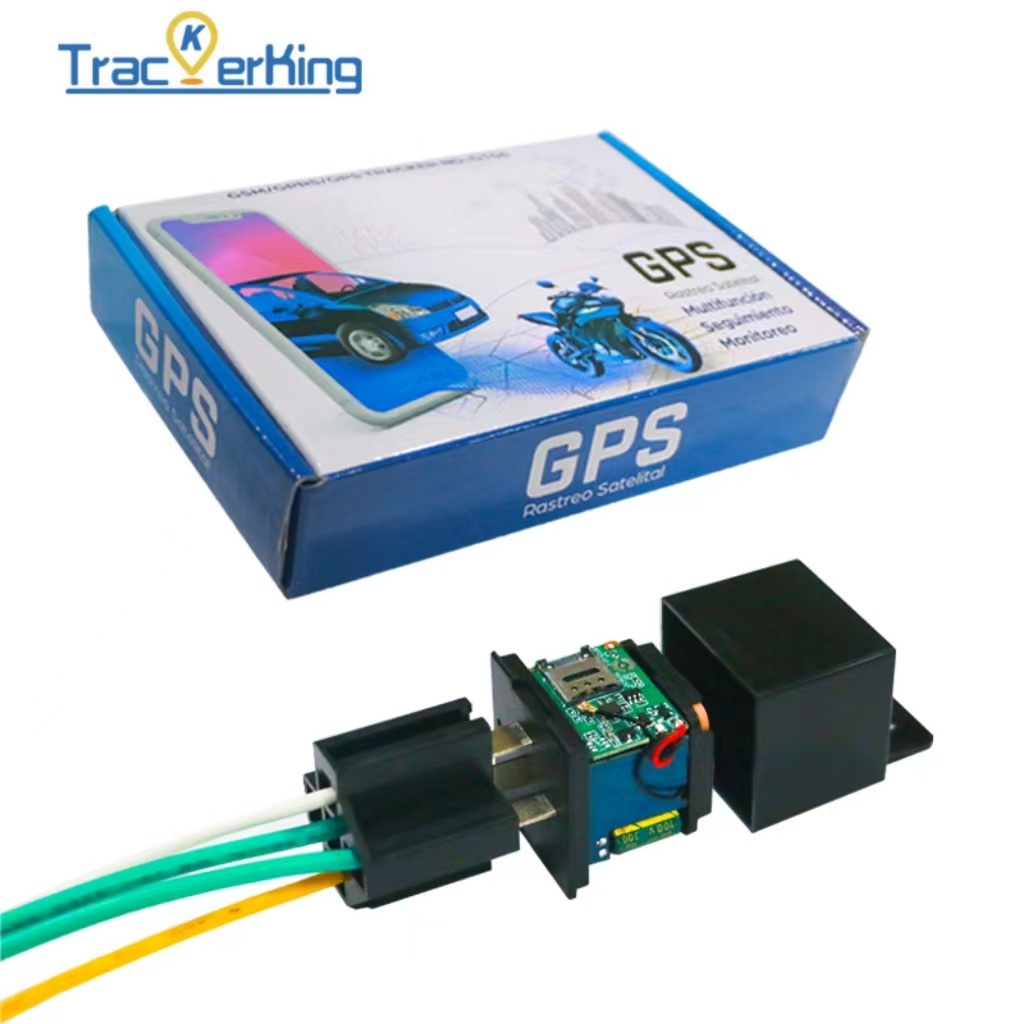
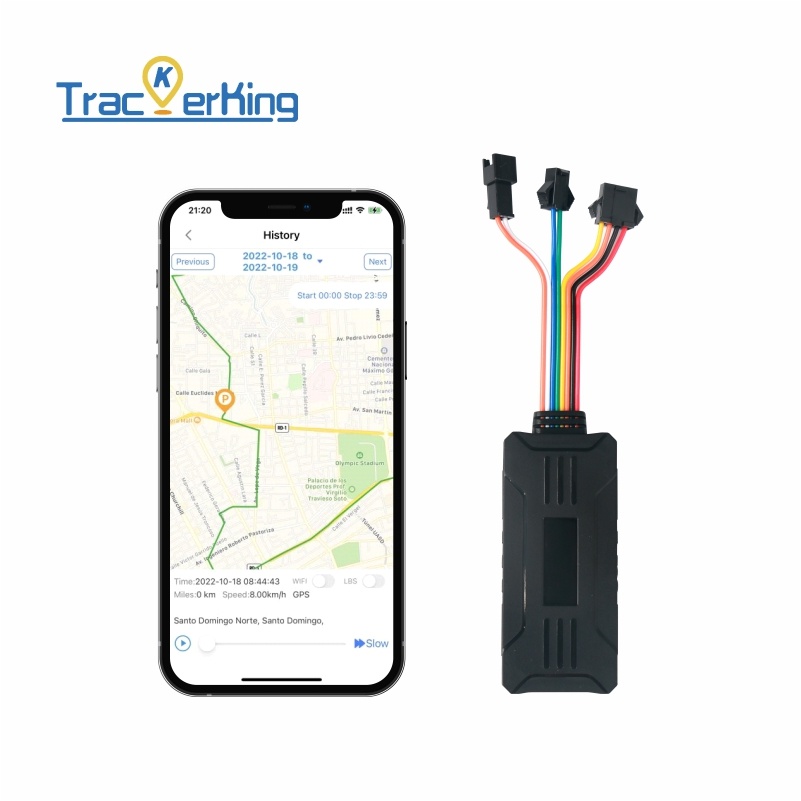
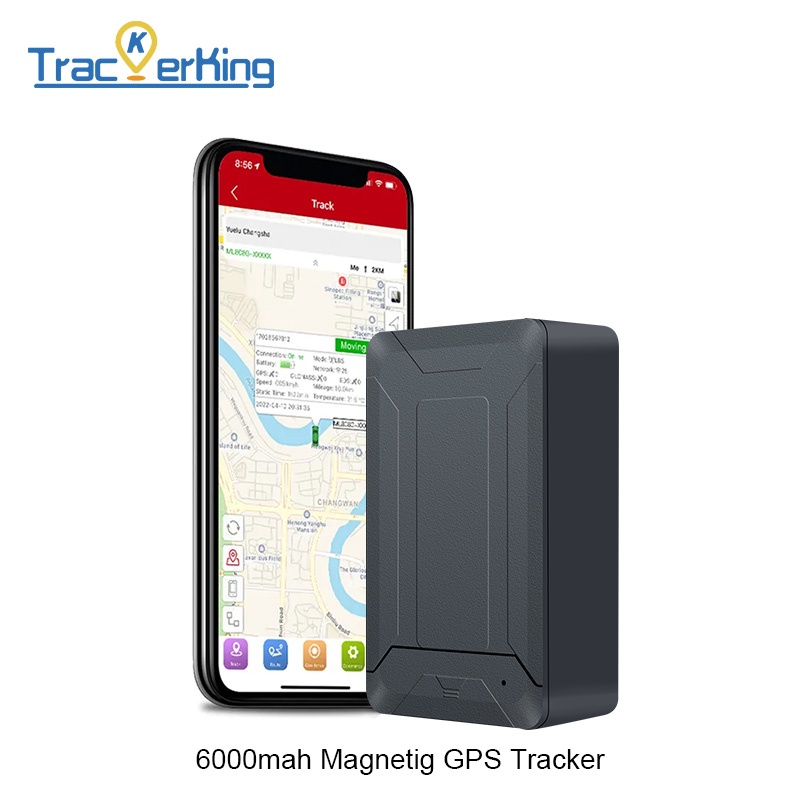
If you need more information about platform features or enterprise options, or if you want to learn about onboarding a mixed fleet, visit Plaspy at https://www.plaspy.com.
Brand Compatibility
Monitor compatible brand devices with Plaspy
Plaspy helps businesses work with compatible GPS trackers for visibility, reporting, and daily operational control across vehicle and asset tracking workflows.