
WP
WP produces a range of GPS tracking devices commonly used for vehicle and asset tracking. This page explains how WP devices can be monitored with Plaspy, helps you find compatible models, and points you to resources for configuration and support. Use the device catalog below to browse all WP models that work with Plaspy.
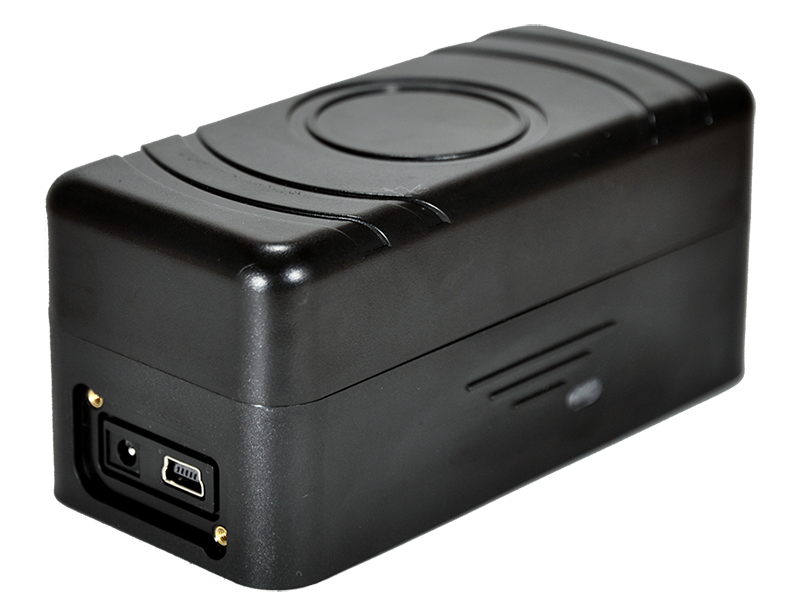
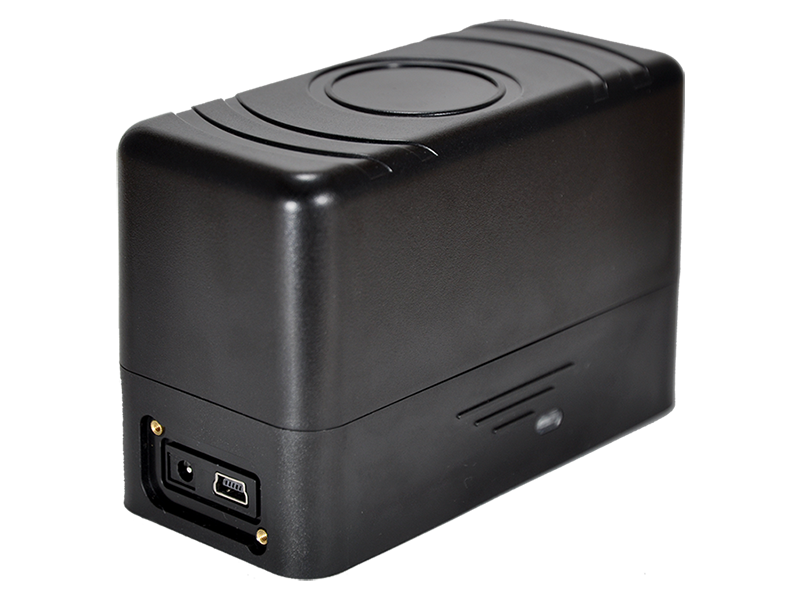
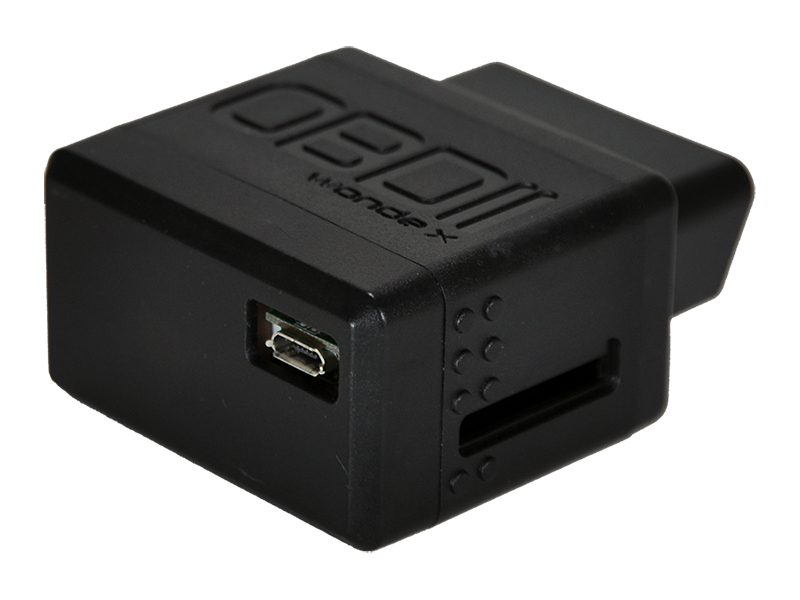

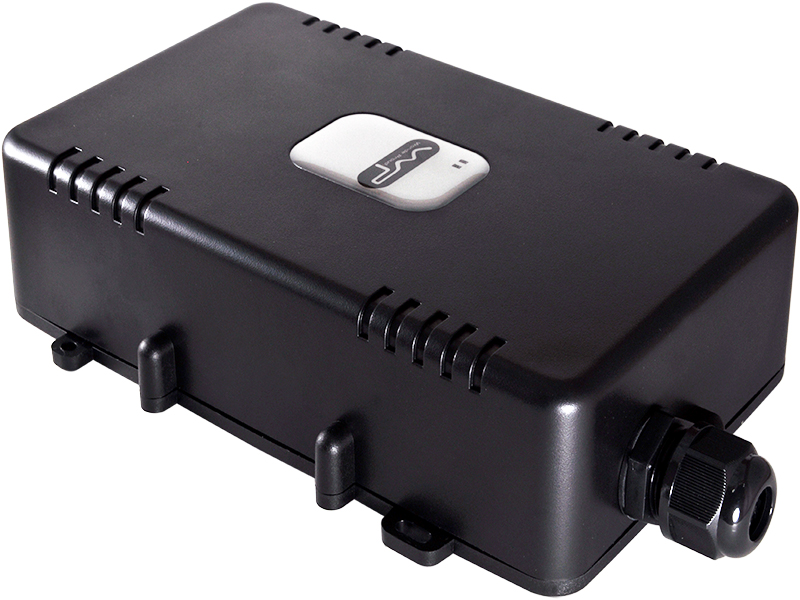
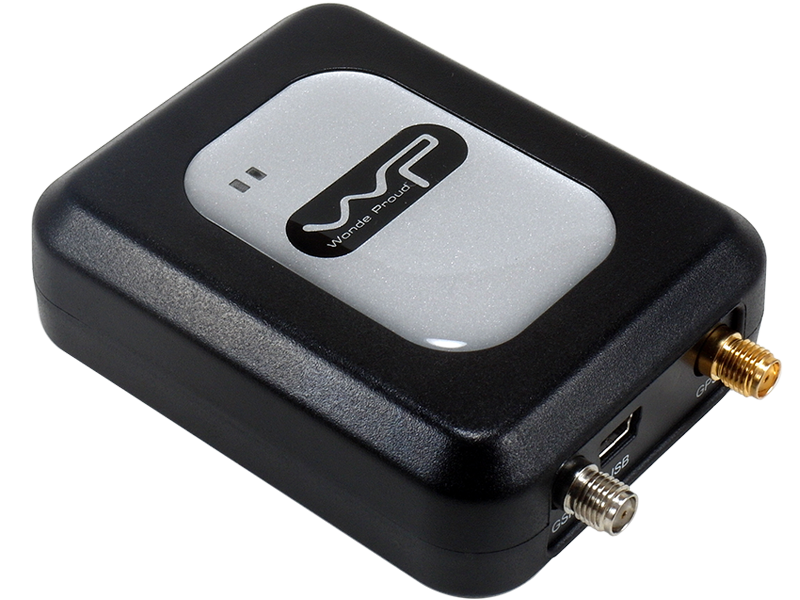

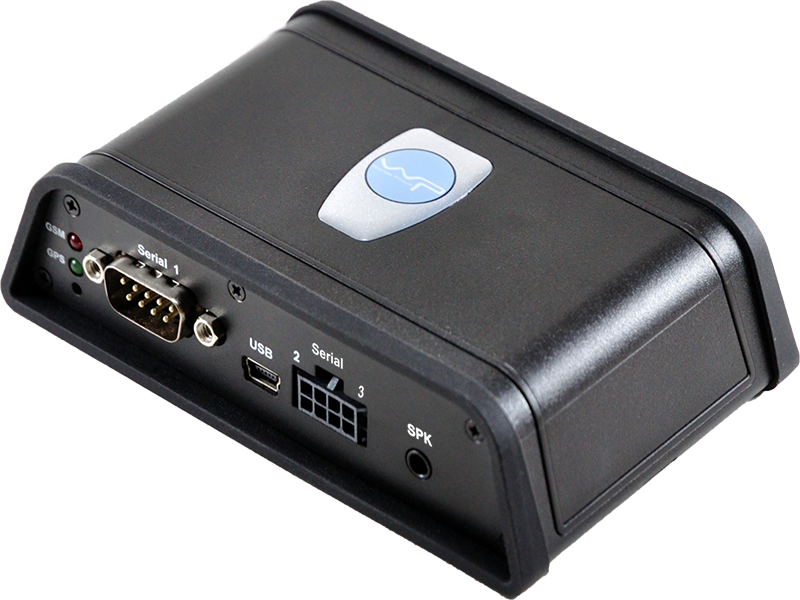
How WP devices work with Plaspy
WP trackers transmit location and status data over cellular networks. Plaspy can ingest and display that incoming telemetry so you can view real time location, history, and device status in one unified platform. For each WP device, Plaspy provides the per device pages and settings needed to register the device, configure reporting intervals, and apply alerts. Device specific connection parameters and setup steps are shown on the individual device pages available from the catalog.
Common features found in WP devices
While specific features vary by model, WP devices typically include a selection of the following capabilities that Plaspy can present and manage:
- Real time GPS location and position history
- Movement and tamper detection with status updates
- Battery level and power source reporting
- Basic I O for external sensors and triggers
- Geofencing and event based reporting
Use the product catalog above to locate WP models with the features you need. Detailed configuration notes are available on each device page within Plaspy.
Typical use cases for WP GPS trackers
WP devices are often applied to:
- Fleet vehicle tracking and route oversight
- Asset tracking for trailers, containers, and equipment
- Rental and shared vehicle monitoring
- Remote status monitoring for service fleets Plaspy helps translate device telemetry into dashboards, alerts, and reports that match these operational needs.
Why choose Plaspy for WP device monitoring
Plaspy is designed to aggregate device data into actionable information. Key benefits when using Plaspy with WP devices include:
- Centralized device management and live tracking in one interface
- Configurable alerts and notifications for events and thresholds
- Reporting tools for trip history and utilization
- Flexible user access controls for teams and partners
If you need help evaluating features or planning a deployment, Plaspy documentation and support resources can guide you through best practices for connecting WP hardware.
Help finding the right WP device
Not sure which WP model fits your needs? Use the catalog at the top of this page to filter devices by capability. Look for models that match your priorities such as battery life, external inputs, or size. You can also consult the WP manufacturer site at http://www.wondeproud.com/ for full product specifications or contact Plaspy support for advice on selecting a model that integrates smoothly with your workflow.
Frequently Asked Questions
Q: What WP devices are compatible with Plaspy? A: The Brand Catalog above lists all WP models known to work with Plaspy. Click a model in the catalog to view device specific configuration guidance and compatibility notes.
Q: Can I use WP GPS trackers with Plaspy? A: Yes. WP trackers can be registered and managed in Plaspy so you can track location, receive alerts, and view telemetry. Refer to the individual device page for setup instructions.
Q: Does Plaspy support fleet monitoring with WP devices? A: Plaspy supports fleet level monitoring and reporting for devices added from WP. Fleet features include grouped device views, trip history, and configurable alerts that help manage vehicle operations.
Q: Where can I find WP device documentation in Plaspy? A: Each WP model in the Brand Catalog links to a device page with the configuration details that Plaspy requires. These device pages provide the steps and parameters to connect a WP tracker to Plaspy.
Q: Do I need any extra hardware or subscriptions to use WP devices with Plaspy? A: Requirements vary by model and deployment. Check the device page for notes on power, SIM requirements, and recommended settings. For account level questions about Plaspy features and plans visit https://www.plaspy.com.
Next steps
Browse the WP device catalog above to find compatible models, then open the device page for configuration guidance and troubleshooting tips. For general information about Plaspy and available plans visit https://www.plaspy.com. If you need further assistance, contact Plaspy support for help selecting and deploying WP trackers with your account.
Brand Compatibility
Monitor compatible brand devices with Plaspy
Plaspy helps businesses work with compatible GPS trackers for visibility, reporting, and daily operational control across vehicle and asset tracking workflows.