
Xexun
Xexun produces a range of GPS tracking devices commonly used for vehicle and asset tracking. Plaspy recognizes Xexun devices and provides a unified platform to monitor location, status, and movement across fleets and equipment. This page explains how Xexun devices work with Plaspy, outlines typical capabilities and use cases, and helps you find the right Xexun device to pair with the Plaspy platform.
How Xexun devices work with Plaspy
Xexun devices that are compatible with Plaspy can be configured to report their location and telemetry to the Plaspy platform. Typically this involves configuring the device reporting settings so that it sends position updates and status messages to Plaspy. Once the device is added to your Plaspy account, you can view real time location, history, and alerts alongside other devices in your fleet.
Plaspy provides a centralized interface for device setup guidance, data visualization, and alerting. For device specific connection and configuration instructions see the model pages accessible from the catalog below, which link to the configuration steps needed to point a device to Plaspy.
Device catalog
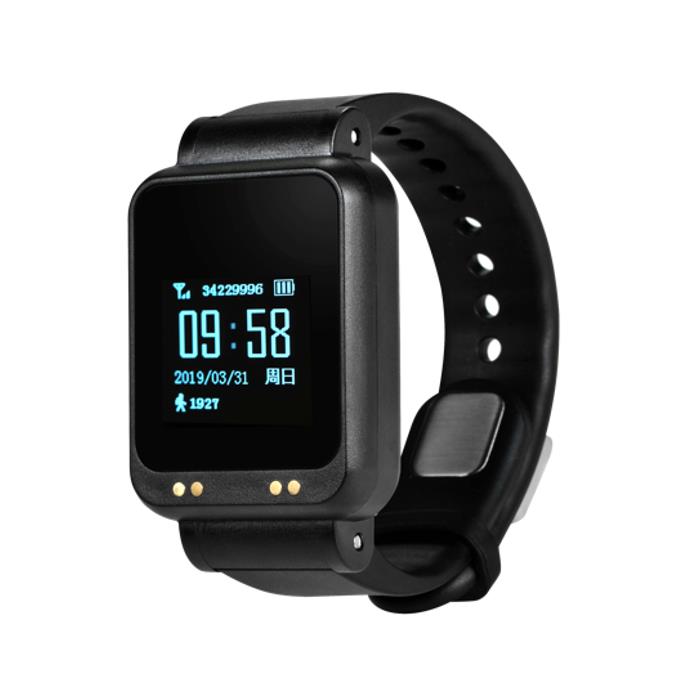
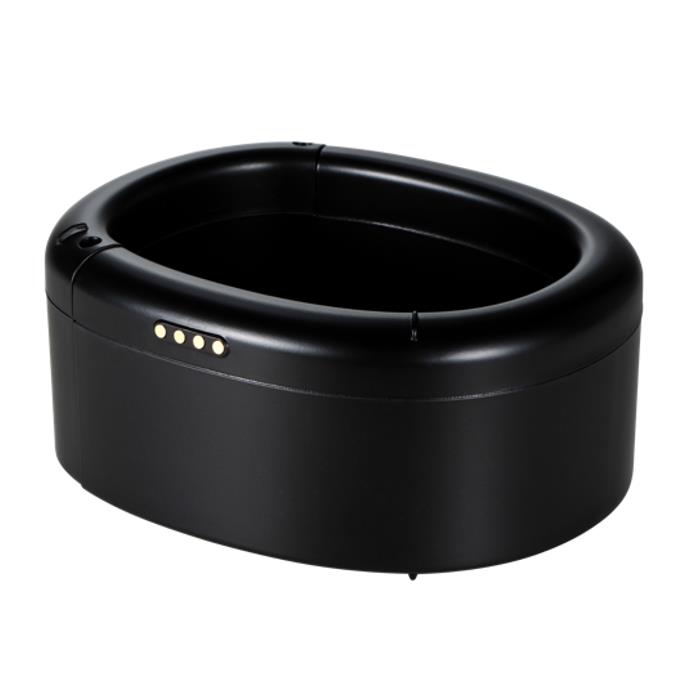
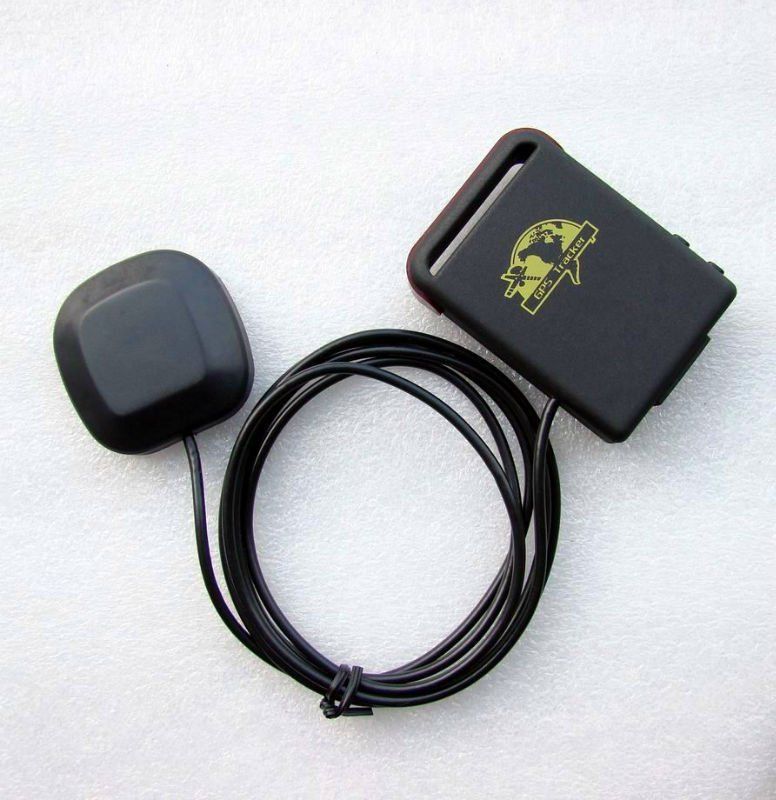
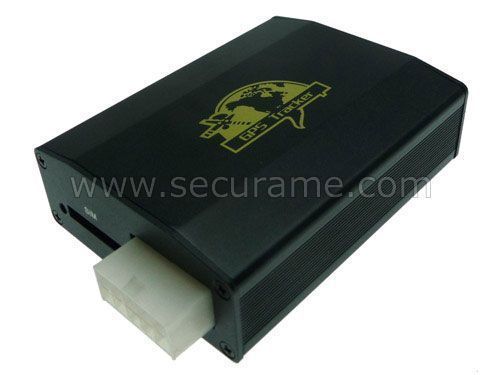
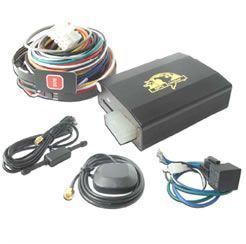
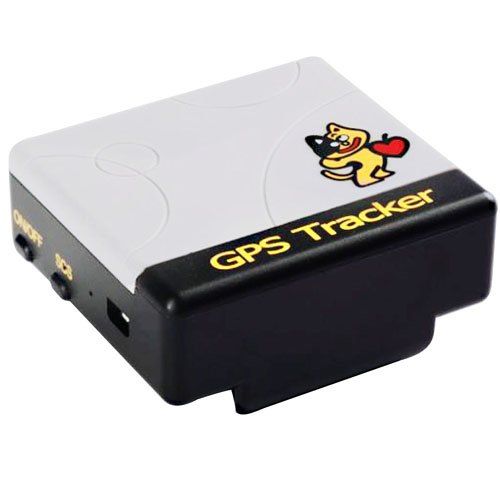
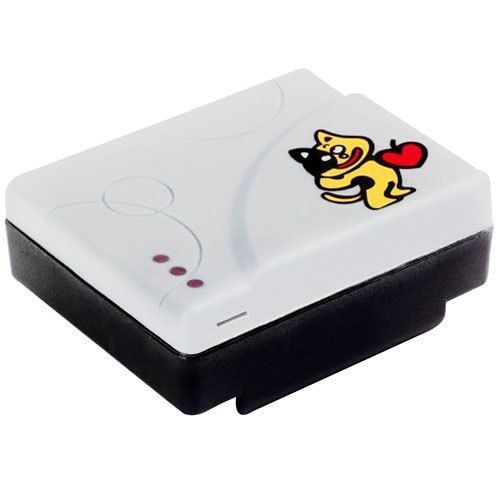
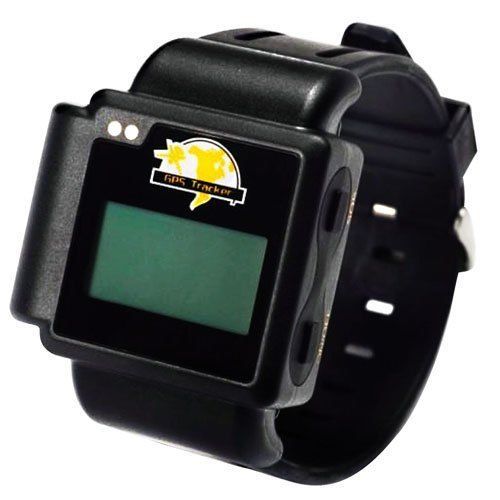
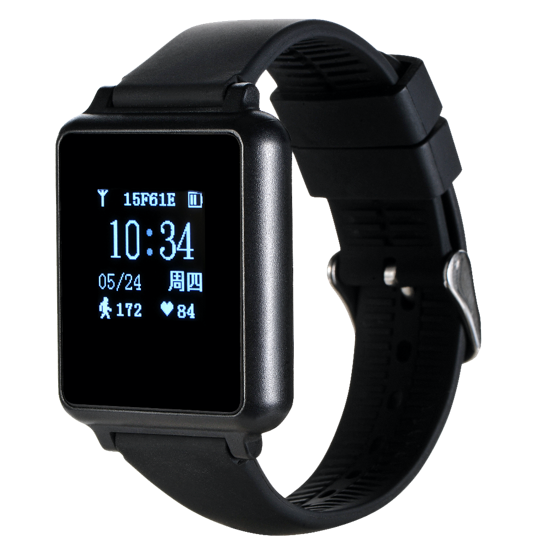
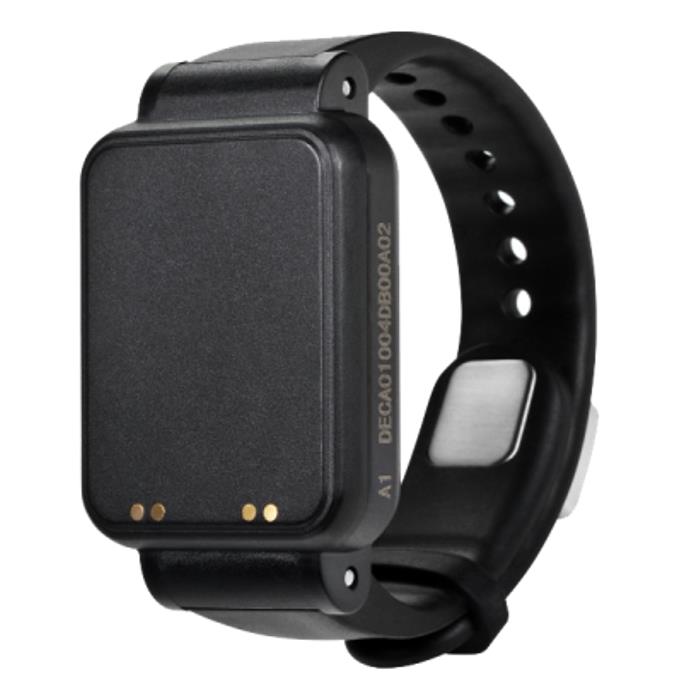
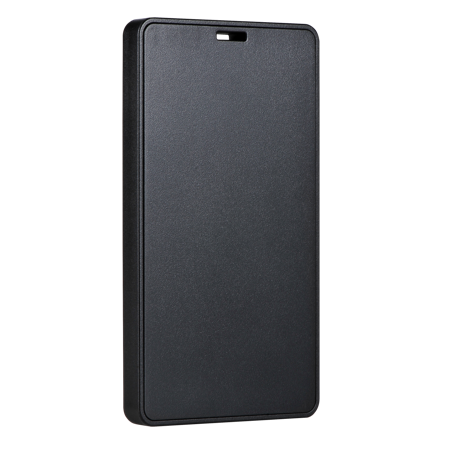
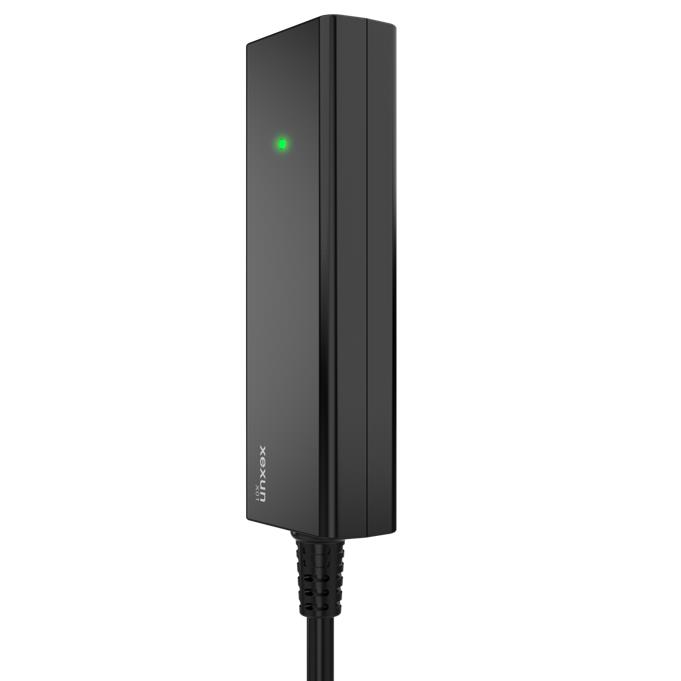
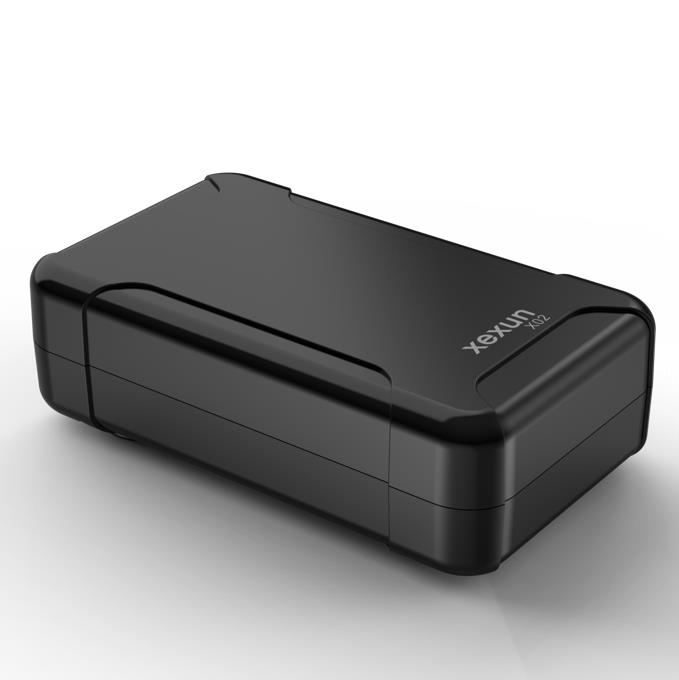
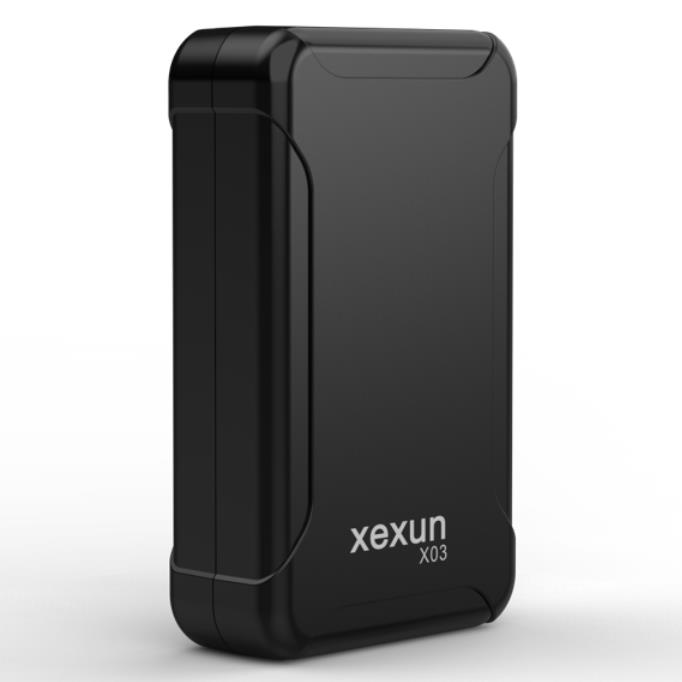
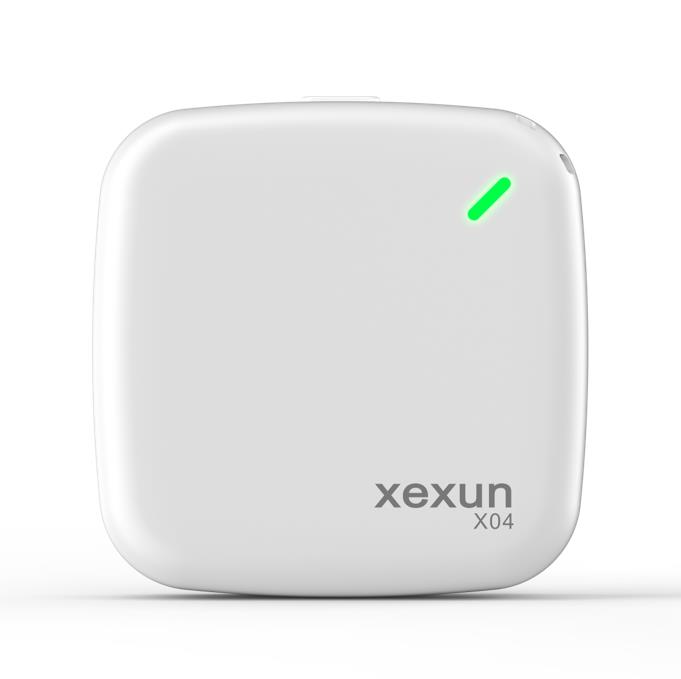
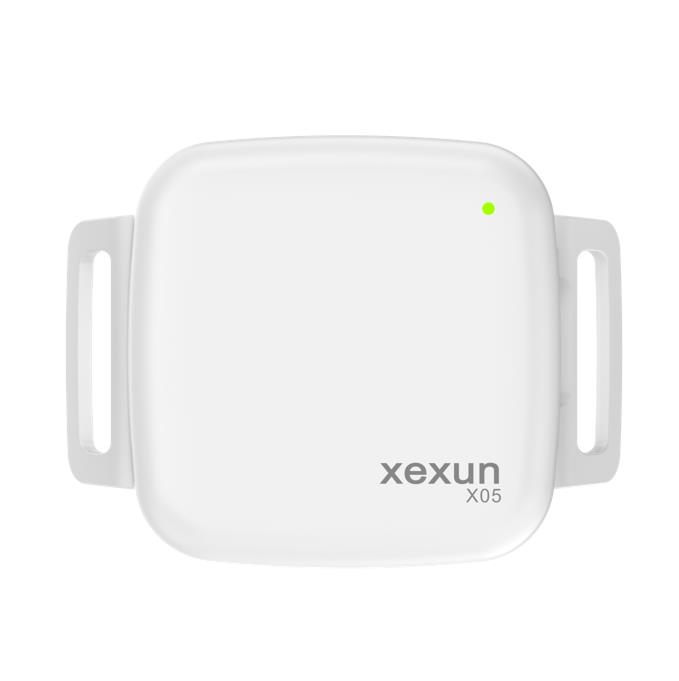
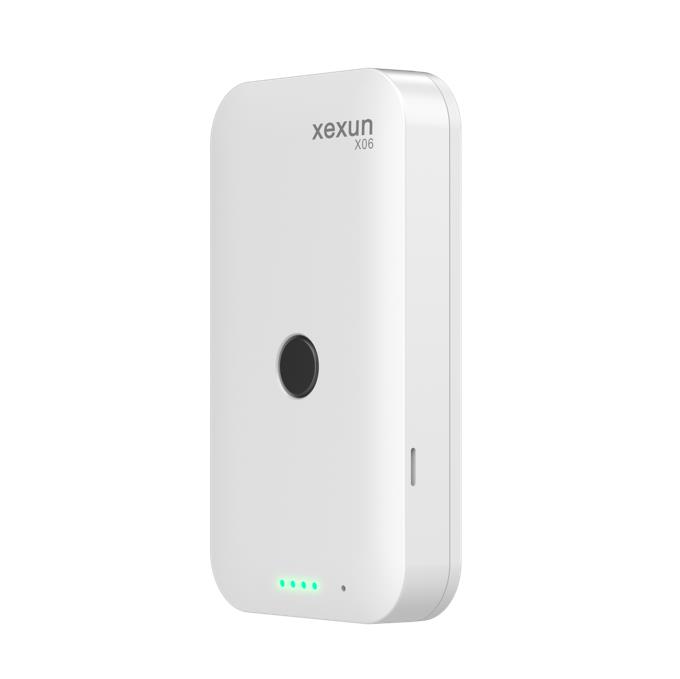
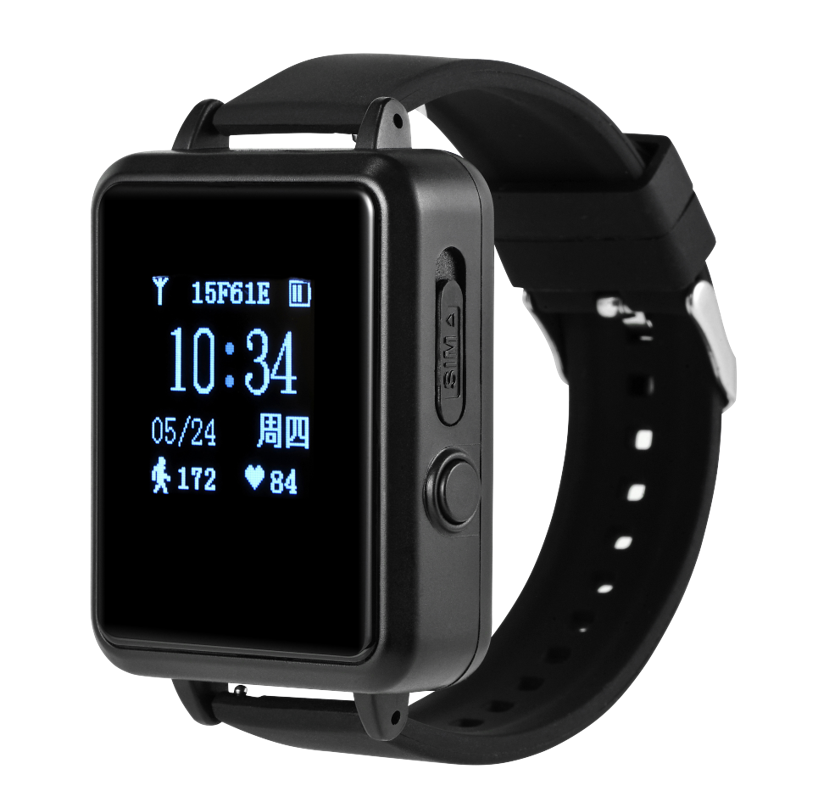
Use the catalog below to browse all Xexun devices that work with Plaspy. The catalog includes images, key compatibility notes, and links to individual device pages for configuration, troubleshooting, and protocol details.






Common features found in Xexun devices
While specific features vary by model, Xexun trackers commonly include capabilities useful for fleet and asset tracking such as:
- GPS based location reporting for real time and historical tracking
- Movement detection and status reporting for on demand monitoring
- Configurable reporting intervals to balance update frequency and battery life
- Support for power monitoring and basic alarm inputs
- Options for wired vehicle installations or battery powered asset tracking
Device pages linked from the catalog contain the detailed feature lists and configuration steps for each model.
Typical use cases for Xexun GPS trackers
Xexun devices are used across a broad range of tracking needs. Common scenarios include:
- Fleet vehicle tracking for route monitoring and operational oversight
- Asset tracking for equipment, trailers, and non powered assets
- Personal vehicle tracking for security and recovery
- Rental and logistics monitoring for accountability and utilization reporting
Plaspy helps make these use cases operational by aggregating device data, generating alerts, and producing location history and reports.
Why choose Plaspy for Xexun device monitoring
Plaspy organizes data from Xexun devices into a single dashboard so you can manage locations, set alerts, and run reports without switching systems. Key advantages when using Plaspy with Xexun devices include:
- Centralized device management across many models and brands
- Map based live tracking and historical playback
- Configurable alerts and notifications for movement, geofences, and events
- User management and permissions for team based access
- Reporting tools for fleet utilization and activity analysis
Plaspy is designed to make monitoring Xexun devices straightforward while keeping the configuration steps for each model accessible from the device pages.
Help finding the right Xexun device
To choose the best Xexun device for your needs, consider:
- Power source and installation method required for the asset
- Expected reporting frequency and battery life needs
- Input and sensor requirements such as ignition detection or external inputs
- Size and mounting constraints
- Coverage and connectivity options in your operating region
Start by browsing the device catalog above to compare models. Each device page includes compatibility details and links to the configuration steps you will need to connect the unit to Plaspy.
Frequently Asked Questions
Q: What Xexun devices are compatible with Plaspy? A: The Brand Catalog above lists all Xexun devices that are known to work with Plaspy. Click a model to see compatibility notes and setup information for that device.
Q: Can I use Xexun GPS trackers with Plaspy? A: Yes. Xexun devices that are configured to report to third party servers can be added to Plaspy. Consult the device page for connection instructions and the parameters required by Plaspy.
Q: Does Plaspy support fleet monitoring with Xexun devices? A: Plaspy provides fleet monitoring features such as live tracking, history playback, alerts, and reporting for Xexun devices once they are configured and added to your Plaspy account.
Q: Where can I find Xexun device documentation in Plaspy? A: Device specific documentation and setup steps are available from the individual device pages linked in the catalog above. Those pages explain the reporting settings and parameters to use with Plaspy.
Q: How do I get started connecting a Xexun device to Plaspy? A: Begin by selecting the device in the catalog, then follow the configuration instructions on the device page. You will typically add the device to your Plaspy account and enter any required device identifiers and reporting settings.
Q: Who do I contact if a Xexun device does not report to Plaspy? A: First review the device configuration steps on its model page. If the device is configured correctly but still not reporting, consult Plaspy support and your device vendor support for troubleshooting assistance.
Next steps and resources
Explore the Xexun device catalog above to find a model that fits your needs and follow the device page instructions to connect it to Plaspy. For general product information and to learn more about Plaspy features visit https://www.plaspy.com. If you need further assistance, Plaspy support resources and documentation can help with configuration and operational questions.
Thank you for choosing Plaspy to manage your Xexun devices.
Brand Compatibility
Monitor compatible brand devices with Plaspy
Plaspy helps businesses work with compatible GPS trackers for visibility, reporting, and daily operational control across vehicle and asset tracking workflows.