
Xirgo
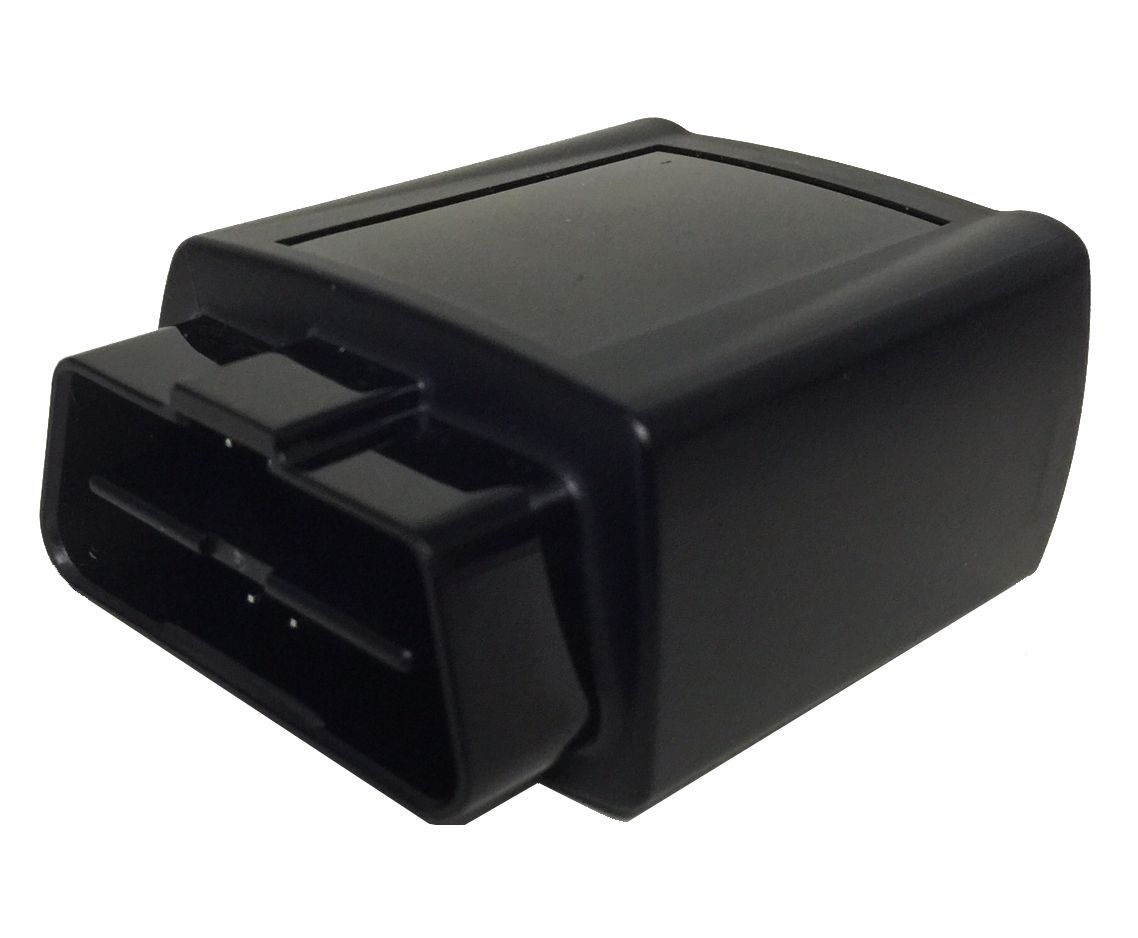
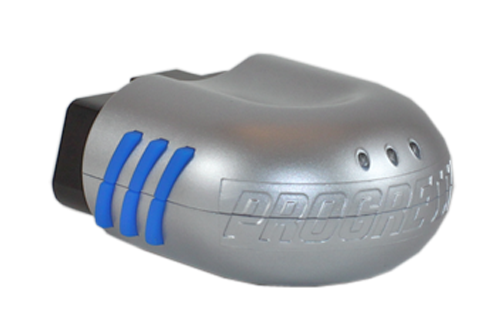
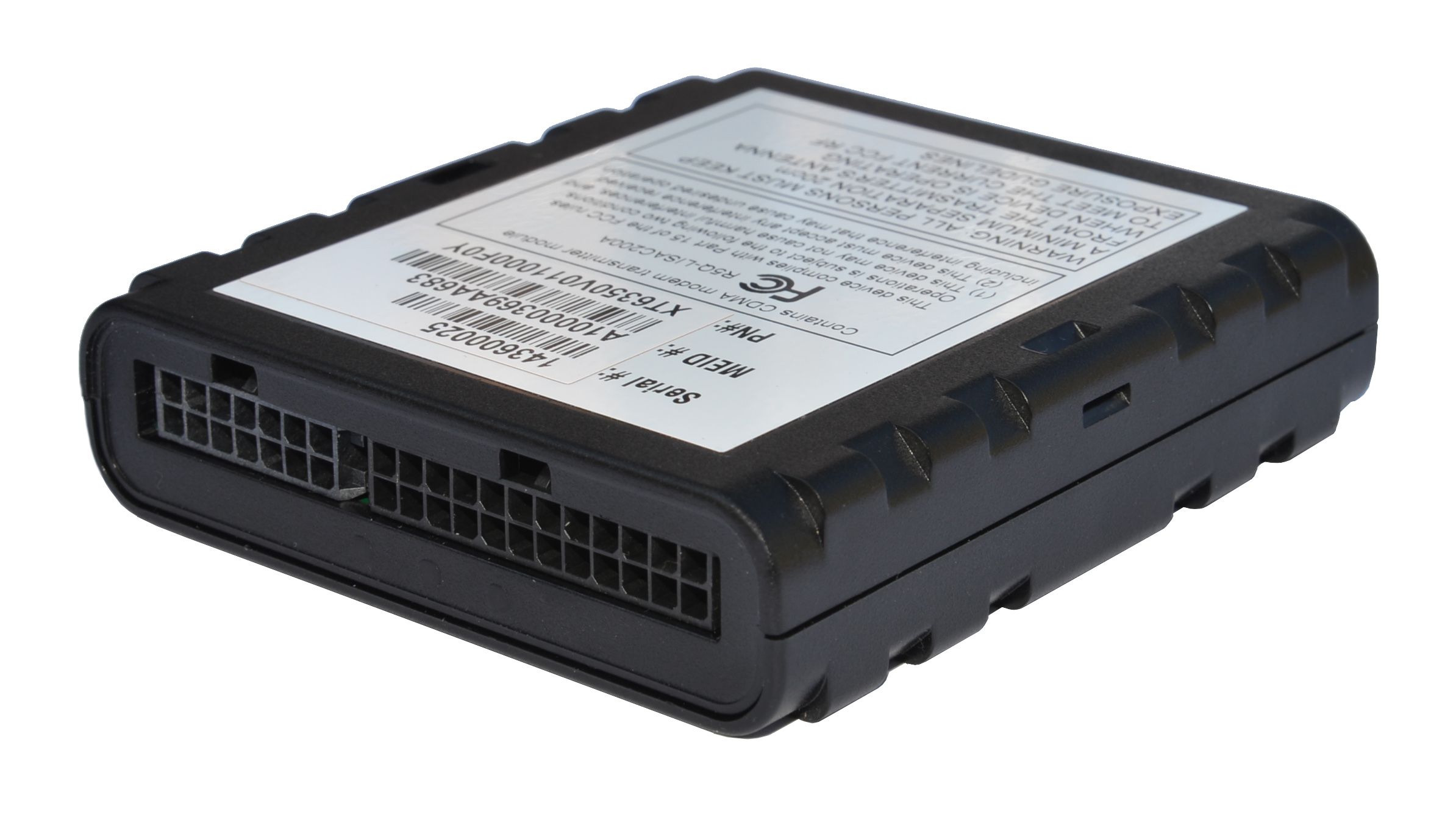
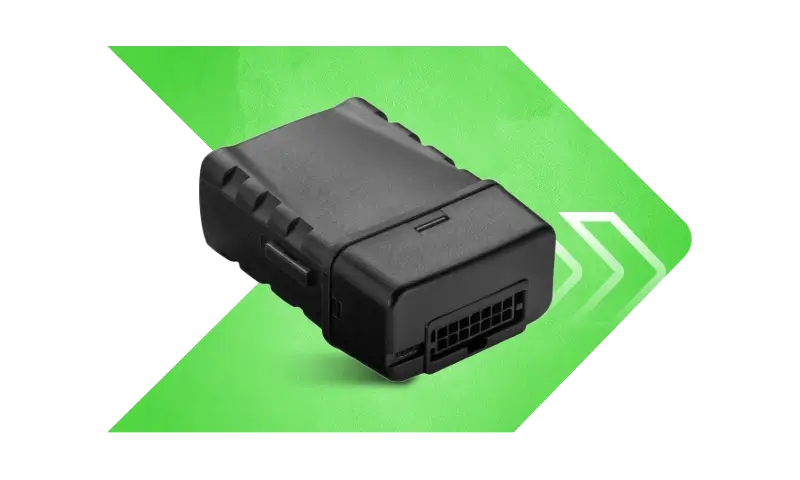
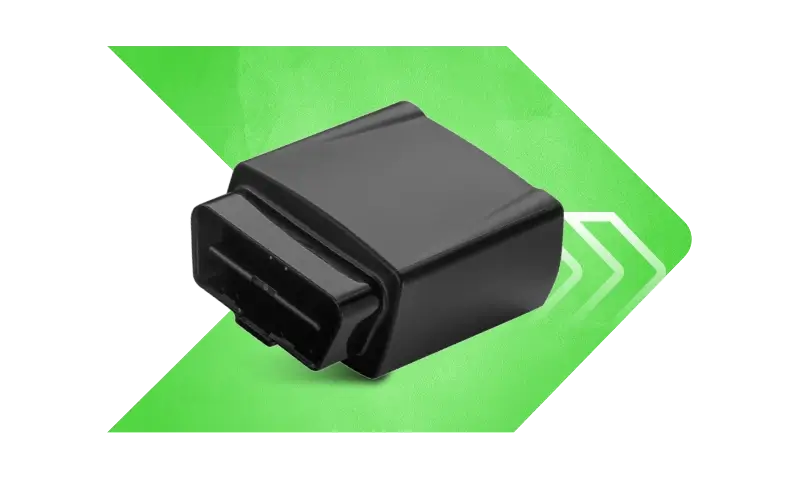
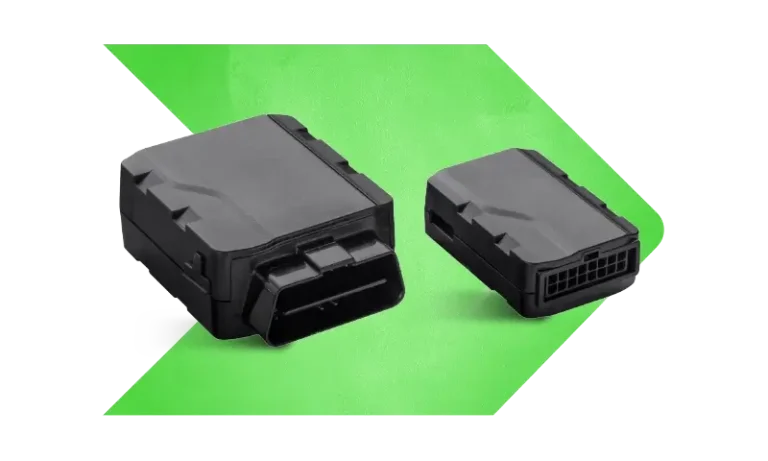
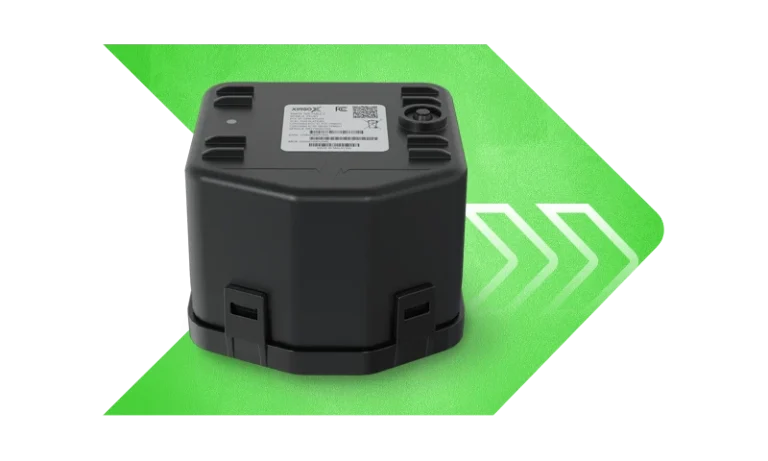
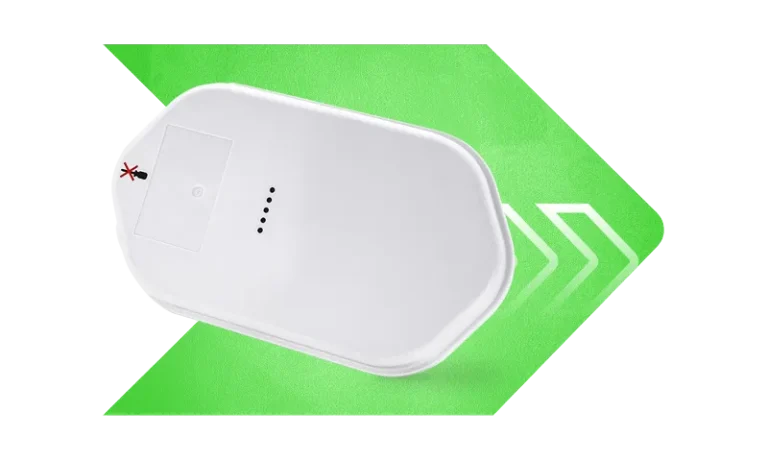
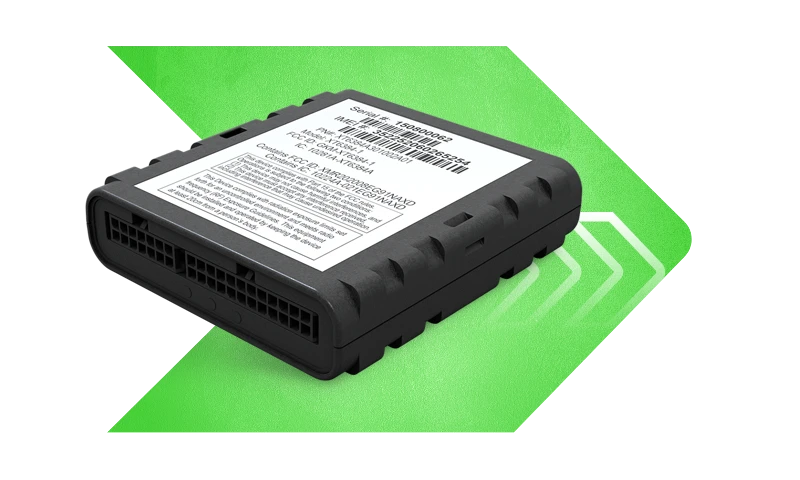
Xirgo produces a range of telematics and GPS tracking devices used in vehicle and asset monitoring. On this page you will find how Xirgo devices work with Plaspy, what common features to expect, typical use cases, and help choosing the right tracker. The device catalog below displays all models that can be integrated with Plaspy so you can quickly find compatible hardware.
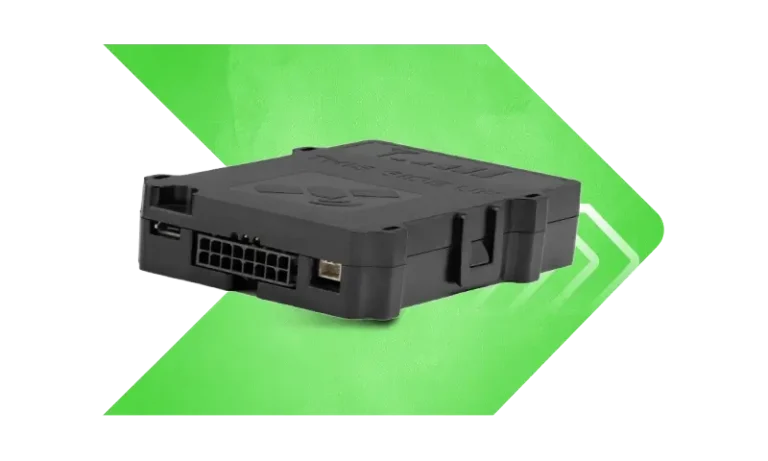
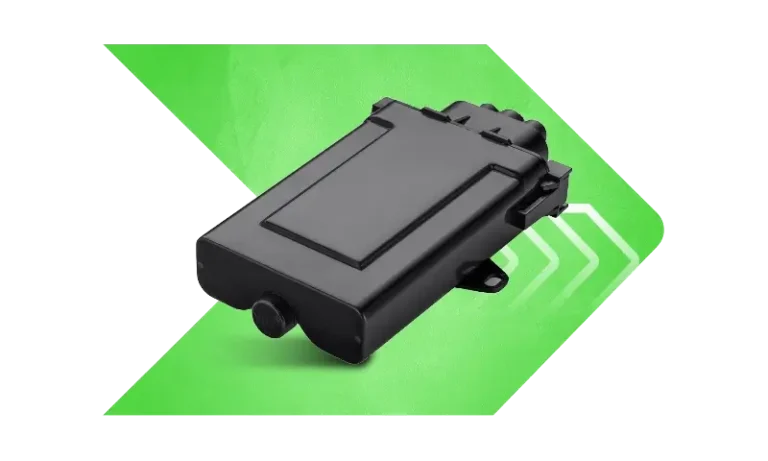
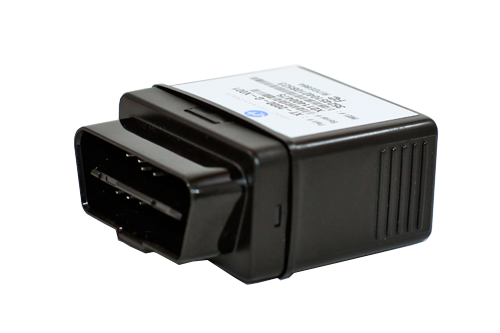
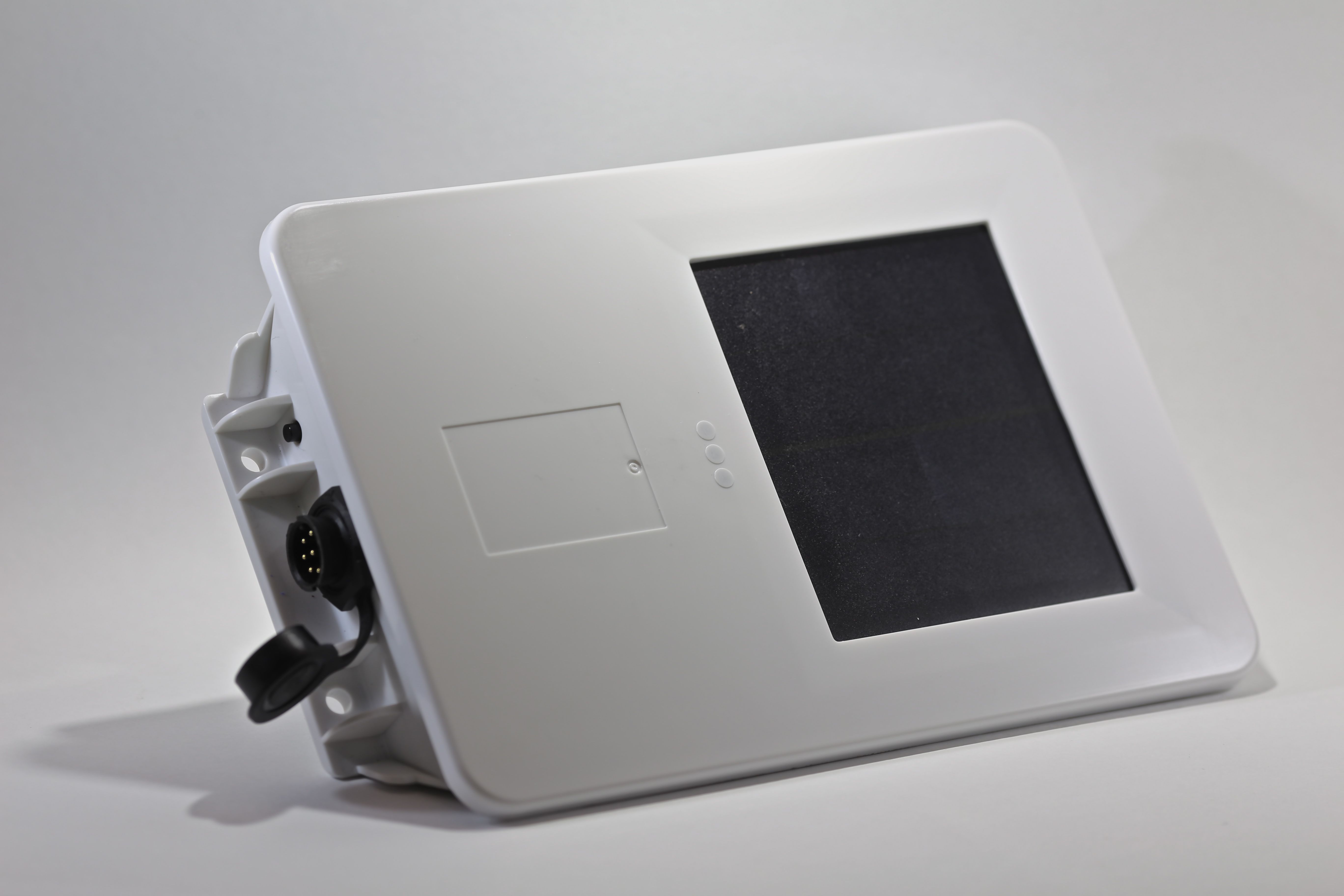
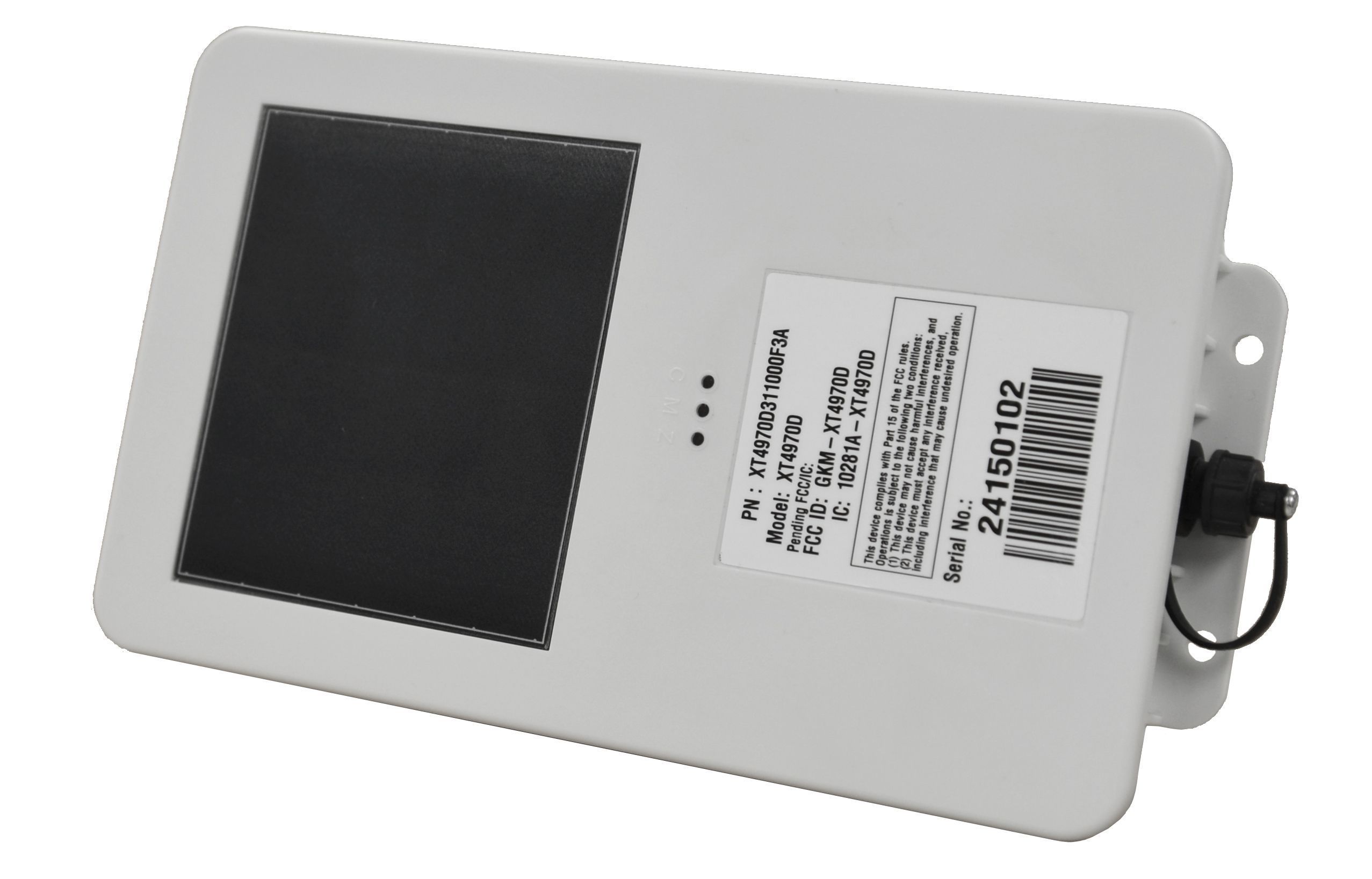
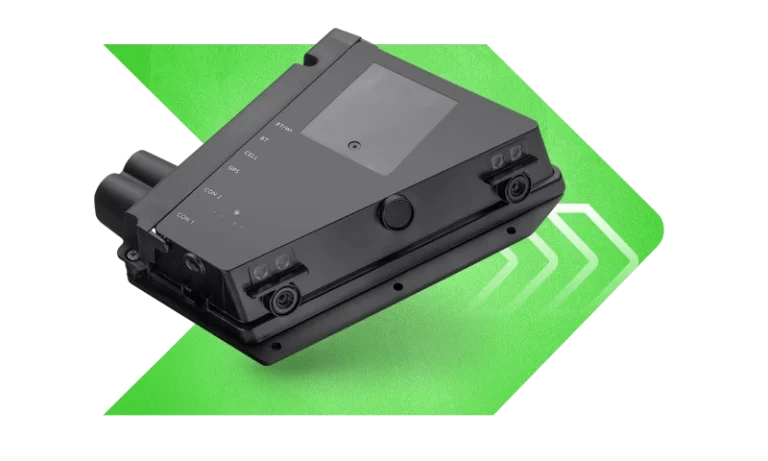
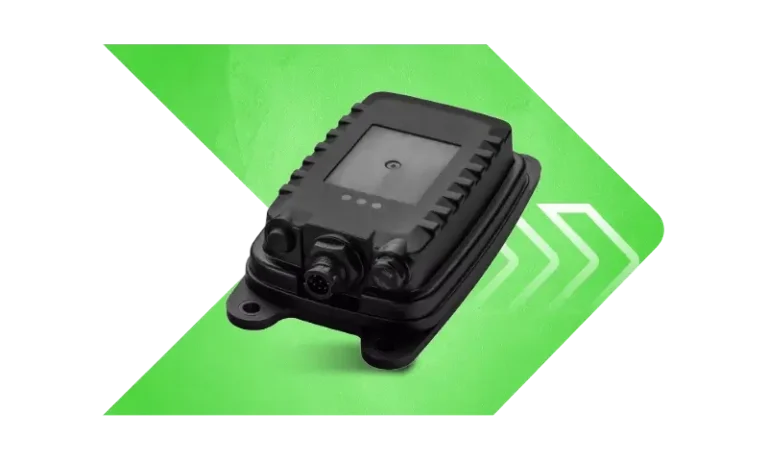
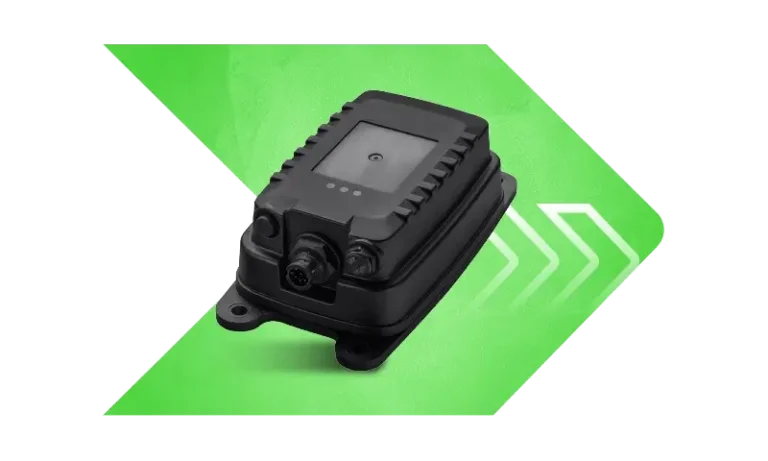
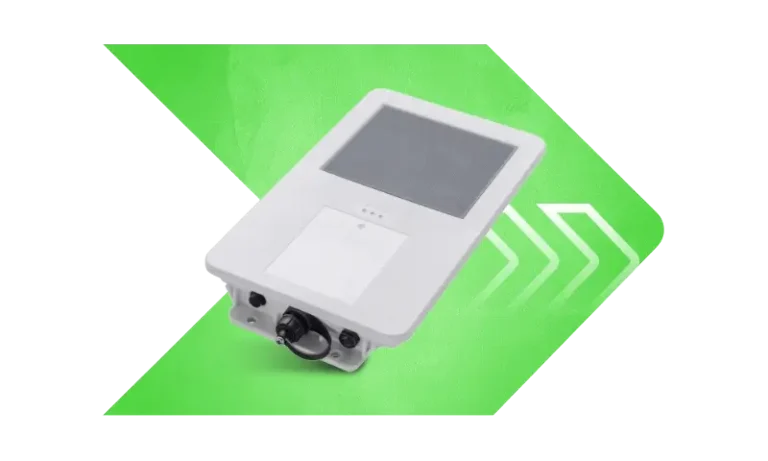
How Xirgo devices work with Plaspy
Xirgo trackers transmit location and telemetry data over cellular networks. Plaspy ingests that data using standard telematics protocols and presents it in a single unified interface. Integration covers device provisioning, real time tracking, and data forwarding within Plaspy so fleet managers and operators can monitor assets alongside other device brands.
Key integration points typically include device identification, position updates, event reporting, and basic configuration parameters. For device specific configuration and advanced features consult the model documentation accessible from the catalog and the device guides in Plaspy.
Common features found in Xirgo devices
While specific capabilities vary across models, many Xirgo devices commonly provide:
- GPS location reporting with configurable update intervals
- Cellular connectivity for live tracking
- Vehicle power detection and sleep modes for battery powered assets
- Input and output pins for sensors and remote control
- Basic event reporting such as ignition, movement, tamper, and geofence entries These general features are what allow Xirgo hardware to integrate cleanly with Plaspy for tracking and fleet workflows.
Typical use cases for Xirgo GPS trackers
Xirgo hardware is used in a variety of tracking scenarios:
- Fleet vehicle tracking for dispatch and route oversight
- Asset monitoring for trailers, equipment, and leased assets
- Driver behavior monitoring when combined with telematics workflows
- Location based alerts for geofences and worksite boundaries Plaspy organizes incoming data from Xirgo devices into dashboards, alerts, and historical reports to support these operational needs.
Why choose Plaspy for Xirgo device monitoring
Plaspy provides a single pane of glass for mixed brand deployments, making it practical to manage Xirgo devices alongside other telematics hardware. Benefits of using Plaspy with Xirgo devices include:
- Centralized device management and status monitoring
- Flexible reporting and historical location playback
- Custom alerting and geofence tools built into the platform
- Integration options to export data to third party systems or downstream workflows Plaspy focuses on interoperability and ease of use so teams can onboard Xirgo units without rebuilding tracking processes.
Help finding the right Xirgo device
The Brand Catalog above lists all Xirgo models compatible with Plaspy. Use the catalog filters to narrow options by connectivity type, power source, or intended use case. If you need guidance:
- Review device specifications in the catalog to confirm battery life and I O requirements
- Match device capabilities to your reporting frequency and event needs
- Consult Plaspy documentation for any required setup steps specific to your deployment
If you still need assistance, visit https://www.plaspy.com to contact support or access additional resources.
Frequently Asked Questions
What Xirgo devices are compatible with Plaspy?
The Brand Catalog on this page shows all Xirgo models known to work with Plaspy. Click a model in the catalog to view its device page and specific integration notes.
Can I use Xirgo GPS trackers with Plaspy?
Yes. Xirgo devices can transmit position and telemetry data to Plaspy. The platform supports common telematics data flows and device provisioning steps needed to begin tracking.
Does Plaspy support fleet monitoring with Xirgo devices?
Plaspy supports fleet monitoring workflows using Xirgo hardware for real time location, historical playback, alerts, and reports. Use Plaspy dashboards and alerting rules to manage fleet operations.
Where can I find Xirgo device documentation in Plaspy?
Device specific documentation and setup instructions are available from each device page in the catalog. The catalog links point to model level information and recommended configuration guidance inside Plaspy.
How do I add a Xirgo device to my Plaspy account?
Device onboarding steps vary by model. Start from the device entry in the catalog or consult the device guide in Plaspy for the correct identification string and configuration values to register the device.
What if a specific Xirgo feature is not available in Plaspy?
If a telemetry field or event from a Xirgo device is not yet mapped in Plaspy, contact Plaspy support with the device model and sample data. The platform team can advise on mapping options or workarounds.
Explore Xirgo models and get started
Use the catalog above to explore compatible Xirgo models and review their specifications. When you are ready to connect devices, Plaspy provides the tools to register hardware, configure reporting parameters, and create the alerts and dashboards your operation needs. For more information and commercial details visit https://www.plaspy.com.
Brand Compatibility
Monitor compatible brand devices with Plaspy
Plaspy helps businesses work with compatible GPS trackers for visibility, reporting, and daily operational control across vehicle and asset tracking workflows.