
Castel
Castel is a brand known for hardware used in vehicle and asset tracking. On this page you will find clear guidance on how Castel devices can be used with Plaspy for fleet monitoring, what typical device capabilities look like, and how to navigate to the compatible models. Use the catalog below to view all supported Castel devices and proceed to device specific documentation when you are ready.
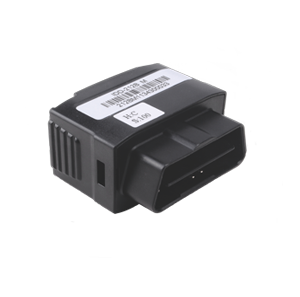

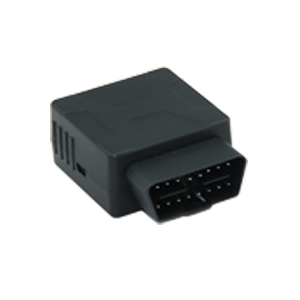
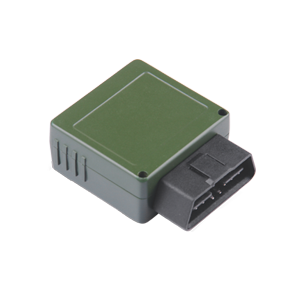
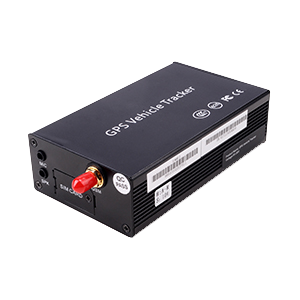



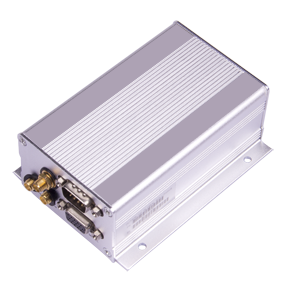
How Castel devices work with Plaspy
Castel trackers transmit location and status information from assets and vehicles. Plaspy accepts telemetry from compatible trackers and processes that data into live locations, historical trips, alerts, and reports. If a Castel device is listed in the catalog above, it can be connected to Plaspy by configuring the device to send data to the platform and then mapping its telemetry within Plaspy. The BrandCatalog lists the models that have known compatibility so you can identify the correct device and follow the platform specific setup steps on the device detail pages.
Common features found in Castel devices
While individual capabilities vary by model, many Castel devices share common telematics features that make them suitable for fleet and asset tracking:
- GPS position reporting for live location and breadcrumb trails
- Movement and ignition detection useful for vehicle tracking
- Basic digital and analog input support for sensors and state monitoring
- Battery and power reporting for portable and vehicle installed trackers
For model specific feature sets and configuration parameters, select a device in the catalog above and follow the device page instructions.
Typical use cases for Castel GPS trackers
Castel devices are commonly used in scenarios such as:
- Fleet vehicle tracking for routing and dispatch visibility
- Asset monitoring for trailers, equipment, and rented assets
- Status monitoring where simple digital inputs report on equipment state
- Battery powered asset tracking for non powered equipment where periodic location is sufficient
These use cases map well to the capabilities offered by Plaspy, which aggregates telemetry, manages alerts, and provides reporting for operational insights.
Why choose Plaspy for Castel device monitoring
Plaspy is a platform designed to accept and normalize telemetry from a wide range of tracking devices and brands. Choosing Plaspy for monitoring Castel devices gives you:
- A unified interface to view locations, trips, and alerts across mixed fleets
- Tools for geofencing, historical playback, and event reporting
- An integration layer that simplifies onboarding of compatible devices
If you are evaluating platforms, review the device details in the BrandCatalog and consult the device level pages for step by step connection guidance. For general platform information visit https://www.plaspy.com.
Help finding the right Castel device
If you are unsure which Castel device fits your project:
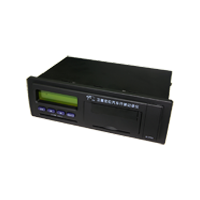
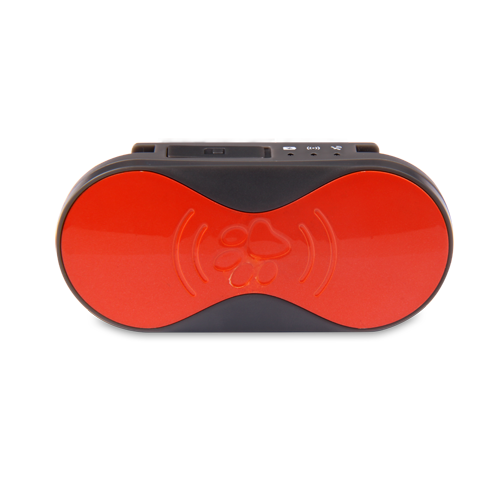
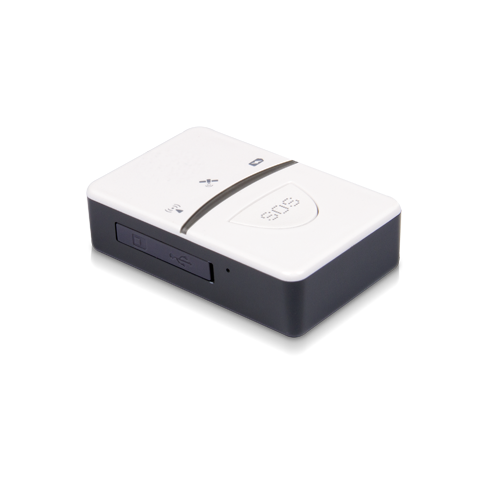
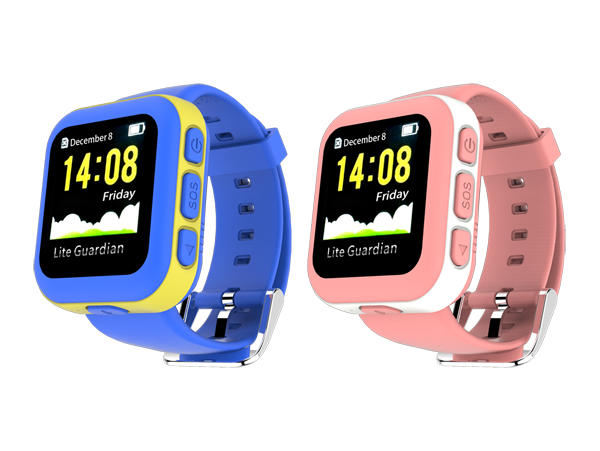
- Use the BrandCatalog above to scan available models and visual thumbnails.
- Open individual device pages for technical specs and configuration notes.
- Match required features such as power type, input counts, and update frequency to your use case.
- When in doubt, test with a single device to verify telemetry flow into Plaspy before wider deployment.
Device pages include configuration tips that explain how to point a tracker to Plaspy and how to verify data arrival in the platform.
Frequently Asked Questions
Q: What Castel devices are compatible with Plaspy? A: The BrandCatalog at the top of this page lists Castel models known to be compatible. Click a device in the catalog to view the device detail page for compatibility notes and connection instructions.
Q: Can I use Castel GPS trackers with Plaspy? A: Yes. If a Castel model appears in the catalog it can be set up to send telemetry to Plaspy and be monitored on the platform. Device pages outline the steps to configure the device for Plaspy ingestion.
Q: Does Plaspy support fleet monitoring with Castel devices? A: Plaspy supports fleet monitoring for compatible Castel devices by ingesting location and event data and providing maps, alerts, and reporting tools for fleet operations.
Q: Where can I find Castel device documentation in Plaspy? A: Click any Castel device in the BrandCatalog to open its device page. Those pages contain configuration guidance, recommended settings, and diagnostic tips for getting data flowing into Plaspy.
Q: Do I need special credentials to connect a Castel device to Plaspy? A: Connection typically requires configuring the device to send telemetry to Plaspy and providing identifiers used by the platform. Refer to the device page for required fields and verification steps.
Q: Can Castel trackers send alerts and sensor data to Plaspy? A: Many Castel devices support inputs and status reporting that can be captured as events in Plaspy. Check the specific device page for supported sensor and input behavior.
Next steps and resources
- Browse the models in the BrandCatalog above to find the right Castel device for your needs.
- Open the device detail pages for configuration and verification steps before deploying at scale.
- For platform features, pricing, or general inquiries visit https://www.plaspy.com.
If you need further assistance identifying compatible hardware or planning a deployment, the device pages and Plaspy documentation are the next best stops.
Brand Compatibility
Monitor compatible brand devices with Plaspy
Plaspy helps businesses work with compatible GPS trackers for visibility, reporting, and daily operational control across vehicle and asset tracking workflows.