
Teltonika
Teltonika is a widely recognized name in vehicle and asset tracking hardware. Its range of compact GPS tracking devices is commonly used for fleet management, asset monitoring, and telematics applications. This page explains how Teltonika devices can be used with Plaspy, what to expect from the hardware family, and how to choose the right device for your deployment.
How Teltonika devices work with Plaspy
Teltonika devices are designed to transmit location, motion, and sensor data to remote tracking platforms. Plaspy receives that data, decodes the reporting format, and presents it through a unified dashboard for monitoring, alerts, and reporting. Onboarding typically involves configuring the device to send data to a Plaspy device server address and registering the device in your Plaspy account.
Plaspy handles device data ingestion, event processing, and visualization so you can manage Teltonika devices alongside other supported hardware without switching platforms. If you need tailored setup guidance, device specific configuration steps are available on the individual device documentation pages in this site.
Common features found in Teltonika devices
While the exact feature set varies by model, Teltonika devices commonly provide capabilities useful for tracking and fleet operations:
- Real time GNSS location reporting for continuous position updates
- Cellular connectivity for remote data transmission
- Digital and analog inputs for sensors and ignition detection
- Motion and orientation detection through built in sensors
- Geofence and alerting support via platform rules
- Power management options for both hardwired and battery powered installations
These capabilities map directly to Plaspy features like live tracking, events and alerts, sensor telemetry, and reporting.
Typical use cases for Teltonika GPS trackers
Teltonika devices are used across many industries. Typical applications include:
- Fleet tracking and driver monitoring for light and heavy vehicles
- Asset tracking for trailers, containers, and fixed equipment
- Field service and workforce coordination for mobile teams
- Rental and shared vehicle monitoring for usage and location control
- Remote telemetry for utilities and industrial assets
Plaspy helps convert raw tracker data into actionable insights for each of these scenarios.
Why choose Plaspy for Teltonika device monitoring
Plaspy is built to consolidate telematics data from multiple device brands into a single operational view. When pairing Teltonika hardware with Plaspy you get:
- Centralized device management and unified dashboards
- Customizable alerts and geofence event handling
- Historical playback and reporting to analyze fleet performance
- Integrations and APIs to connect tracking data to other systems
- Step by step onboarding resources to get devices reporting quickly
Using Plaspy allows teams to focus on operations rather than low level data handling.
Help finding the right Teltonika device
To choose the best Teltonika device for your needs, consider these factors:
- Power and installation method, such as hardwired versus battery
- Required sensor inputs and connector options for vehicle data
- Environmental ratings for exposed or industrial installations
- Frequency of location updates and battery life trade offs
- Connectivity options and regional cellular band support
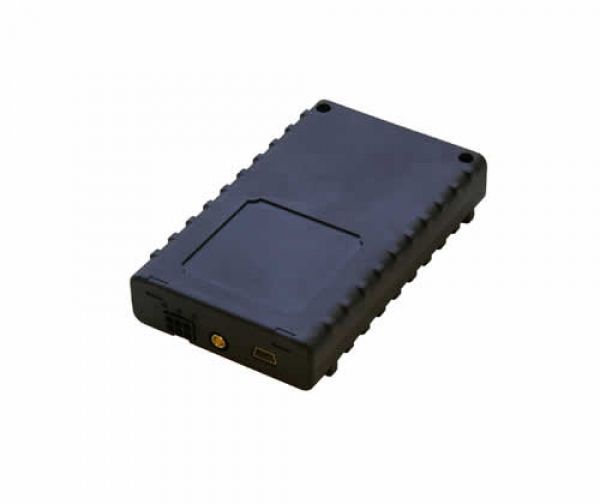
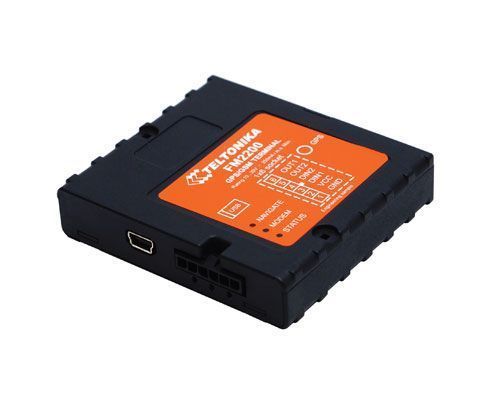
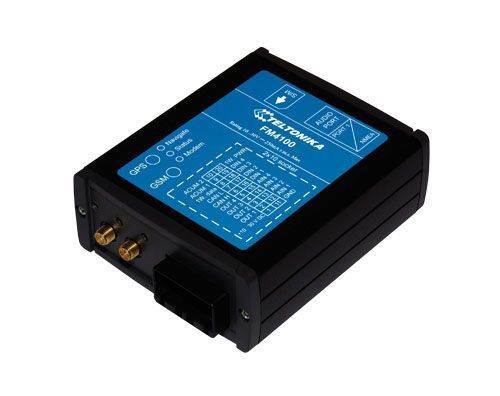
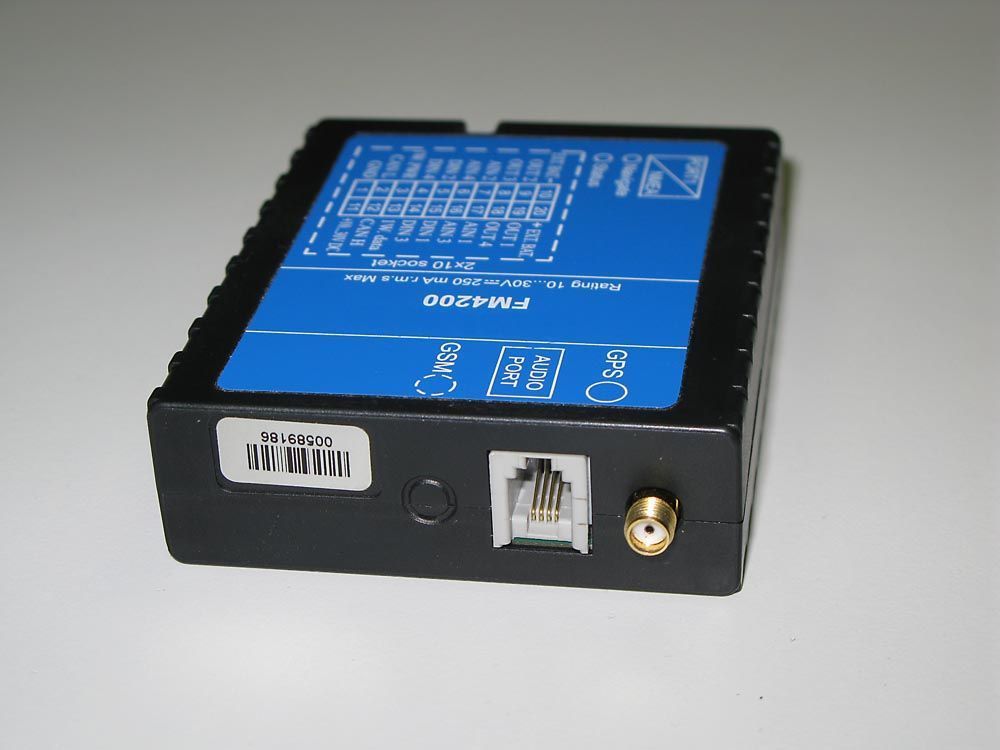
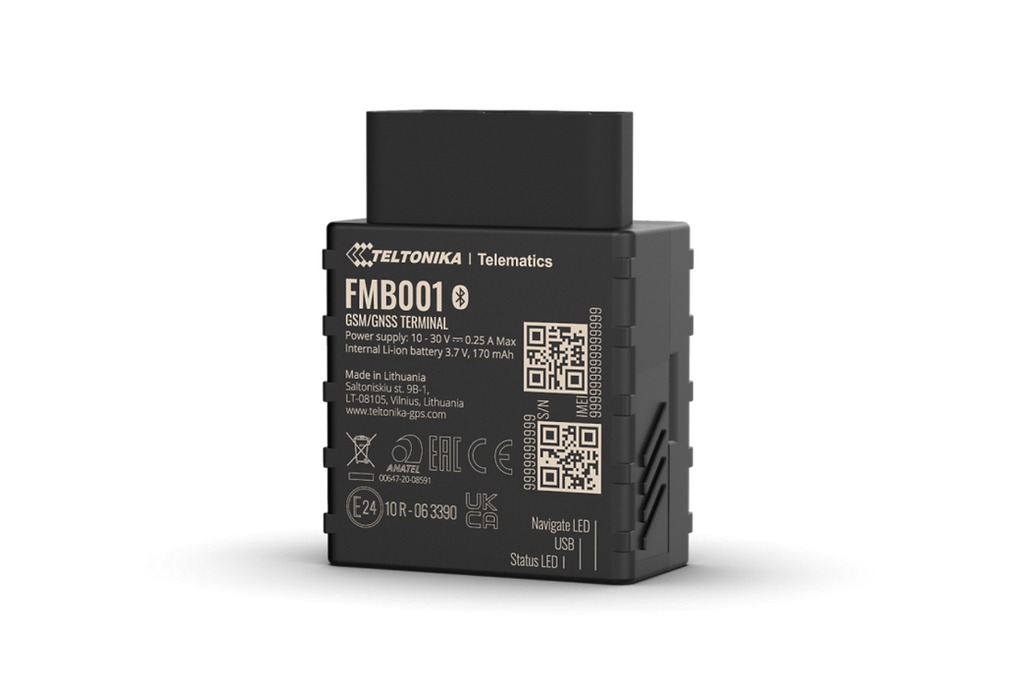
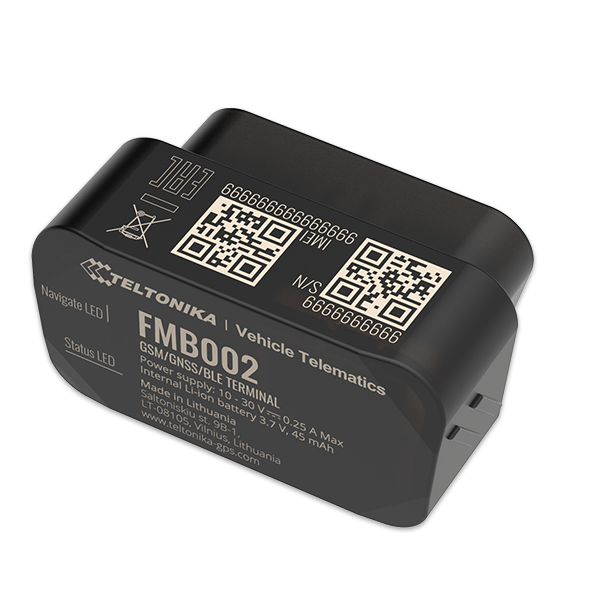
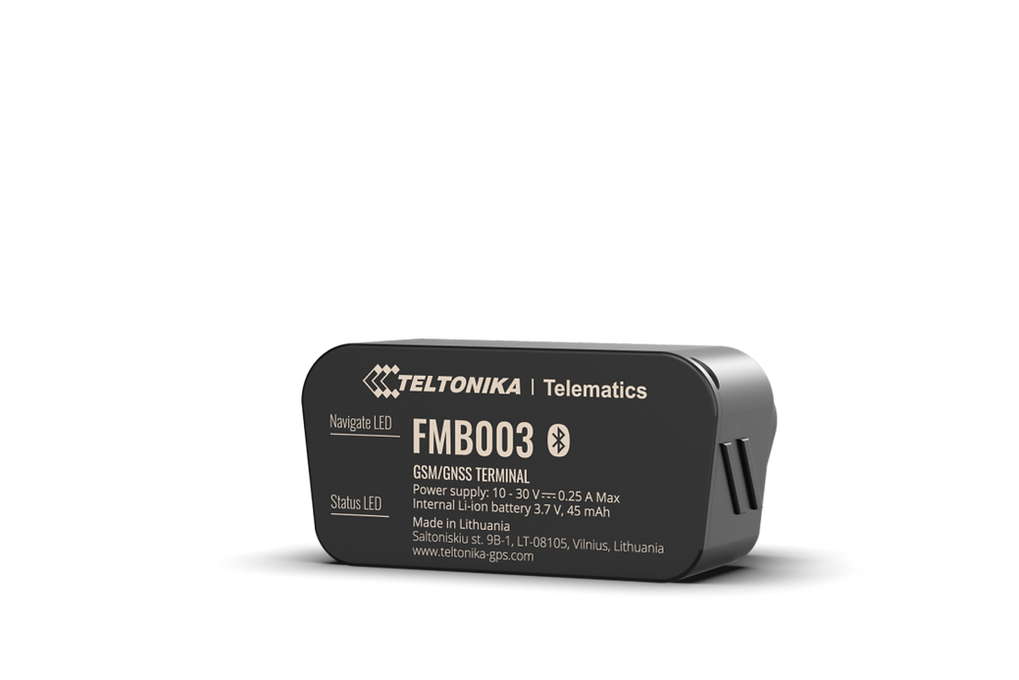
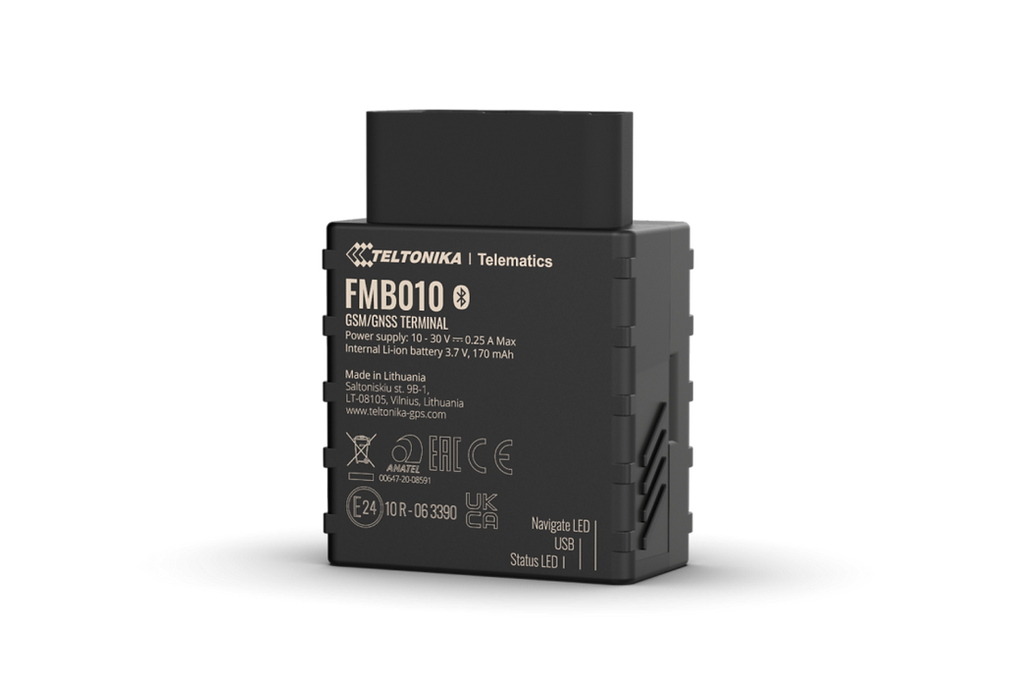
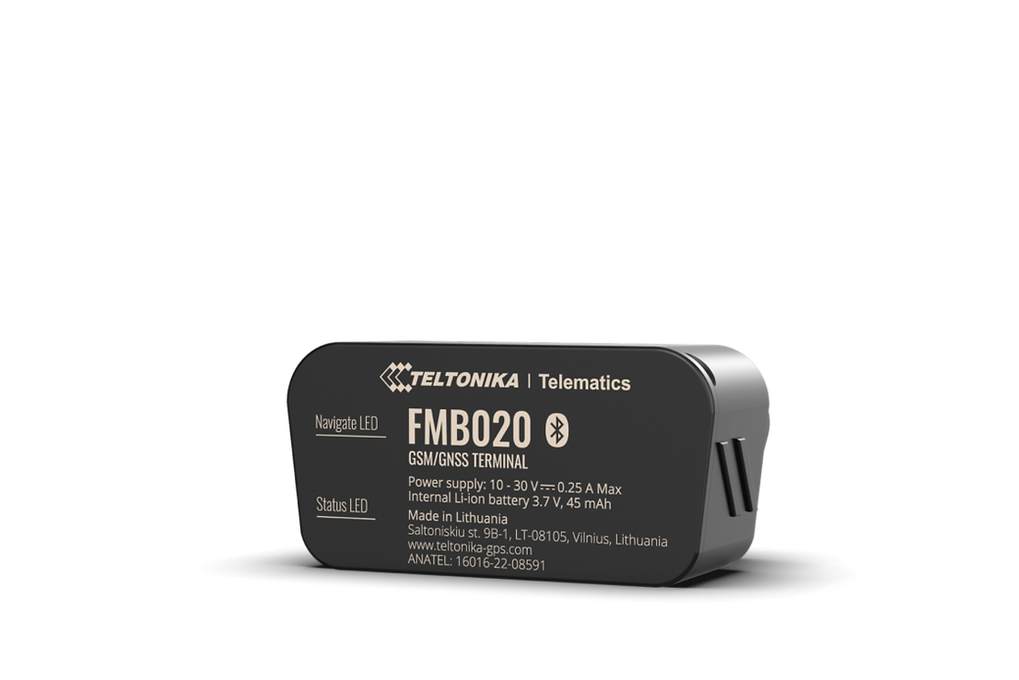
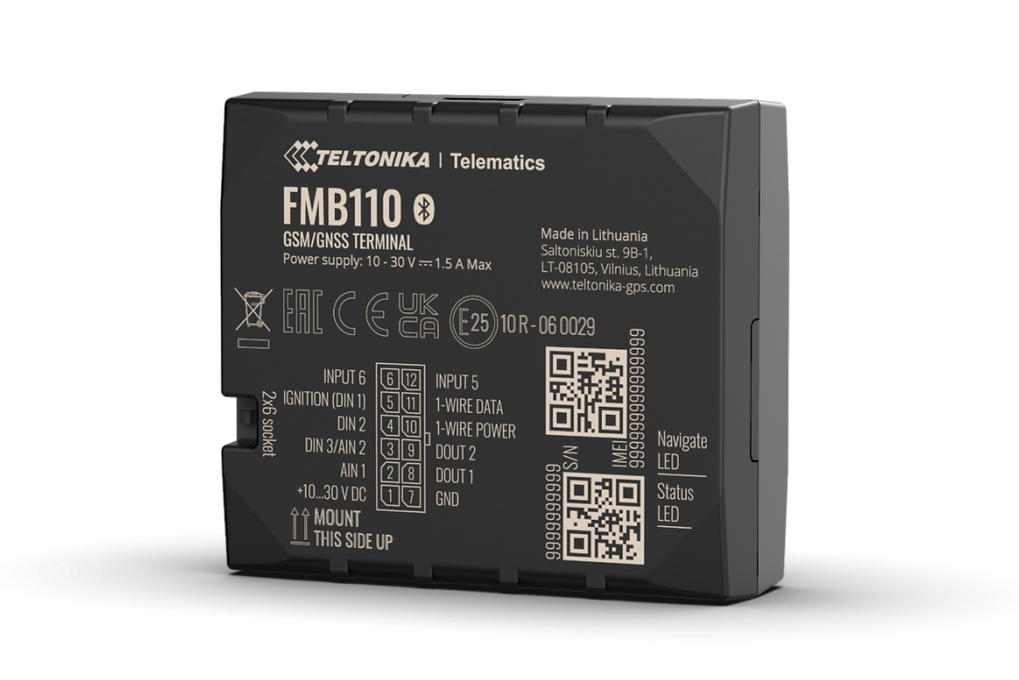
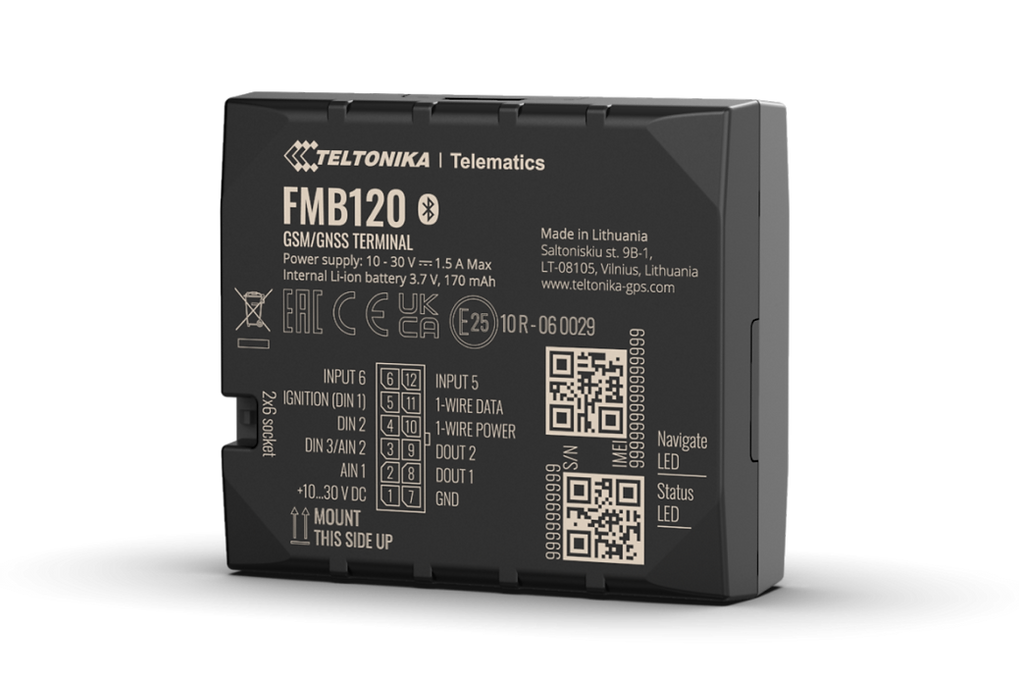
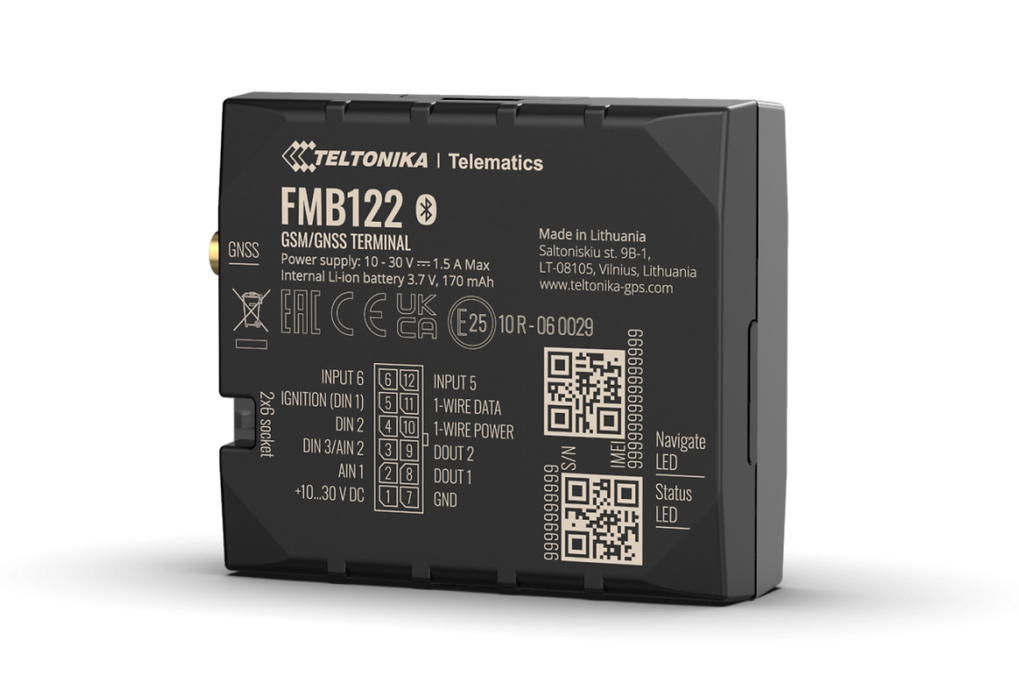
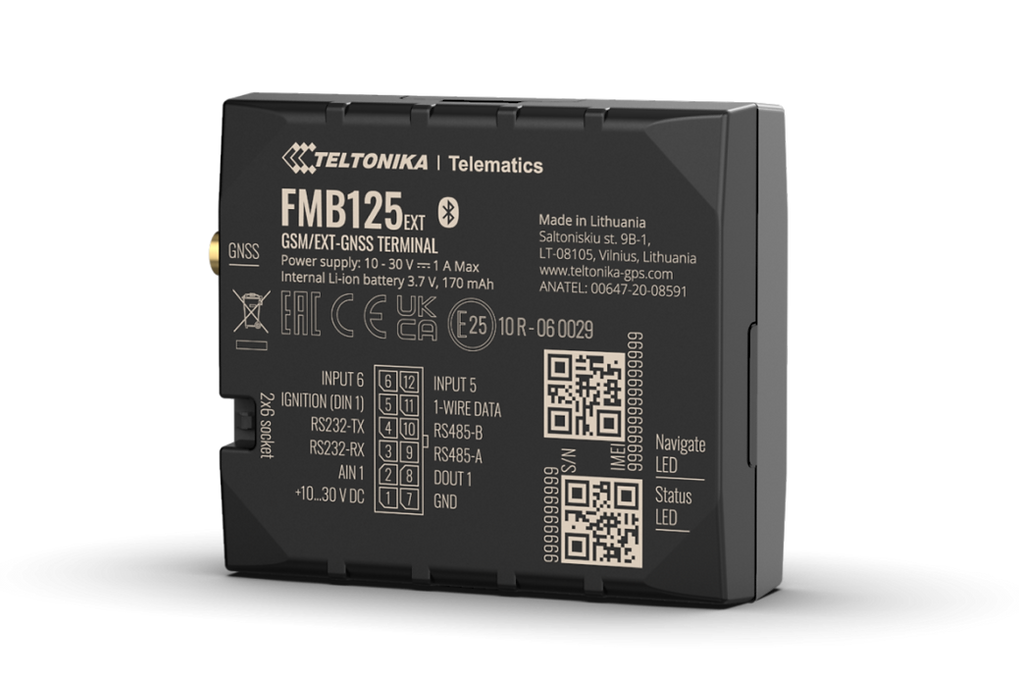
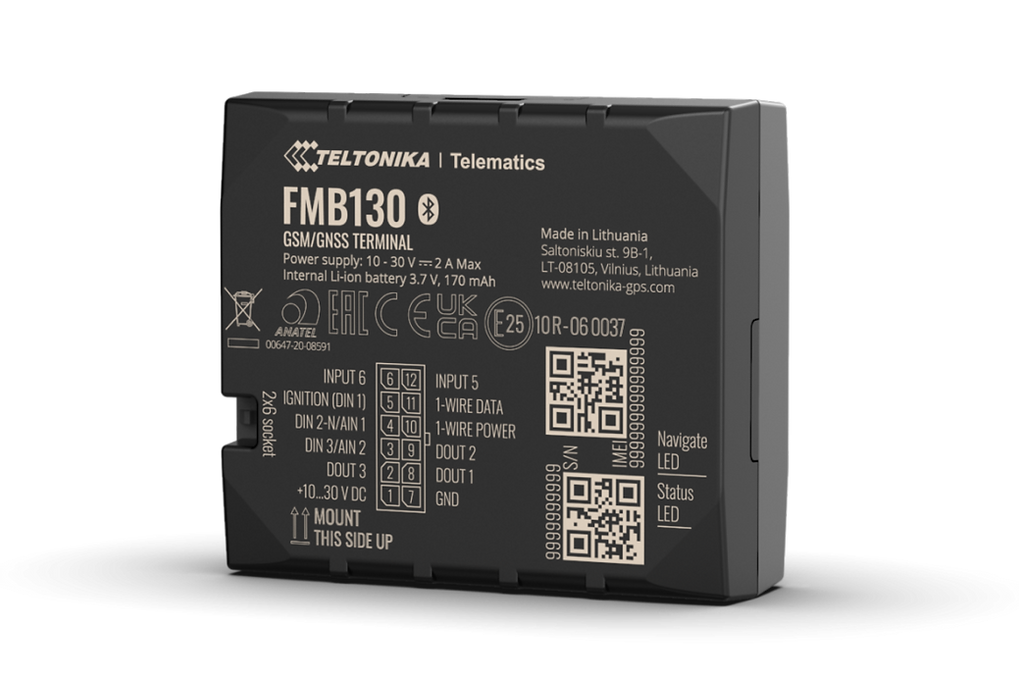
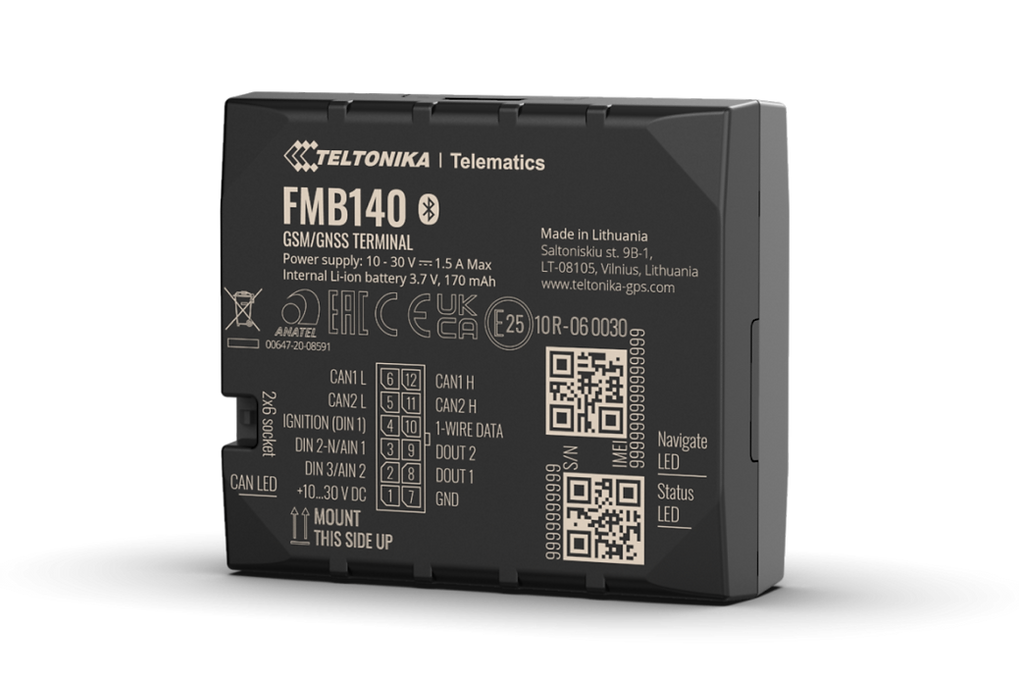
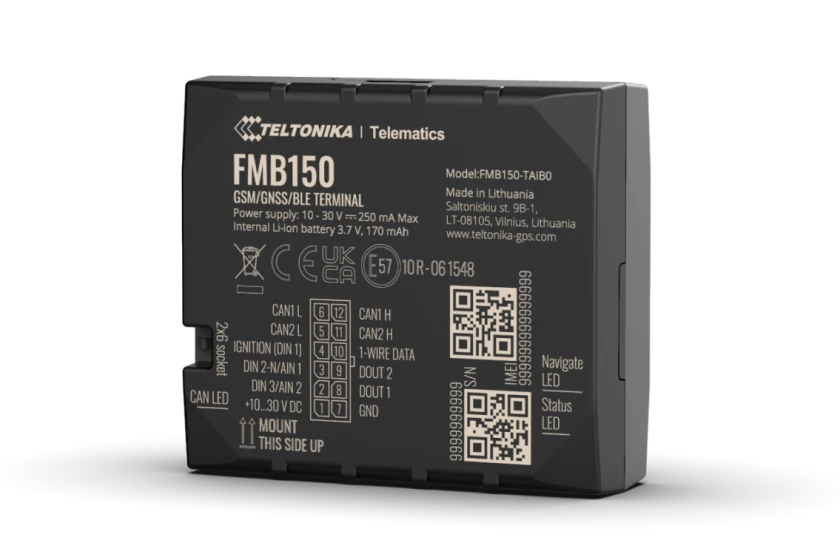
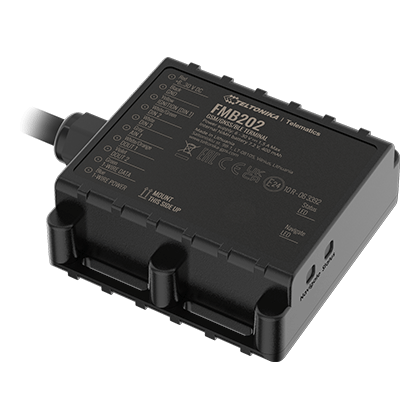
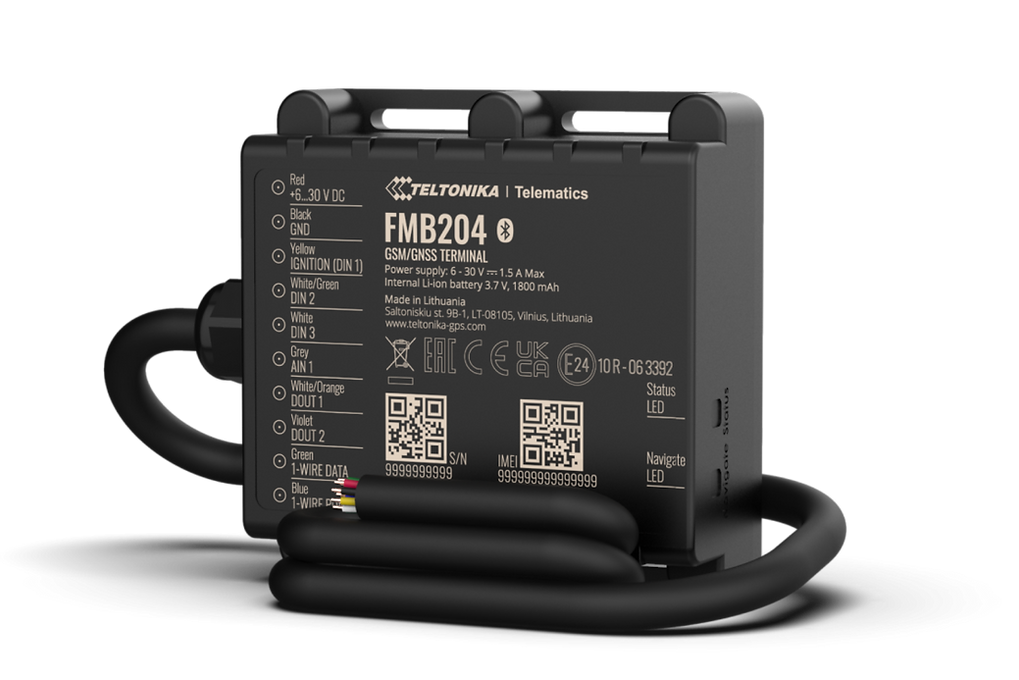
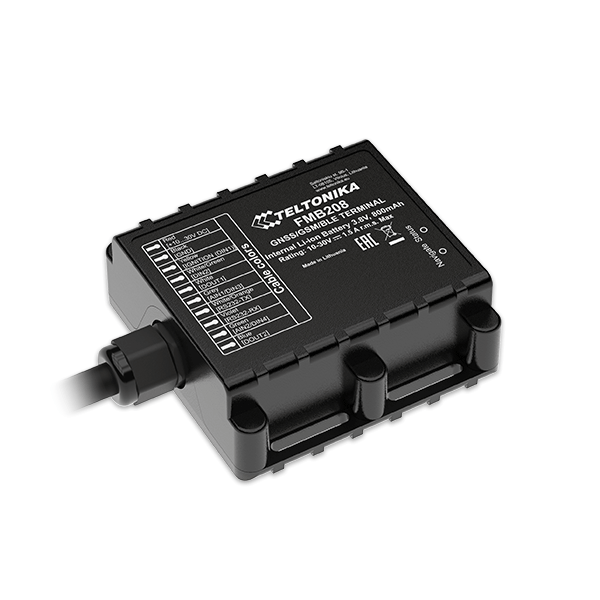
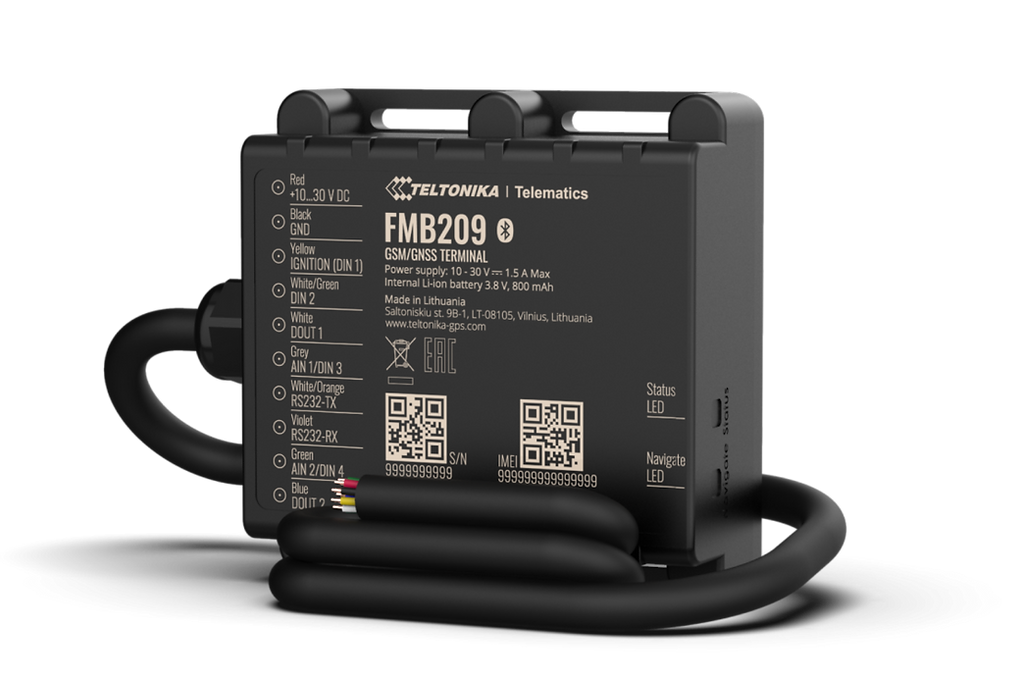
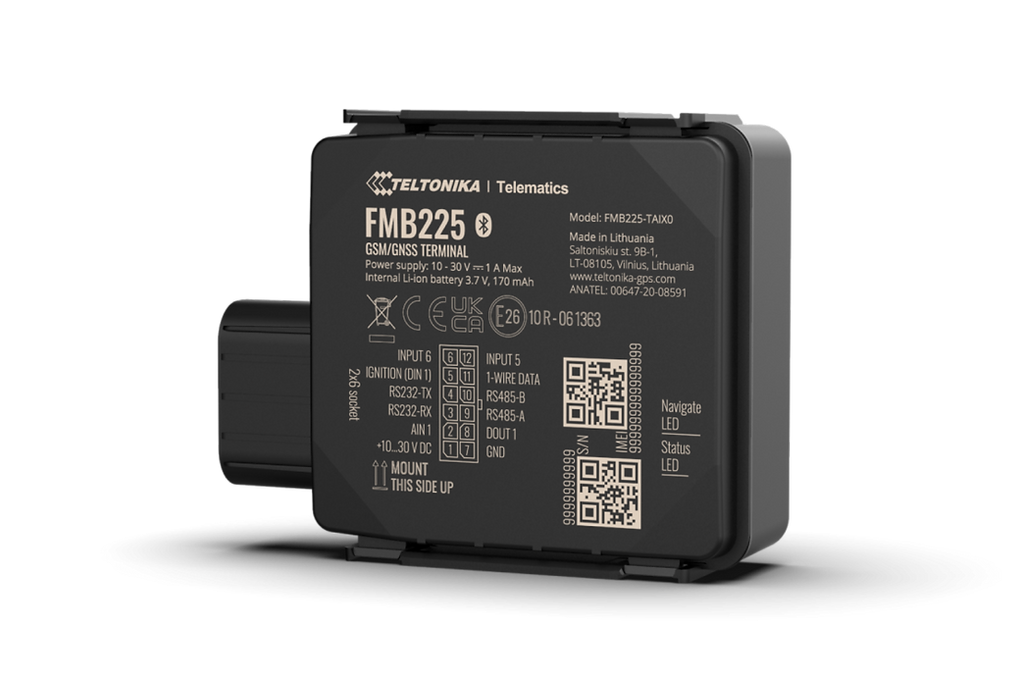
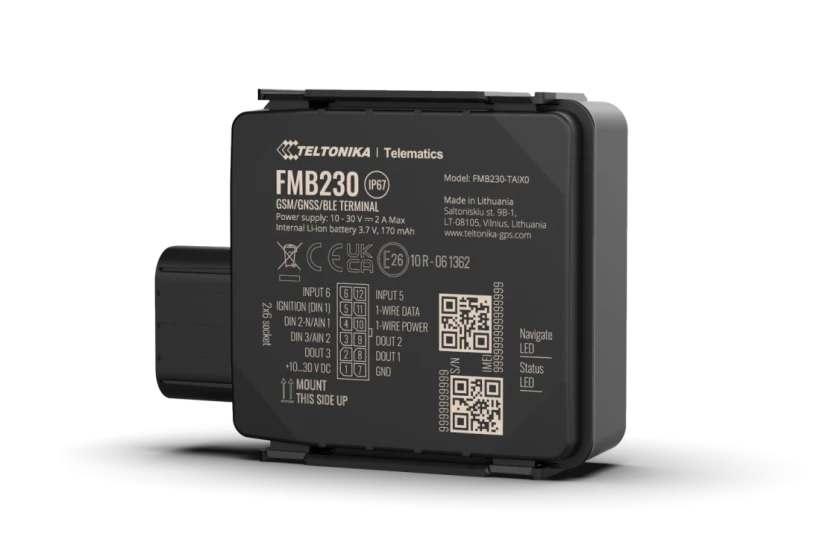
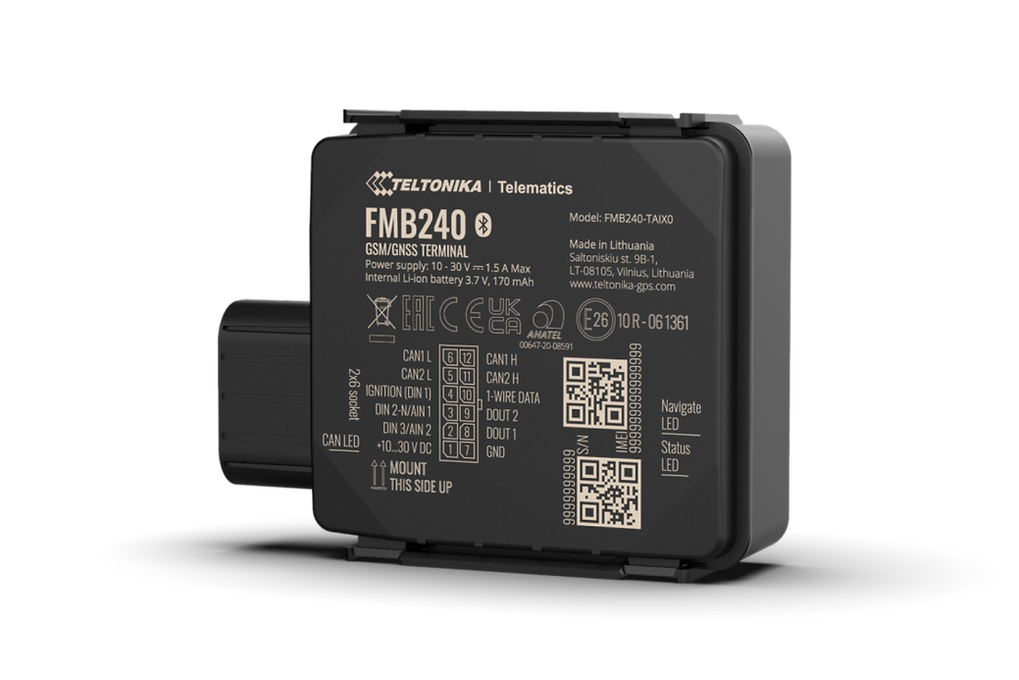
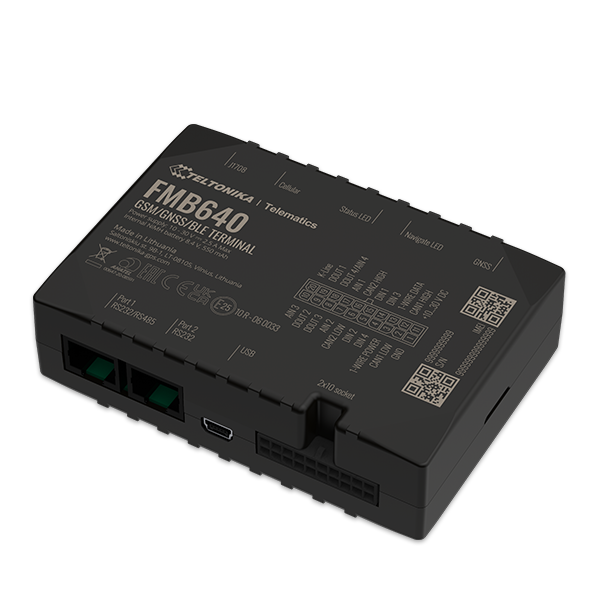
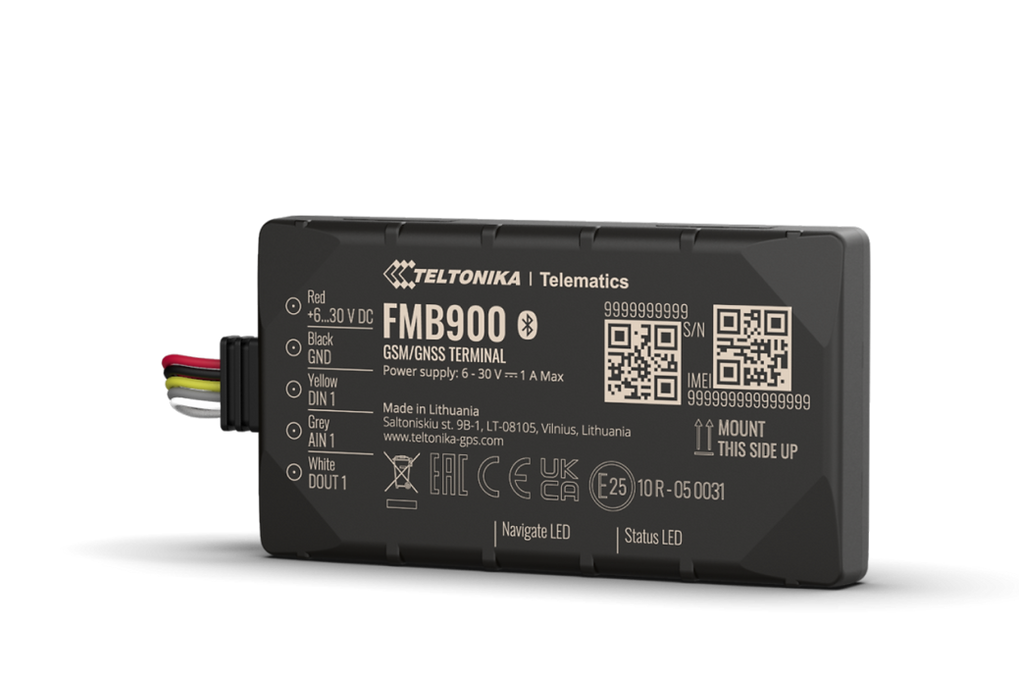
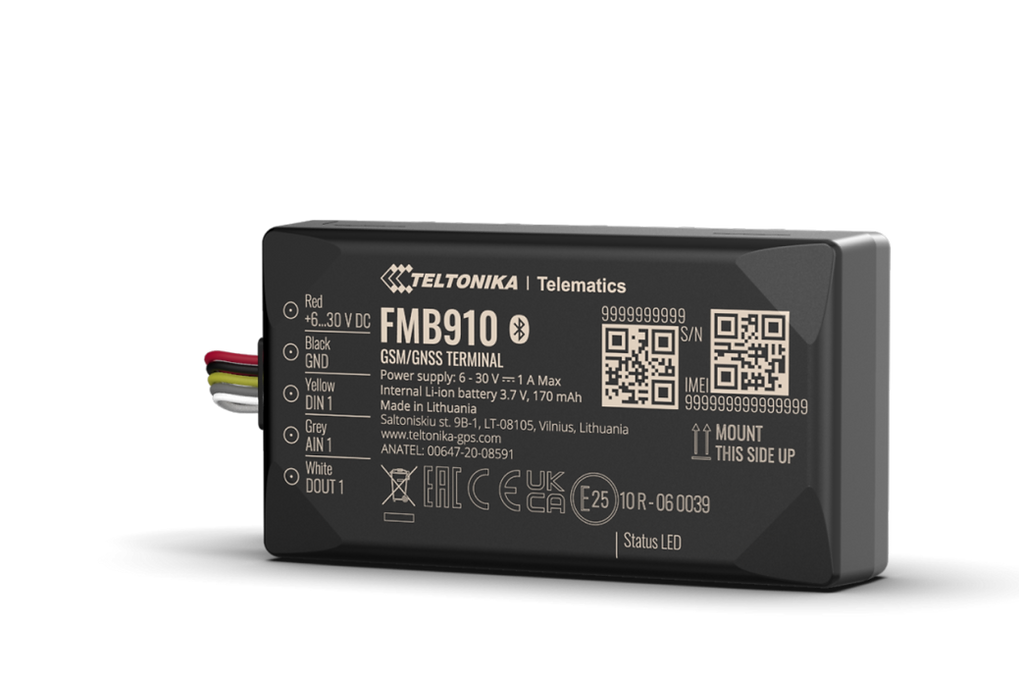
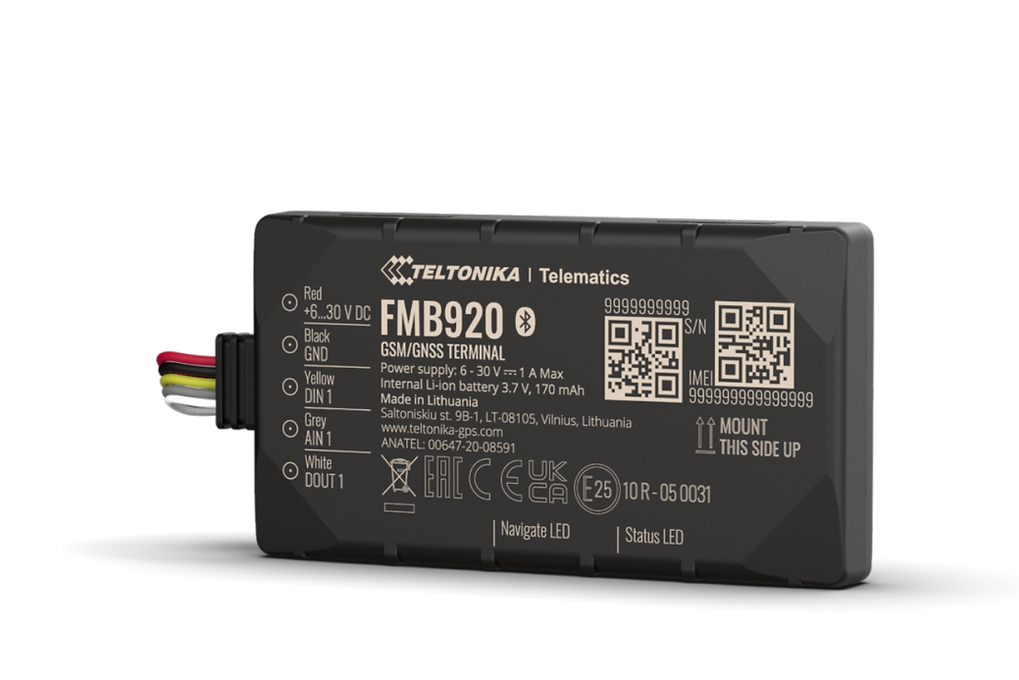
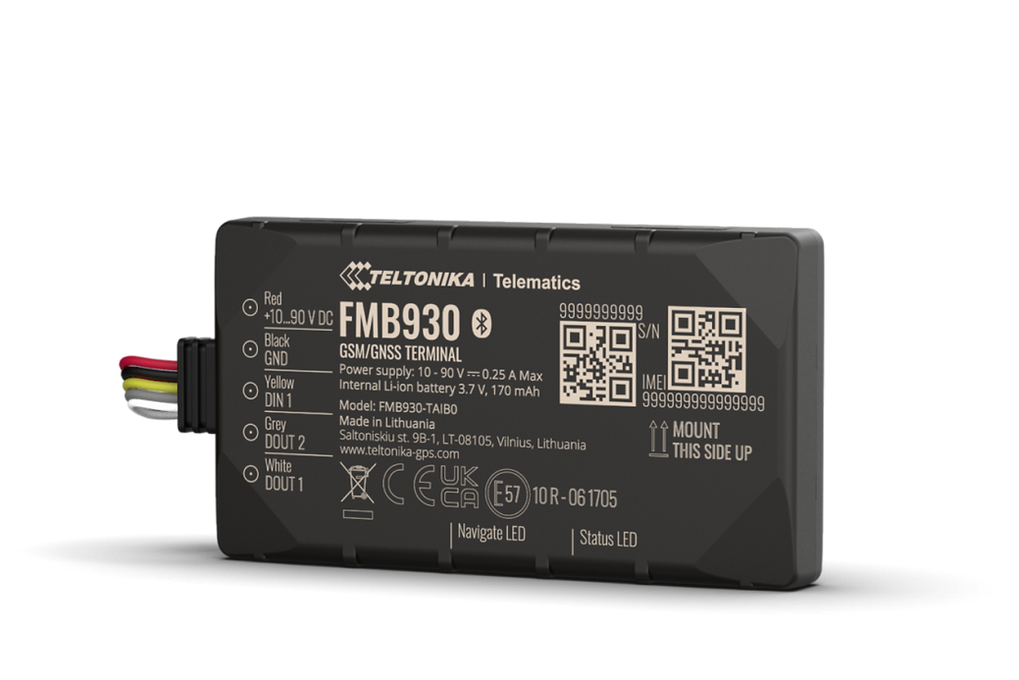
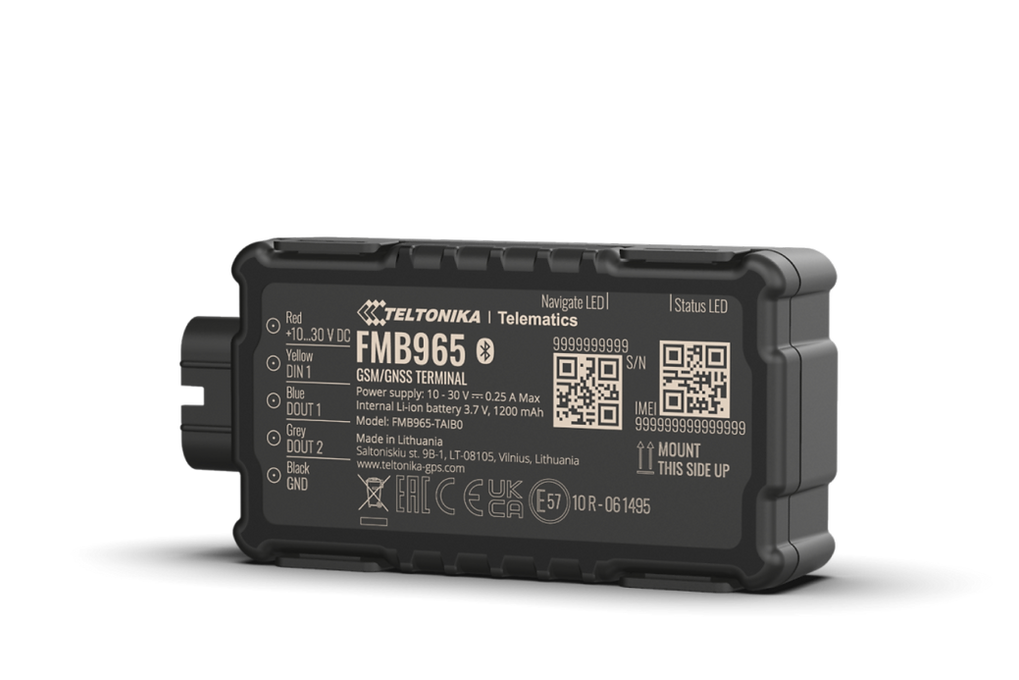
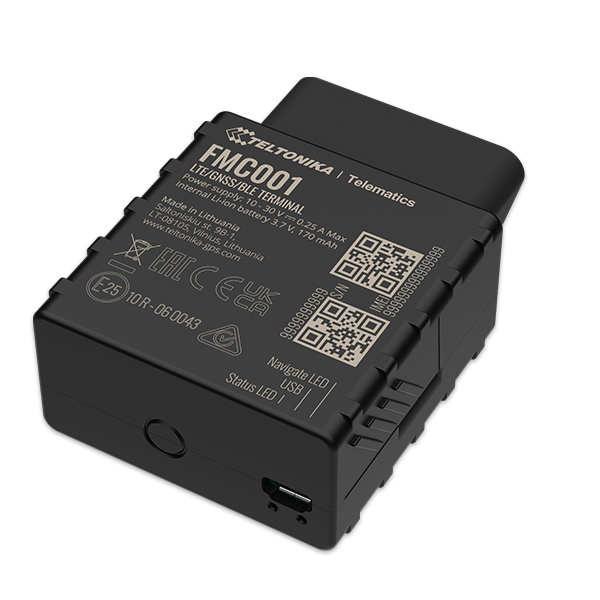
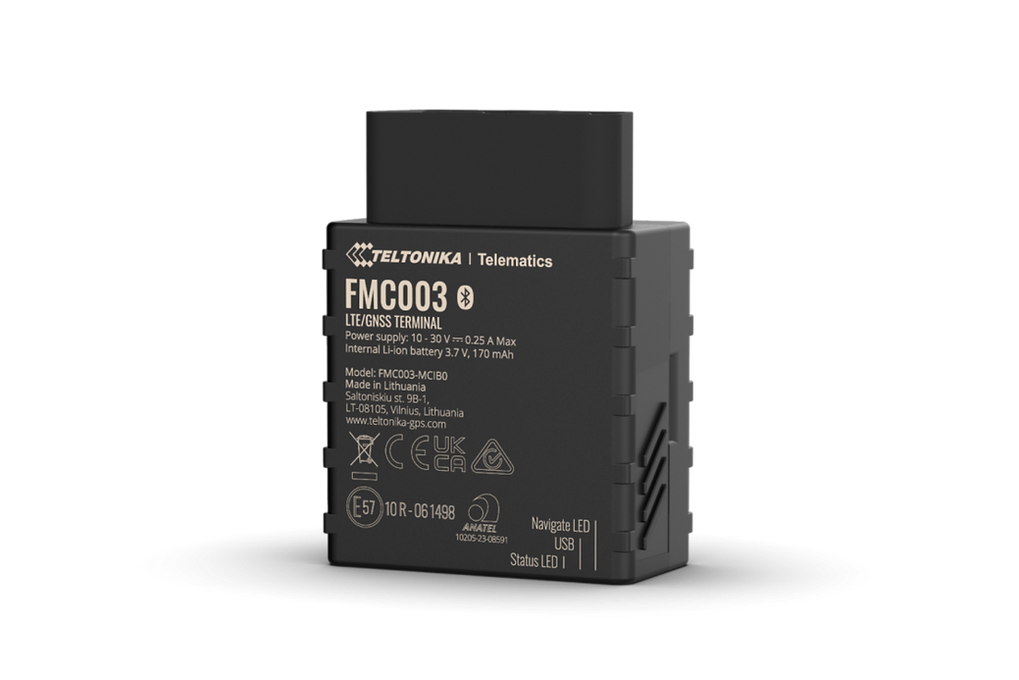
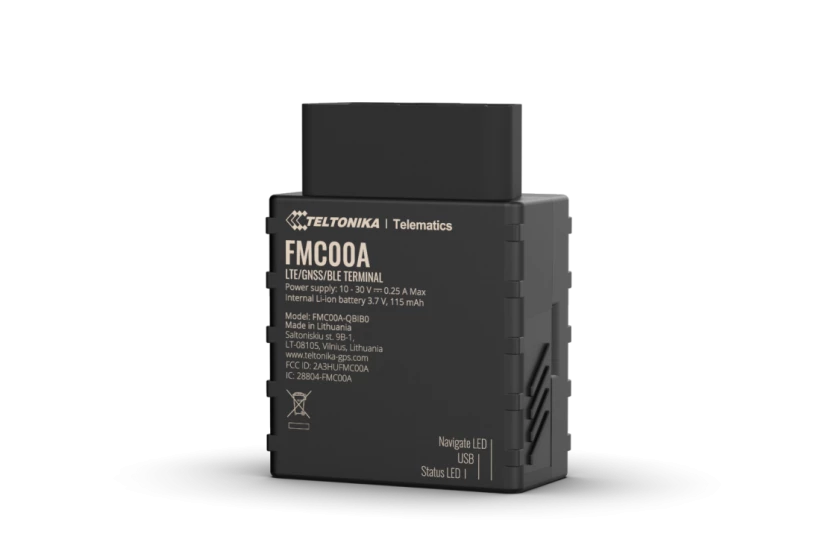
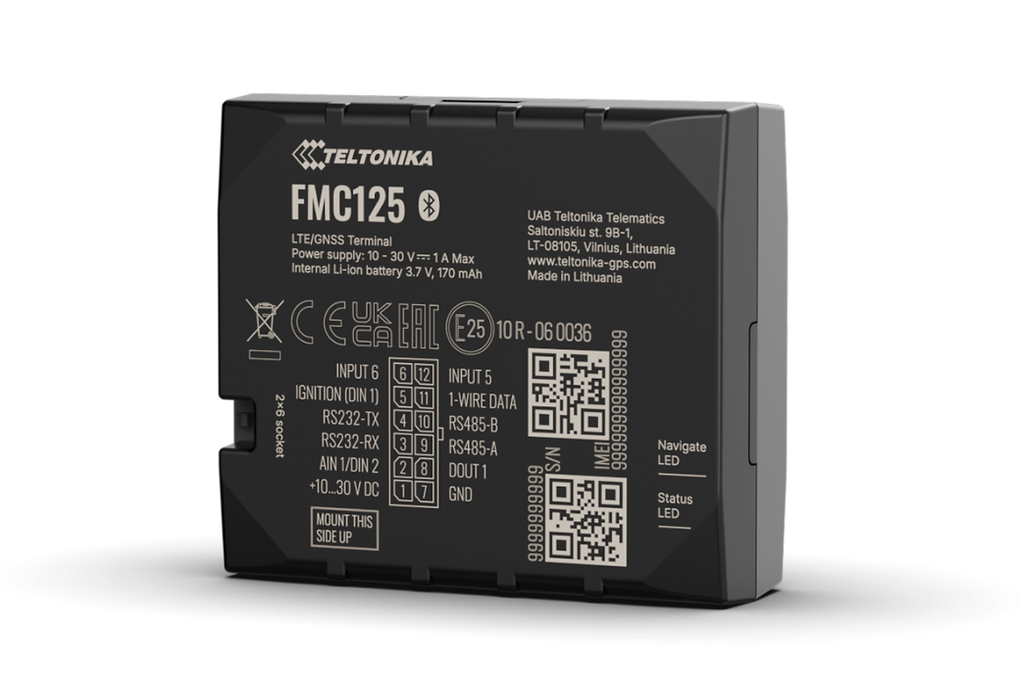
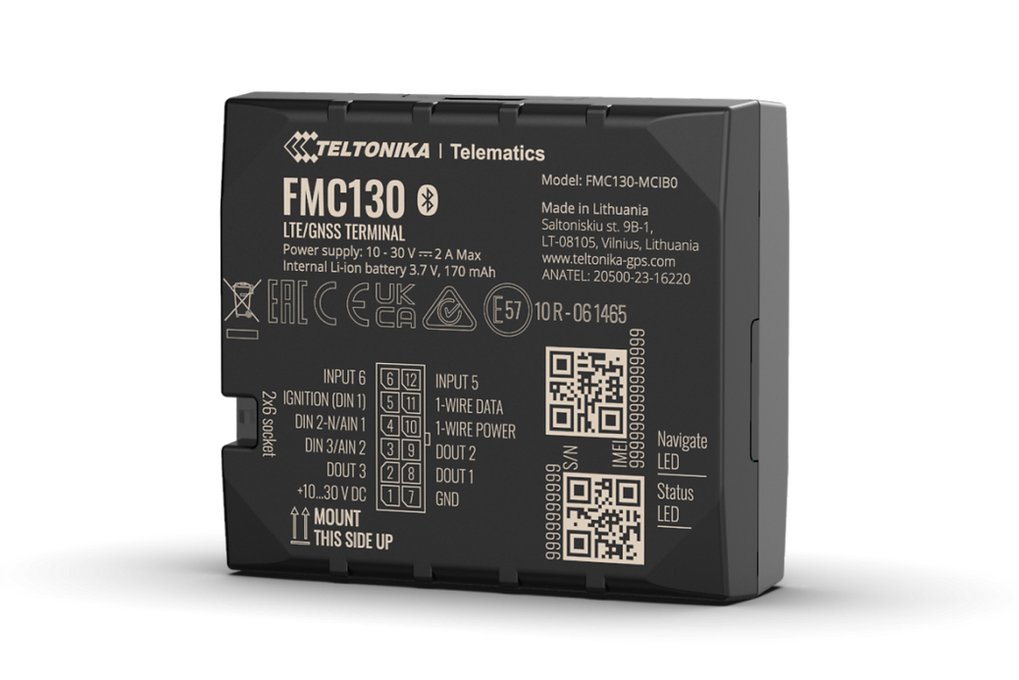
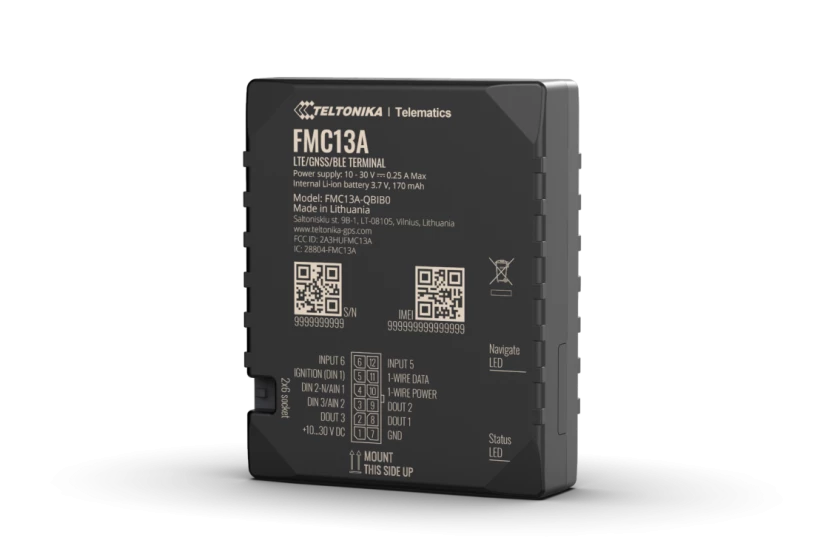
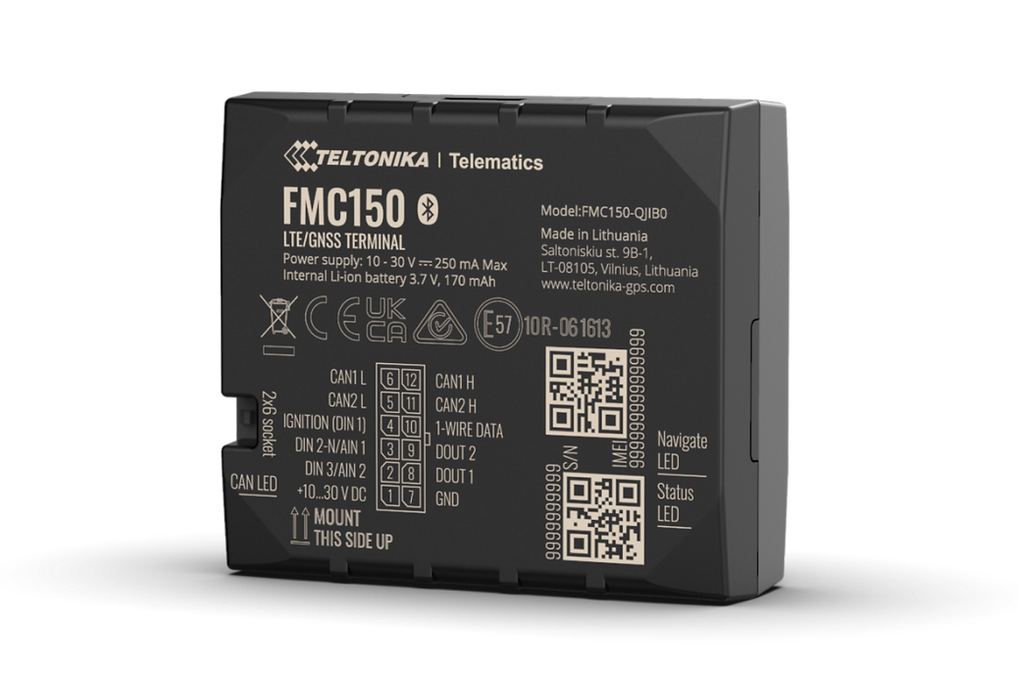
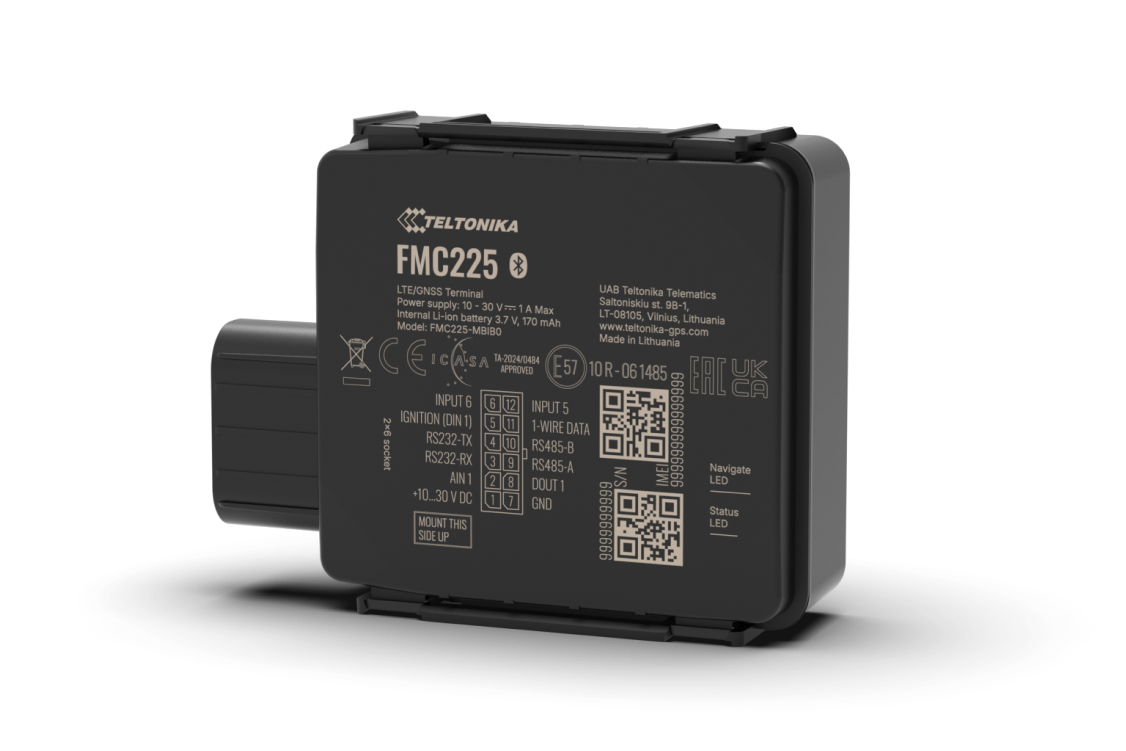
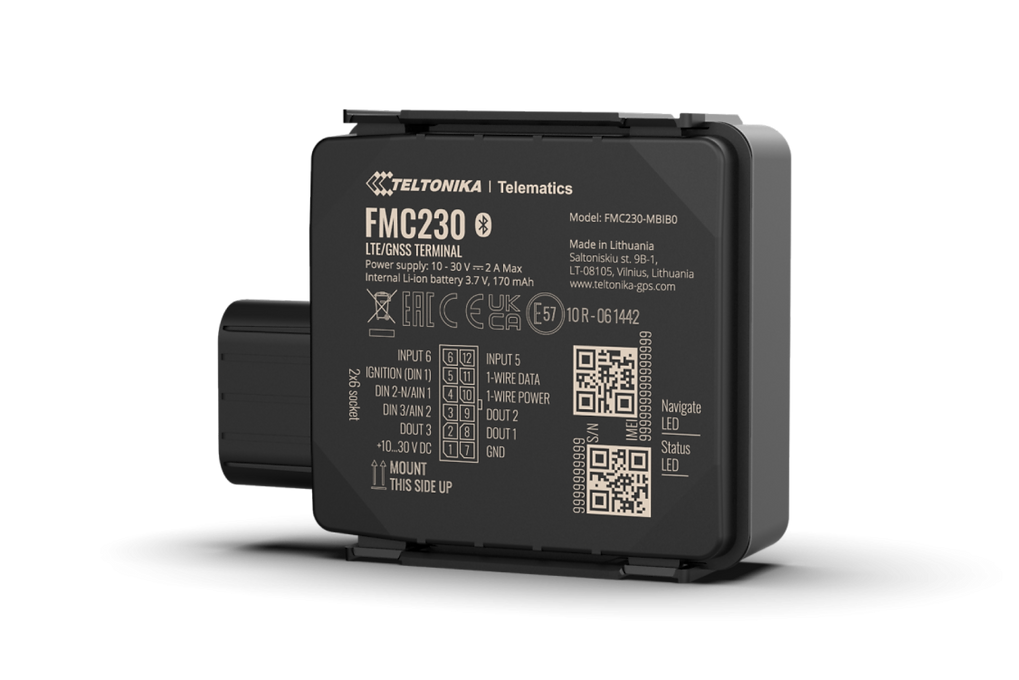
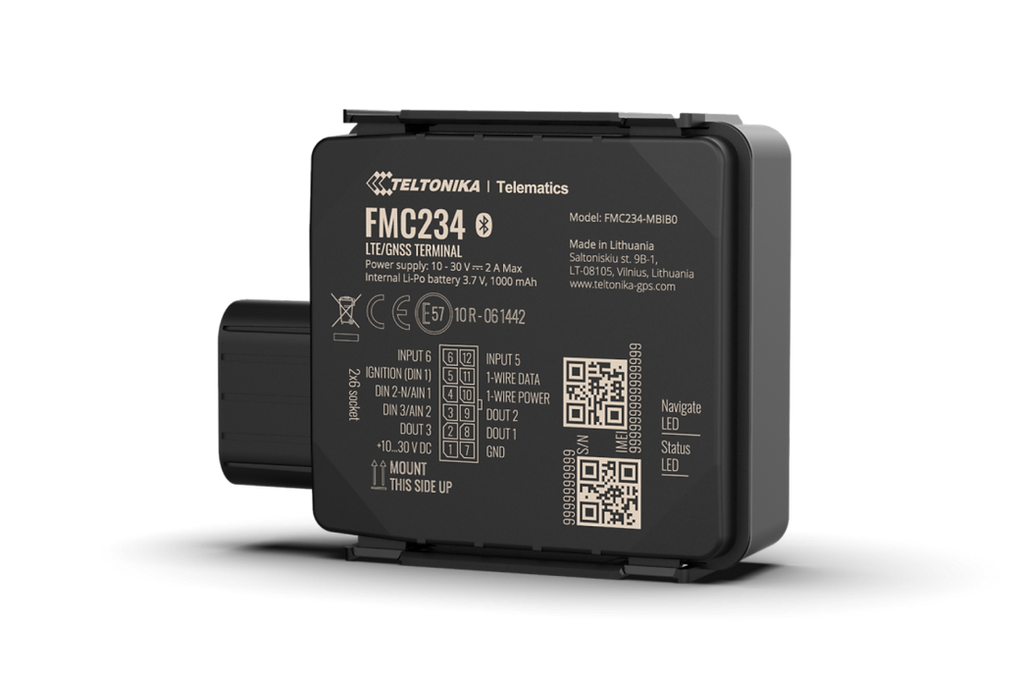
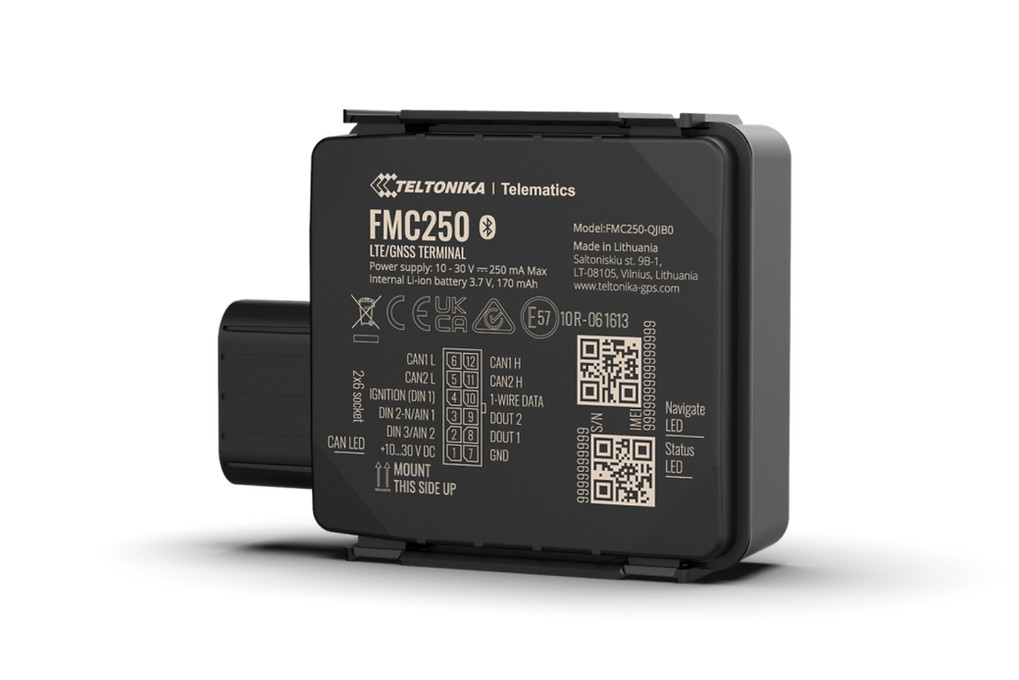
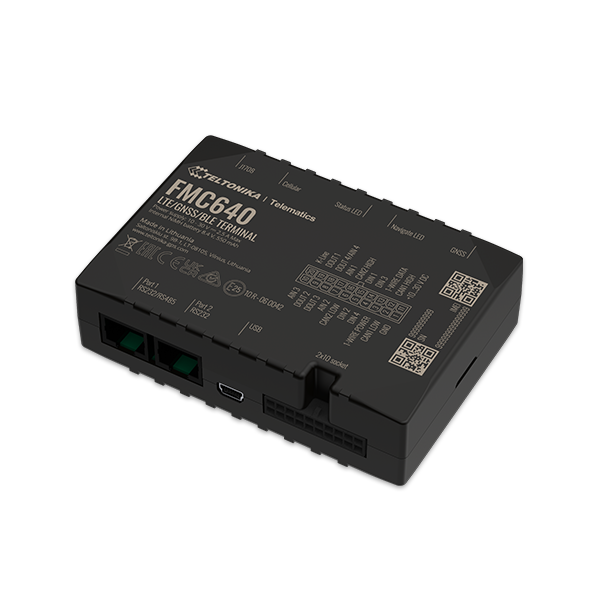
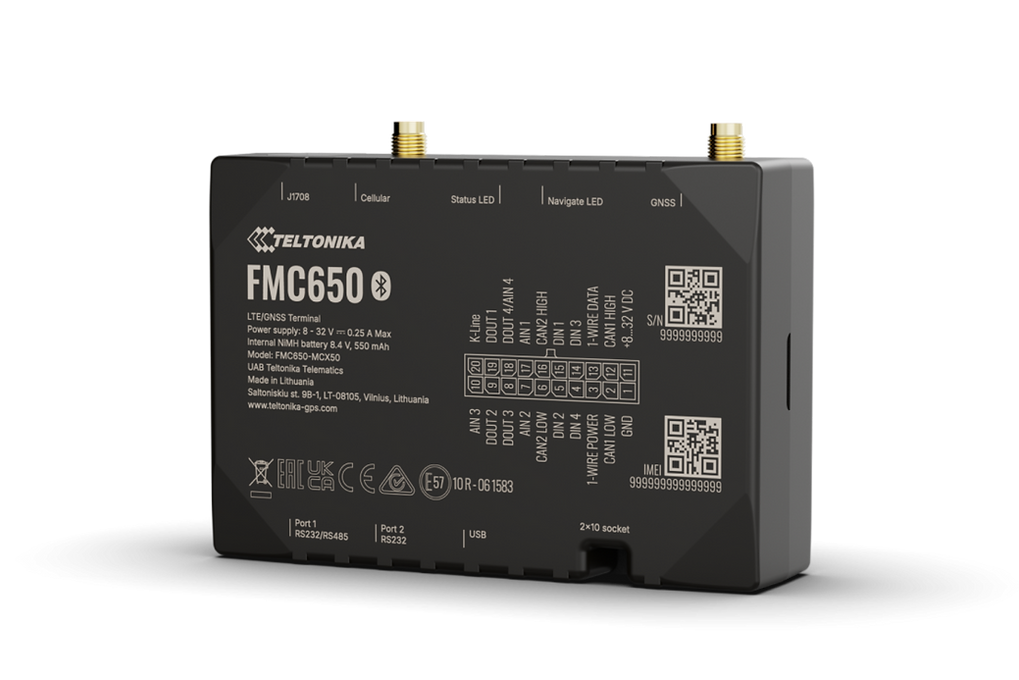
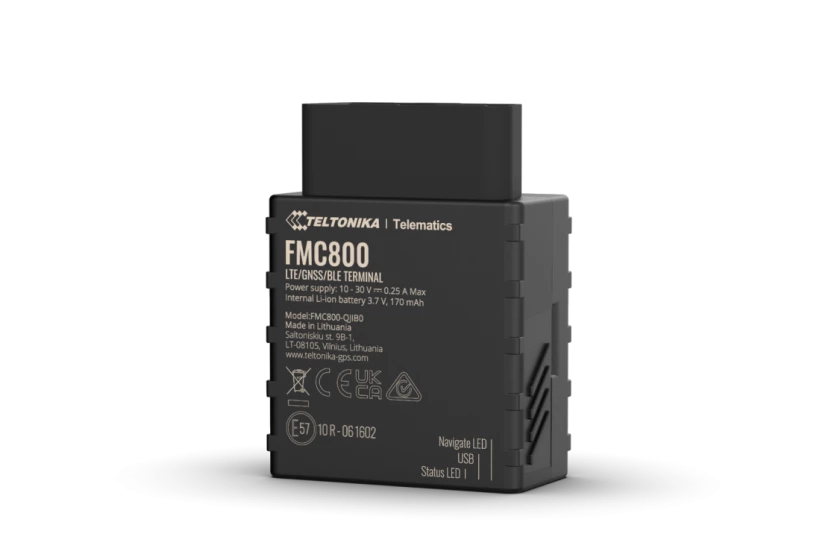
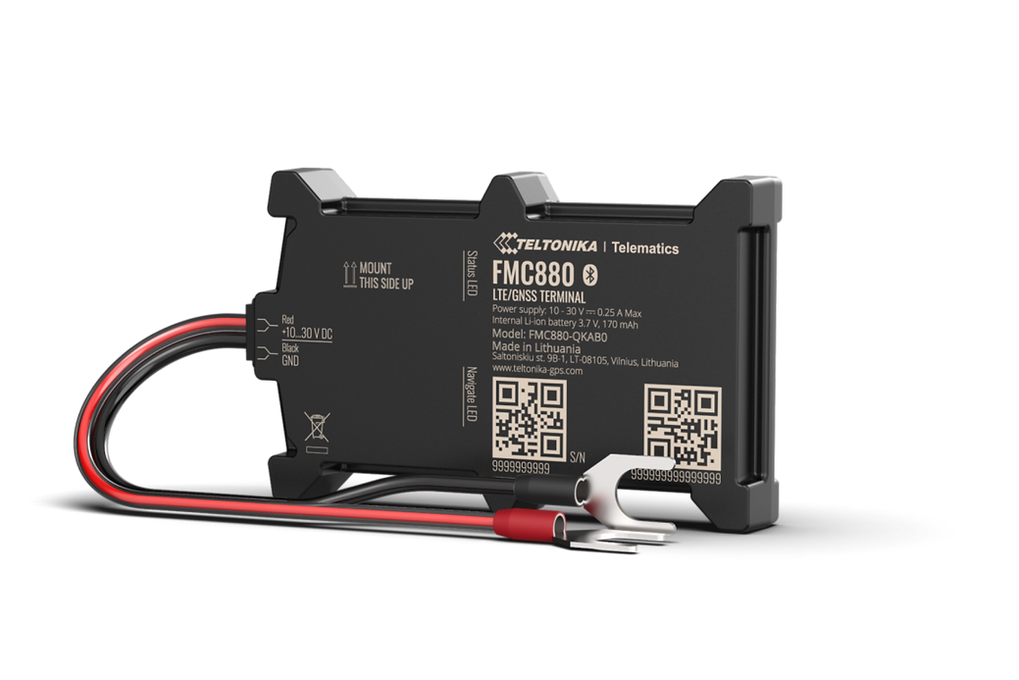
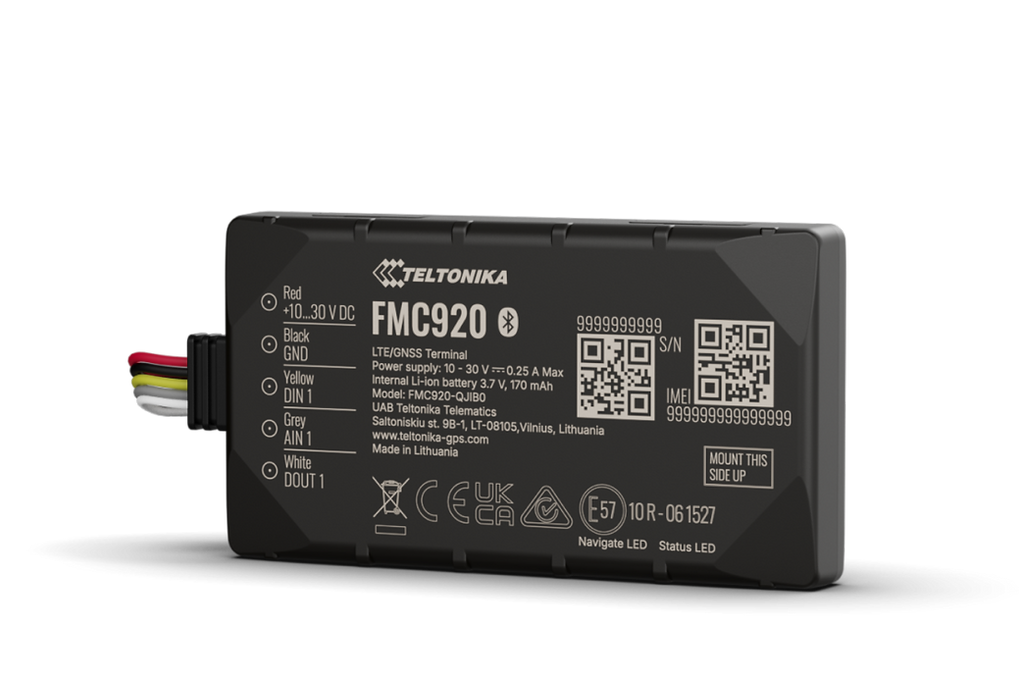
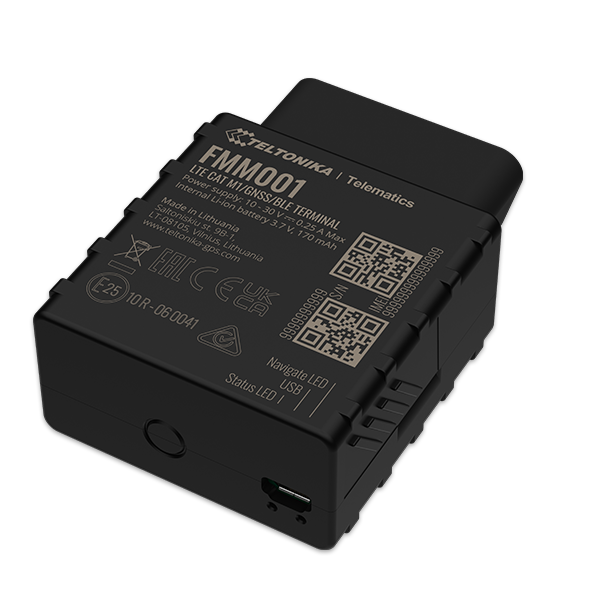
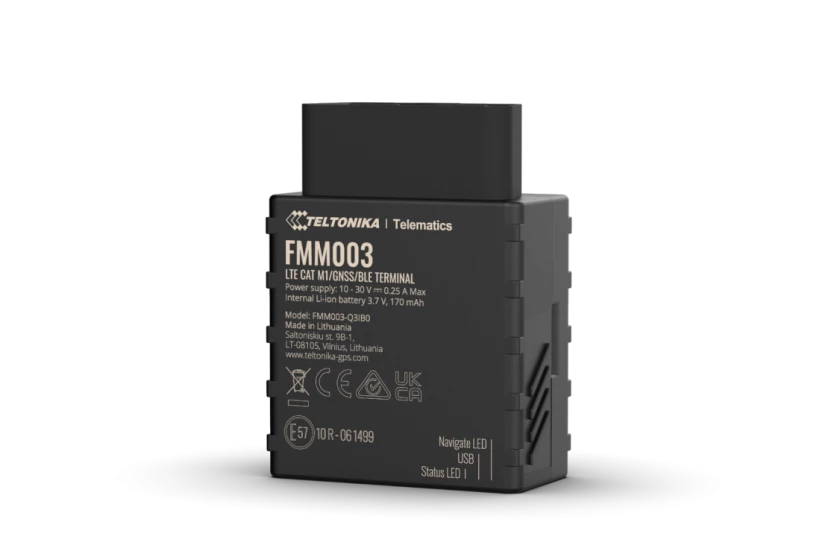
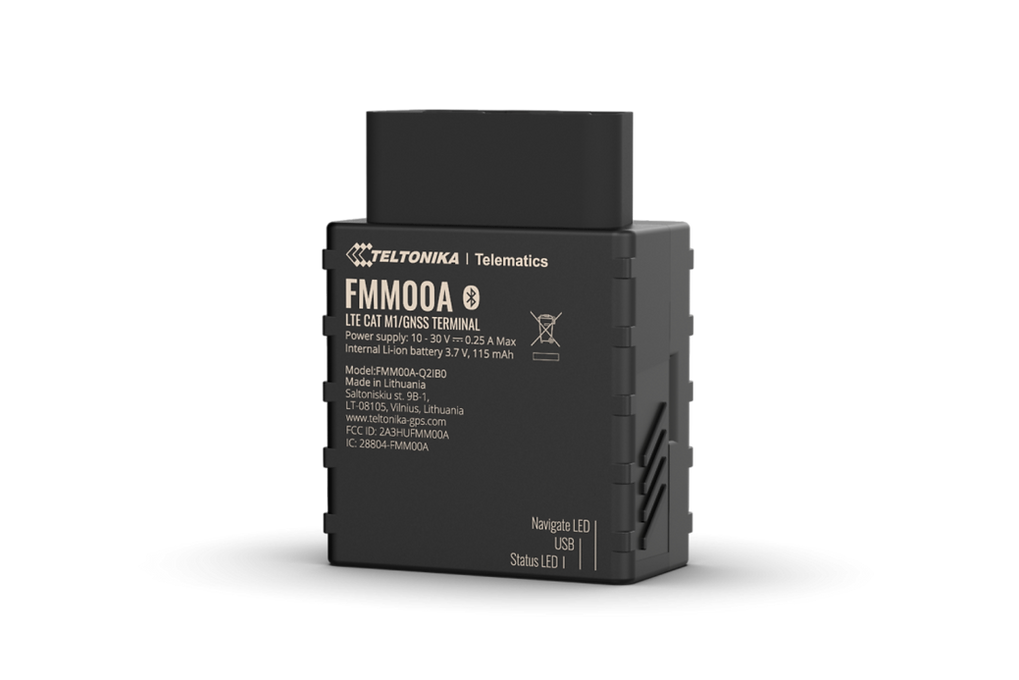
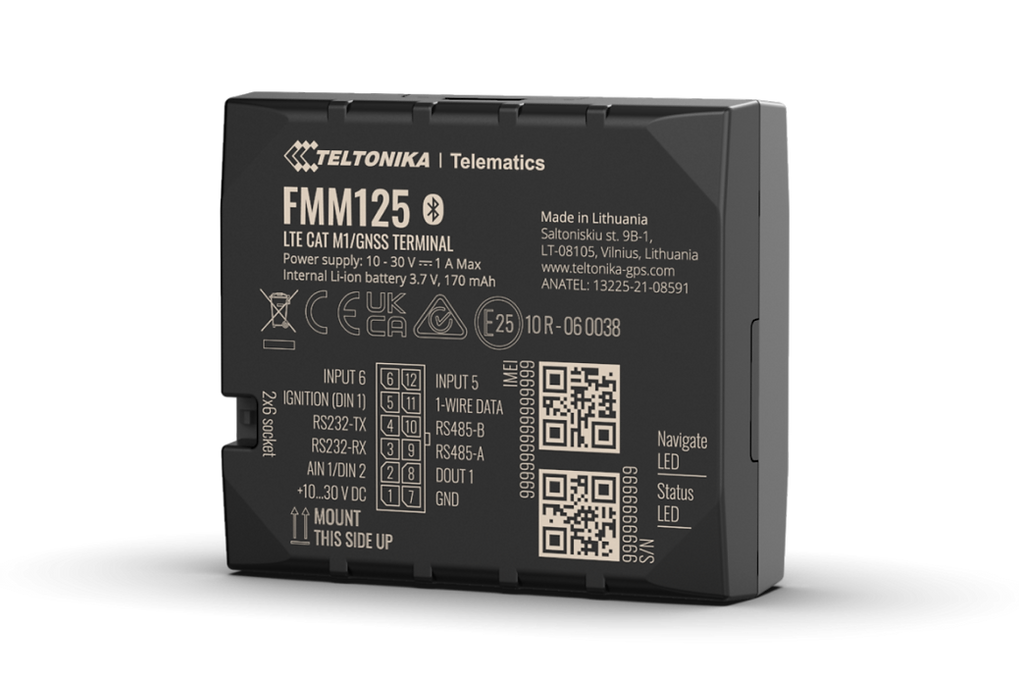
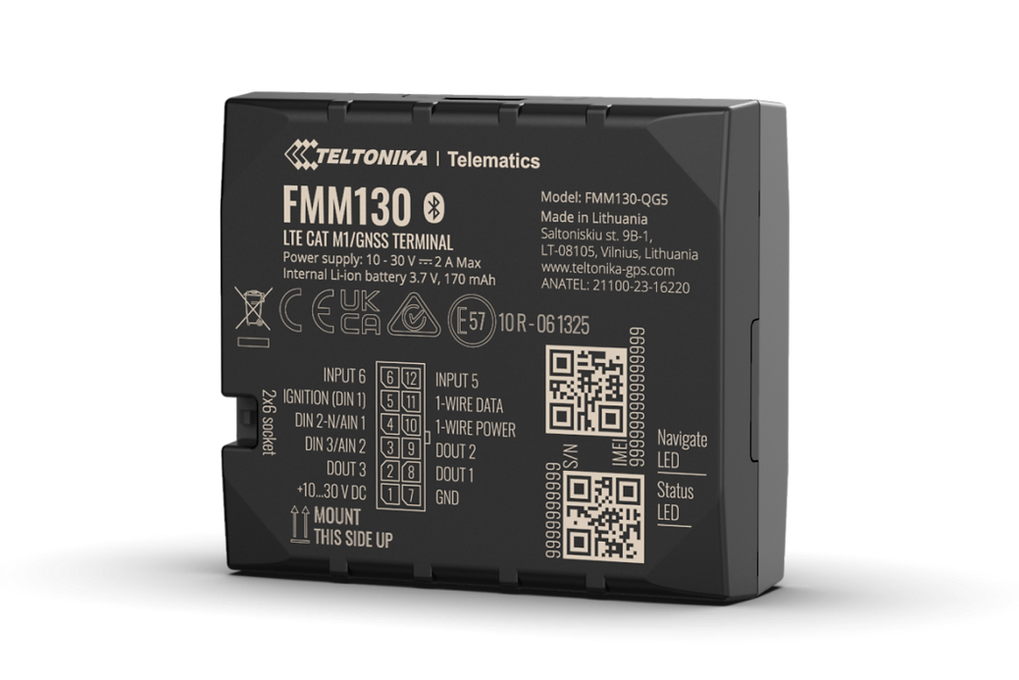
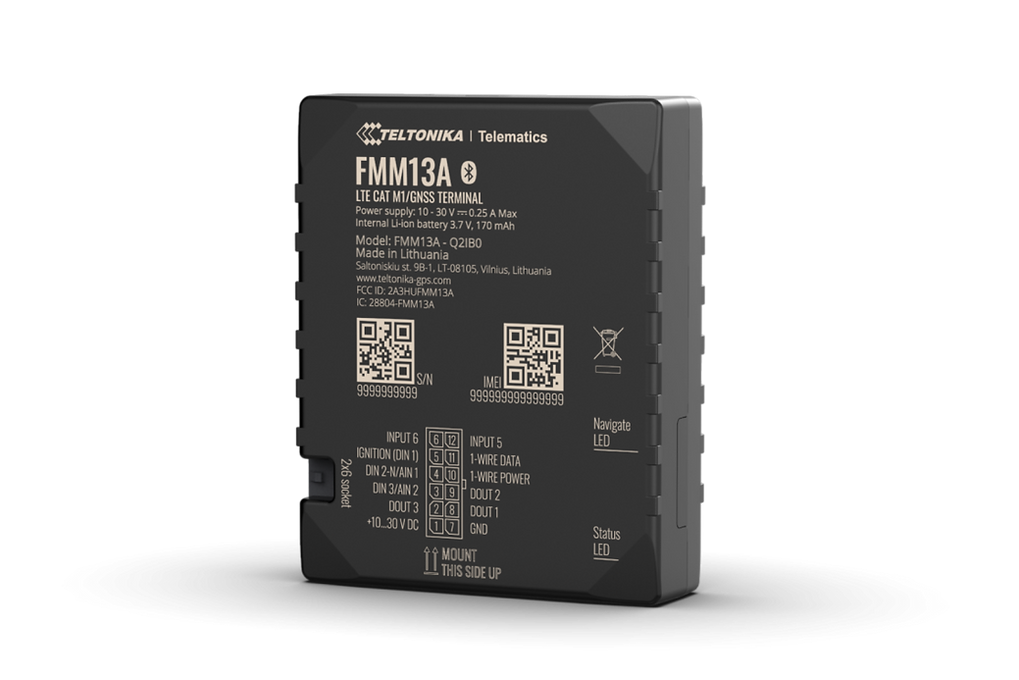
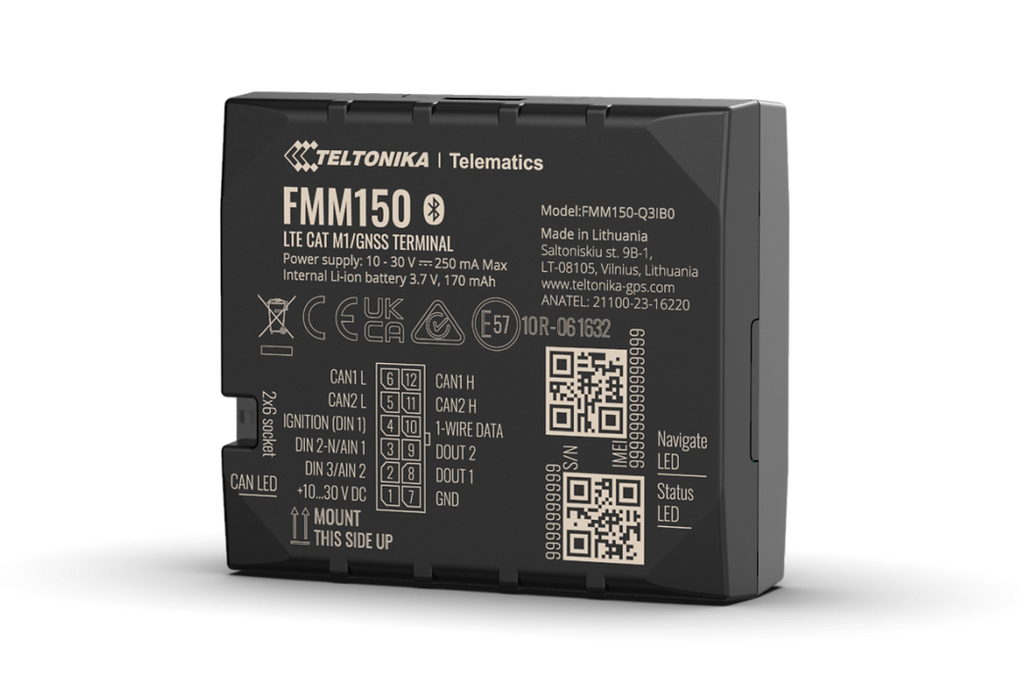
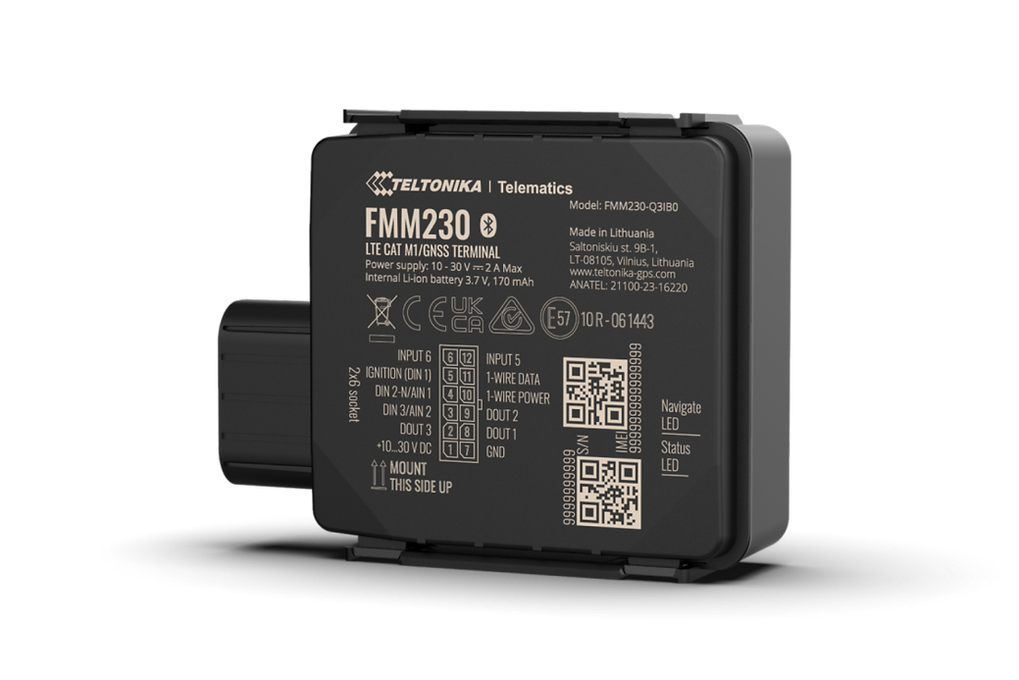
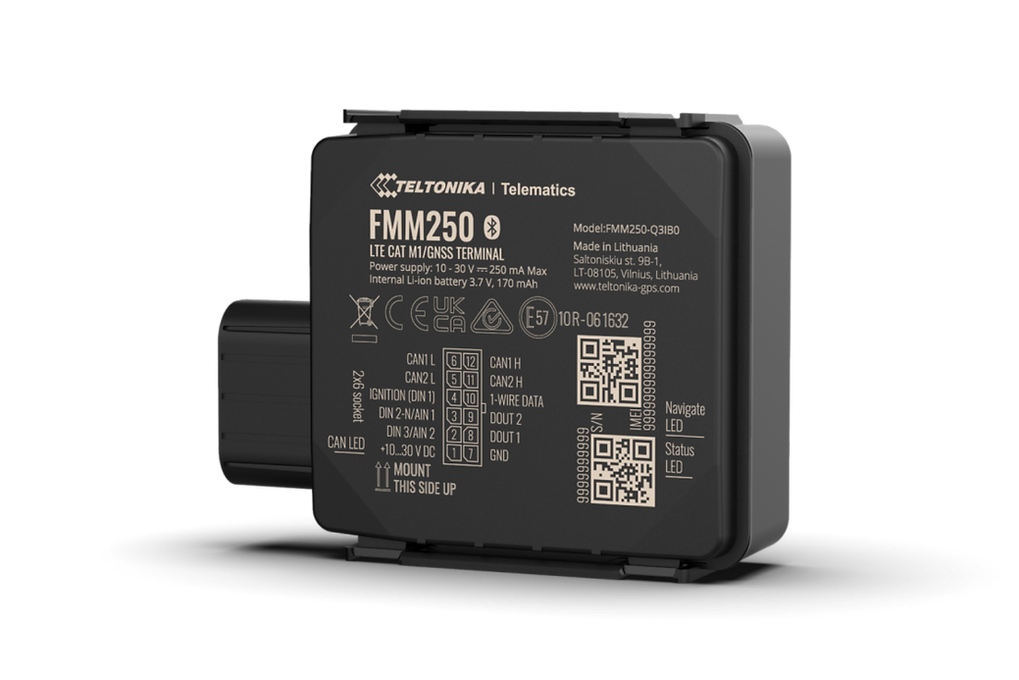
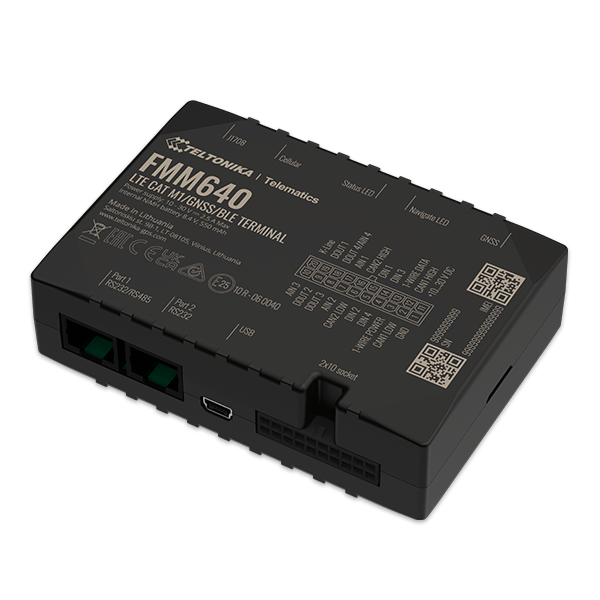
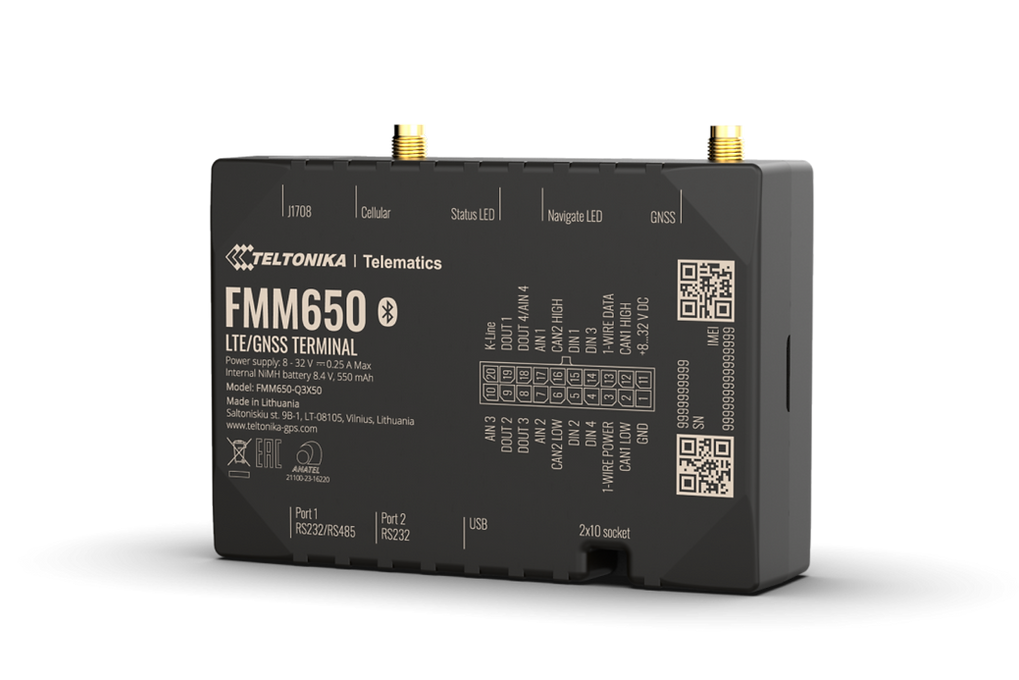
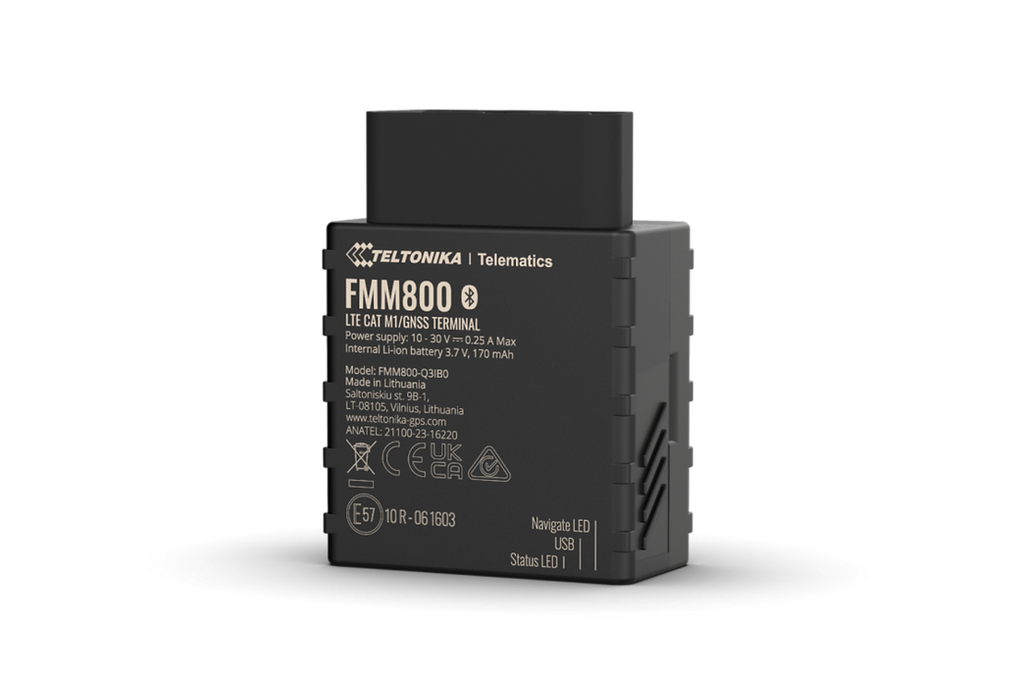
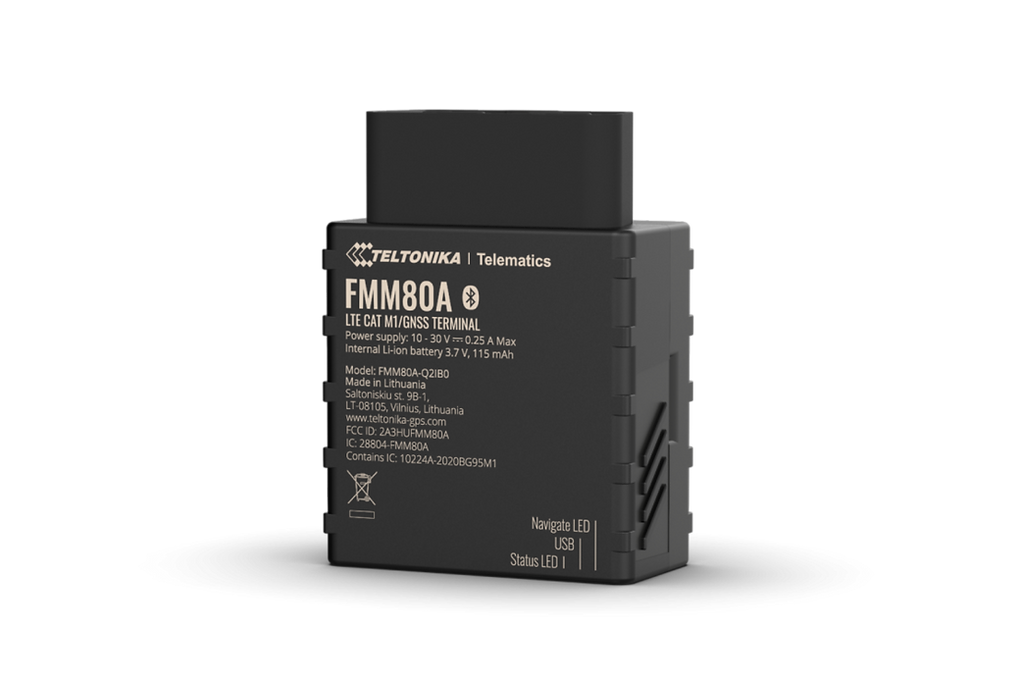
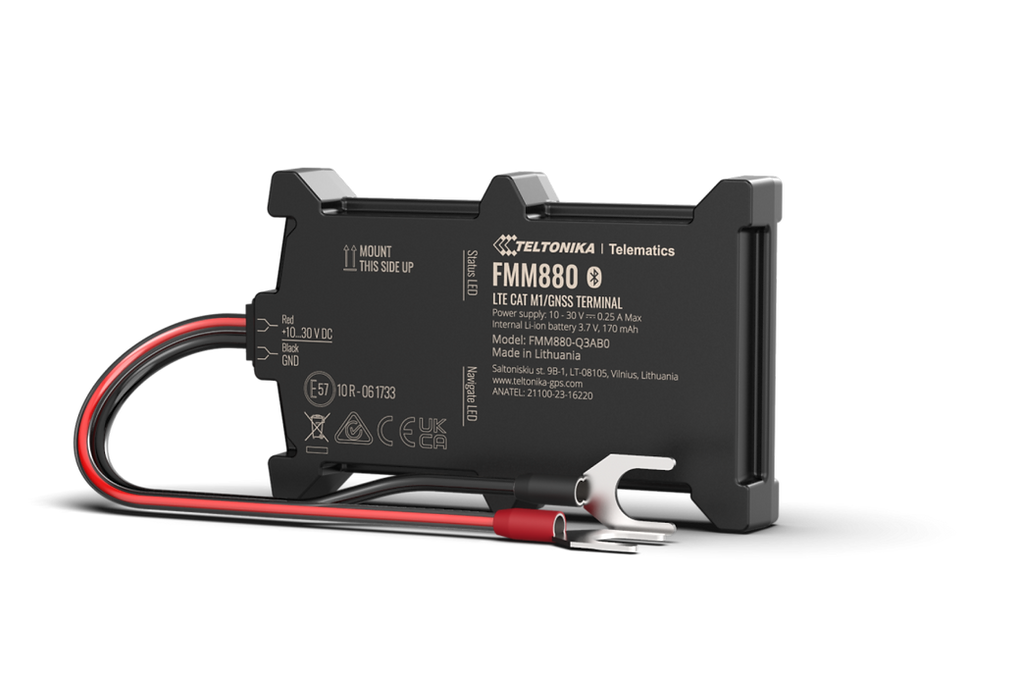
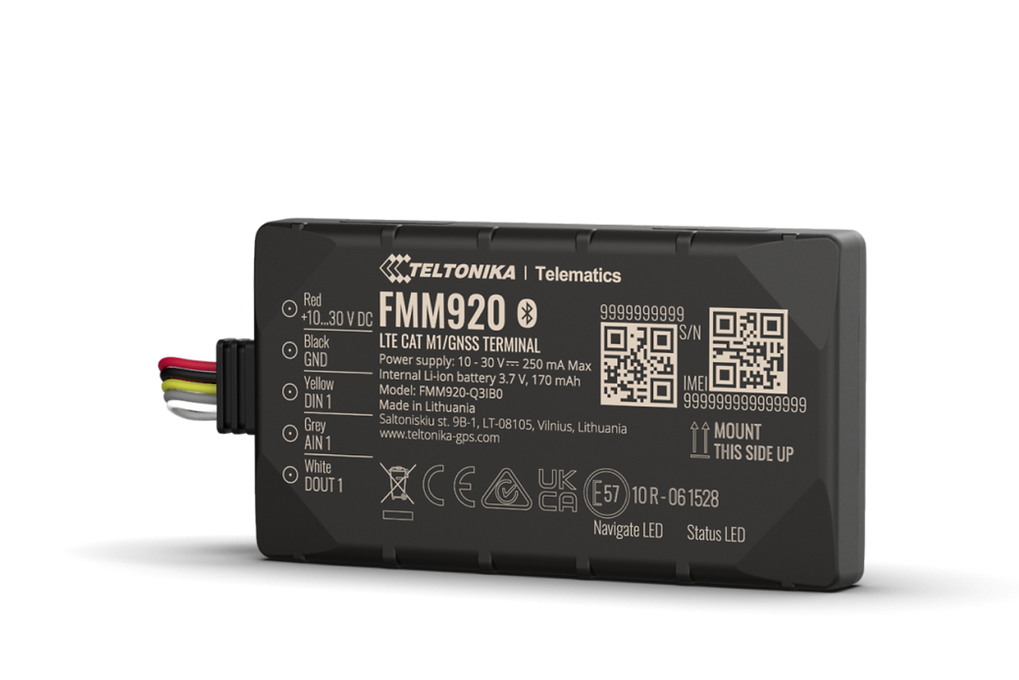
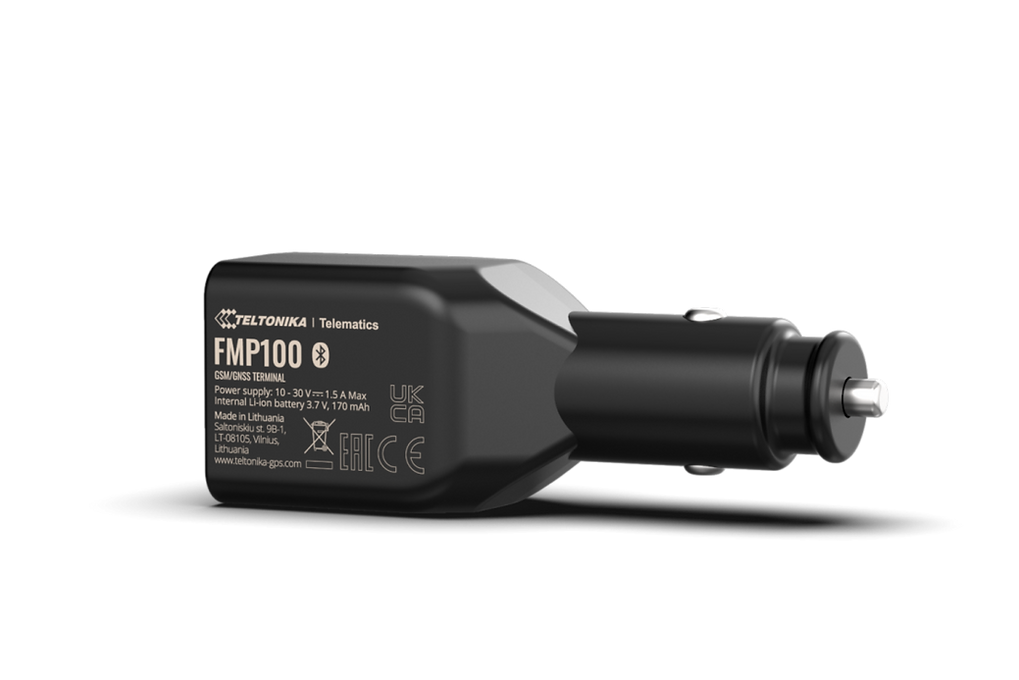
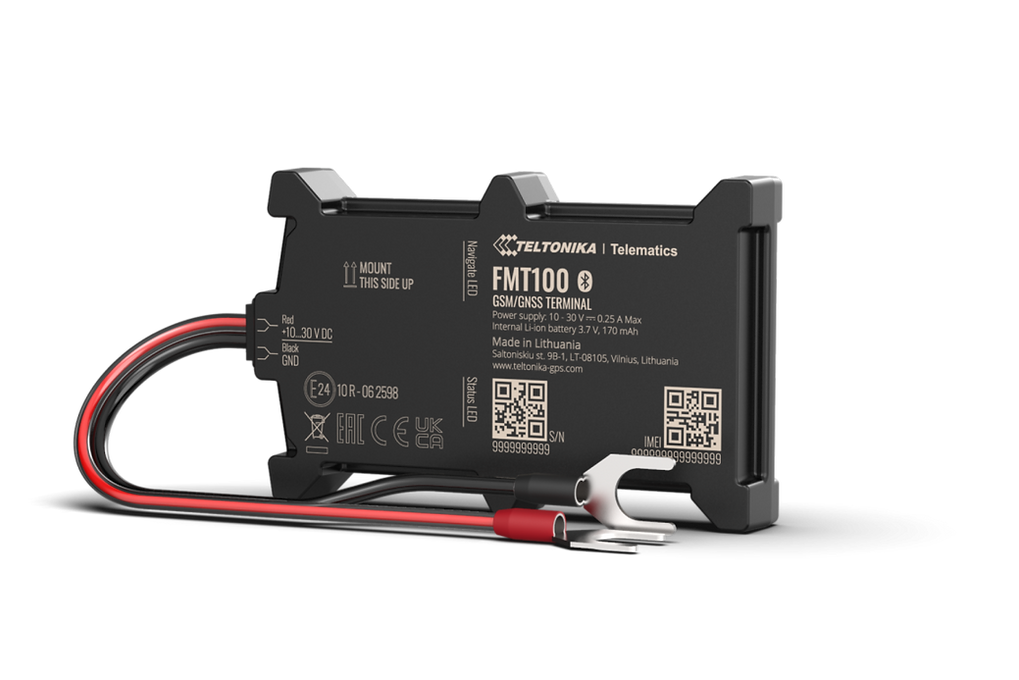
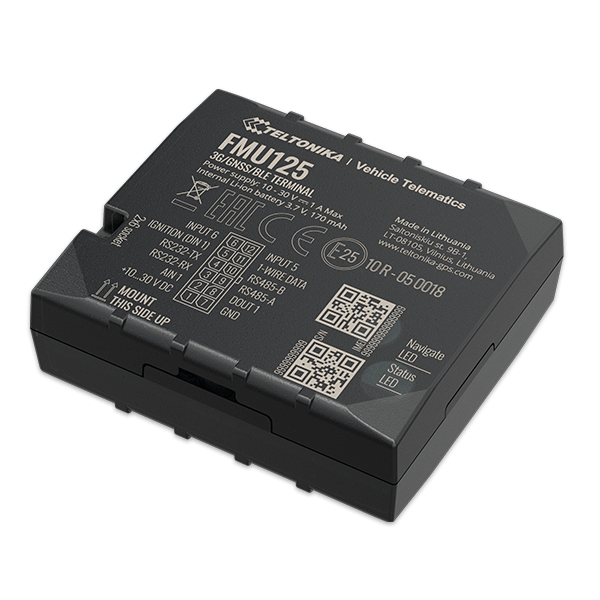
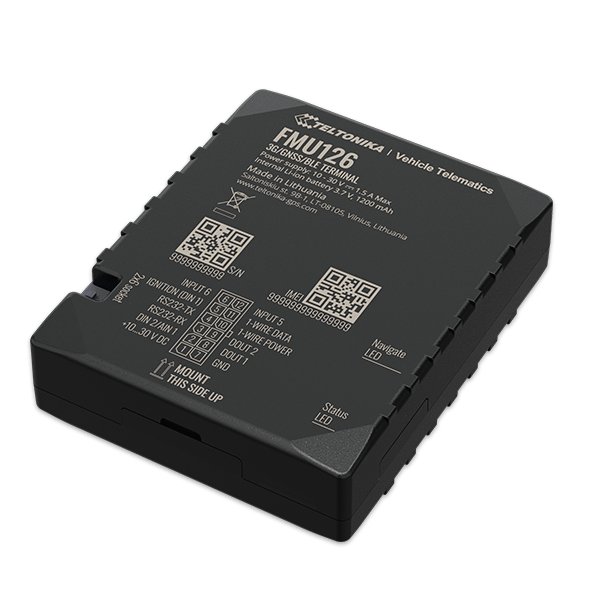
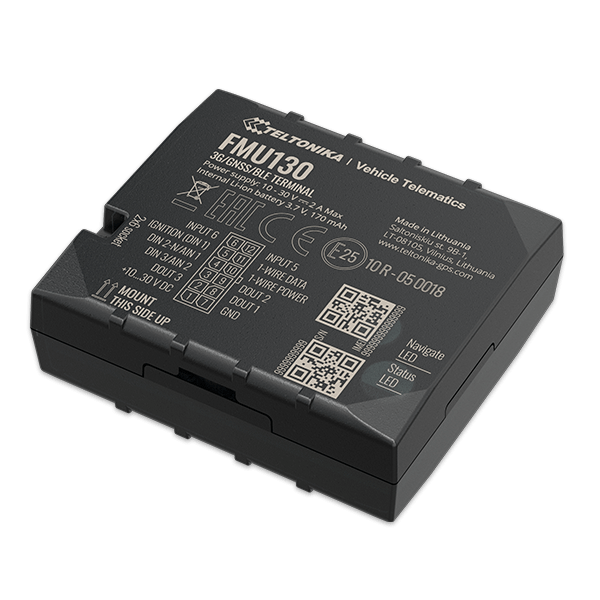
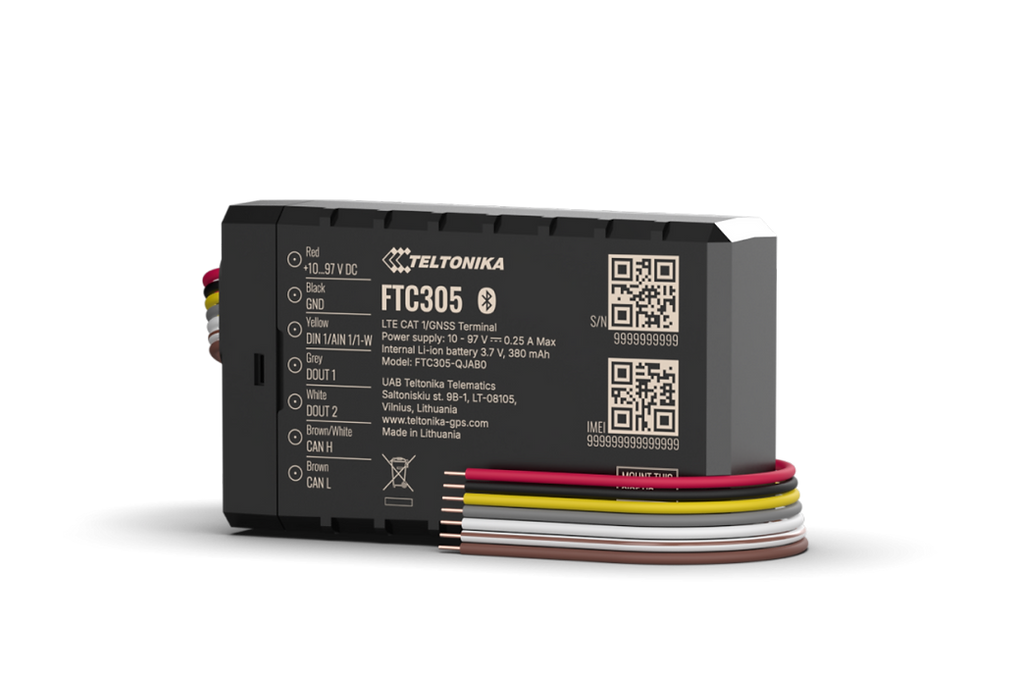
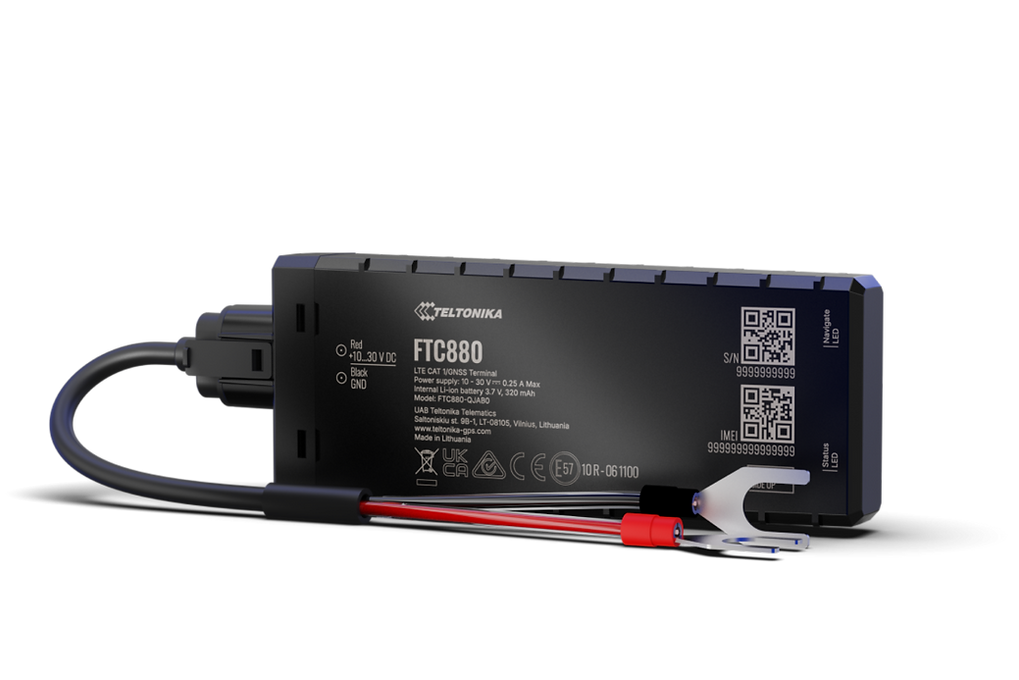
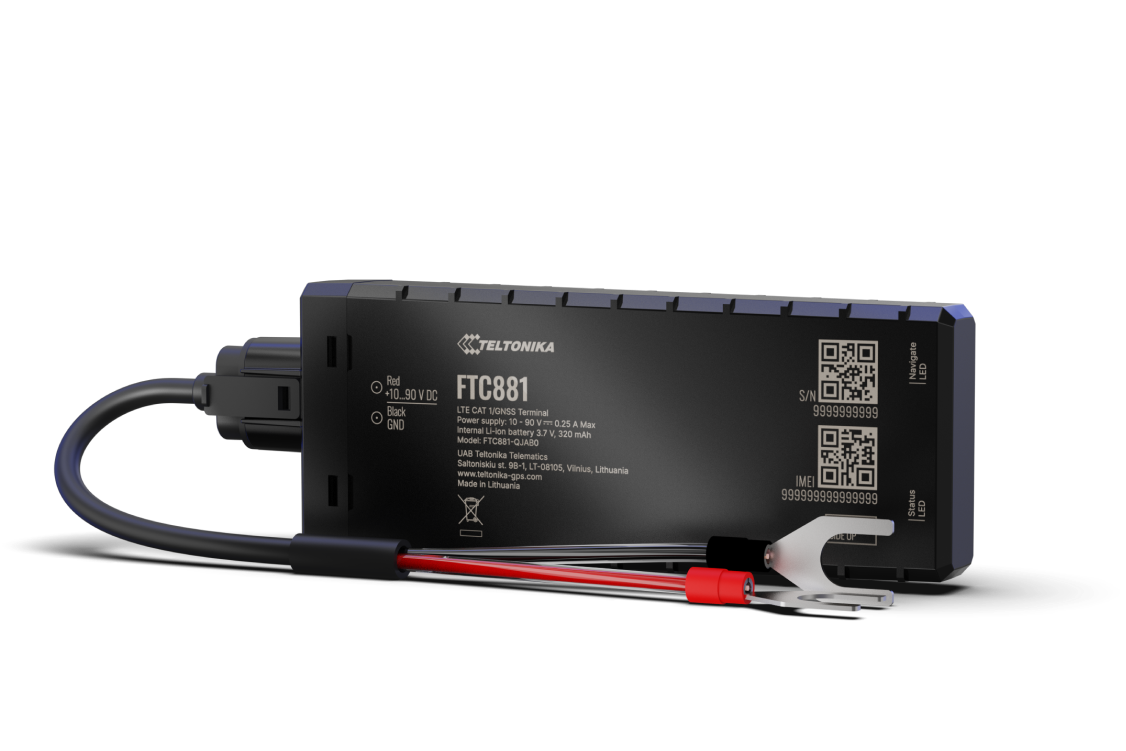
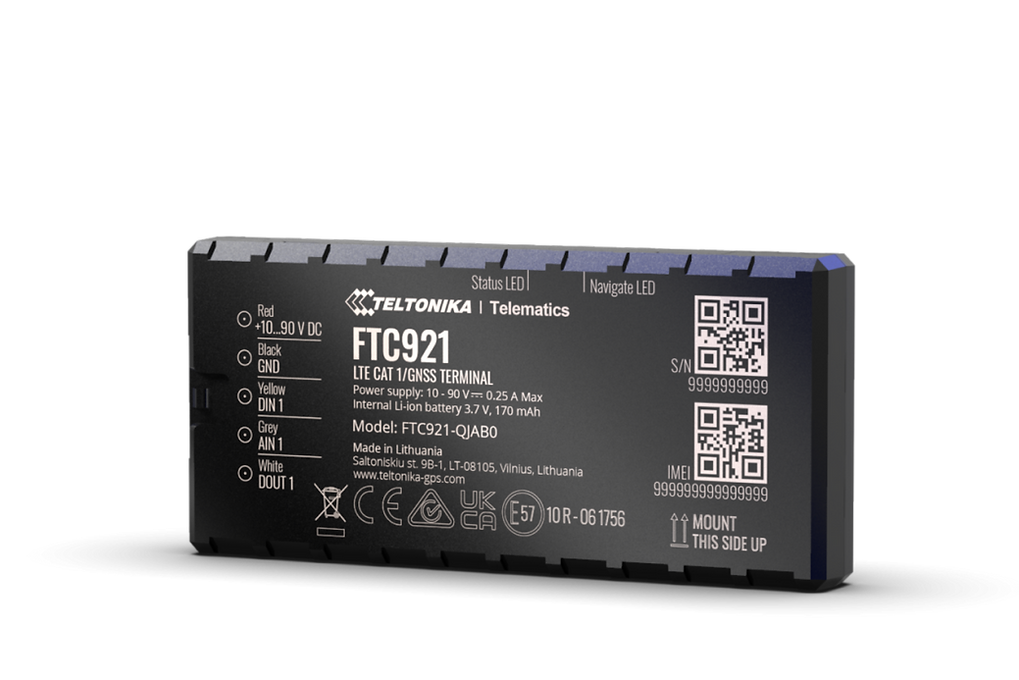
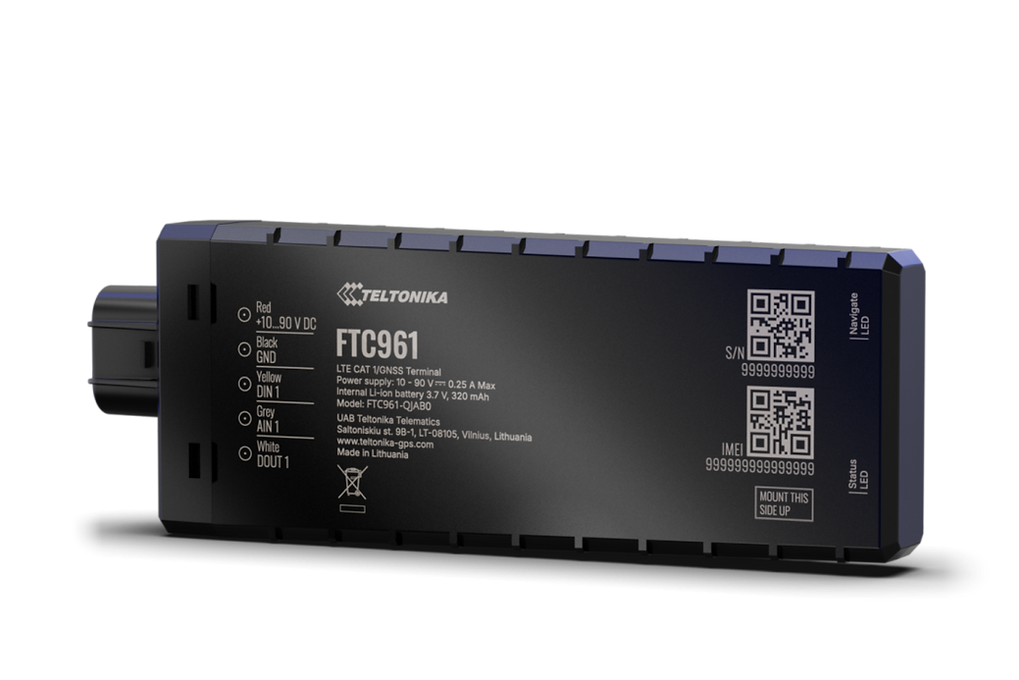
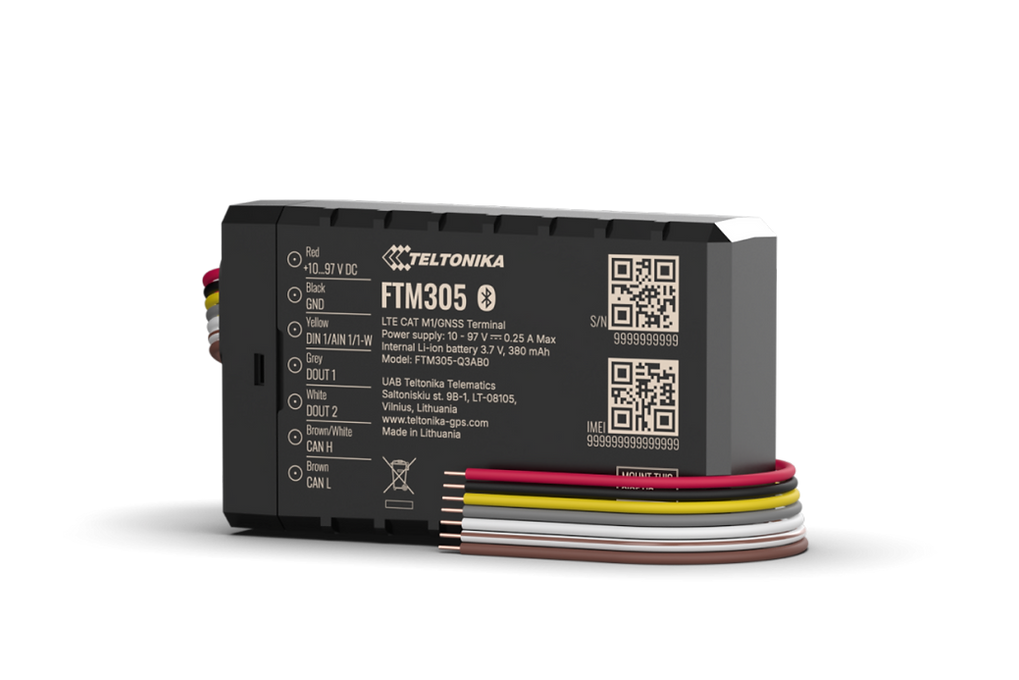
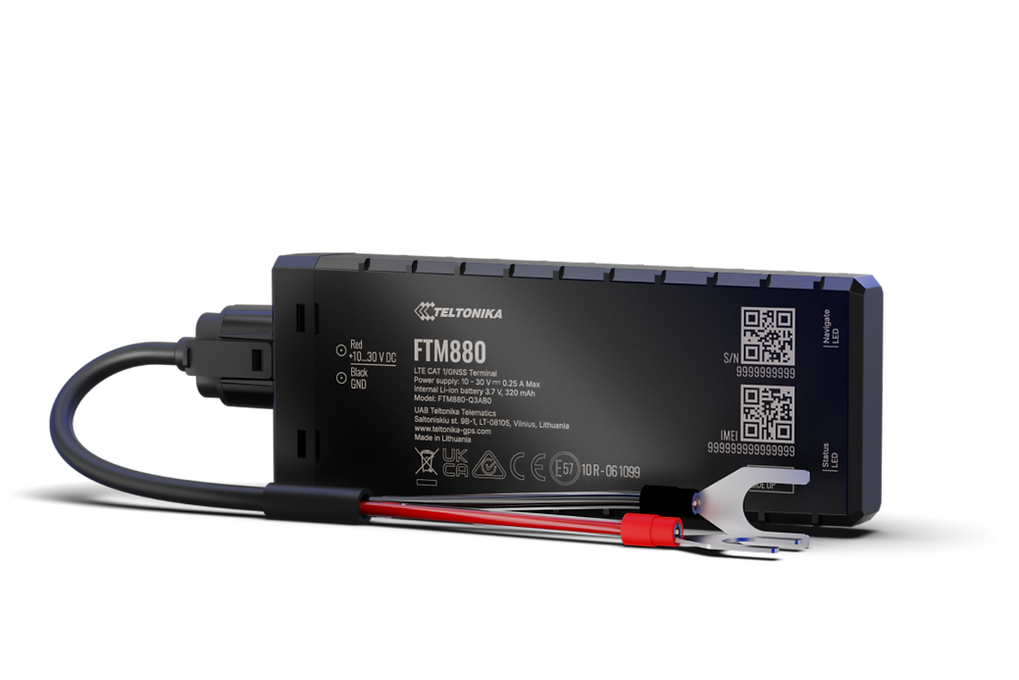
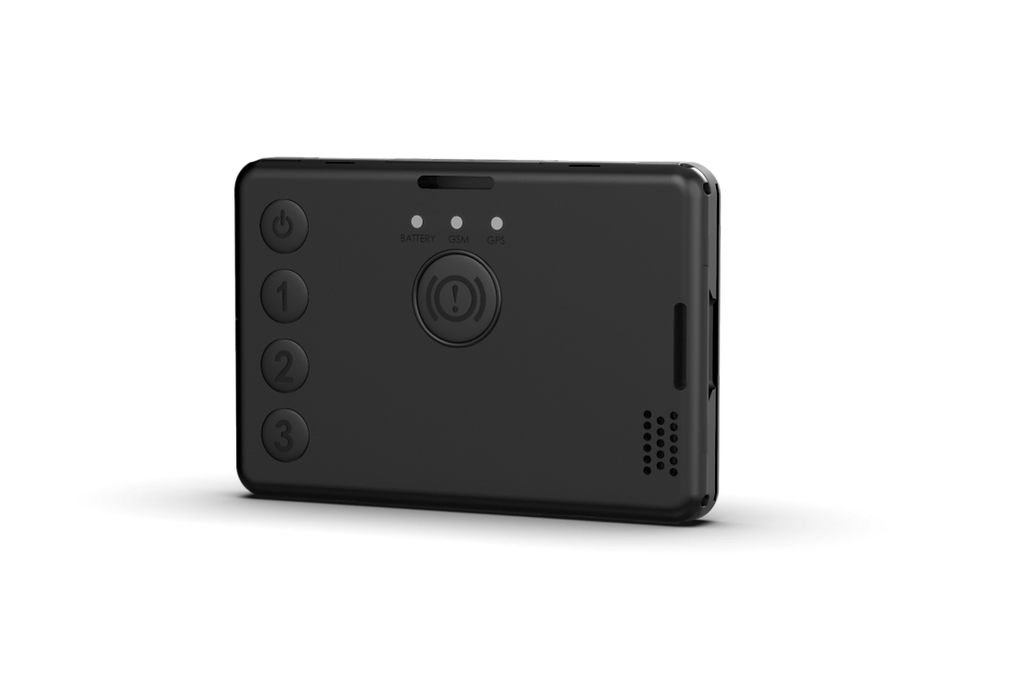
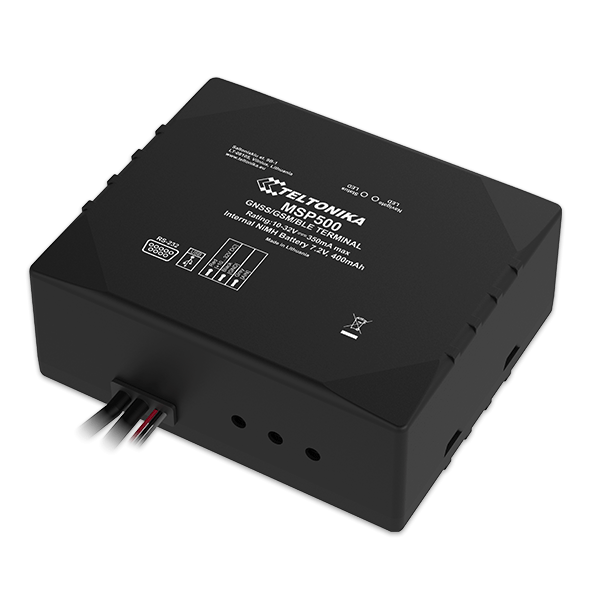
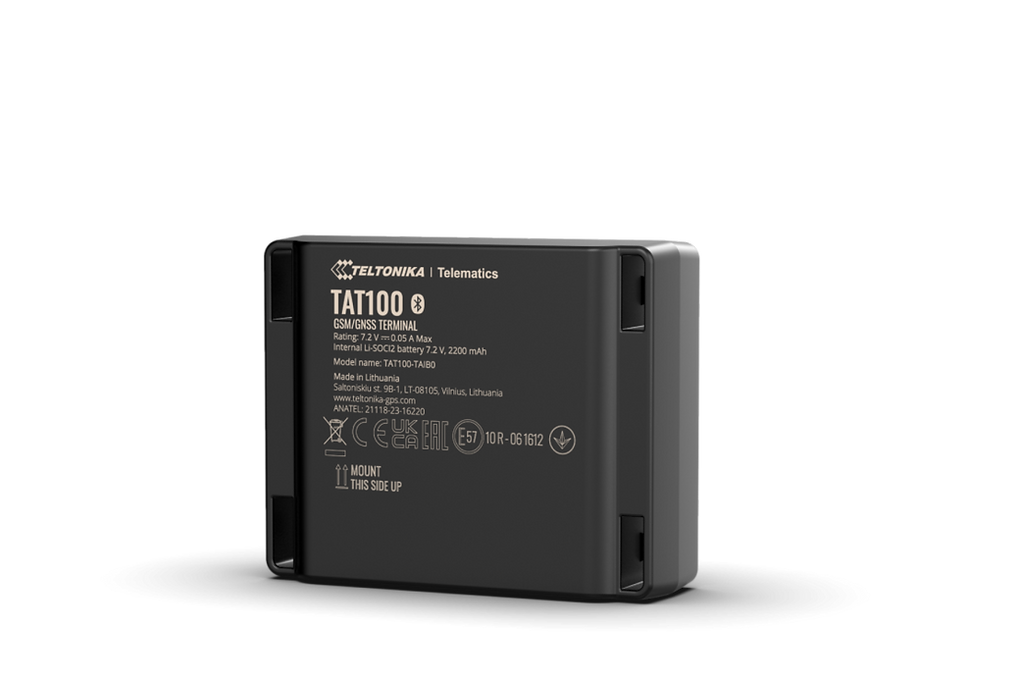
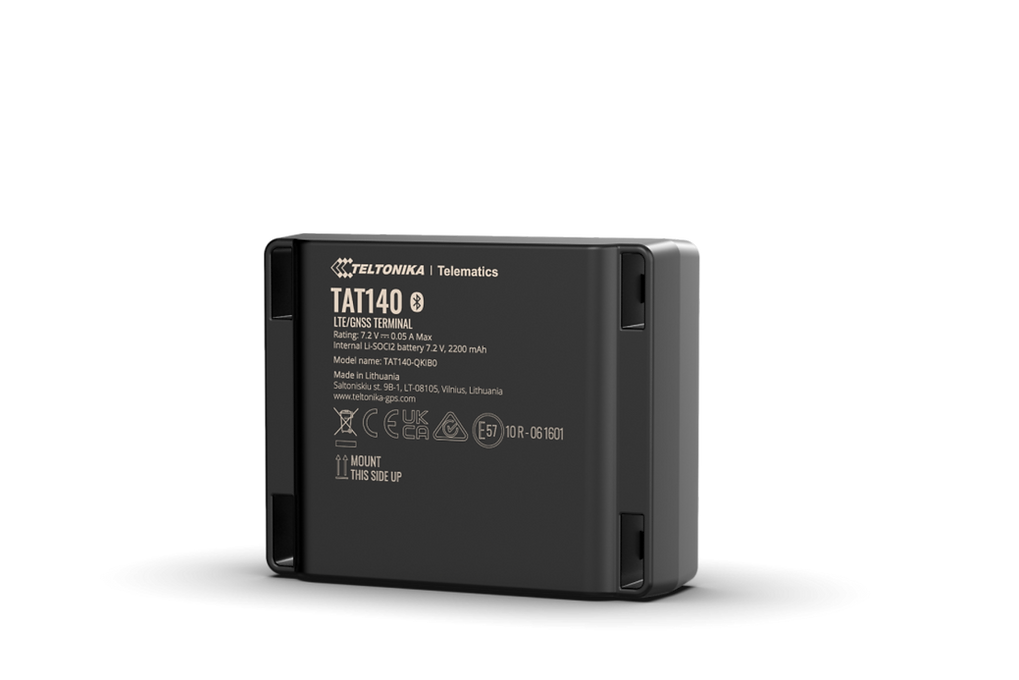
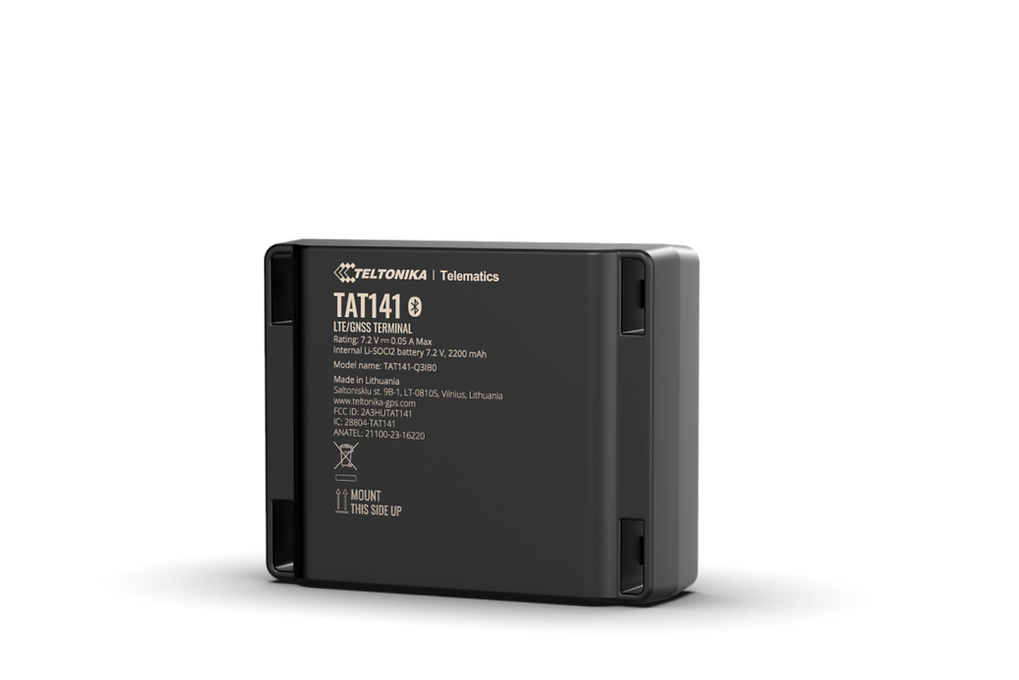
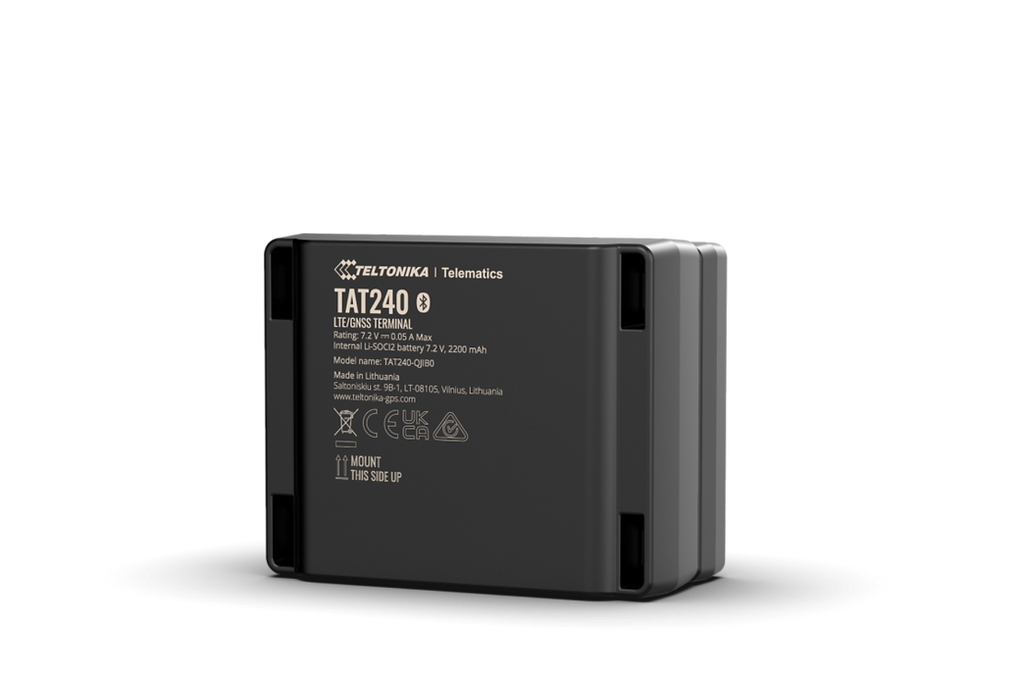
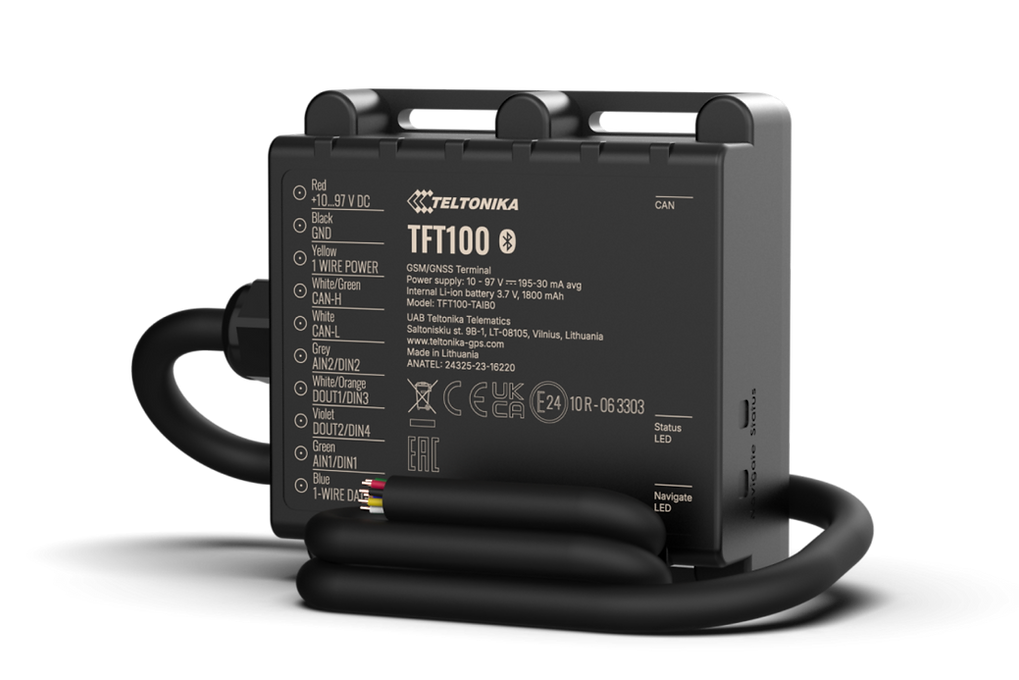
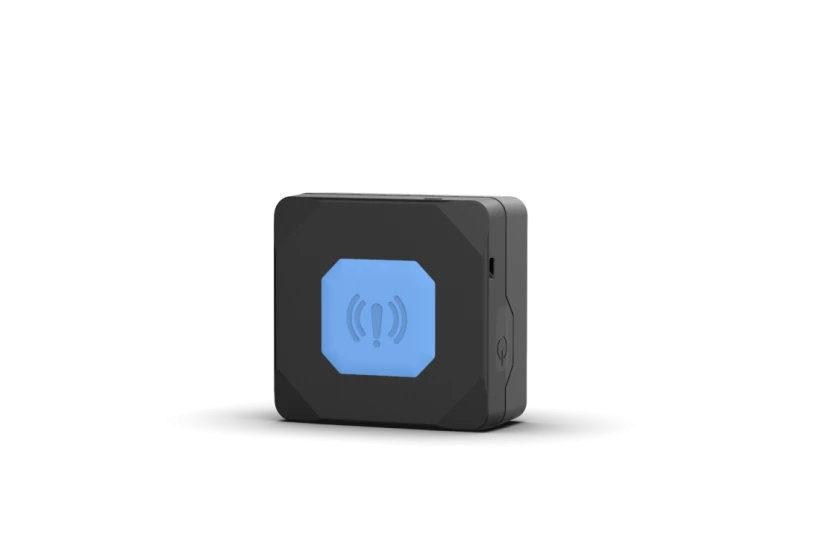
Browse the available Teltonika models below to compare device categories and capabilities. The catalog lists each compatible model with images and links to detailed documentation.

Frequently Asked Questions
Q: What Teltonika devices are compatible with Plaspy? A: Plaspy is compatible with the Teltonika device family supported on this page. The Brand Catalog above shows all compatible models and links to each device page for detailed configuration and capabilities.
Q: Can I use Teltonika GPS trackers with Plaspy? A: Yes. Teltonika trackers can be configured to send telemetry to Plaspy. Once connected, Plaspy will process location and sensor data for real time monitoring, alerts, and reporting.
Q: Does Plaspy support fleet monitoring with Teltonika devices? A: Plaspy supports fleet monitoring workflows using Teltonika devices. Features such as live location, geofencing alerts, route history, and device health monitoring are available when devices are reporting to the platform.
Q: Where can I find Teltonika device documentation in Plaspy? A: Each model available in the Brand Catalog links to a dedicated device page with setup guidance and documentation. Those device pages contain the device specific connection parameters and recommended configuration steps.
Q: Do I need special hardware or firmware to connect a Teltonika tracker to Plaspy? A: In most cases no special hardware is required beyond the tracker and a valid SIM with data. Firmware versions can affect available features, so consult the device documentation on this site for any firmware related notes before deployment.
Q: How do I get support if a Teltonika device is not reporting to Plaspy? A: Start by checking SIM connectivity and device power, then confirm the server and identifier settings used by the device match the values shown in the device documentation page. If issues persist, reach out through Plaspy support channels for troubleshooting assistance.
Explore Teltonika models and get started
Ready to compare models and begin setup? Use the catalog above to view all Teltonika devices compatible with Plaspy and review device specific documentation. For platform level information and to learn more about Plaspy features, visit https://www.plaspy.com.
If you need help choosing the right device or planning a deployment, consult the device pages or contact Plaspy for guidance.
Brand Compatibility
Monitor compatible brand devices with Plaspy
Plaspy helps businesses work with compatible GPS trackers for visibility, reporting, and daily operational control across vehicle and asset tracking workflows.